How to Find GPS Coordinates of Any Place (and Avoid Mix-ups)
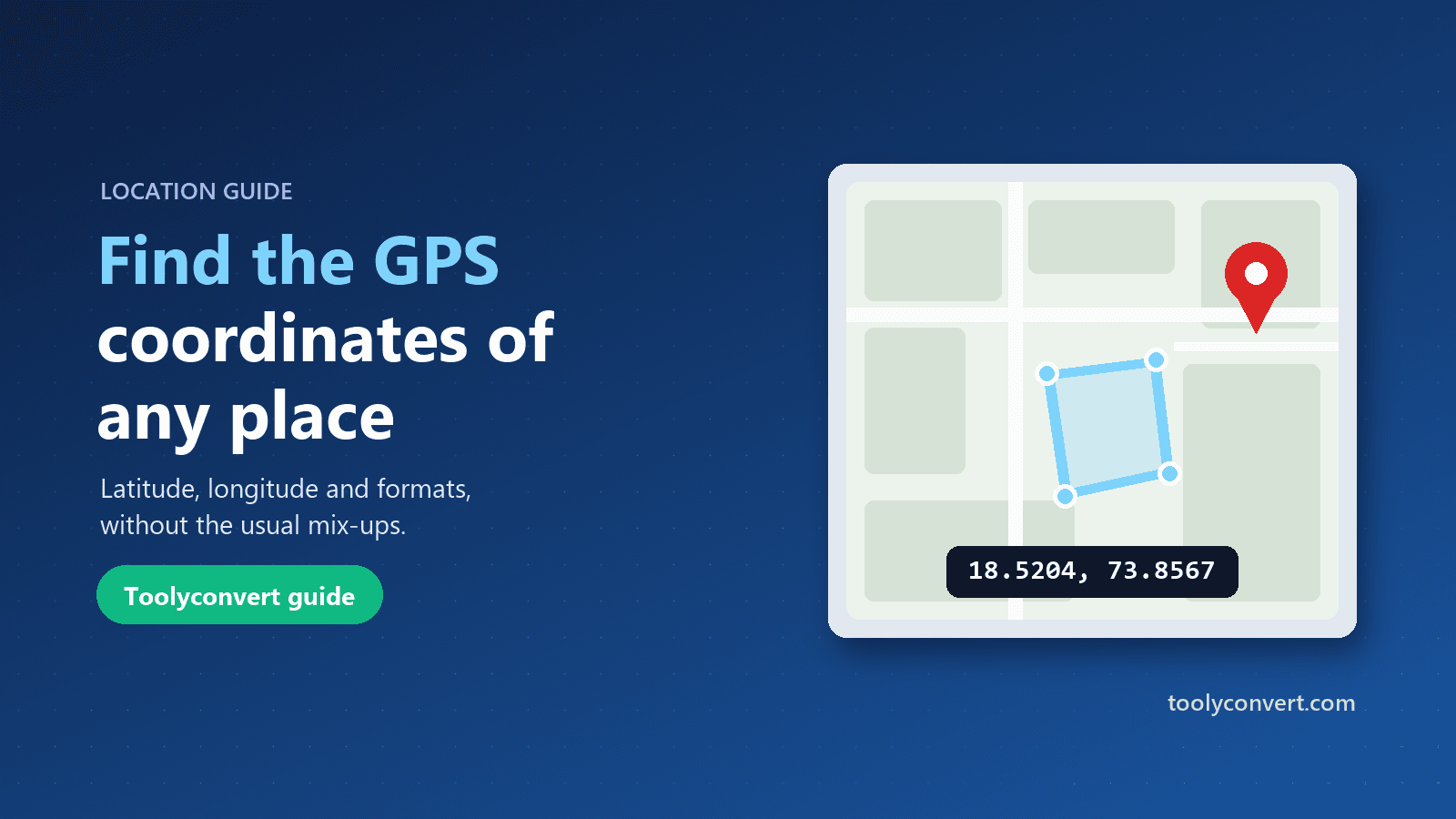
What latitude and longitude mean, the three formats coordinates are written in, how to find them for any place, and the mistakes that send people to the wrong spot.
Powerful, easy-to-use tools for PDFs, images, text, calculations, and development — all in one place.
Smart start
Not sure which tool you need? Give us a file, a link or some text and we’ll show what you can do with it.
Your file stays in your browser until you pick a tool
Start here
Hand-picked tools for the jobs that come up again and again, from merging PDFs to resizing images.
Made for how you work
Shortcuts to the tools each kind of work reaches for most.
Assignments, notes and grades.
Contracts, reports and spreadsheets.
Format, decode and generate.
Images, video and SEO basics.
Browse by category
Pick a category to preview its tools, or open the full collection.
Formatters, validators, and generators for everyday coding.
Full editors
Three full workspaces for bigger jobs. Free, with no sign-up.
Add text, images, highlights and a drawn or typed signature to any PDF. The file is processed in your browser.
Open PDF EditorUpload a photo, get the subject cut out automatically and download a transparent PNG.
Open Background RemoverPut your logo or artwork on mugs, T-shirts, phone cases and posters, then export the mockup.
Open Image Mockup EditorHow it works
Search by task or file type, or browse by category.
Drop a file, paste text, or enter your values. Most tools process it right in your browser.
Download or copy the output, or send it straight on to a related tool.
Most tools never upload your file. The few that need our server delete it once it’s processed, and each tool page says which kind it is.
Open a tool and use it. There is nothing to sign up for.
Every tool is built to work on phones, tablets and desktops.
Press Ctrl K (⌘K on Mac) on any page to jump to a tool.
Guides
Step-by-step guides for common file, image and developer tasks.
What latitude and longitude mean, the three formats coordinates are written in, how to find them for any place, and the mistakes that send people to the wrong spot.
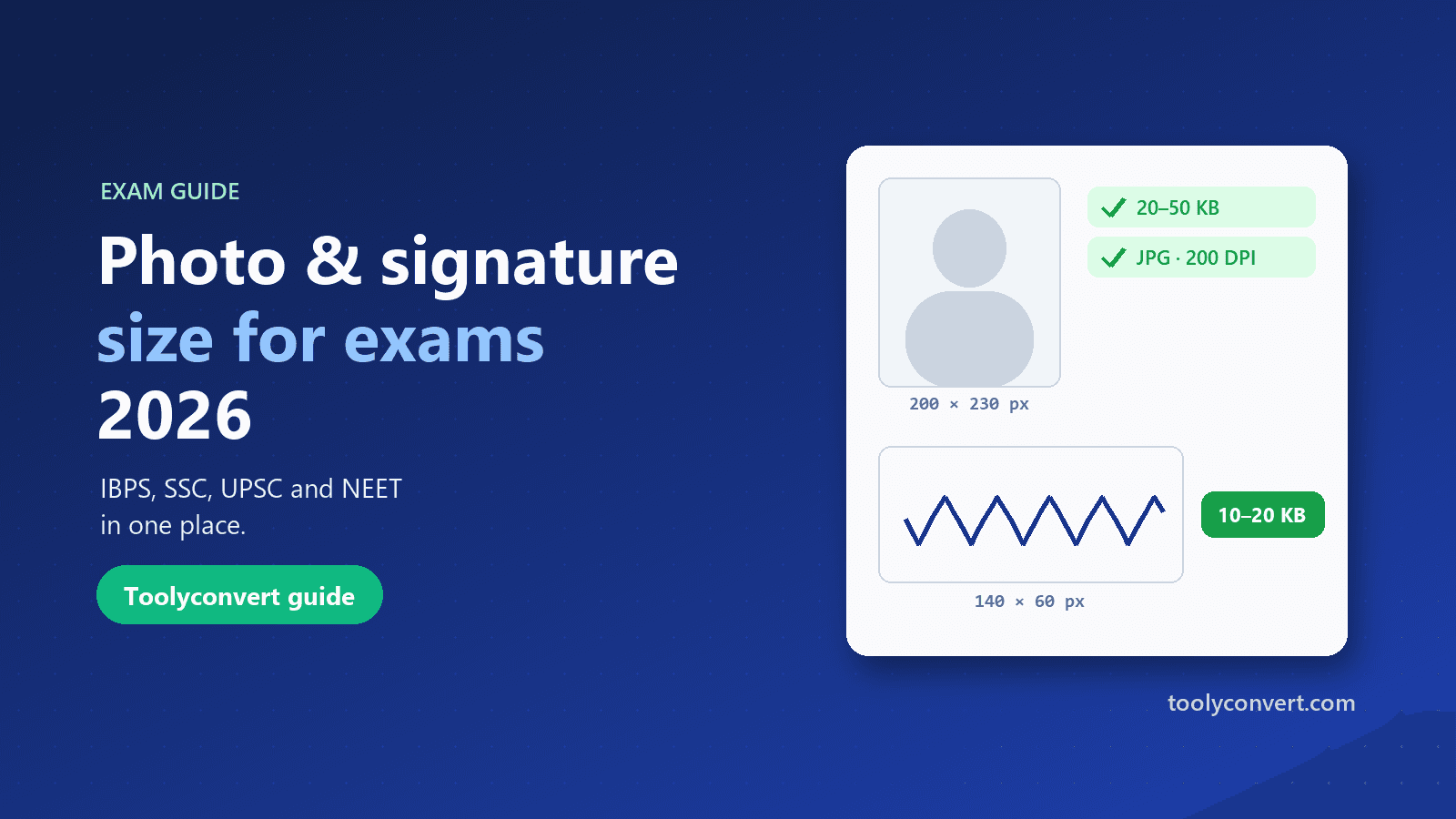
The photo, signature, thumb impression and declaration sizes for IBPS, SSC, UPSC and NEET in one place, and how to prepare each image so it uploads the first time.
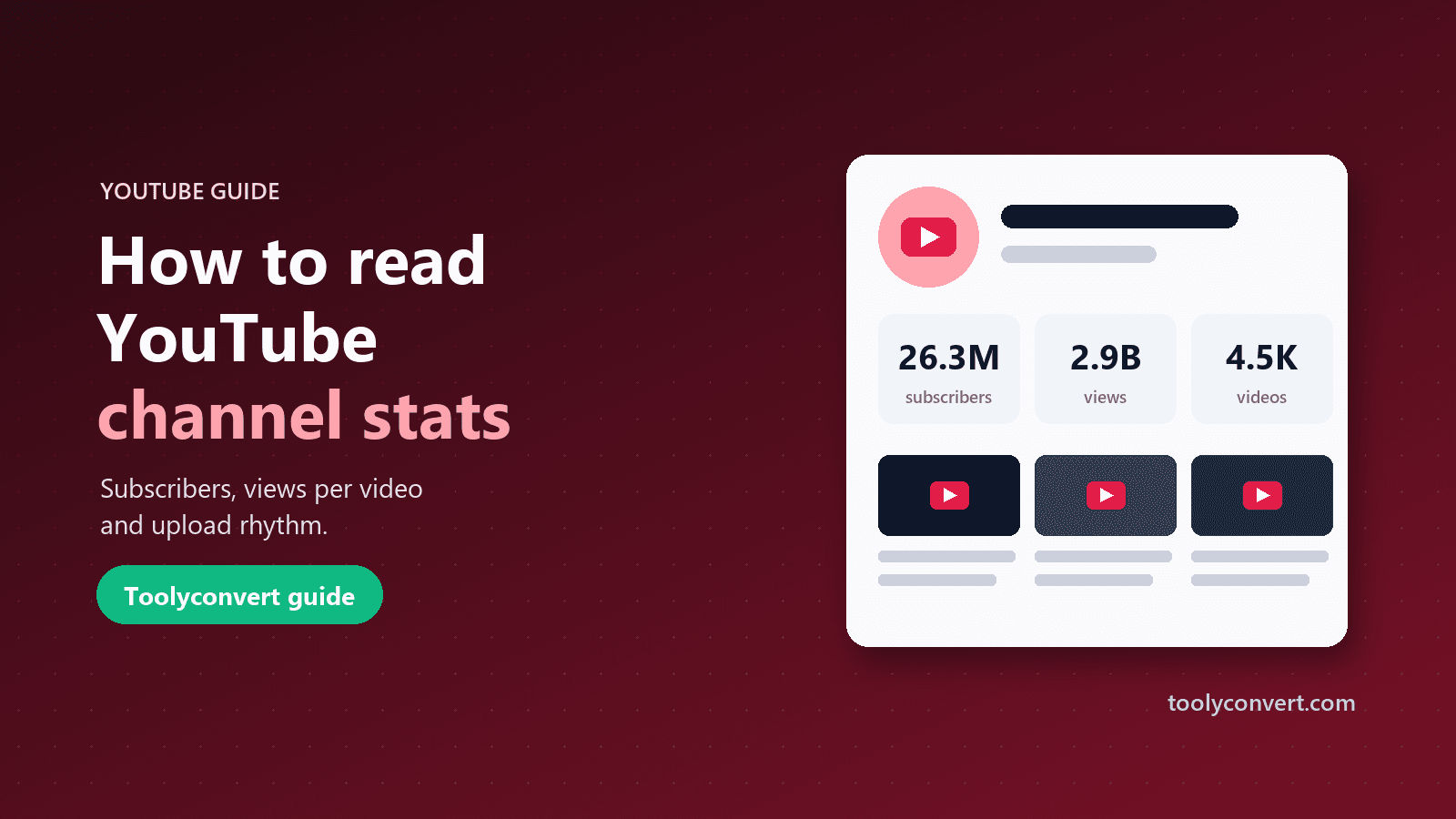
Look up any channel’s subscribers, views and videos in seconds, and learn why views per video and upload rhythm tell you more than the subscriber count.
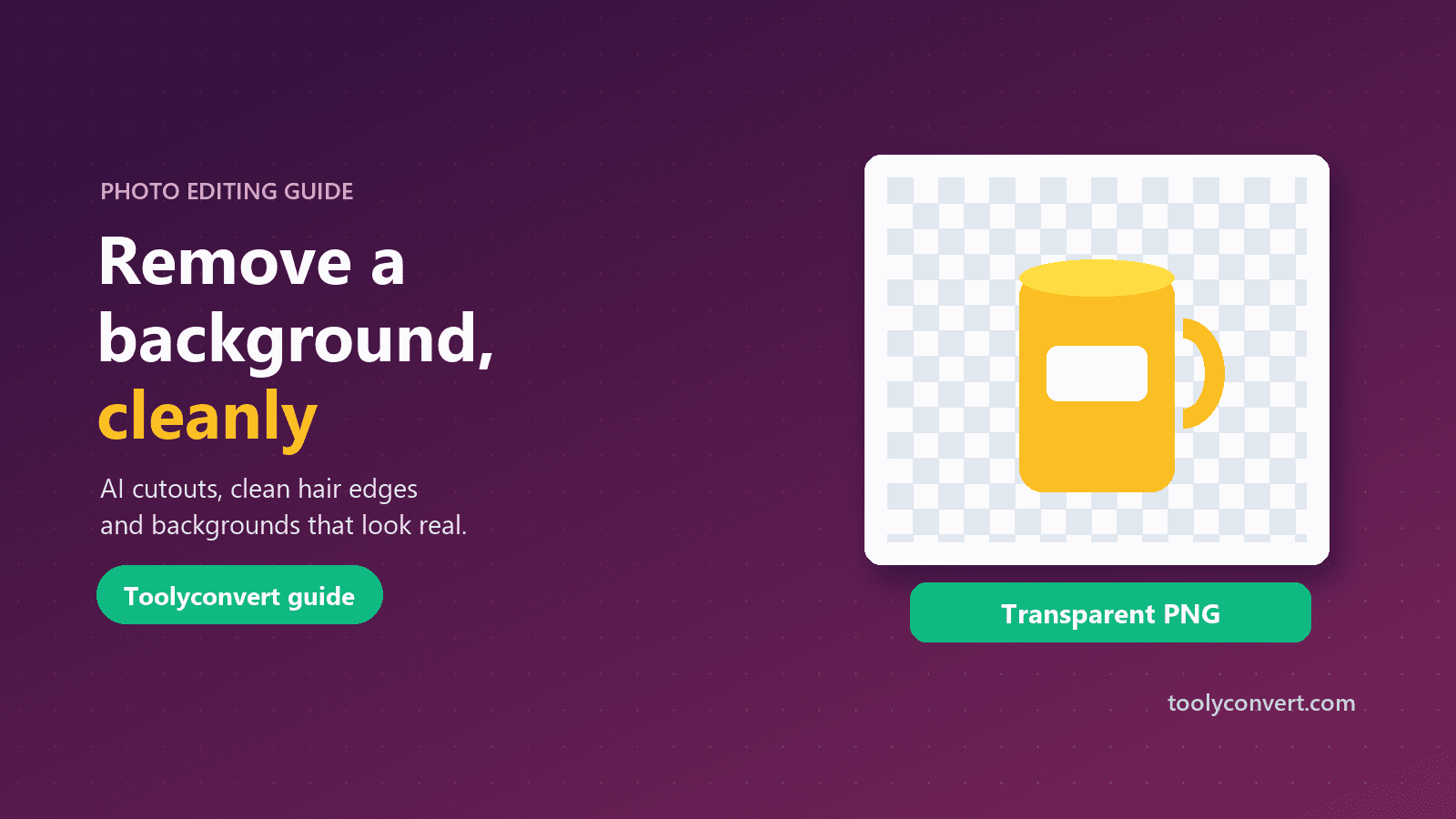
Cut out a person or product in seconds, fix the halo around hair, choose the right file format and add a new background that looks natural.
FAQ
Quick answers about privacy, pricing and how the tools work.
Yes. All 312 tools are free to use, and none of them require an account.
Most tools process your file entirely in your browser, so it never leaves your device. A few jobs, such as PDF to Word, PDF to Excel and background removal, are processed on our server over HTTPS, and the file is deleted as soon as the result is ready. Each tool page tells you which kind it is.
No. Every tool runs in a modern web browser on Windows, macOS, Linux, Android or iOS. Just open the page and start.
PDFs, Word and Excel documents, common image formats such as JPG, PNG and WebP, audio and video, plus text, code and data formats like JSON and CSV. Each tool lists the formats it accepts.
Type what you want to do into the search box at the top of this page, or press Ctrl K (⌘K on Mac) anywhere on the site. Not sure what you need? Drop your file into the Drop anything box and we’ll suggest tools that can handle it, or browse by category.
Please do. Use the contact page to tell us what you need or what went wrong.