Sign PDF
PDF → PDF
Add digital signatures to documents
Add digital signatures to documents
About this tool
Sign PDF is a free, browser-based tool that lets you add electronic signatures to PDF documents. You can draw your signature with your mouse or touchscreen, type your name to generate a cursive signature, or upload an image of your actual handwritten signature. It supports PDF → PDF signing. Everything runs locally on your device, so your files and signatures are never uploaded to a server. There's no sign-up, no watermark, and no limit — just open Sign PDF, add your signature, and get a signed document instantly. Perfect for contracts, agreements, forms, and any documents that require a signature.
Drag and drop your PDF file or click to browse. Supports files up to 100MB.
Draw, type, or upload your signature. Position it exactly where you need it on the document.
Save your PDF with the signature embedded. The signed document is ready for sharing or archiving.
Draw your signature with mouse/touch, type your name for cursive signature, or upload an image of your handwritten signature.
Sign PDF processes your data locally in the browser. Your files and signatures never leave your device.
Sign documents digitally without the need to print, sign, scan, or mail paper copies.
Electronic signatures created with our tool are legally valid and accepted in most jurisdictions.
Trusted by businesses, legal professionals, and contractors worldwide
Sign business contracts, agreements, and NDAs electronically for faster deal closure.
Example: Sign a partnership agreement PDF and send it back to the other party immediately.
Sign legal documents, court filings, and affidavits with electronic signatures.
Example: Sign a legal contract PDF for court submission without printing.
Sign invoices, receipts, and financial documents for official record-keeping.
Example: Sign an invoice PDF to acknowledge receipt of payment.
Sign legal agreements, terms of service, and privacy policies with electronic signatures.
Example: Sign a terms of service agreement PDF for a new software subscription.
Sign application forms, registration forms, and official documents online.
Example: Sign a job application form PDF before submitting it electronically.
Sign business proposals, quotes, and estimates with electronic signatures.
Example: Sign a project proposal PDF to approve the terms and conditions.
Sign academic forms, permission slips, and consent forms for educational purposes.
Example: Sign a field trip permission slip PDF for your child's school.
Sign medical consent forms, patient agreements, and healthcare documents.
Example: Sign a medical consent form PDF before a procedure.
Sign real estate contracts, lease agreements, and property documents.
Example: Sign a lease agreement PDF for a new rental property.
Sign employment contracts, offer letters, and HR forms with electronic signatures.
Example: Sign an employment offer letter PDF to accept a new job.
Trusted by signing professionals globally
Create a consistent electronic signature that you use across all documents for professional recognition.
If drawing your signature, practice a few times to get it looking natural and consistent.
If typing your signature, choose a professional, cursive font that looks like a real signature.
If uploading a signature image, use a high-quality scan for the best results.
Place your signature in the appropriate location on the document (usually near signature lines).
Resize your signature to fit the available space without looking too large or too small.
Always preview the signed document to ensure your signature is positioned correctly and looks professional.
After signing, use our Protect PDF tool to add password protection to prevent unauthorized changes. Protect PDF.
Always save a copy of the signed PDF for your records before sending it to others.
For documents requiring multiple signatures, use our Edit PDF tool to add all signatures in one place. Edit PDF.
Featured on
Master the art of document organization. Learn how to merge reports, extract specific pages, and annotate directly in your browser.
Read article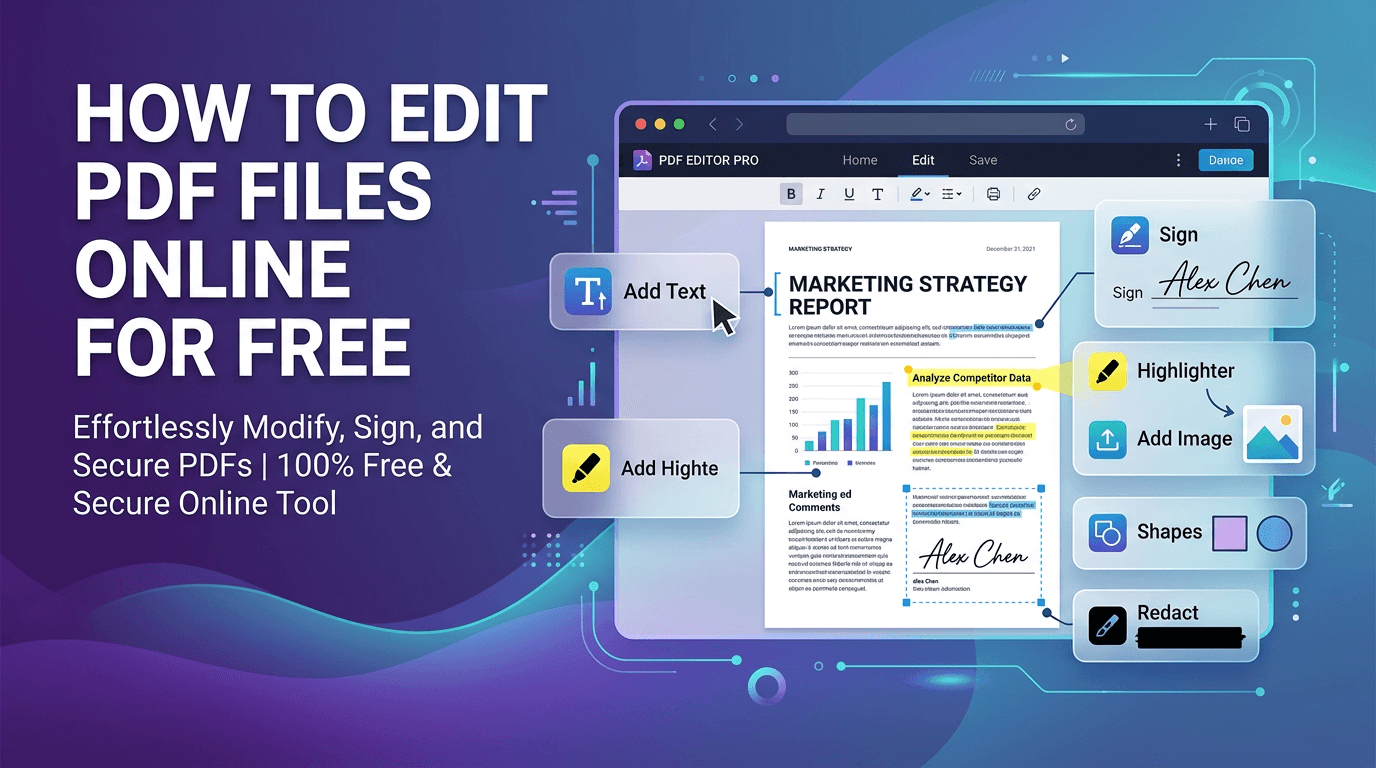
Edit PDFs directly in your browser: add text, images, annotations, signatures, and watermarks without any software installation.
Read articleDiscover the benefits of WebAssembly and client-side processing for sensitive documents.
Read article