Merge PDF
PDF+PDF → PDF
Merge multiple PDF files securely in your browser. Rearrange pages, combine documents without uploading them, and export a perfectly joined PDF instantly.
Merge multiple PDF files securely in your browser. Rearrange pages, combine documents without uploading them, and export a perfectly joined PDF instantly.
About this tool
Merge PDF is a free, browser-based tool that lets you merge multiple PDF files securely in your browser. Rearrange pages, combine documents without uploading them, and export a perfectly joined PDF instantly. It supports PDF+PDF → PDF. Everything runs locally on your device, so your files are never uploaded to a server. There's no sign-up, no watermark, and no limit — just open Merge PDF, add your input, and get results instantly.
Select all the PDF files you want to combine.
Drag and drop to arrange the files in your preferred order.
Save the single combined document.
Your PDFs never leave your device. Everything happens in your browser.
Visually organize your pages and files before merging them into a single document.
Combine as many PDFs as your device memory can handle, completely free.
Merge PDF processes your data locally in the browser. Nothing is uploaded, tracked, or stored u2014 your files never leave your device.
Trusted by students, businesses, legal teams, and healthcare professionals worldwide.
Combine research papers, lecture notes, and assignment submissions into single documents for easy sharing with professors and classmates.
Example: Merge 5 research papers into one comprehensive document for your thesis.
Join contracts, proposals, reports, and presentations into professional deliverables for clients and stakeholders.
Example: Combine quarterly reports from different departments into one executive summary.
Securely merge legal documents, contracts, and financial statements without risking sensitive data exposure.
Example: Combine multiple legal agreements into one document for court submissions.
Combine medical records, lab results, and patient information while maintaining HIPAA-compliant privacy.
Example: Merge patient history documents for comprehensive medical reviews.
Join property listings, contracts, and disclosure documents into complete client packages.
Example: Combine property photos, descriptions, and legal documents into one listing package.
Get the most out of our tool with these expert recommendations.
Name your files clearly before uploading (e.g. Q1-Report.pdf, Q2-Report.pdf) to make reordering easier.
Always preview the merged document before finalising. Use the thumbnail view to spot any out-of-order pages.
For very large PDFs, merge in batches of 10-15 files at a time for optimal performance on your device.
If you need to separate a merged file again, use our free PDF Splitter. Split PDF.
Featured on
Trusted by millions worldwide
Master the art of document organization. Learn how to merge reports, extract specific pages, and annotate directly in your browser.
Read article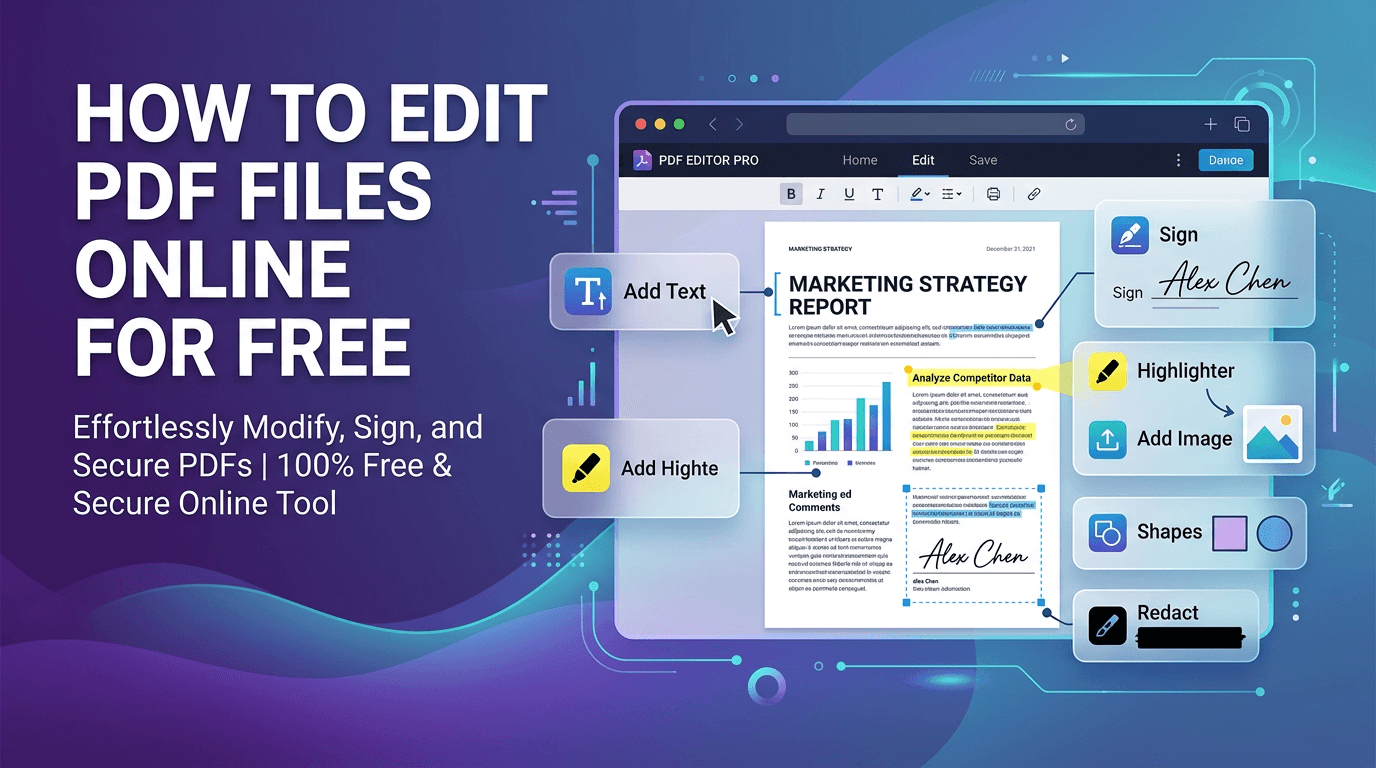
Edit PDFs directly in your browser: add text, images, annotations, signatures, and watermarks without any software installation.
Read articleDiscover the benefits of WebAssembly and client-side processing for sensitive documents.
Read article




