Annotate PDF
PDF → PDF
Add comments, highlights, and notes
Add comments, highlights, and notes
About this tool
Annotate PDF is a free, browser-based tool that lets you add comments, highlights, text notes, shapes, arrows, and drawings to your PDF documents. Collaborate on documents, provide feedback, or mark up important sections without altering the original content. It supports PDF → PDF annotation. Everything runs locally on your device, so your files are never uploaded to a server. There's no sign-up, no watermark, and no limit — just open Annotate PDF, add your annotations, and save or share your marked-up document instantly.
Drag and drop your PDF file or click to browse. Supports files up to 100MB.
Use tools to add text comments, highlights, shapes, arrows, and freehand drawings.
Download your PDF with all annotations preserved. Share with others for collaboration.
Add text comments, sticky notes, highlights, underlines, shapes, arrows, and freehand drawings.
Annotate PDF processes your data locally in the browser. Nothing is uploaded, tracked, or stored u2014 your files never leave your device.
Annotations are added as a layer over your original PDF. The source document remains unchanged.
Save annotated PDFs and share them with others for review, feedback, and collaboration.
Trusted by reviewers, editors, and collaborators worldwide
Add comments and highlights to PDF documents during review processes.
Example: Highlight changes and add comments to a contract PDF before final approval.
Provide feedback on student papers, essays, and assignments with annotations.
Example: Add comments and corrections to student essays for constructive feedback.
Annotate legal documents, contracts, and court filings with professional markings.
Example: Highlight important clauses and add notes to a legal contract PDF.
Add annotations to business documents for team collaboration and feedback.
Example: Annotate a proposal PDF with feedback for your team to review.
Mark up manuscripts, articles, and publications with editorial annotations.
Example: Add editorial comments and corrections to a manuscript PDF.
Add notes and highlights to invoices to clarify charges or terms.
Example: Annotate an invoice PDF to explain specific line items to a client.
Highlight key data and add comments to financial reports and analysis documents.
Example: Annotate a quarterly report PDF to emphasize important metrics and insights.
Add annotations to project documents, diagrams, and plans for team coordination.
Example: Annotate a project plan PDF with notes and assignments for your team.
Annotate textbooks, lesson plans, and educational content for teaching purposes.
Example: Add notes and explanations to a textbook PDF for your students.
Annotate medical documents and records with professional markings and notes.
Example: Add annotations to a medical report PDF to highlight important findings.
Trusted by document professionals globally
Learn our keyboard shortcuts for faster annotation: Ctrl+Z for undo, Delete for removing annotations.
Use different colors for different types of annotations (e.g., red for issues, green for approvals, yellow for questions).
Write clear, specific comments that explain exactly what needs to be addressed or changed.
Use the zoom tool to add precise annotations to detailed sections of your document.
Combine highlights, comments, and drawings to create comprehensive, clear annotations.
Review all your annotations before downloading to ensure they're clear and accurate.
Establish a consistent annotation style for your team to ensure everyone understands the markings.
Save annotated versions as you work to track changes and feedback over time.
Use our Edit PDF tool to make actual content changes, then use Annotate PDF to add review comments. Edit PDF.
Use clear file names (e.g., 'Contract_v2_Reviewed.pdf') to track different versions of annotated documents.
Featured on
Master the art of document organization. Learn how to merge reports, extract specific pages, and annotate directly in your browser.
Read article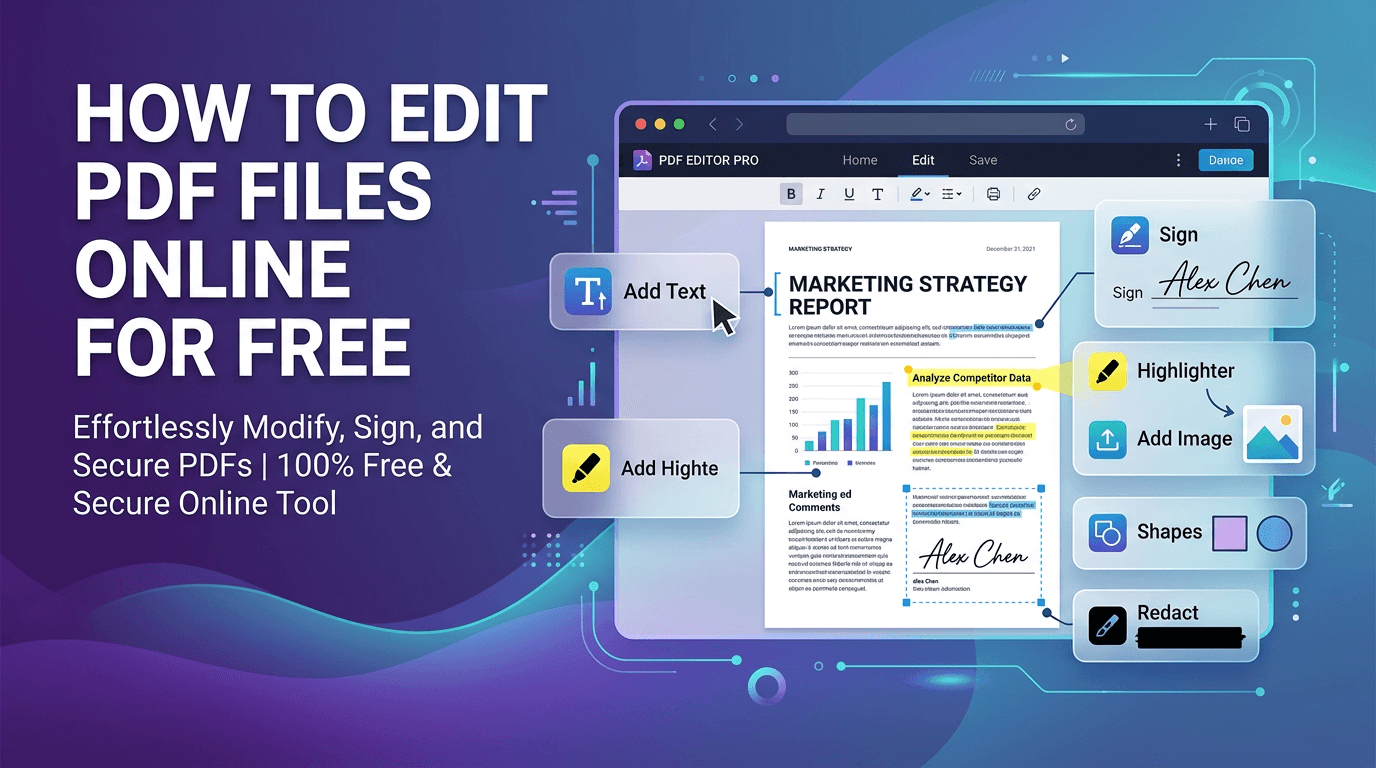
Edit PDFs directly in your browser: add text, images, annotations, signatures, and watermarks without any software installation.
Read articleDiscover the benefits of WebAssembly and client-side processing for sensitive documents.
Read article