43 tools in this category
Free PDF Tools Online, No Sign-up
Merge, split, convert, compress, edit and sign PDFs.
- Most tools run in your browser
- Uploads deleted after processing
- Free, no account
About this category
About pdf tools
Merge, split, compress, convert, edit, sign and protect PDFs in one place. Some tools work entirely in your browser, and others, such as Merge PDF, Compress PDF and PDF to Word, send the file to our server over an encrypted connection and delete it after processing. Each tool page says which way it works. There is no sign-up and no watermark.
How it works
- 1Pick a toolOpen any tool from the list. There is nothing to install and no account to create.
- 2Add your file or textDrop a file, paste text or type your values. Most tools work right in your browser.
- 3Get your resultDownload or copy the result. Files sent to our server are deleted once it is ready.
The collection
All pdf tools
Search, filter or sort to find the right one. Every tool opens instantly.
43 tools, all free
Compress PDF
Reduce PDF file size online for free. Shrink scanned and image-heavy PDFs for email, uploads and portals with High, Medium or Low quality, while text stays sharp.Open tool
Merge PDF
Combine two or more PDF files into one document. Drag the files into the order you want, and every page keeps its original size, text and images.Open tool
PDF to Word Converter
Convert PDF to an editable Word document (.docx). Text, paragraphs, tables and images are rebuilt so you can edit the document in Word or Google Docs.Open tool
Edit PDF
Add text, images, signatures, shapes, highlights and checkmarks to a PDF, cover content, and rotate, add or delete pages. Free and private: the PDF never leaves your browser.Open tool
Add Page Numbers to PDF
Number every page of a PDF automatically. Adds “Page 1 of 10” style numbers at the bottom centre of each page.Open tool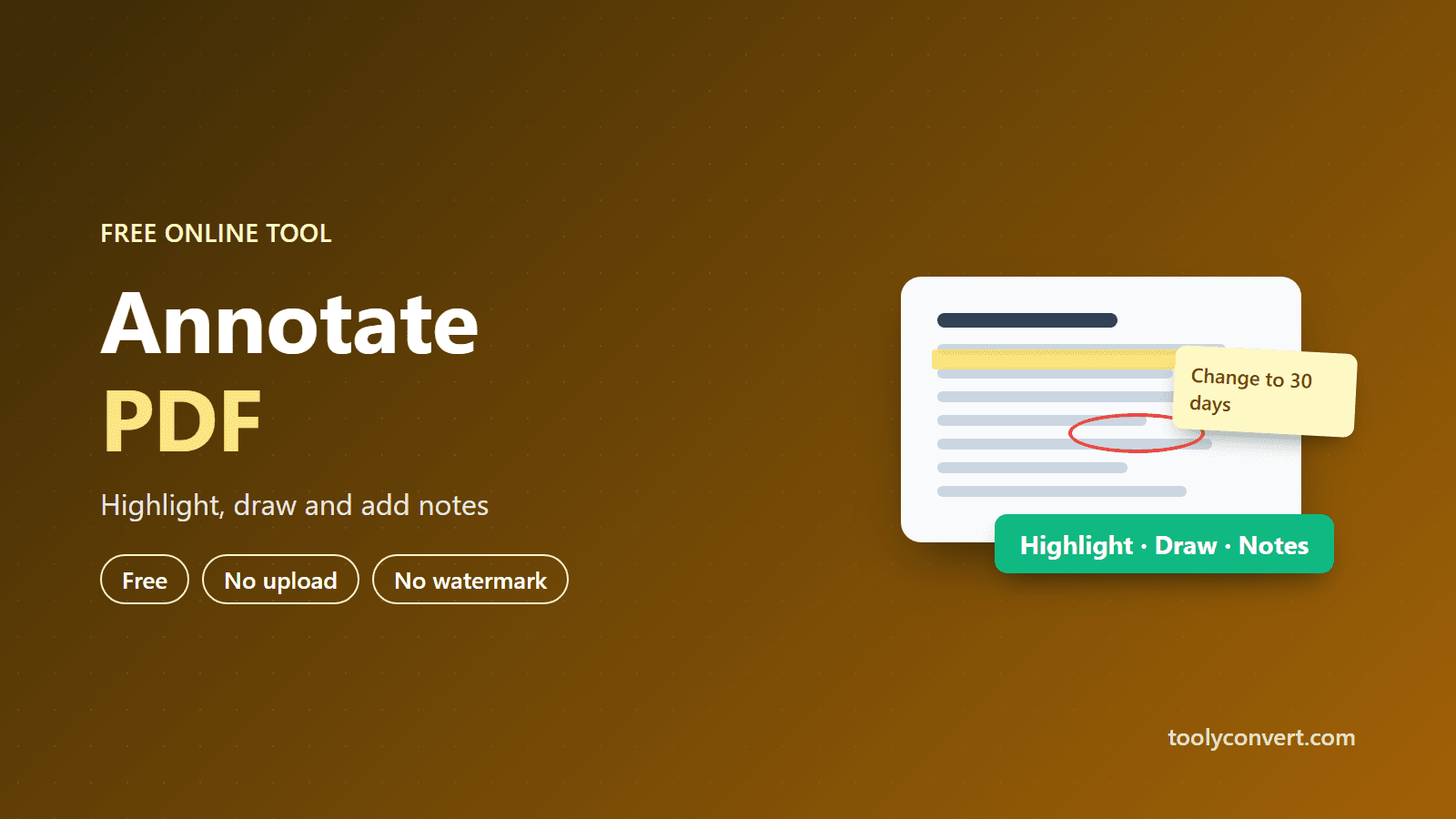
Annotate PDF
Highlight, draw, add text notes, arrows, shapes and tick boxes on any PDF in your browser, then save a clean copy with your marks built in.Open tool
Compare PDF
Compare two PDF files to find differences in text content. Free, private, browser-based PDF comparison tool.Open tool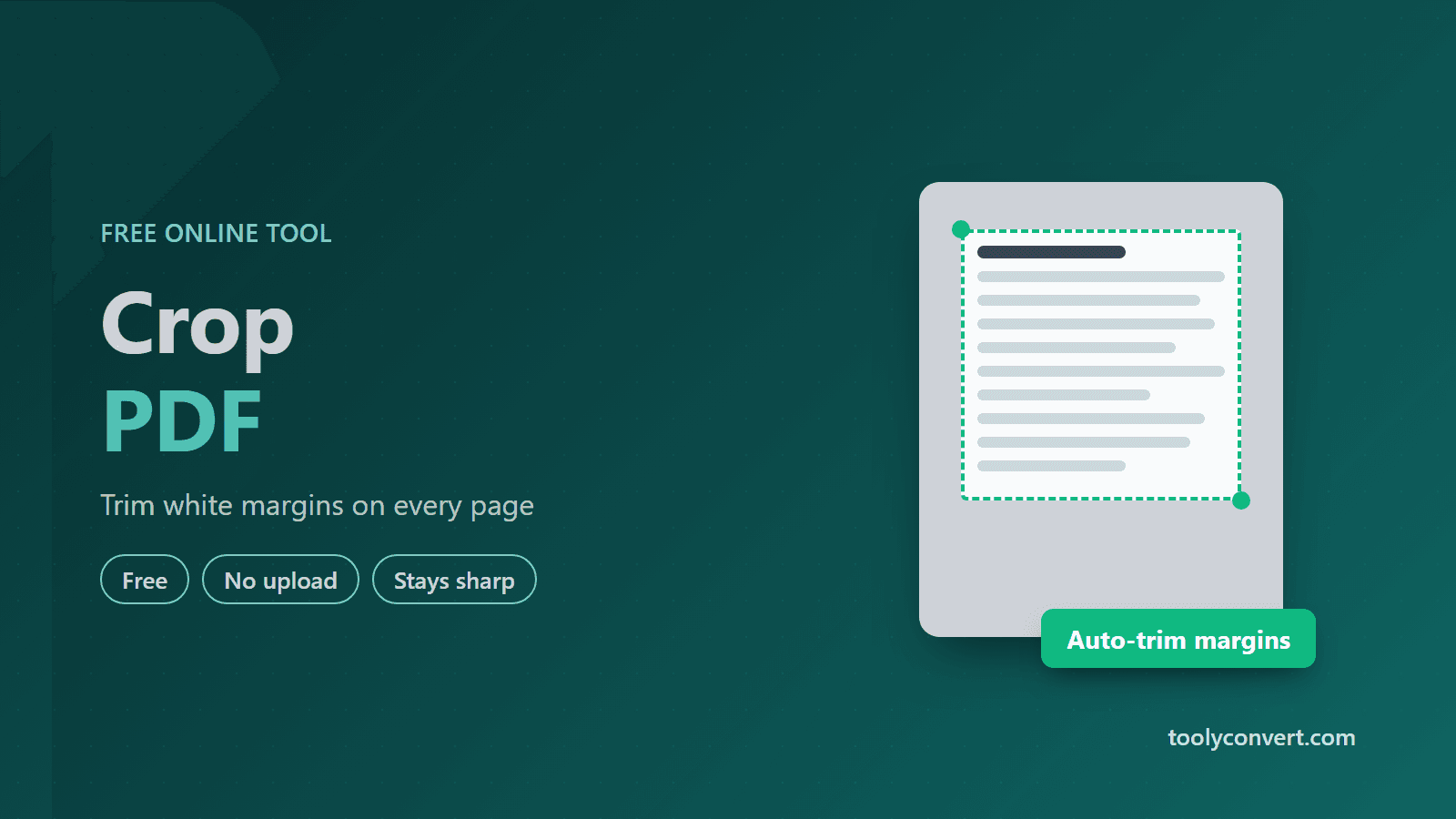
Crop PDF
Trim white margins automatically or drag a box to crop every page of a PDF to the area you want. Runs in your browser; no upload, no watermark.Open tool
Excel to PDF
Convert Excel spreadsheets (XLSX and XLS) to PDF with LibreOffice on our server. The file is deleted as soon as your PDF is ready.Open tool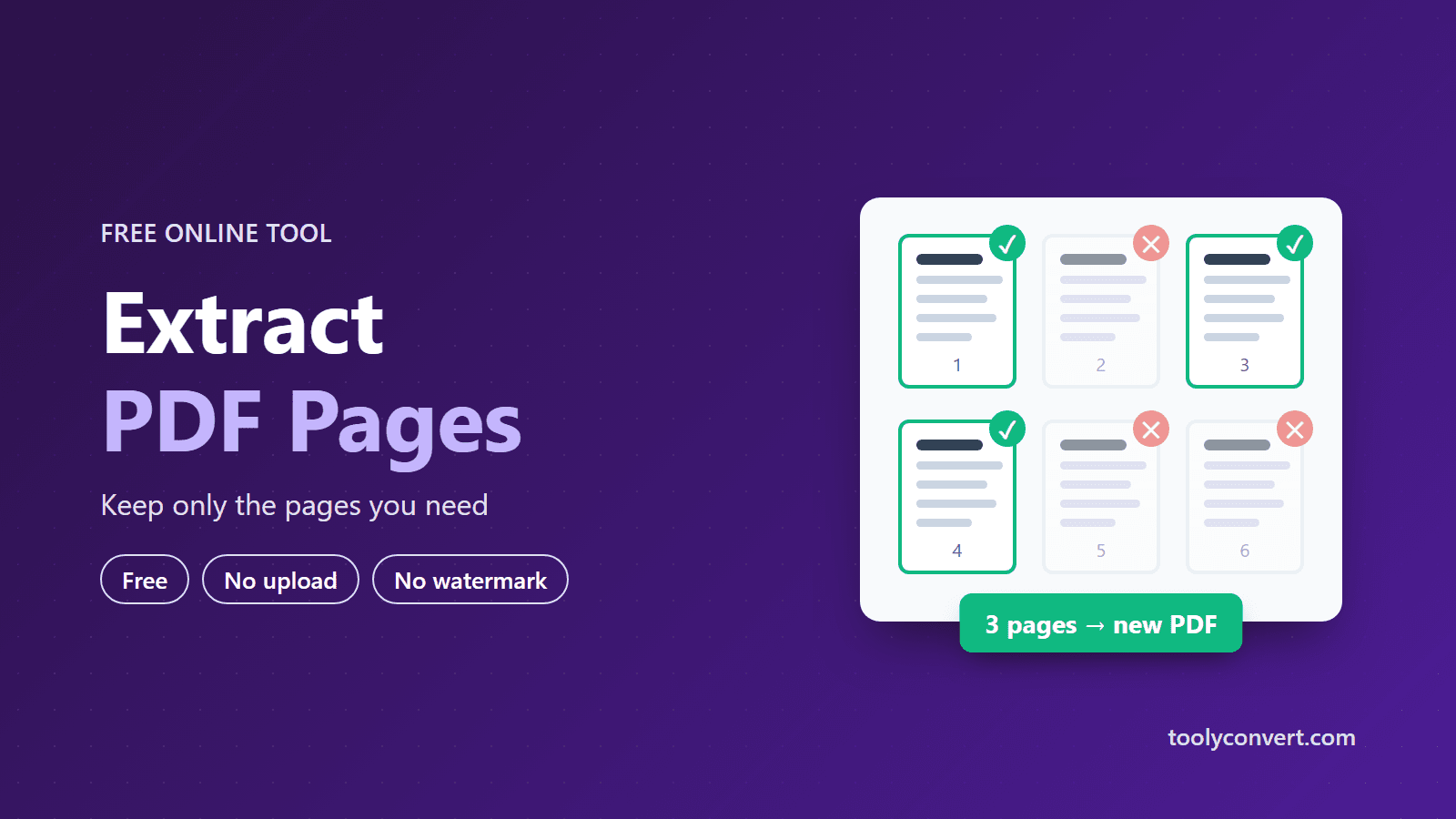
Extract PDF Pages
Pick the pages you need from a PDF using page thumbnails and save them as a new PDF. Nothing is uploaded.Open tool
Fill PDF Form
Fill in a fillable PDF form in your browser: text boxes, tick boxes, dropdowns and radio buttons. Download the completed PDF, ready to send.Open tool
Google Docs to PDF Converter
Convert Google Docs share links or HTML exports into PDF documents.Open tool
HEIC to PDF
Turn iPhone HEIC photos into one PDF, one photo per page, in the order you choose. A4, Letter or photo size. Nothing is uploaded.Open tool
HTML to PDF Converter
Convert an HTML file into a PDF document. Upload a .html or .htm file and download a printable, shareable PDF of the page.Open tool
Image to PDF
Combine JPG, PNG and other images into one PDF: reorder and rotate pages, A4 or Letter with margins, upright phone photos and a small-file option for uploads.Open tool
JPG to PDF
Combine JPG, PNG and other images into one PDF in your browser. Drag to reorder, rotate pages, choose A4, Letter or image size and set margins.Open tool
Markdown to PDF Converter
Turn Markdown into a clean PDF with selectable text and working links. Tables, code, task lists, page breaks. Live page preview.Open tool
OCR PDF
Get the text out of a scanned PDF with OCR, in English, Hindi or both. Pages that already have text are copied directly. Copy or save as .txt.Open tool
PDF Flatten Form Fields
Flatten a filled PDF form so the answers can no longer be changed. Text boxes, check boxes, lists and signature fields. No upload.Open tool
PDF Metadata Editor & Remover
See, change or remove the metadata of a PDF: title, author, dates, programs and the hidden XMP copy. The new file is checked for you.Open tool
PDF Page Numbering & Bates Stamping
Add page numbers, Bates numbers, headers and footers to a PDF. Choose the format, position, start number and digits, skip the cover page and preview first.Open tool
PDF Page Range Extractor
Take page ranges out of a PDF by typing or tapping. Save one PDF, a PDF for each range or page, or everything except those pages.Open tool
PDF Page Size Converter
Change PDF pages to A4, Letter, Legal, A3, A5 or any size. The content is scaled, centered and kept as real text.Open tool
PDF Scanner
Scan paper documents into one PDF with your phone or laptop camera, or from photos you already took. Clean pages up with black & white or colour enhancement. Nothing is uploaded.Open tool
PDF to Excel Converter
Extract tables from a PDF into an Excel spreadsheet (.xlsx). Each table gets its own sheet; PDFs without tables are exported line by line.Open tool
PDF to HTML
Convert a PDF into clean, semantic HTML: headings, paragraphs, bullet and numbered lists and clickable links. Preview it, copy the code or download the .html file.Open tool
PDF to JPG
Turn PDF pages into JPG images in your browser: pick pages from thumbnails or a range, choose 72, 150 or 300 DPI and quality, and download one image or a ZIP.Open tool
PDF to PNG
Convert PDF pages to sharp PNG images in your browser: pick pages from thumbnails or a range, 72 to 300 DPI, one image or a ZIP. Lossless, private.Open tool
PDF to PowerPoint Converter
Turn a PDF into a PowerPoint presentation (.pptx). Every page becomes a sharp, full-slide image, ready to present or add notes to.Open tool
PDF to Text
Extract all the text from a PDF into a plain .txt file, page by page. For scanned PDFs, use OCR first.Open tool
PowerPoint to PDF
Convert PowerPoint presentations to shareable PDF documents while preserving slide layouts, text, images, and presentation design.Open tool
Protect PDF
Protect a PDF with a password using AES-256, and choose whether people can print, copy text, edit or comment. Lock it, or just block copying.Open tool
Redact PDF
Redact a PDF online: find and remove Aadhaar, PAN, phone numbers, emails and card numbers, black out any area, and see every mark before you save.Open tool
Remove PDF Pages
Delete pages from a PDF in your browser. See every page as a thumbnail, click the ones to remove and download the shorter PDF. Free, no upload.Open tool
Reorder PDF Pages
Rearrange the pages of a PDF in your browser: drag page previews, or use arrow buttons on a phone, then save the new order.Open tool
Repair PDF
Repair a damaged or corrupted PDF online: rebuild broken file structure, recover readable pages from half-downloaded files, and see what was fixed.Open tool
Rotate PDF
Rotate PDF pages 90° clockwise and save them that way, so sideways scans and landscape pages open the right way up for everyone.Open tool
Screenshot to PDF
Put several screenshots or images into one PDF, one image per page, using your browser’s Save as PDF.Open tool
Sign PDF
Draw or type your signature and place it on any PDF in your browser. Add the date and initials, then download the signed copy. Free, no upload.Open tool
Split PDF
Pick the pages you need from a PDF and save them as a new file. Preview every page as a thumbnail, select by clicking, and download. Runs entirely in your browser.Open tool
Unlock PDF
Unlock a PDF password online: remove the open password when you know it, and remove limits on printing, copying and editing, even with no password.Open tool
Watermark PDF
Add a watermark to a PDF online: text in any language, including Hindi, or your logo. Diagonal, centre, top, bottom or tiled, on all pages or the pages you choose.Open tool
Word to PDF Converter
Convert Word documents (.docx and .doc) to PDF online. Headings, tables, images and page layout are kept, and the file is deleted from our server right after conversion.Open tool
Can’t find the tool you need?
Search all 320 tools by name or task, or tell us what we should build next.