Passport Photo Maker
Make a passport or visa photo in the exact size: India 3.5 × 4.5 cm, 2 × 2 in for US and Indian missions, UK/Schengen 35 × 45 mm. White background, print sheets.
or drop it here
- Free
- No sign-up
- Up to 100 MB
Used Passport Photo Maker? Share how it went to help others.
About this tool
This passport photo maker turns any clear, front-facing photo into a passport or visa photo of the exact size, ready to upload or print. Pick the size first: India passport-size (3.5 × 4.5 cm), used for most forms, ID cards and exams in India; 2 × 2 inches (51 × 51 mm) for Indian passports, visas and OCI through Indian missions abroad; 2 × 2 inches for US passports and visas; 35 × 45 mm for UK and Schengen applications; 50 × 70 mm for Canada; or any custom size in millimetres. Add your photo, then drag it to move it, pinch or scroll to zoom, and use the straighten slider if the photo is slightly tilted. A dashed oval shows where your face should sit, with your chin near its bottom and the top of your head near its top, sized to the head-height rules of each document. If the background is not plain, “Replace background” removes it with AI and puts your photo on white, off-white, light blue or any colour you choose. Download one photo as a JPG at 300 DPI, so it prints at exactly the right size; if a form limits the file size, type the maximum in KB and the photo is compressed to fit. Or download a print sheet: as many copies as fit on 6 × 4 inch photo paper or on an A4 sheet, with thin cut lines, to print at home or at any photo shop. Everything except the optional background change happens in your browser, and your photo is not stored.

India 3.5 × 4.5 cm, 2 × 2 in, 35 × 45 mm, 50 × 70 mm or custom.
A clear, front-facing photo in even light.
Drag and zoom so your face fills the oval; straighten if needed.
One JPG at 300 DPI, or a 6 × 4 in or A4 print sheet.
Saved at 300 DPI, so 3.5 × 4.5 cm prints as 3.5 × 4.5 cm.
An oval sized to each document’s head-height rule.
AI background removal, then white, off-white or any colour.
6 copies on 6 × 4 in paper, up to 30 on A4, with cut lines.
One photo, the right size for each form
Most Indian forms ask for a passport-size photo of 3.5 × 4.5 cm.
ExampleDownload a 413 × 531 px JPG at 300 DPI, or print 6 on a 6 × 4 in sheet.
Indian missions ask for 2 × 2 in (51 × 51 mm) on a white background.
ExampleChoose “Indian passport / visa / OCI” and replace the background with white.
2 × 2 in, with the head 25–35 mm from chin to top.
ExampleFit your face in the oval and download a 600 × 600 px photo.
Online forms often limit the file size.
ExampleType 50 in the KB box to get a passport photo under 50 KB.
Shops print 6 × 4 in photos cheaply.
ExampleOne 6 × 4 in print gives six 3.5 × 4.5 cm photos to cut out.
Schengen and UK applications use 35 × 45 mm.
ExamplePick “UK / Schengen” and print an A4 sheet of 30.
Get it accepted the first time
Face a window in daylight. Avoid a ceiling light directly above you, which casts shadows under the eyes.
About 1–1.5 m away, looking straight at the lens with a neutral expression.
Choose 100% or “actual size” when printing, never “fit to page”, or the photos come out the wrong size.
Rules can change. Compare with the instructions for your application before you submit.
For IBPS, SSC, UPSC, NEET, CTET or CUET, use the exam resizer with each exam’s sizes.
Open Exam Photo ResizerRemove the background from any photo and download a transparent PNG.
Open Background RemoverSenior Software Engineer · Developer of Toolyconvert
Hemant developed Passport Photo Maker and tests it on desktop and mobile with real files. He is a senior software engineer from Dehradun, India, building websites since 2014, and designed and developed Toolyconvert end to end.
Last updated 14 November 2026
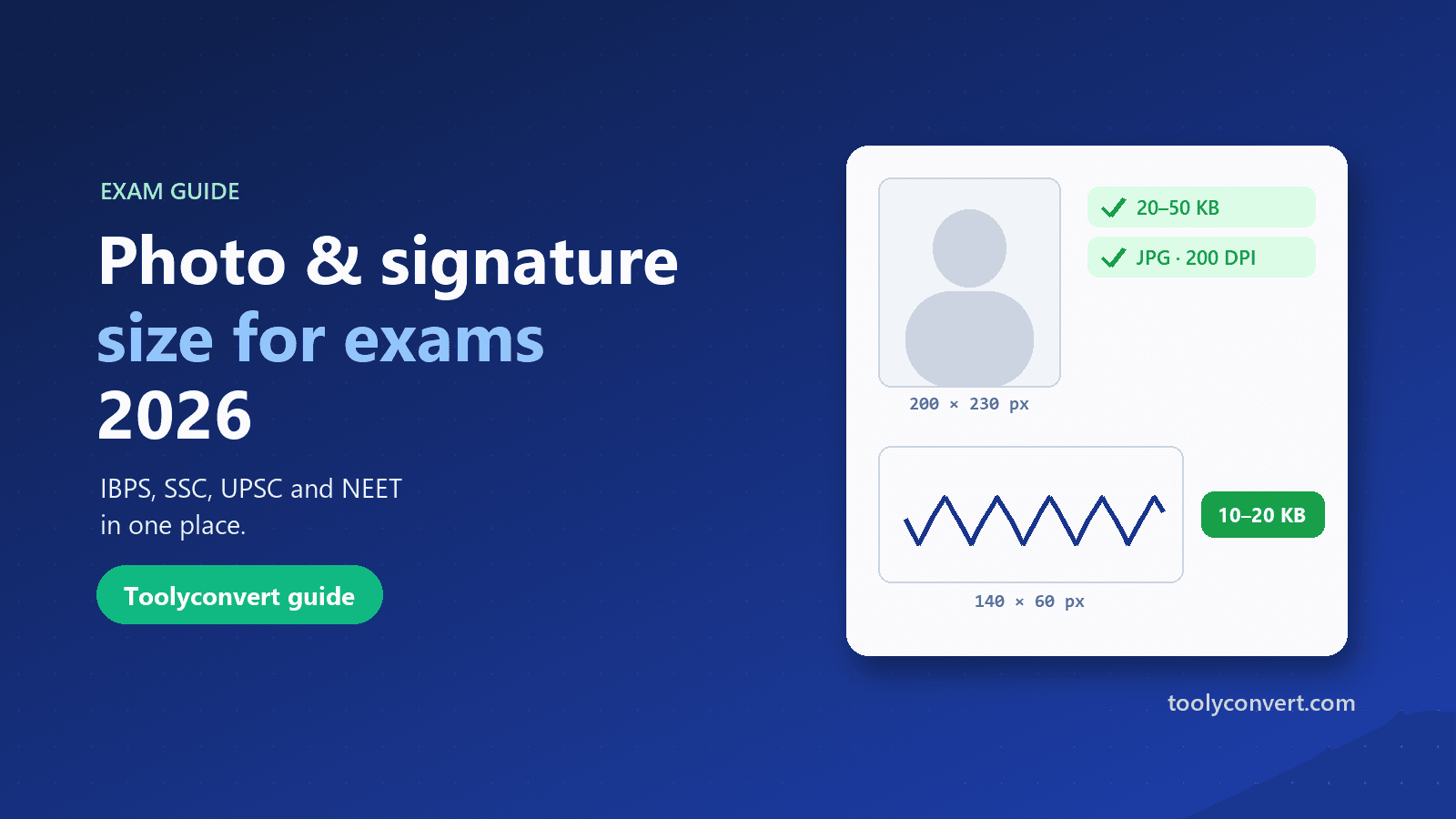
The photo, signature, thumb impression and declaration sizes for IBPS, SSC, UPSC and NEET in one place, and how to prepare each image so it uploads the first time.
Read article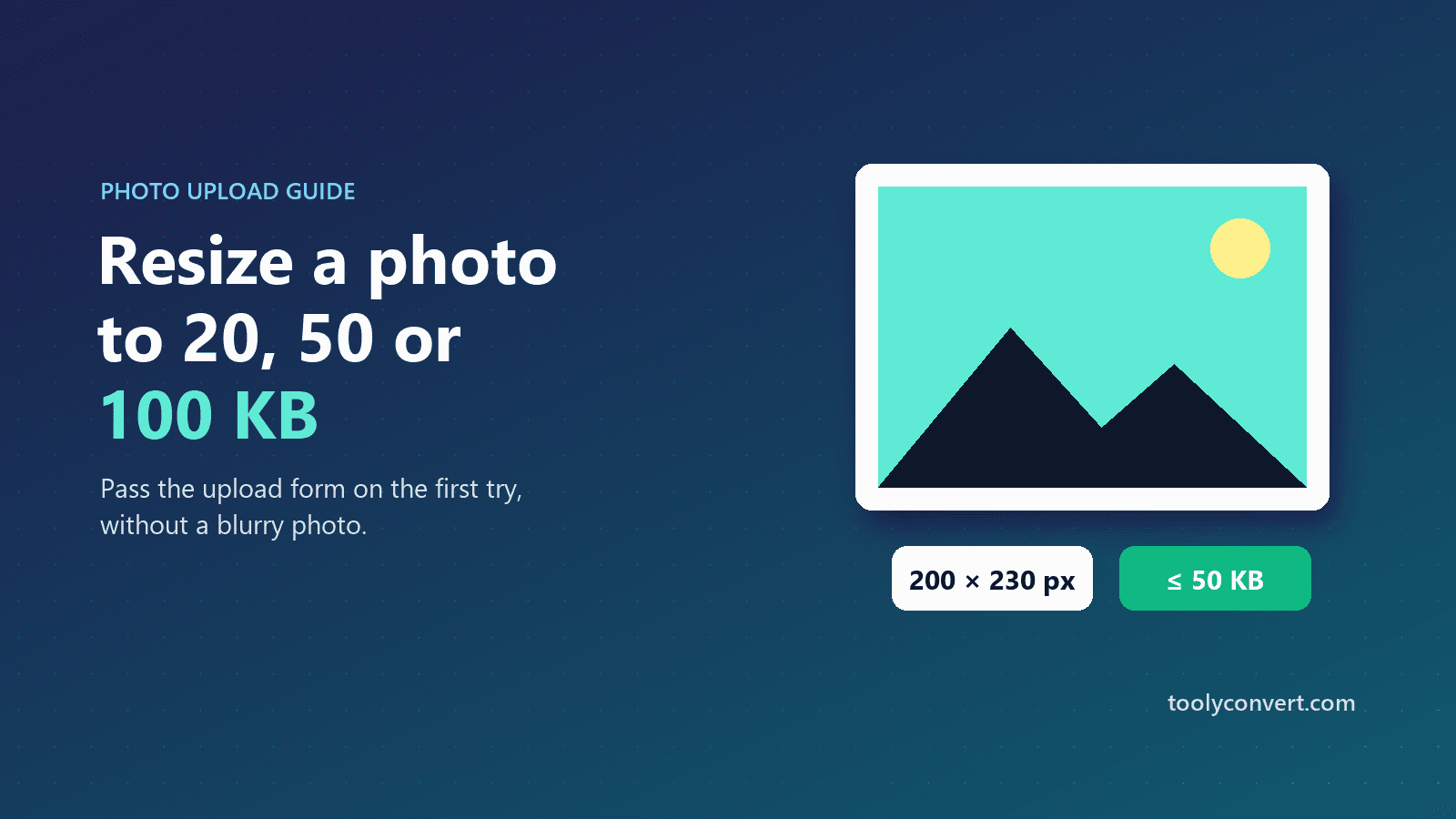
Stuck on an upload form that rejects your photo? How to hit an exact file size and pixel size for passport photos, signatures and documents, without a blurry result.
Read article
How sharpening actually works, which kinds of blur it can fix, the right amount and order, and how to avoid halos and noise.
Read article









