Compress PDF
PDF → PDF
Shrink PDF file sizes up to 90% without compromising visual quality. Our local optimizer subsets fonts and downsamples images directly on your device.
Shrink PDF file sizes up to 90% without compromising visual quality. Our local optimizer subsets fonts and downsamples images directly on your device.
About this tool
Compress PDF is a free, browser-based tool that lets you shrink PDF file sizes by up to 90% without compromising visual quality. Our local optimizer uses intelligent downsampling and font subsetting to shrink your documents directly on your device. It supports PDF → PDF compression. Everything runs locally on your device, so your files are never uploaded to a server. There's no sign-up, no watermark, and no limit — just open Compress PDF, add your input, and get a smaller, optimized PDF instantly. Perfect for email attachments, website uploads, cloud storage, or any situation where file size matters.

Select the oversized PDF you want to shrink. Supports files up to 100MB.
Choose between Low, Medium, or Extreme compression based on your needs.
Save your newly optimized, lightweight file with preserved visual quality.
Skip the wait. Large files compress instantly because they are processed locally on your device.
Images are optimized to the perfect DPI for screen viewing without noticeable artifacts.
Strips unused font characters to drastically reduce overhead while keeping text crisp.
Compress PDF processes your data locally in the browser. Nothing is uploaded, tracked, or stored u2014 your files never leave your device.
Trusted by businesses, students, and professionals worldwide
Reduce PDF file sizes to meet email attachment limits (typically 10-25MB) while maintaining document readability.
Example: Compress a 15MB presentation PDF to 3MB so it can be sent via email without bouncing.
Shrink PDFs to save storage space and reduce upload times when using Google Drive, Dropbox, or other cloud services.
Example: Compress multiple PDF reports before uploading to Google Drive to stay within your storage quota.
Reduce PDF file sizes for faster website uploads and better user experience on your site.
Example: Compress PDF catalogs and brochures before uploading to your business website for faster loading.
Create mobile-friendly PDFs that load quickly on smartphones and tablets.
Example: Compress PDF manuals so they can be viewed quickly on mobile devices without long load times.
Compress PDFs for efficient digital archiving and storage management.
Example: Compress old project PDFs before archiving them to save server storage space.
Reduce PDF sizes for easier sharing via messaging apps, file transfer services, or collaboration platforms.
Example: Compress a large PDF report before sharing it via Slack or Microsoft Teams.
Compress PDFs while maintaining print quality for physical document production.
Example: Compress a PDF flyer before sending it to the printer to reduce file transfer time.
Reduce PDF sizes before storing in databases or content management systems.
Example: Compress PDF attachments before storing them in your CRM system to save database space.
Compress PDFs before sending deliverables to clients via email or file sharing services.
Example: Compress a 20MB design proof PDF to 5MB before emailing it to your client.
Compress PDF e-books and digital publications for faster downloads and reduced bandwidth usage.
Example: Compress a PDF e-book before uploading it to your website for distribution.
Trusted by efficiency-focused users globally
Medium compression offers the best balance between file size reduction and quality preservation for most use cases.
If your PDF contains many high-resolution images, consider compressing them before creating the PDF for even smaller file sizes.
Always compare the compressed PDF with the original to ensure the quality meets your requirements.
Use Low compression for printing, Medium for sharing, and Extreme for email attachments where size is critical.
Always keep a backup of the original uncompressed PDF in case you need the highest quality version later.
Upload multiple PDFs at once and compress them all together to save time when working with many files.
Try different compression levels to find the optimal balance between file size and quality for your specific document.
For PDFs with mostly text, you'll achieve better compression with font subsetting. These typically compress more than image-heavy PDFs.
Check the file size before and after compression to verify the reduction percentage meets your needs.
After compressing, use our Protect PDF tool to add password protection, or Merge PDF to combine multiple compressed files.
Featured on
Trusted by millions worldwide
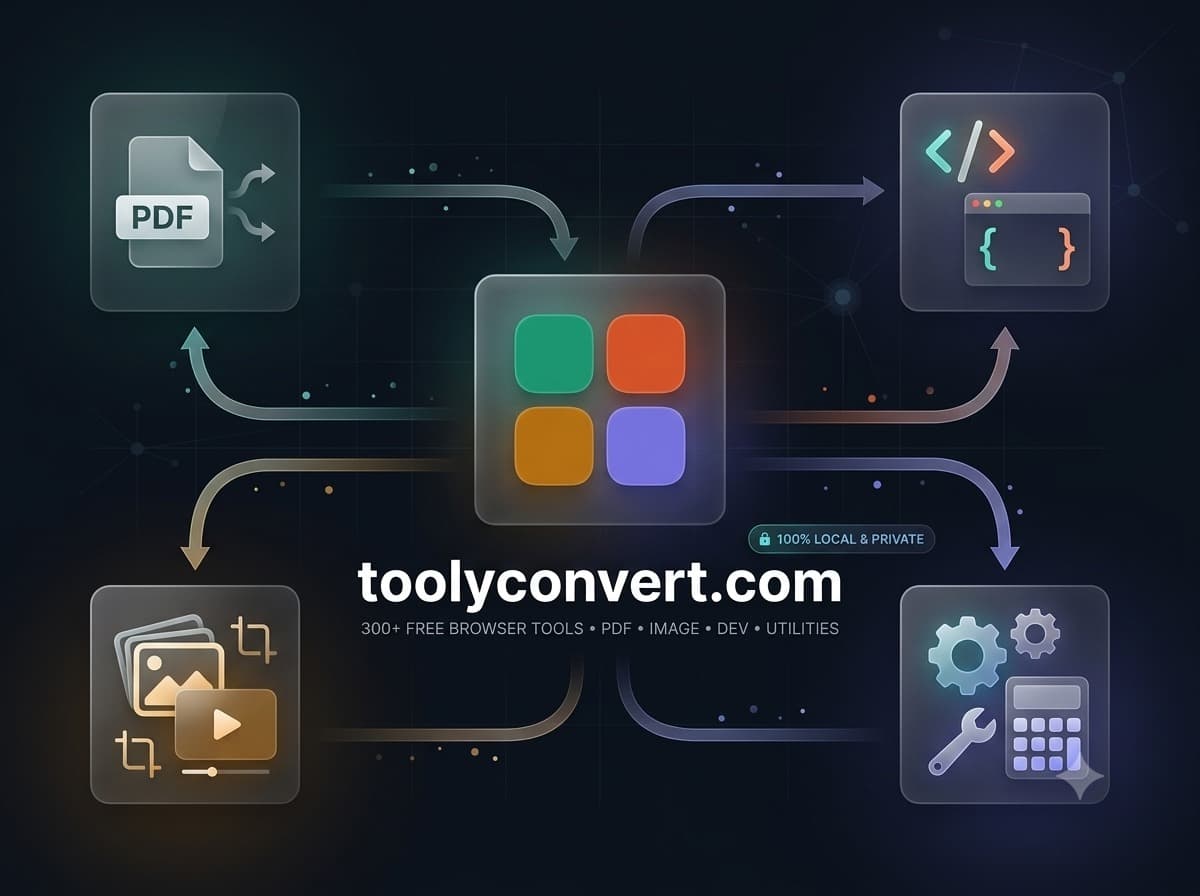
Learn how we subset fonts and downsample images in your browser to optimize files safely.
Read articleLearn how to reduce the file size of sensitive legal and financial PDFs without ever uploading them to a third-party server.
Read article