Image Compressor
Compress JPG and WebP images to reduce file size without losing quality.
Compress JPG and WebP images to reduce file size without losing quality.
Be the first to share your experience
About this tool
Image Compressor is a free, browser-based tool that lets you compress JPG, PNG, and WebP images to reduce file sizes without losing visual quality. Perfect for web optimization, faster loading, and efficient storage. Our smart compression algorithms maintain image clarity while significantly reducing file sizes. It supports JPG, PNG, WebP → JPG, PNG, WebP compression. Everything runs locally on your device, so your files are never uploaded to a server. There's no sign-up, no watermark, and no limit — just open Image Compressor, add your images, and get optimized versions instantly.

Drag and drop or click to upload JPG, PNG, or WebP images. Supports batch uploads up to 100 files.
Choose compression quality or let the tool automatically optimize for the best balance.
Save your optimized images with reduced file sizes and preserved visual quality.
Compress images by up to 80% without noticeable quality loss for faster loading and efficient storage.
Smart algorithms maintain image clarity, colors, and details even at high compression levels.
Image Compressor processes your data locally in the browser. Nothing is uploaded, tracked, or stored — your files never leave your device.
Compress JPG, PNG, and WebP images. Convert between formats while compressing if needed.
Trusted by web developers, designers, and content creators worldwide
Compress images for websites, blogs, and web applications to improve page load speeds and SEO rankings.
ExampleCompress product images from 2MB to 200KB for your e-commerce site to improve loading times.
Compress images for mobile apps and responsive websites to reduce bandwidth usage and improve performance.
ExampleCompress app background images to reduce mobile data usage and improve app performance.
Compress images for email attachments to meet size limits and ensure fast delivery.
ExampleCompress high-resolution photos from 5MB to 500KB before attaching to emails.
Compress images to save storage space and reduce upload times when using cloud services.
ExampleCompress a folder of images before uploading to Google Drive to stay within storage limits.
Compress images for social media platforms to meet upload requirements and improve sharing speed.
ExampleCompress images for Instagram, Facebook, or Twitter to meet their size and dimension requirements.
Compress images for blog posts and articles to improve page load speeds and reader experience.
ExampleCompress featured images and content images for your WordPress blog posts.
Compress product images for e-commerce platforms to improve page load times and user experience.
ExampleCompress product photos for your Shopify store to reduce bandwidth and improve loading.
Compress images for online portfolios and galleries to ensure fast loading while maintaining visual quality.
ExampleCompress your design portfolio images to create a fast-loading, professional showcase.
Compress images before storing in databases to reduce storage costs and improve query performance.
ExampleCompress user-uploaded images before storing them in your application's database.
Compress charts, graphs, and images in reports and presentations to reduce file sizes.
ExampleCompress data visualizations in your quarterly report PDF to reduce file size.
Trusted by optimization professionals globally
Begin with the highest quality source images. Compressing a low-quality image won't improve its quality.
Experiment with different compression levels to find the optimal balance between file size and visual quality for your specific use case.
Always preview the compressed image to ensure the quality meets your requirements before downloading.
Always keep a backup of the original high-quality image in case you need it for future use.
Use higher quality for desktop displays and lower quality for mobile devices to optimize both appearance and performance.
For professional use, ensure color profiles are preserved during compression to maintain color accuracy.
Upload multiple images at once and compress them all with the same settings to save time.
Try compressing to different formats (JPG, PNG, WebP) to see which offers the best size-to-quality ratio for your needs.
Use our Image Resizer tool first to resize images to the exact dimensions you need, then compress for optimal results.
Image ResizerKeep track of your compressed file sizes to ensure they meet your target requirements for web or other uses.
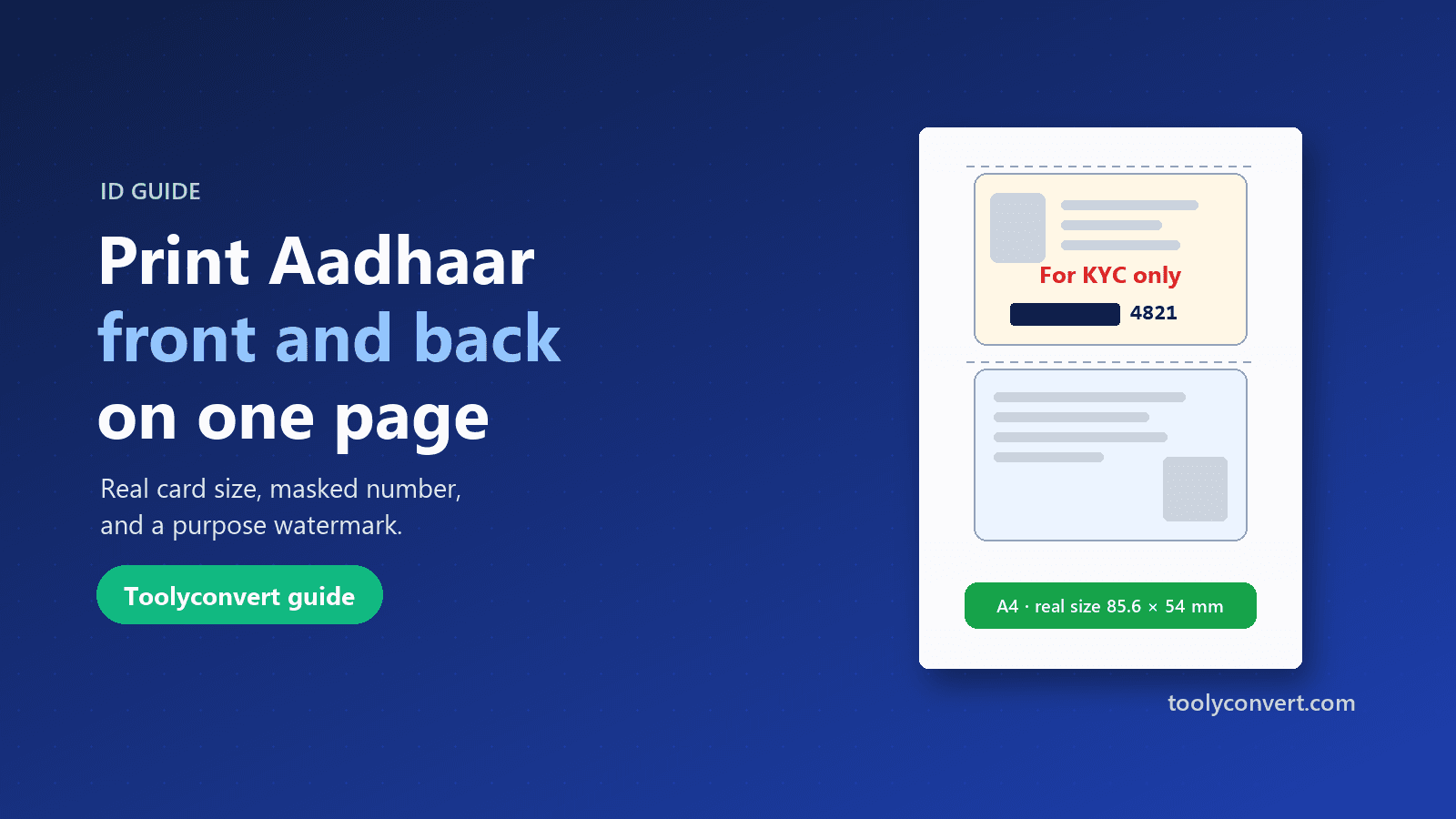
Put both sides of your Aadhaar, PAN, voter ID or licence on one A4 page at real size, open your e-Aadhaar PDF, and make a safer copy with masking and a purpose watermark.
Read article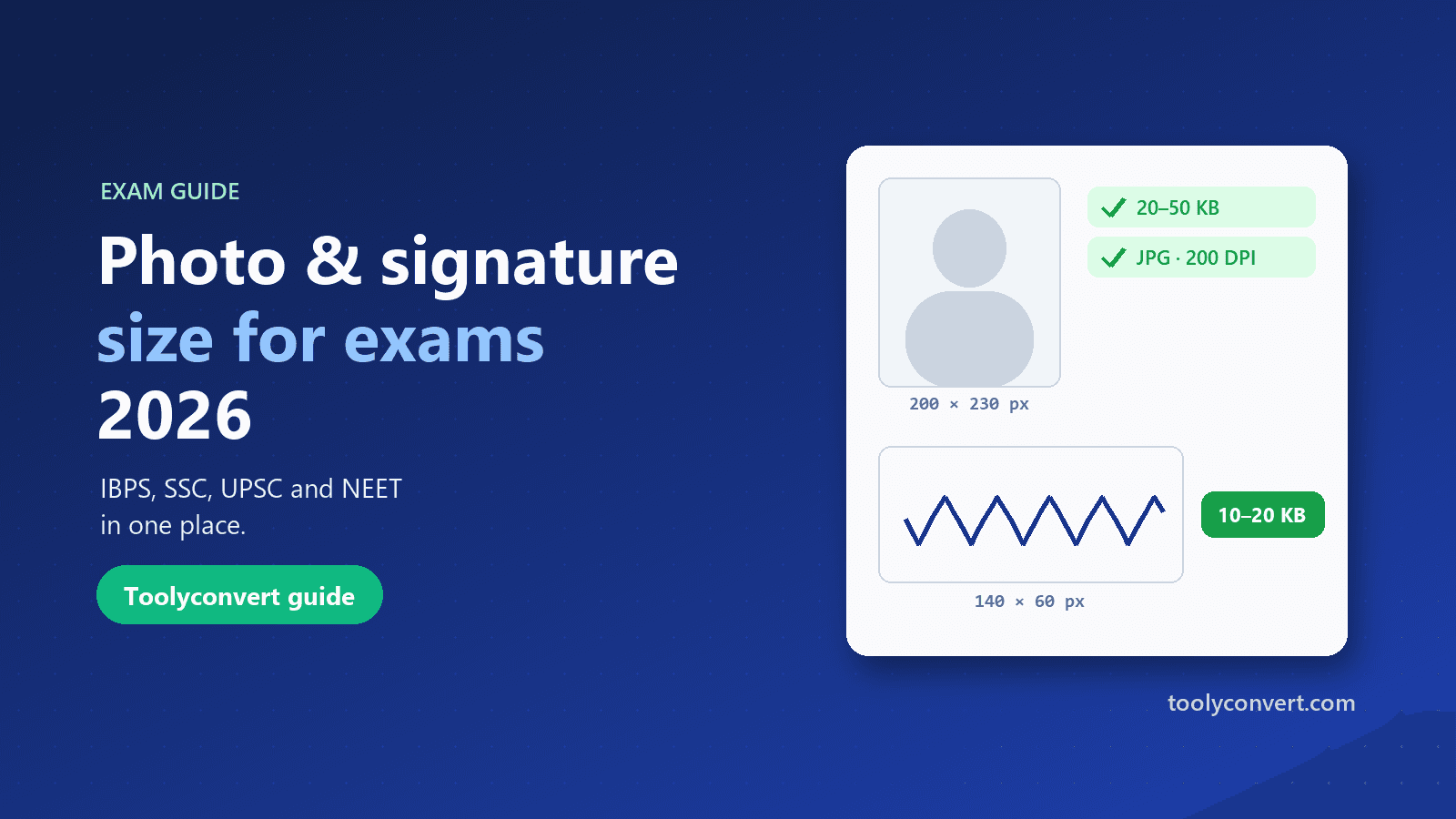
The photo, signature, thumb impression and declaration sizes for IBPS, SSC, UPSC and NEET in one place, and how to prepare each image so it uploads the first time.
Read article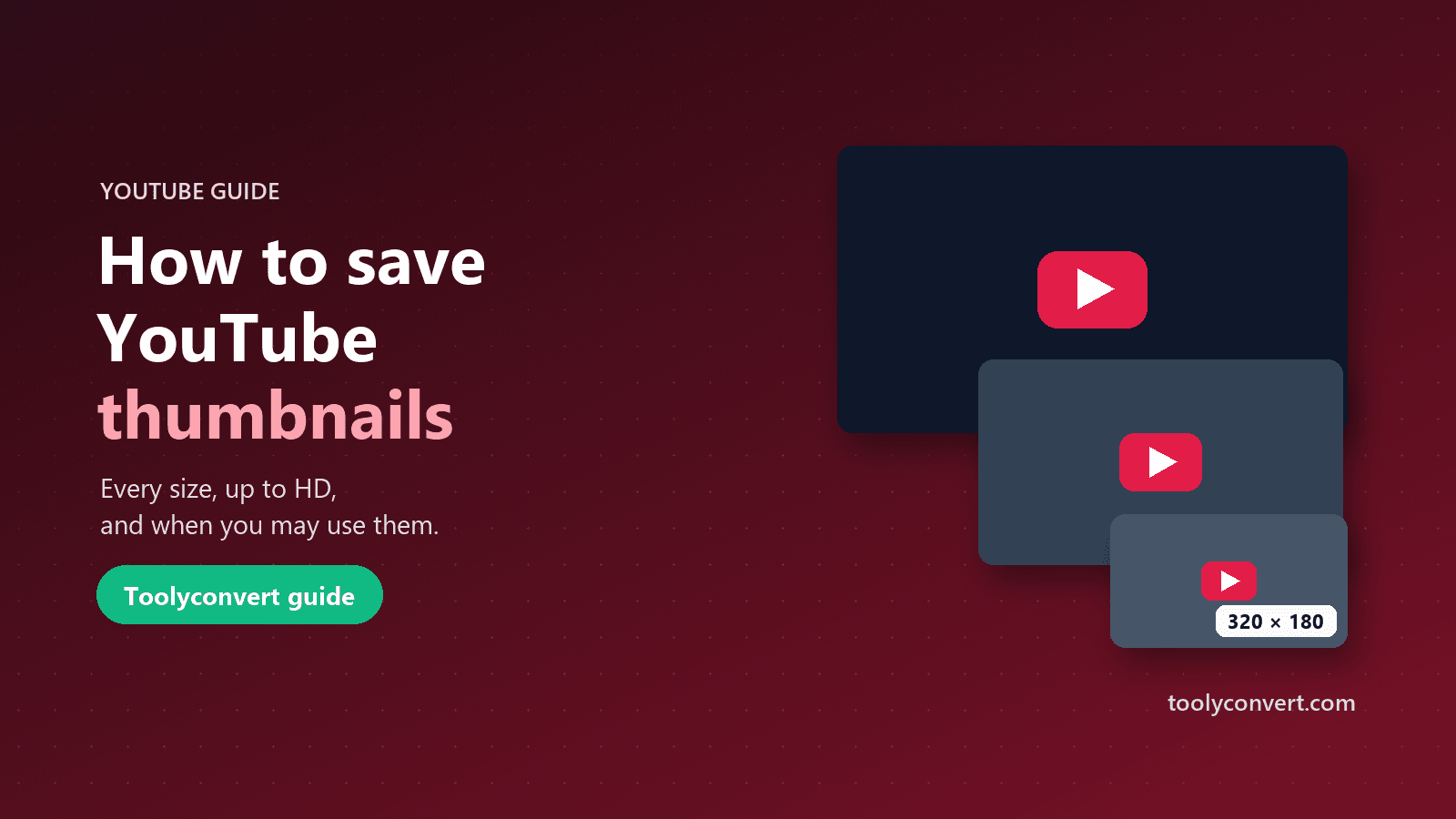
Every thumbnail size YouTube creates, how to save the largest one a video really has, what you may and may not do with it, and what to learn from great thumbnails.
Read article









