A video's thumbnail is the first thing most viewers see, and often the reason they click. That makes thumbnails worth studying, whether you are designing your own, writing about a video, preparing a lesson or recovering an image you made years ago and lost. YouTube does not offer a download button for thumbnails, but every public video's thumbnail is available as an ordinary image in several sizes.
This guide explains the thumbnail sizes YouTube creates, how to save the largest one that actually exists, and how to use thumbnails fairly. You can follow along with the free YouTube Thumbnail Downloader.
The thumbnail sizes YouTube creates
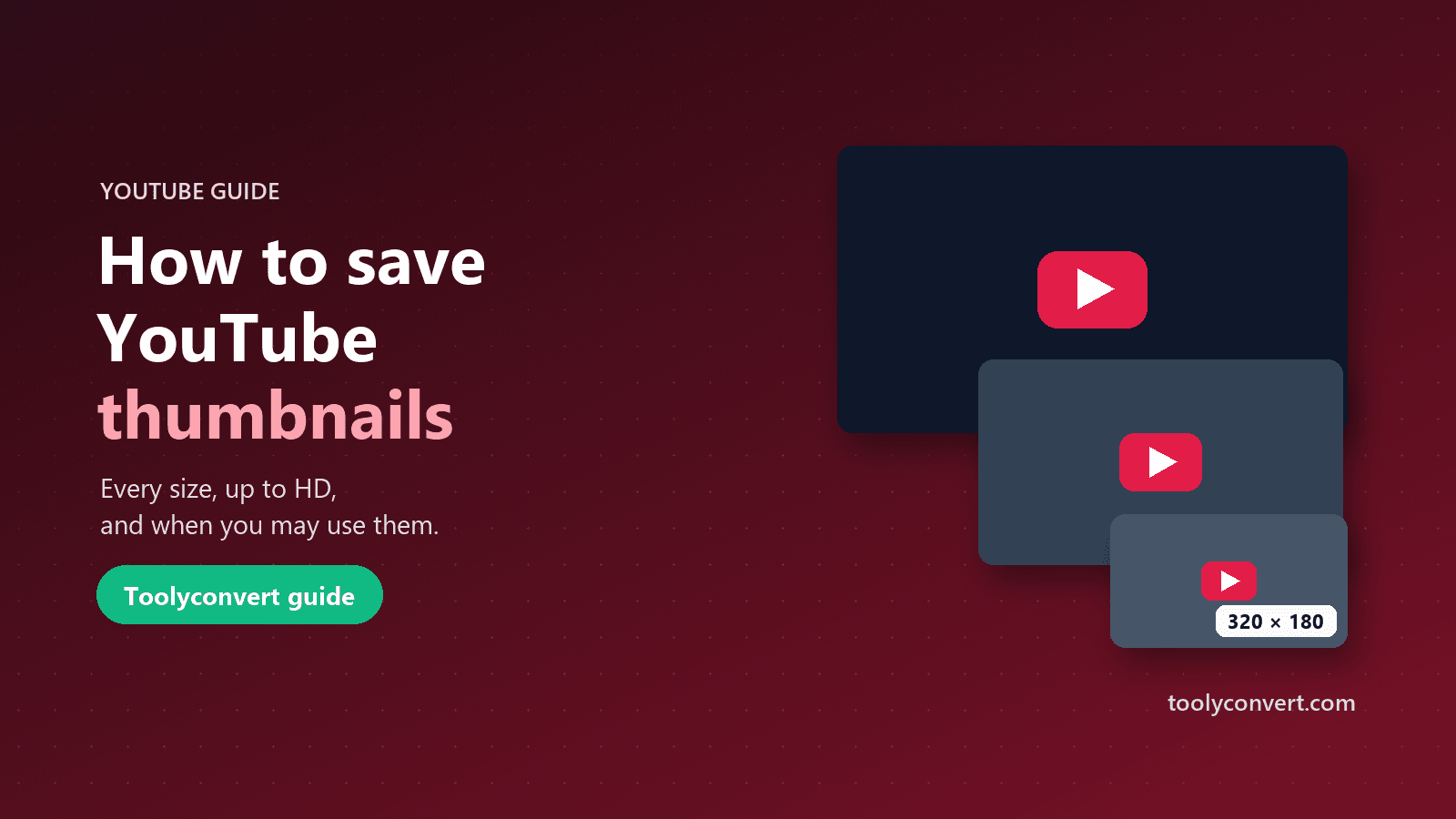
For each video, YouTube stores the thumbnail at several standard sizes. The most common are:
- Max Resolution: usually 1280 × 720 pixels (16:9). Only available when the creator uploaded a custom thumbnail or the video itself is high definition.
- Standard: 640 × 480.
- High Quality: 480 × 360.
- Medium Quality: 320 × 180 (16:9, the size often used in lists).
- Default: 120 × 90.
The 4:3 sizes (640 × 480, 480 × 360 and 120 × 90) add black bars above and below a widescreen image, a leftover from older video formats. For most uses the Max Resolution or Medium version, both 16:9, looks best.
Older and low-resolution videos often do not have a Max Resolution version. Many downloaders simply guess the address and show you a broken grey placeholder when it does not exist. That is why our tool first asks YouTube which sizes the video really has.
How to download a YouTube thumbnail
- Copy the video link. Normal watch links, youtu.be short links, Shorts links and embed links all work, as does the 11-character video ID.
- Open the YouTube Thumbnail Downloader and paste the link.
- Press "Extract". The tool shows the video's title, channel and view count, so you can confirm it is the right video.
- Pick a size. Only the sizes this video actually has are listed, each with its exact dimensions.
- Press "Download" to save the JPG, or copy its direct URL to use in a document or slide.
If the lookup service is temporarily unavailable, the tool falls back to YouTube's five standard addresses and marks any size that fails to load, so you still get a result.
Thumbnails from Shorts and live streams
Shorts work the same way: paste the Shorts link and you get the thumbnail sizes YouTube stores for it. Because Shorts are vertical, the stored thumbnail is often a frame from the video fitted into the standard sizes, so check the preview before downloading.
Live streams and premieres also have thumbnails, available as soon as the stream or premiere page exists. If the creator changes the thumbnail later, the new one replaces the old at the same addresses.
Can you legally use a YouTube thumbnail?
Thumbnails are images created by the channel, so they are protected by copyright like any other picture. Downloading one is easy; using it is where you need care. In general:
- Personal reference and research (a mood board for your own designs, analysing what makes thumbnails effective) is a common and low-risk use.
- Commentary, reviews and news about the video itself, with credit and a link, is often acceptable under fair use or fair dealing rules in many countries, but the rules differ from place to place.
- Your own thumbnails are yours to reuse anywhere.
- Reusing someone else's thumbnail on your own video, product, ad or merchandise needs the creator's permission.
When in doubt, ask the creator, credit them and link to the video. This guide is not legal advice; for commercial use, check the rules in your country.
What to learn from successful thumbnails
Collecting thumbnails from top videos in your niche is one of the best ways to improve your own. Save ten to twenty, put them side by side and look for patterns:
- Faces and expressions. Many niches favour a clear face showing a genuine reaction.
- Few words. Effective thumbnails usually have three or four large words at most, and they add to the title instead of repeating it.
- Contrast and colour. Thumbnails need to stand out against YouTube's white or dark background and next to competing videos.
- One focal point. Busy images get lost at small sizes.
- Readability on a phone. Shrink your design to the size of a thumbnail on a phone screen before you publish.
Pair the visual study with the video data. The YouTube Video Info & Tag Extractor shows each video's title, views and engagement, so you can see whether a thumbnail style goes with strong results or just looks nice. Our guide on how to write better YouTube titles covers how the title and thumbnail work together.
Making your own thumbnails: the technical rules
When you upload a custom thumbnail, YouTube recommends:
- 1280 × 720 pixels, with a minimum width of 640 pixels.
- A 16:9 aspect ratio, the same as the player.
- JPG, PNG or GIF (non-animated), under YouTube's file size limit, which is currently 2 MB.
Custom thumbnails need your account to have YouTube's intermediate features enabled, which usually means verifying your phone number. If your design is the wrong size, resize it with the Image Resizer before uploading, and keep important text away from the bottom-right corner, where YouTube places the video length.
Other uses for thumbnails
- Blog posts and newsletters. A thumbnail with a play icon makes a link to a video more inviting. For an actual playable video, use the YouTube Embed Generator instead.
- Slides and lessons. Teachers often add a video's thumbnail to slides that point students to a video.
- Archiving your own channel. If you lost the original design files, the Max Resolution thumbnail is the best copy YouTube keeps.
Building a thumbnail reference board
If you are researching a niche, a little organisation turns a pile of downloads into something useful:
- Collect from one topic at a time, for example the top ten videos for "home workout for beginners".
- Name each file clearly, with the channel and a short note, such as "channel-name_big-face_3-words.jpg".
- Record the numbers next to each one. Views, upload date and engagement rate from the video info tool tell you whether a style is linked to strong results.
- Arrange them in a grid in any slide or design app and look at them at small size, the way viewers see them.
- Write down three patterns you want to try, and three you want to avoid.
Repeat every few months: thumbnail styles in a niche change over time, and your board should change with them.
Common questions
Why is there no Max Resolution version? The video does not have one. This is common for older uploads and low-resolution videos. Pick the largest size listed.
Is the thumbnail I download the same one viewers see? Yes, it is the image YouTube serves. Some viewers may see a different thumbnail if the creator is testing several, but the stored default is what the tool downloads.
Can I download the thumbnail of a private video? No. Only public and unlisted videos can be looked up.
Does downloading a thumbnail notify the creator? No. It is an ordinary image request, like viewing the video's page.
Quick checklist
- Paste the link into the YouTube Thumbnail Downloader.
- Confirm the title and channel, then pick the largest real size.
- Use thumbnails for reference, commentary or with permission, and credit the creator.
- Design your own at 1280 × 720 and check it at phone size.
A thumbnail is a small image with a big job. Saving and studying good ones, and using them fairly, is a simple way to make your own videos more clickable.