Remove Backgrounds
Instantly with AI
Upload a photo and get a clean, transparent cut-out in a few seconds. Ideal for product photos, profile pictures and design assets.
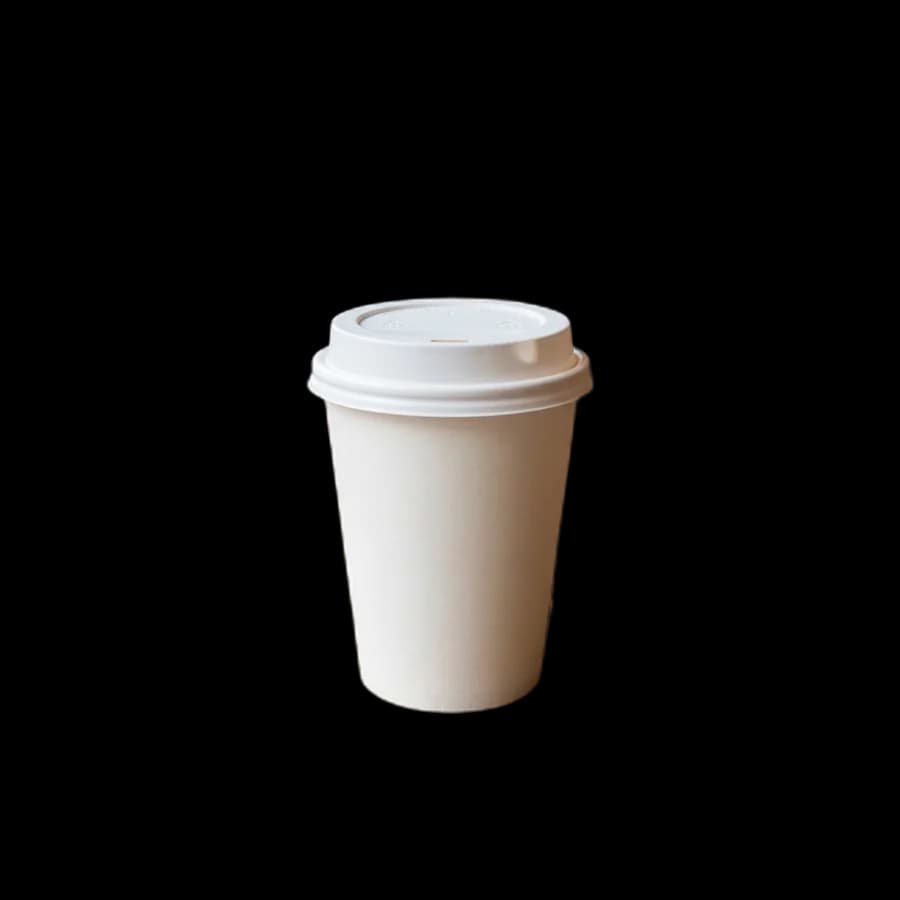

Professional Background Removal
Powered by the same AI technology used in professional photo editing tools.
AI-Powered Removal
A deep-learning model finds the subject and removes the background, including soft edges and handles like the ones above.
Instant Results
Get your transparent image in 2-5 seconds. No manual editing or color picking required.
PNG & WebP Output
Download as transparent PNG (lossless) or WebP (smaller file size). Perfect for web and print.
Before/After Preview
Interactive slider shows original vs removed background side-by-side before downloading.
Custom Backgrounds
Replace with white, black, or any custom color after removal. Great for product photos.
Private & Secure
Images processed on our server and immediately deleted. Never stored, never shared.
How It Works
From upload to transparent PNG in seconds.
Upload Image
Drag & drop, paste, or click to upload. Supports JPG, PNG, and WebP up to 20MB.
AI Processing
Our AI model detects the subject and creates a precise alpha mask in seconds.
Preview & Adjust
Compare before/after with the slider. Optionally add a custom background color.
Download
Get your transparent PNG or smaller WebP file. No watermark, no sign-up.
Perfect For
From product photos to profile pictures — works with any image.
E-commerce
Clean white-background product photos for Amazon, Etsy, and Shopify listings.
Profile Photos
Remove messy backgrounds from headshots for LinkedIn, resumes, and ID photos.
Photography
Isolate subjects for compositing, collages, and creative photo manipulation.
Web Design
Create transparent assets for websites, banners, and marketing materials.
Social Media
Make stickers, overlays, and profile elements with transparent backgrounds.
Graphic Design
Extract subjects for logos, illustrations, mockups, and presentation slides.
Tips for Better Cut-outs
The AI does the work, but a good photo makes a great result.
Clear contrast
A subject that stands out from its background gives the cleanest edge.
Sharp subject
Keep the subject in focus. A blurred background is fine, and even helps.
Even light
Avoid harsh shadows that join the subject to the floor or wall.
Fill the frame
Larger subjects keep more detail. Crop out empty space before uploading.
Do More With Your Cut-out
Free tools that pick up where background removal leaves off.
Put it on a mockup
Place your cut-out on a mug, T-shirt, poster or phone.
Open toolResize for any platform
Exact pixels for marketplaces, social posts and ads.
Open toolShrink the file
Smaller images load faster on product pages.
Open toolMake a passport photo
Correct size and background for ID applications.
Open toolFrequently Asked Questions
Everything you need to know about removing image backgrounds.
Is the AI background remover free to use?
Yes. Removing image backgrounds is free with no sign-up and no watermark. To keep it fast for everyone there is a fair-use limit of 10 images per minute, which normal use never reaches.
What image formats can I upload and download?
You can upload JPG, PNG, or WebP images up to 20MB. Download the result as a transparent PNG (lossless) or a smaller WebP file, both with a fully transparent background.
Does it handle hair, fur, and complex edges?
It handles most edges well, including soft outlines and gaps such as a mug handle. Very fine detail like flyaway hair against a busy background is the hardest case; a photo with good contrast between subject and background gives the best result.
Are my uploaded images kept private?
Images are sent over HTTPS, processed to create the cut-out, and deleted from our server straight away. They are never stored, sold or shared.
Can I replace the background with a solid color?
Yes. After removal you can keep the transparent background or replace it with white, black, or any custom color, which is ideal for e-commerce product photos.
How long does background removal take?
Most images finish in about 2 to 5 seconds depending on size and complexity. There is no queue and no manual editing required.
Remove Your First Background
No account needed. Upload and get results in seconds.
Try Background Remover