A YouTube title has two jobs. It has to tell YouTube and Google what the video is about, so it can be shown to the right people, and it has to persuade those people to click. Most weak titles fail at one of the two: they are either clear but dull, or exciting but vague. The best titles are clear first and interesting second.
This guide covers how long a title should be, the title formats that work for most videos, how titles and thumbnails work together, and how to avoid the clickbait trap. You can try ideas as you read with the free YouTube Title Generator.
How long should a YouTube title be?
YouTube allows up to 100 characters. That does not mean you should use them all. Long titles are cut off in search results, in suggested videos and especially on phones. Around 70 characters is a safer target if you want the whole title to show in most places, and the important words should come first in case it is truncated.
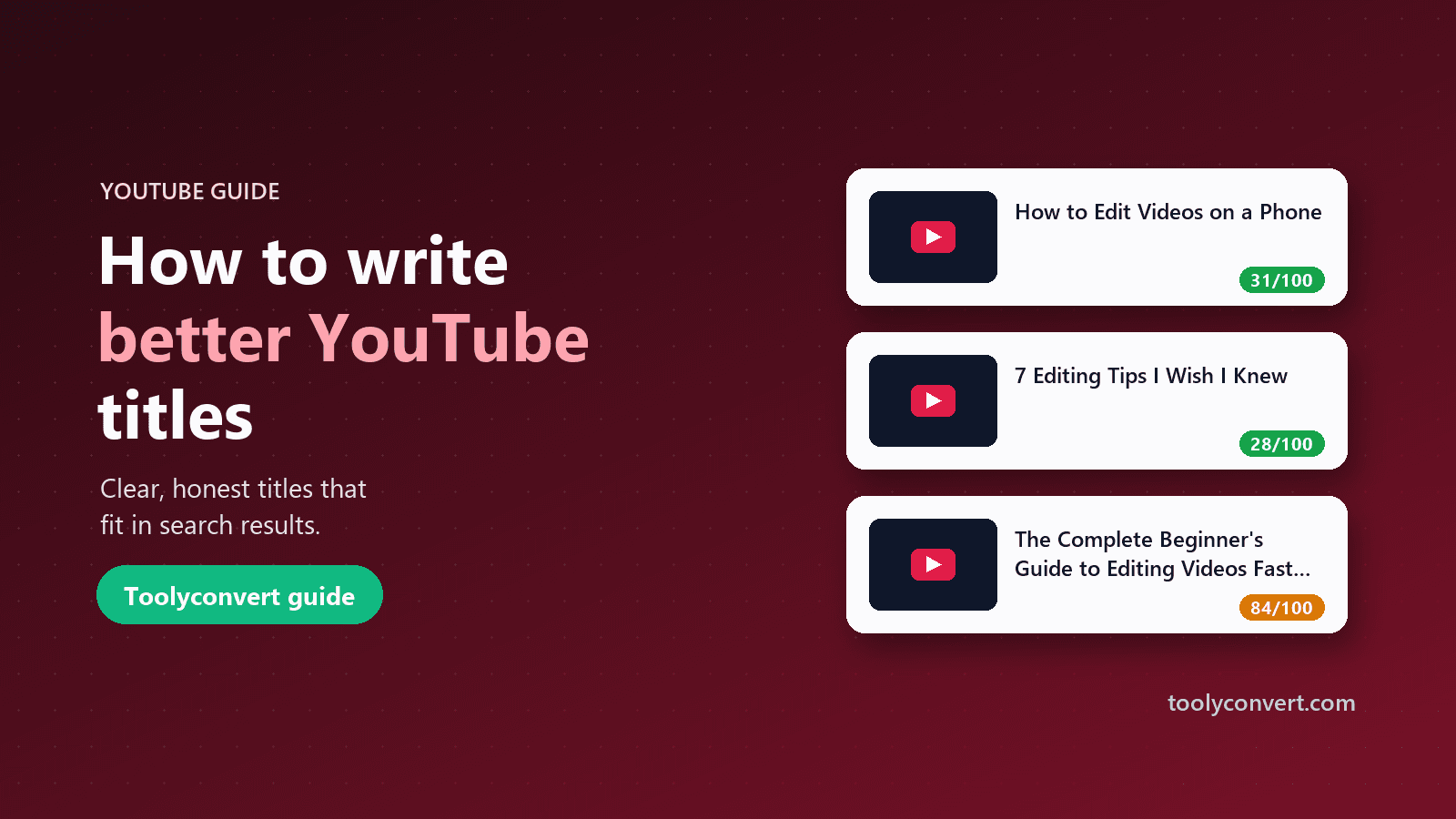
The title generator shows a character count for every idea: green when the whole title should be visible, amber when it is long enough to be cut off, and red when it is over YouTube's limit. You can paste your own title into the "Check your own title" box to see a preview of how much will show.
Start with what people search for
Before writing a title, decide what phrase a viewer would type to find this video. "How to change a bike tyre", "Python for beginners", "budget travel Japan". That phrase is your anchor.
- Put it near the start. "How to Change a Bike Tyre in 5 Minutes" beats "In 5 Minutes, Here's How You Can Change a Bike Tyre".
- Use the words viewers use. If people say "tyre" in your market, use "tyre", not "tire". If they say "for beginners", use that.
- Research the phrasing. Look at the titles and tags of the top videos for your topic with the YouTube Video Info & Tag Extractor. Our guide on seeing any video's tags explains how.
Title formats that work
Most successful titles follow a handful of familiar shapes. They are familiar because they work: viewers instantly understand what they will get. The title generator groups its ideas into four of them.
How-to and tutorials
"How to [do the thing]", often with who it is for or how long it takes.
- How to Edit Videos on Your Phone (Beginner Guide)
- How to Make Sourdough Bread at Home: Step by Step
These match search intent directly and keep working for years.
Lists
A number makes the value concrete and sets expectations.
- 7 Video Editing Tips I Wish I Knew Sooner
- 5 Budget Travel Mistakes to Avoid in Japan
Use the real number of items in the video. Odd numbers are a common habit, not a rule.
Stories and challenges
Personal experience is something only you can offer.
- I Tried Learning Piano for 30 Days. Here's What Happened
- Learning to Code from Scratch: My First Week
These work best when the video really does follow a journey with a result.
Comparisons and explainers
Viewers deciding between options, or trying to understand a topic, search for these.
- iPhone vs Pixel Camera: An Honest Comparison
- Interest Rates Explained in 10 Minutes
Titles and thumbnails work as a pair
Viewers see the title and thumbnail together, so plan them together:
- Do not repeat yourself. If the title says "How to Fix a Leaking Tap", the thumbnail does not need those words. Show the dripping tap and maybe two words like "Easy fix".
- Let each add something. The title carries the searchable phrase; the thumbnail carries the emotion, result or curiosity.
- Check them at phone size. Most viewers see both very small.
To study how successful videos combine the two, save their thumbnails with the YouTube Thumbnail Downloader and put them next to their titles. Our thumbnail guide covers what to look for.
Avoid clickbait that over-promises
Titles like "You Won't BELIEVE What Happened" or "99% of People Get This Wrong" can earn a click, but they often cost you more than they gain:
- Viewers leave quickly when the video does not match the promise, and YouTube notices when people click and leave.
- Trust drops. Viewers who feel tricked are less likely to click your next video.
- Policies. YouTube's spam and deceptive practices policies cover titles and thumbnails that mislead viewers about the content.
- Invented numbers are a problem. A statistic in a title should come from somewhere real.
Curiosity is fine; deception is not. "What Nobody Tells You About Renting Your First Flat" creates curiosity and can be completely honest if the video delivers useful, lesser-known advice. That is why the generator's formats avoid fake statistics and all-caps hype.
A simple process for every video
- Write the search phrase your ideal viewer would type.
- Generate ideas by entering that phrase in the YouTube Title Generator and pressing Enter.
- Pick two or three that fit your video, then press "Edit" to move one into the checker.
- Add specifics only you know: a real number, a result, a time frame, who it is for. "How to Edit Videos on Your Phone" becomes "How to Edit Videos on Your Phone in 10 Minutes (Free Apps Only)".
- Check the length and make sure the key phrase is in the first 40 or so characters.
- Read it next to your thumbnail and make sure they add to each other.
- Finish the description and chapters. Clear chapters, made with the Timestamp & Chapter Generator, carry the same promise through the video.
Changing titles after publishing
You can change a title at any time in YouTube Studio, and it does not reset your views. If a video is getting impressions but few clicks, a clearer title (or a new thumbnail) is often worth trying. Change one thing at a time and give it a week or two so you can tell what made the difference. Keep a note of the old title so you can switch back.
Common questions
Should I use capital letters? Title case or sentence case both work. Capitalising one important word can help it stand out, but whole titles in capitals read as shouting.
Should I include the year? For topics that change, such as software, prices or rankings, a year signals freshness. For timeless topics it just dates the video.
Do emojis help? Occasionally, as decoration at the end. They take up characters and do not help search.
Does the generator use AI? No. It fills your topic into proven, honest title formats instantly. The ideas get much stronger when you add your own specifics.
Can I use the same title as a popular video? You can, but you will be competing head to head with it. A more specific angle usually works better.
Quick checklist
- Lead with the phrase viewers search for.
- Aim for around 70 characters, and never over 100.
- Pick a clear format: how-to, list, story or comparison.
- Add specifics only you can offer.
- Make the title and thumbnail add to each other.
- Promise only what the video delivers.
A good title is a clear promise, kept. Write it for the viewer first, check its length, and let the video live up to it.