YouTube Video Info & Tag Extractor
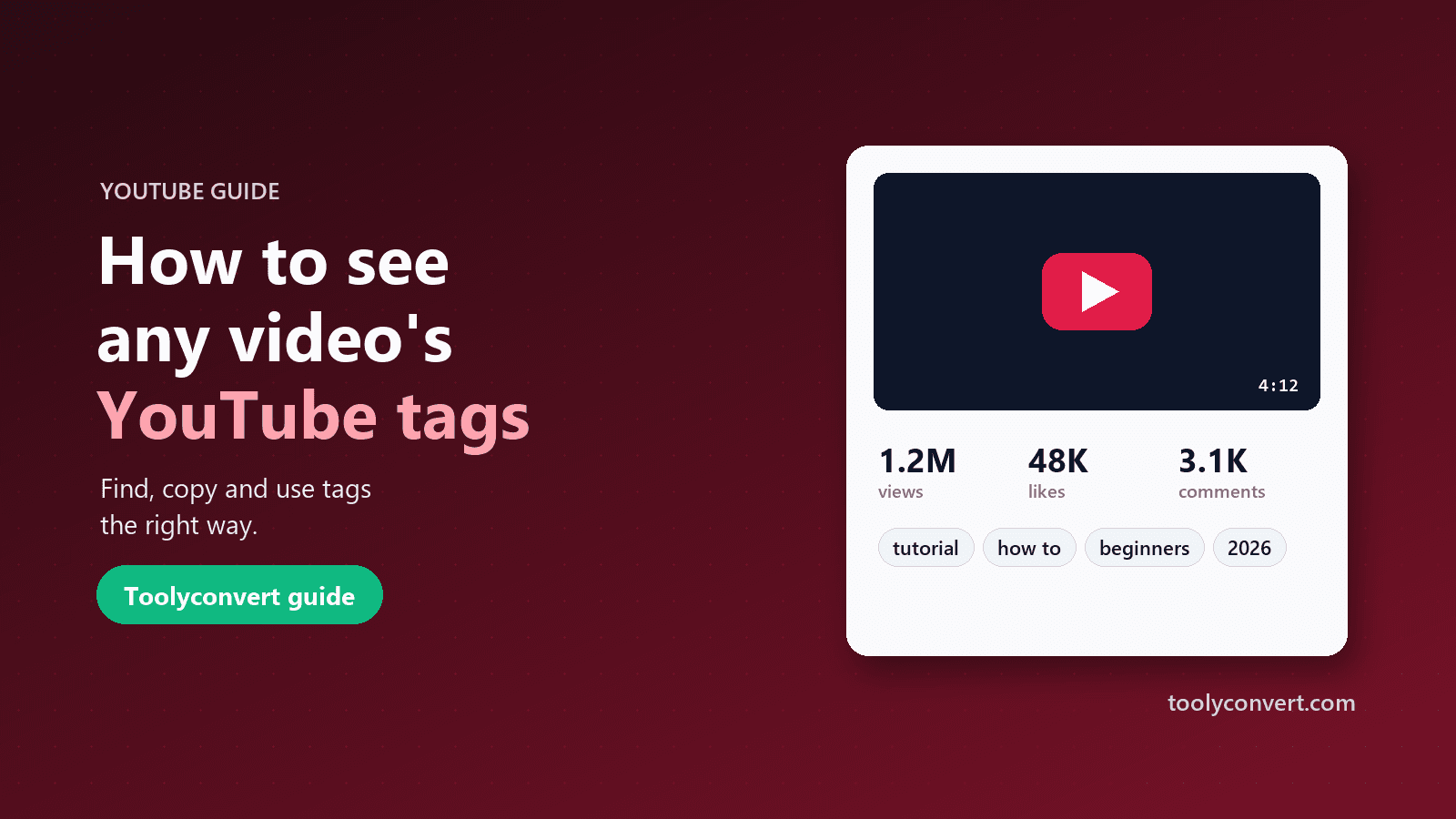
See any YouTube video’s tags, views, likes, comments, duration, category and upload date. Copy all tags, pull chapters, links and hashtags from the description, and read top comments.
See any YouTube video’s tags, views, likes, comments, duration, category and upload date. Copy all tags, pull chapters, links and hashtags from the description, and read top comments.
Be the first to share your experience
About this tool
YouTube Video Info & Tag Extractor shows the details YouTube keeps about a public video but does not put on the watch page. Paste a watch, youtu.be, Shorts, live or embed link (or just the 11-character ID) and you get the title, channel, upload date, duration, view count, like count and comment count, plus an engagement rate (likes and comments as a share of views). The video’s tags are listed in full with a one-click “Copy all tags” button and a meter showing how much of YouTube’s 500-character tag limit they use. The description is shown with its chapters (clickable timestamps), hashtags and links pulled out into tidy lists, and a details grid covers category, HD or SD, captions, made-for-kids, language, embedding, licensed content and live status. You can load the top comments on demand, copy a privacy-enhanced embed code, and jump straight to the thumbnail downloader, the chapter editor or the channel’s stats. Data comes from YouTube’s official API and is refreshed every few hours. Some videos hide their like count, and many have no tags; the tool says so instead of guessing.

Any watch, youtu.be, Shorts, live or embed link, or the video ID.
See views, likes, comments, duration, category and upload date.
Copy every tag at once, with the 500-character meter.
Chapters, hashtags and links are pulled out for you.
Tags are not shown on YouTube’s watch page; here they are, ready to copy.
Views, likes and comments straight from YouTube’s official API.
Likes plus comments as a share of views, to compare videos fairly.
Chapters, hashtags and links listed separately.
Research videos in seconds
See how successful videos in your niche are tagged and described.
ExampleCompare the tags on the top 5 videos for your topic.
Check titles, descriptions and engagement before a campaign.
ExampleCheck a sponsored video’s engagement rate before booking.
Record accurate upload dates and view counts for citations.
ExampleCite a video with its exact upload date.
Vet influencer videos with real numbers.
ExampleCompare likes and comments across a creator’s recent videos.
Read the numbers the right way
Titles, descriptions and thumbnails matter far more than tags for search. Use tags for spellings and variations.
A smaller video with a higher engagement rate often has a more loyal audience.
Older videos have had more time to collect views; compare videos of a similar age.
Import a video’s chapters and check them against YouTube’s rules.
Timestamp GeneratorOne video can be an outlier; check the channel’s overall numbers.
YouTube Channel Stats