YouTube Timestamp & Chapter Generator
Create YouTube chapter timestamps for your description, or import a video’s existing chapters, and check them against YouTube’s chapter rules before you paste.
Used YouTube Timestamp & Chapter Generator? Share how it went to help others.
About this tool
YouTube Timestamp & Chapter Generator helps you write the timestamp list that turns into chapters on YouTube’s progress bar. Add chapter markers with a time and a title, and the tool formats them as ready-to-paste description lines (“0:00 Intro”). You can also paste a video link and press “Import chapters” to load the timestamps already in that video’s description, which is handy for fixing your own uploads or seeing how others structure theirs. As you edit, the tool checks YouTube’s rules for automatic chapters: the first timestamp must be 0:00, there must be at least three, they must be in ascending order, each chapter must last at least 10 seconds, and (when a video is imported) the last one must come before the end of the video. Problems are listed in plain words, and when everything passes you see a green “Looks good” message. Copy the result with one click and paste it into your video description in YouTube Studio.

Paste a video link to import its chapters, or add your own.
Enter a time (m:ss or h:mm:ss) and a title for each chapter.
The tool checks YouTube’s chapter rules as you type.
Paste the list into your description in YouTube Studio.
Catches the mistakes that stop chapters from appearing.
Load the chapters already in any video’s description.
Formatted exactly the way YouTube expects.
Supports h:mm:ss for videos over an hour.
Chapters that actually show up
Let viewers jump to the step they need.
ExampleSplit a 40-minute tutorial into 8 chapters.
Mark each topic so listeners can skip around.
ExampleAdd a chapter per question in an interview.
Separate design, performance, battery and verdict.
ExampleLet viewers skip straight to the verdict.
Import chapters that never appeared and see why.
ExampleFind the chapter that is under 10 seconds.
Make chapters that help viewers
Without a 0:00 line, YouTube ignores the whole list.
And each must be at least 10 seconds long.
Short, descriptive titles help viewers and can appear in search results.
In YouTube Studio, your own timestamps take priority over automatic chapters.
Senior Software Engineer · Developer of Toolyconvert
Hemant developed YouTube Timestamp & Chapter Generator and tests it on desktop and mobile with real files. He is a senior software engineer from Dehradun, India, building websites since 2014, and designed and developed Toolyconvert end to end.
Last updated 17 October 2026
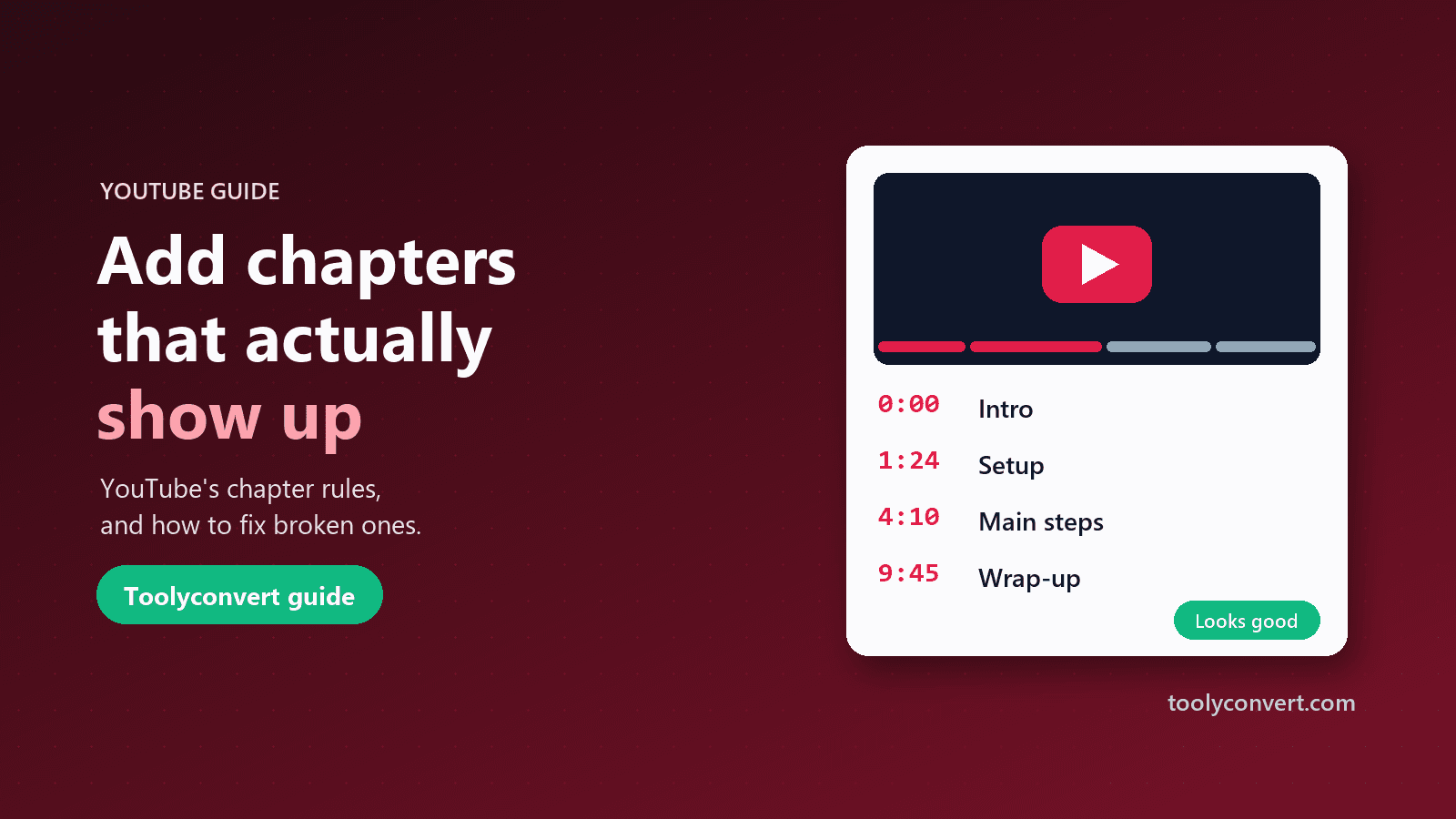
YouTube’s chapter rules, how to write a timestamp list that works, and a checklist for chapters that never appeared on your video.
Read article
The Unicode look-alike characters behind ʇxǝʇ uʍop ǝpᴉsdn, why the order is reversed, where it displays correctly, and the accessibility cost.
Read article
Sort any list A to Z in seconds: online, in Excel, Google Sheets, Word and on the command line, plus why 10 comes before 2 and how to remove duplicates.
Read article









