PDF to JPG
Extract pages as high-quality images
or drop them here
- Free
- No sign-up
- Up to 100 MB
Extract pages as high-quality images
or drop them here
Be the first to share your experience
About this tool
PDF to JPG is a free, browser-based tool that lets you extract pages as high-quality images. It supports PDF → JPG. Everything runs locally on your device, so your files are never uploaded to a server. There's no sign-up, no watermark, and no limit — just open PDF to JPG, add your input, and get results instantly.

Select the document you want to extract images from.
Choose standard or high-resolution extraction.
Download a ZIP file containing all your JPGs.
Easily embed PDF pages into Word documents or blog posts as images.
PDF to JPG processes your data locally in the browser. Nothing is uploaded, tracked, or stored — your files never leave your device.
Use PDF to JPG as much as you want with no fees, no watermarks, and no hidden limits.
PDF to JPG runs in any modern browser. There's nothing to download, install, or configure.
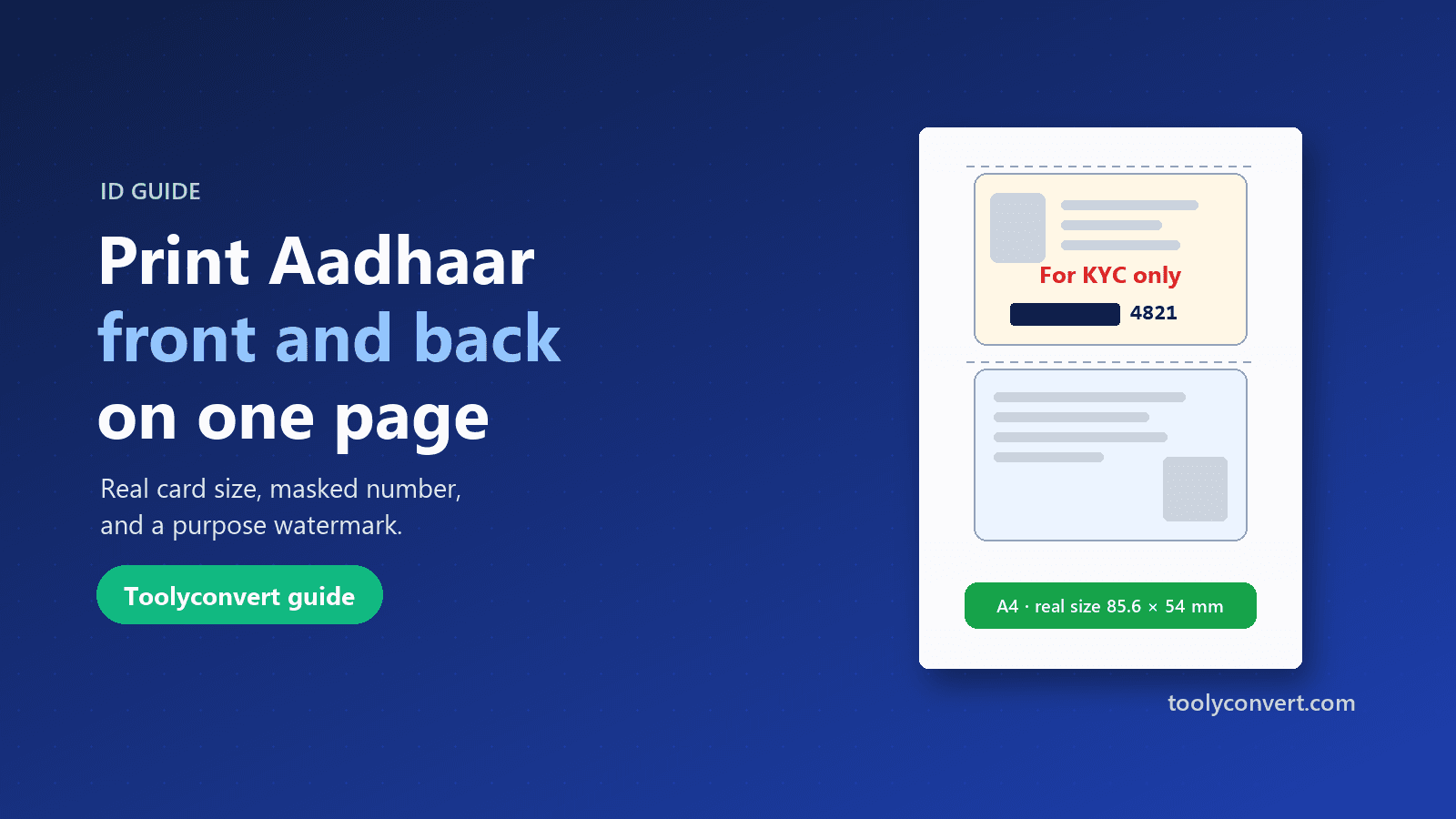
Put both sides of your Aadhaar, PAN, voter ID or licence on one A4 page at real size, open your e-Aadhaar PDF, and make a safer copy with masking and a purpose watermark.
Read article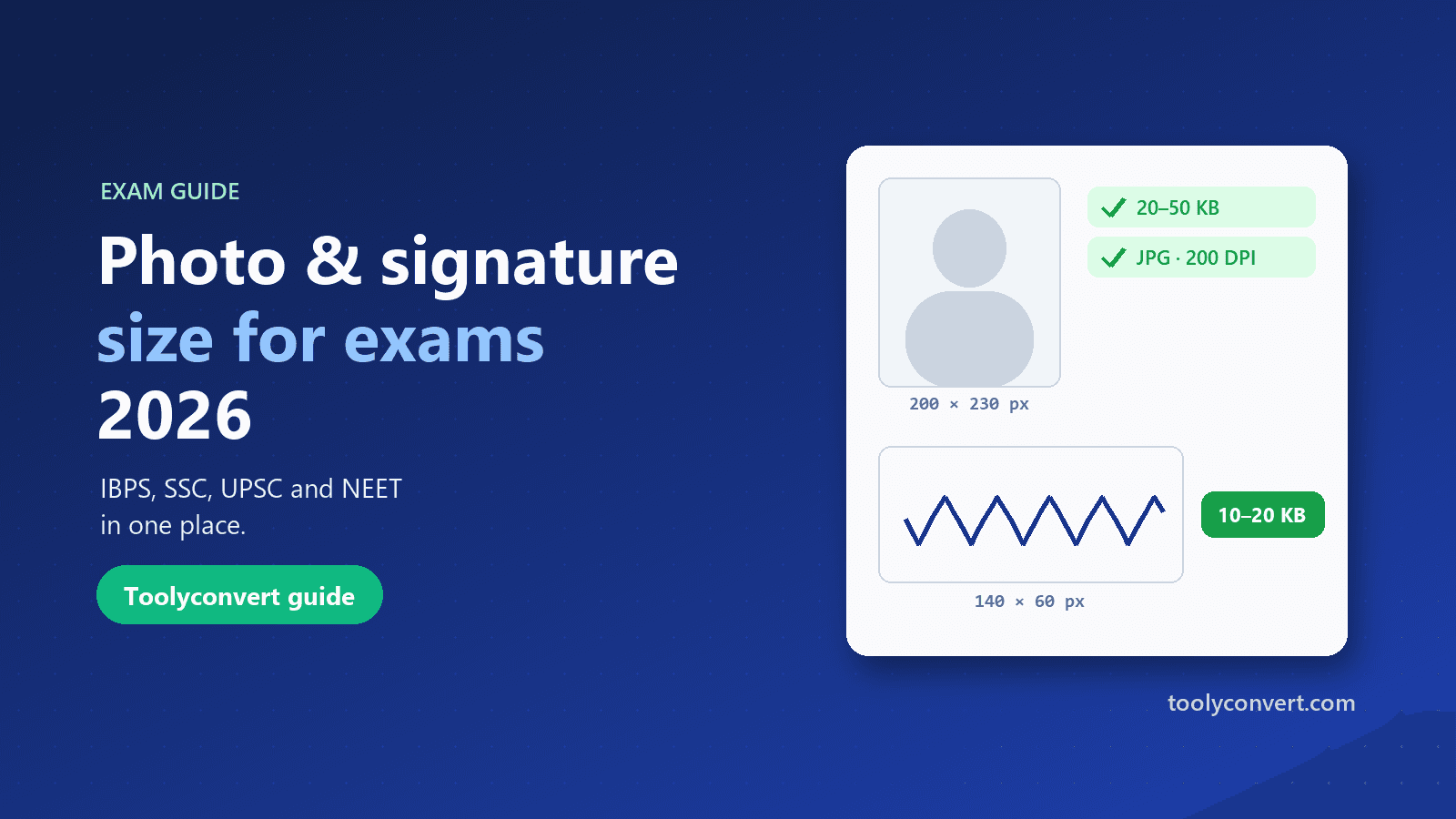
The photo, signature, thumb impression and declaration sizes for IBPS, SSC, UPSC and NEET in one place, and how to prepare each image so it uploads the first time.
Read article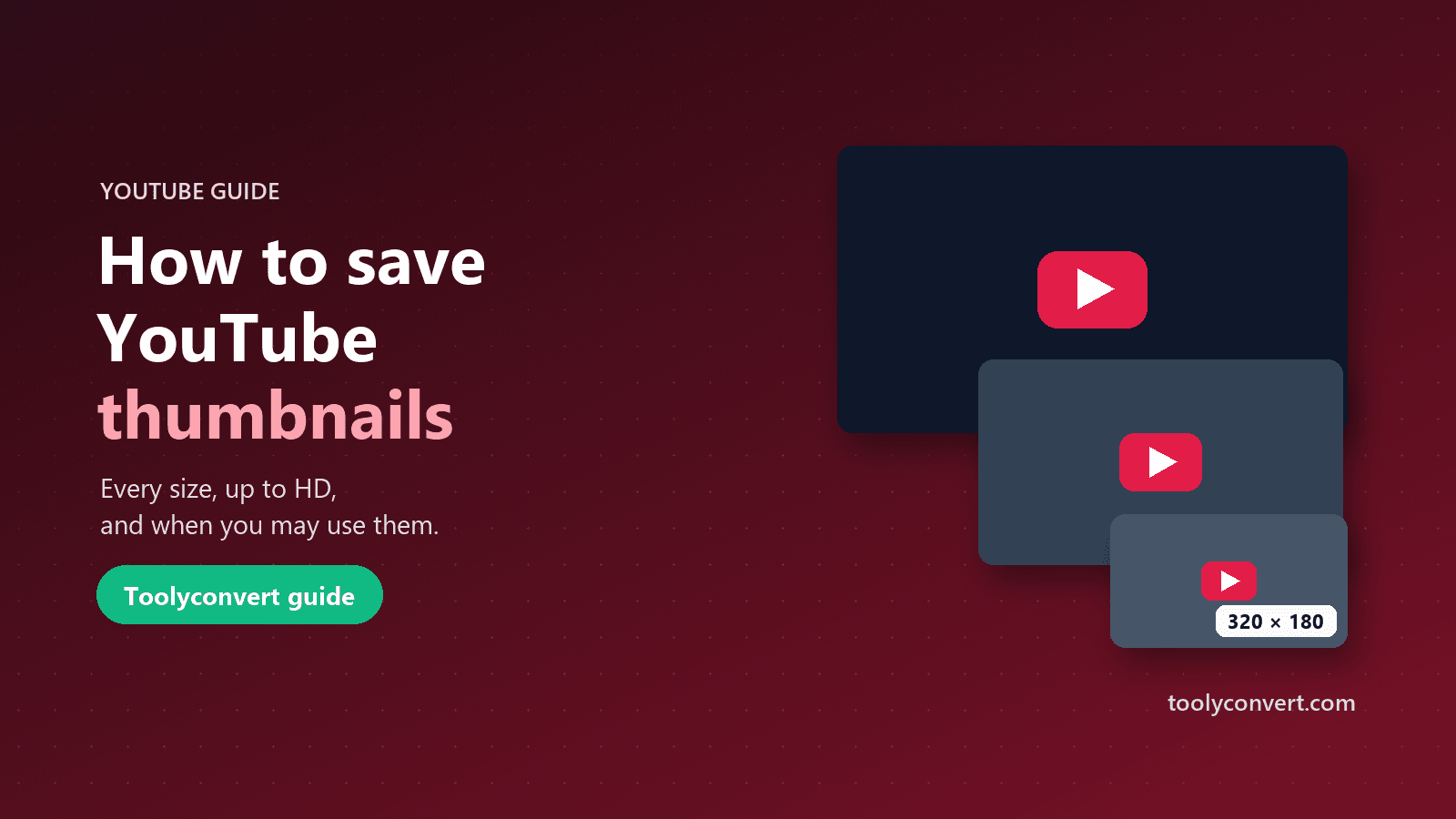
Every thumbnail size YouTube creates, how to save the largest one a video really has, what you may and may not do with it, and what to learn from great thumbnails.
Read article









