Flip Image
Mirror images horizontally or vertically in seconds for corrected selfies, creative designs, and visual editing projects.
Mirror images horizontally or vertically in seconds for corrected selfies, creative designs, and visual editing projects.
Be the first to share your experience
About this tool
Flip Image is a free online tool for mirroring photos and graphics horizontally or vertically. It is useful for correcting front-camera selfies, reversing scanned artwork, creating reflections, and adapting visual assets. Upload an image, choose the flip direction, and download the result without sending your file to a server.

Select a JPG, PNG, WebP, or another supported image from your device.
Select horizontal flip, vertical flip, or apply both transformations.
Inspect the preview to confirm the orientation is correct.
Download the flipped image in the available output format.
Reverse images left-to-right for selfies, logos, and creative compositions.
Turn an image upside down for reflections and visual effects.
Flip the composition without changing the original image content or dimensions.
Make quick image adjustments from any modern browser.
Mirror photos and graphics for everyday edits and creative work
Reverse front-camera photos so text and familiar visual orientation look natural.
ExampleFlip a mirrored selfie horizontally before using it as a profile photo.
Create reflections, mirrored patterns, and symmetrical compositions.
ExampleFlip a landscape and place both versions side by side for a reflection effect.
Correct artwork, diagrams, or scanned pages that were captured in reverse.
ExampleMirror a scanned logo so its lettering reads in the intended direction.
Adapt illustrations and photos to fit a layout or direction in a presentation.
ExampleFlip a subject so it faces toward the copy in a banner design.
Handle quick personal and professional tasks without switching to specialized desktop software.
ExampleOpen the tool in a browser whenever you need a quick result from your laptop or tablet.
Add the tool to repeatable workflows for documents, media, presentations, and creative assignments.
ExampleUse the tool as one step in preparing an asset for a report, class project, or client deliverable.
Avoid reversed text and get cleaner mirrored designs
A horizontal flip reverses lettering, so inspect signs, labels, and logos before exporting.
Duplicate a flipped image and align the edges to build symmetrical backgrounds.
Flipping preserves the canvas size, making it easy to replace the original asset in a layout.
Rotate ImageRetain the original file or input until you have checked and accepted the exported result.
Check the final output for errors, unexpected changes, or information that should not be published.
Reuse the same preferred options when processing a series of files for a consistent result.
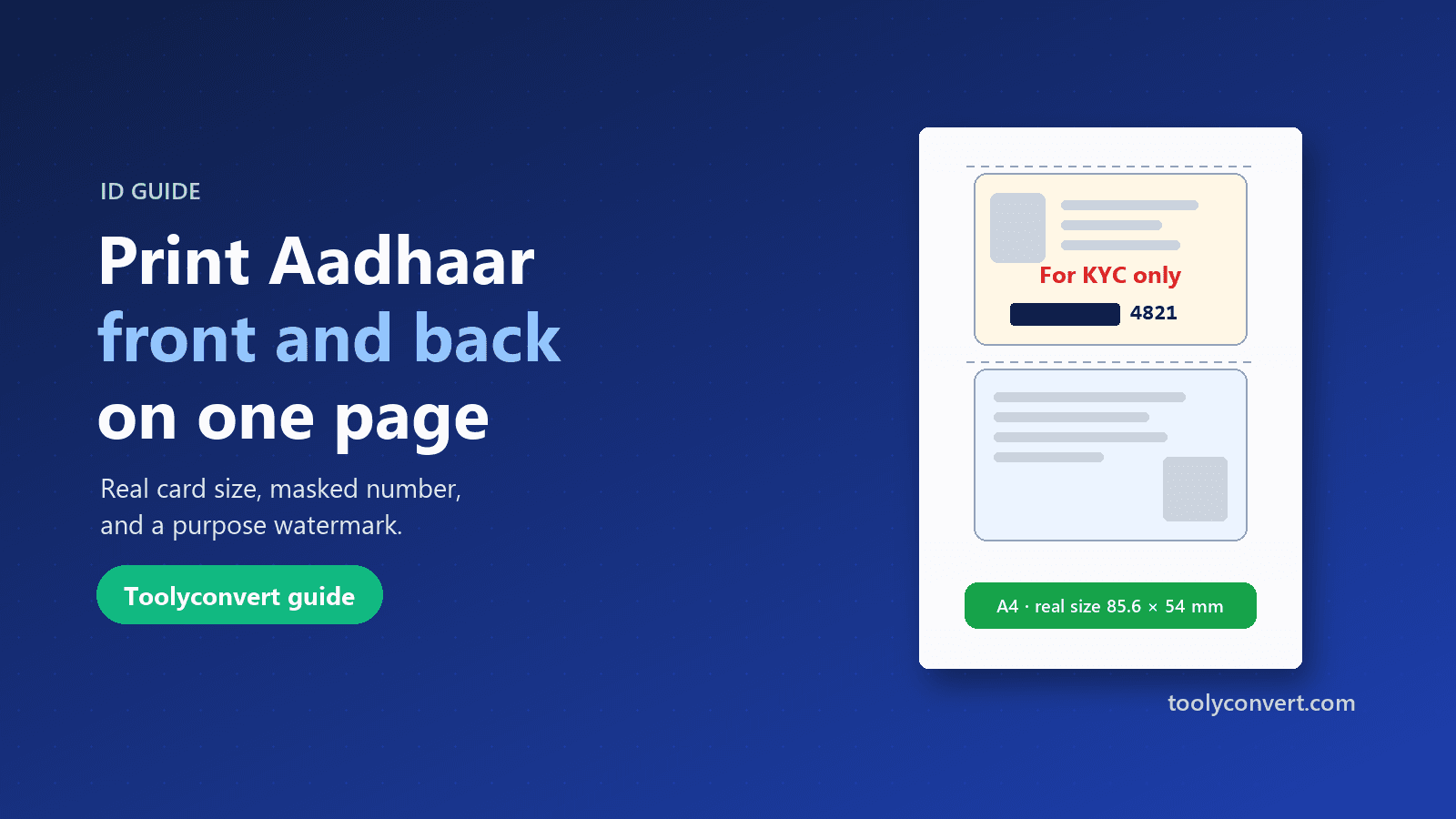
Put both sides of your Aadhaar, PAN, voter ID or licence on one A4 page at real size, open your e-Aadhaar PDF, and make a safer copy with masking and a purpose watermark.
Read article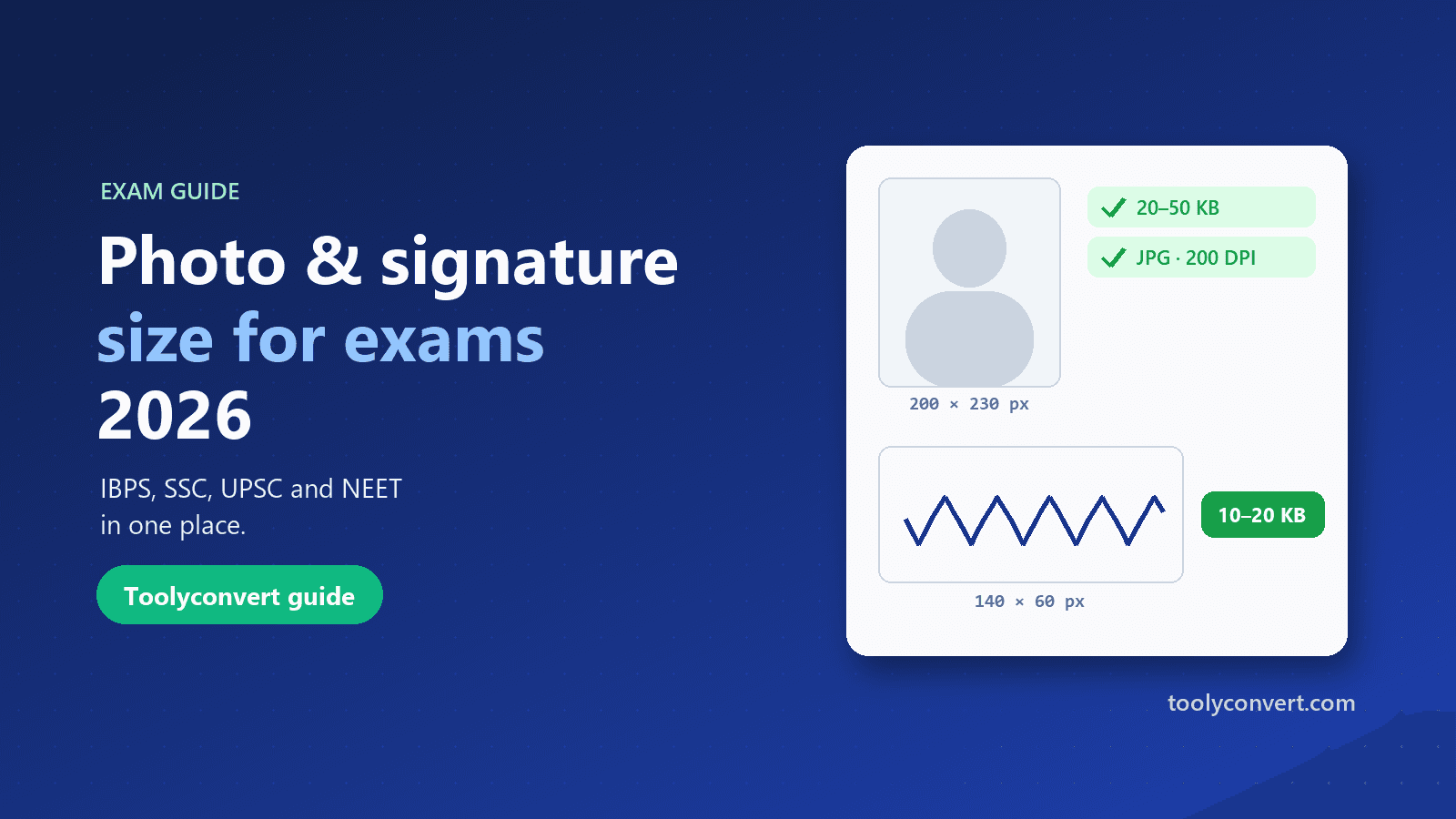
The photo, signature, thumb impression and declaration sizes for IBPS, SSC, UPSC and NEET in one place, and how to prepare each image so it uploads the first time.
Read article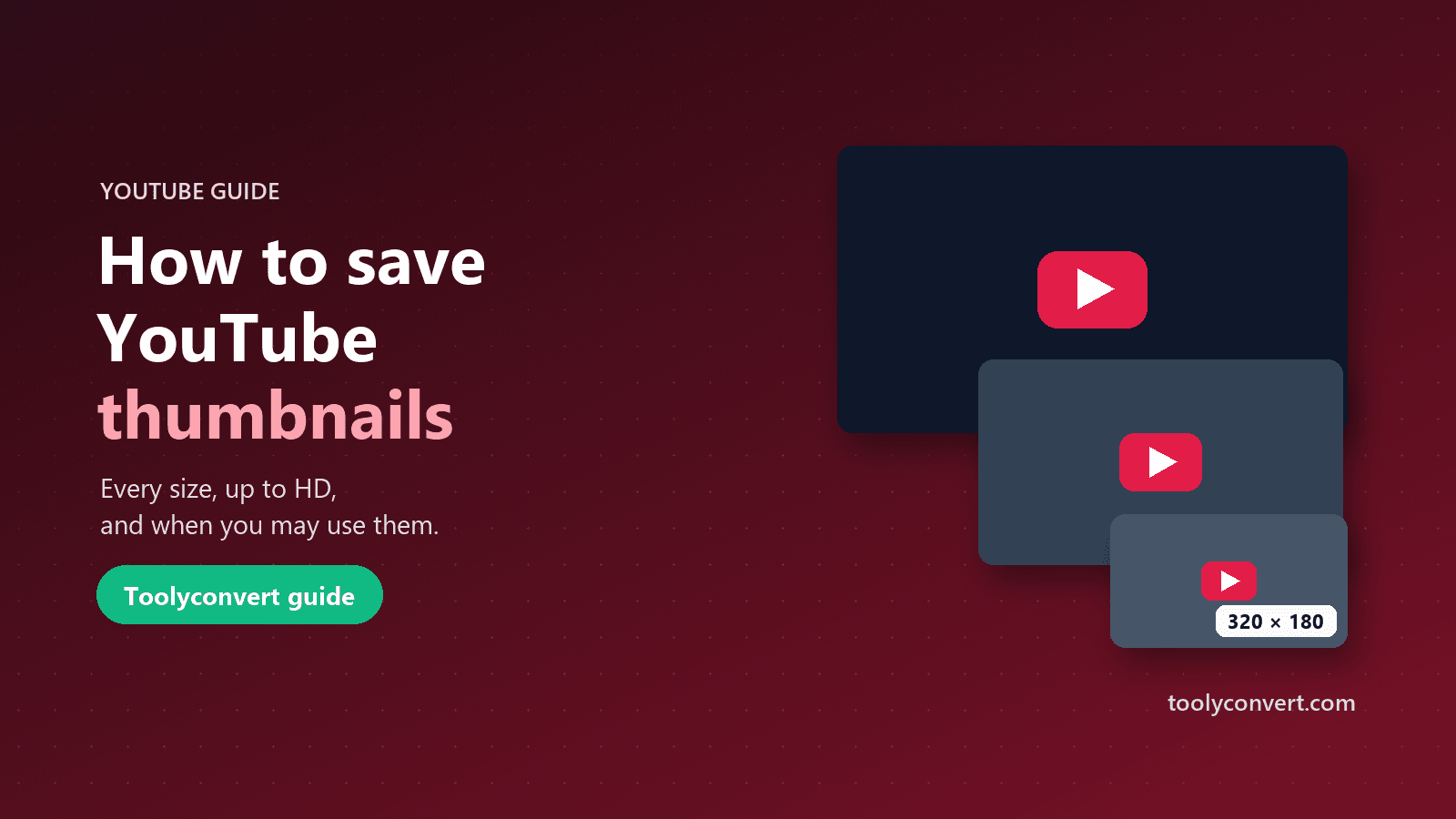
Every thumbnail size YouTube creates, how to save the largest one a video really has, what you may and may not do with it, and what to learn from great thumbnails.
Read article









