Rotate Image
Rotate photos and graphics by 90, 180, or 270 degrees, or enter a custom angle to correct orientation and create new compositions.
Rotate photos and graphics by 90, 180, or 270 degrees, or enter a custom angle to correct orientation and create new compositions.
Be the first to share your experience
About this tool
Rotate Image is a free online image editor for correcting orientation and adjusting the angle of photos, scans, and graphics. Choose a preset rotation or enter a custom value, inspect the preview, and download the corrected image. The tool works in your browser so your files remain on your device.

Upload the photo, scan, or graphic you want to rotate.
Use a preset rotation or enter a custom angle in degrees.
Review the canvas and adjust the angle until the image looks right.
Save the rotated image to your device.
Correct sideways or upside-down photos with one click.
Straighten scans or create a deliberate tilted composition with a precise angle.
Rotate images locally without sending personal photos to a server.
No account, watermark, or desktop application is required.
Correct orientation and create better image compositions in seconds
Fix images captured sideways or with an unexpected camera orientation.
ExampleRotate a landscape photo 90 degrees before sharing it in a gallery.
Straighten or turn scans so pages are comfortable to read and archive.
ExampleRotate a scanned certificate to an upright portrait layout.
Tilt images and illustrations to add energy to posters and social designs.
ExampleApply a small custom angle to create a dynamic promotional graphic.
Correct the orientation of image assets before adding them to a project.
ExampleRotate several downloaded reference images before importing them into a presentation.
Handle quick personal and professional tasks without switching to specialized desktop software.
ExampleOpen the tool in a browser whenever you need a quick result from your laptop or tablet.
Add the tool to repeatable workflows for documents, media, presentations, and creative assignments.
ExampleUse the tool as one step in preparing an asset for a report, class project, or client deliverable.
Get upright photos and clean custom-angle exports
Preset rotations preserve a clean rectangular orientation for most phone photos and scans.
A custom angle between one and five degrees is often enough to correct a slightly tilted scan.
Rotating at an arbitrary angle can leave transparent corners that are easiest to remove with a crop.
Crop ImageRetain the original file or input until you have checked and accepted the exported result.
Check the final output for errors, unexpected changes, or information that should not be published.
Reuse the same preferred options when processing a series of files for a consistent result.
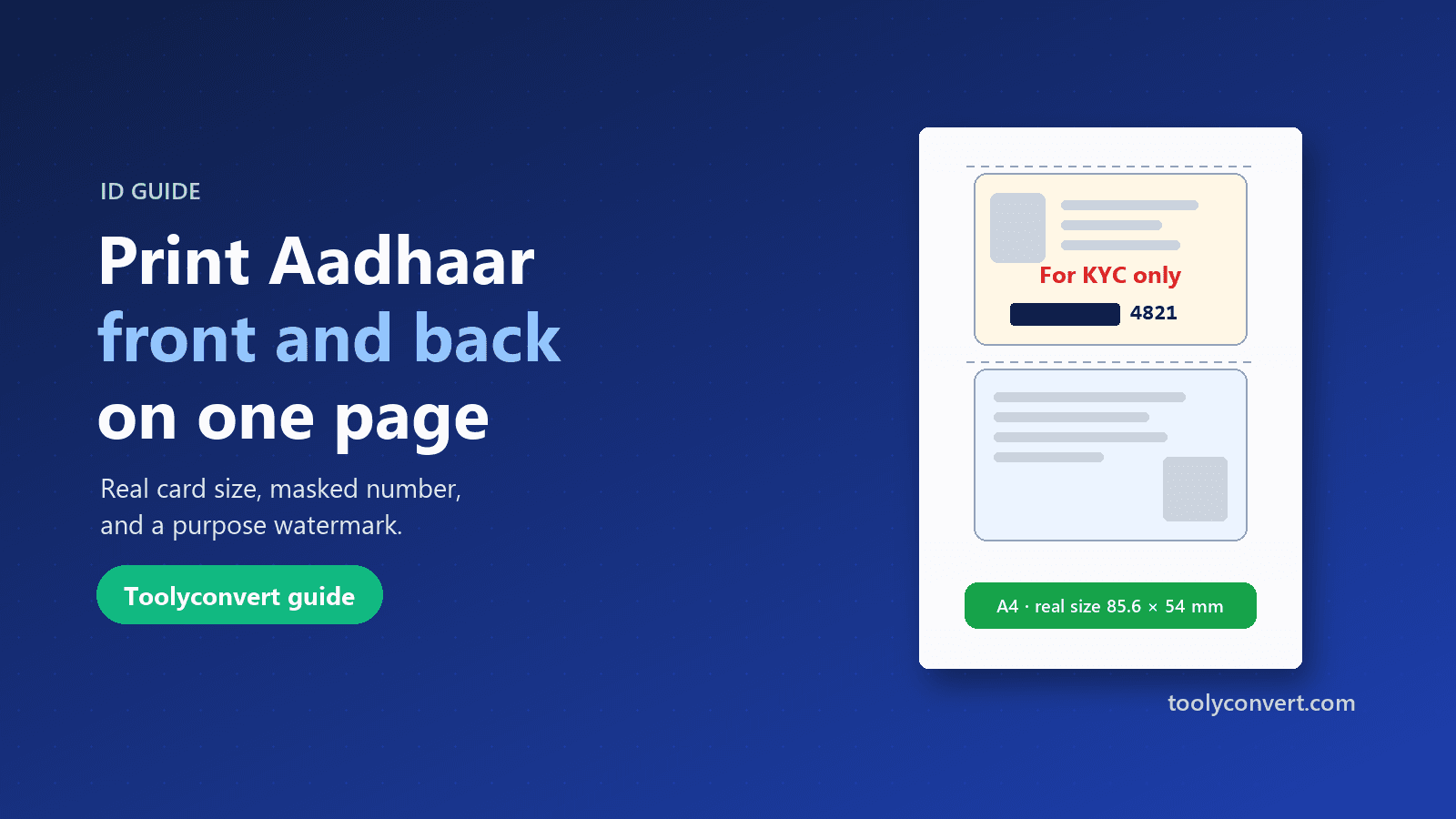
Put both sides of your Aadhaar, PAN, voter ID or licence on one A4 page at real size, open your e-Aadhaar PDF, and make a safer copy with masking and a purpose watermark.
Read article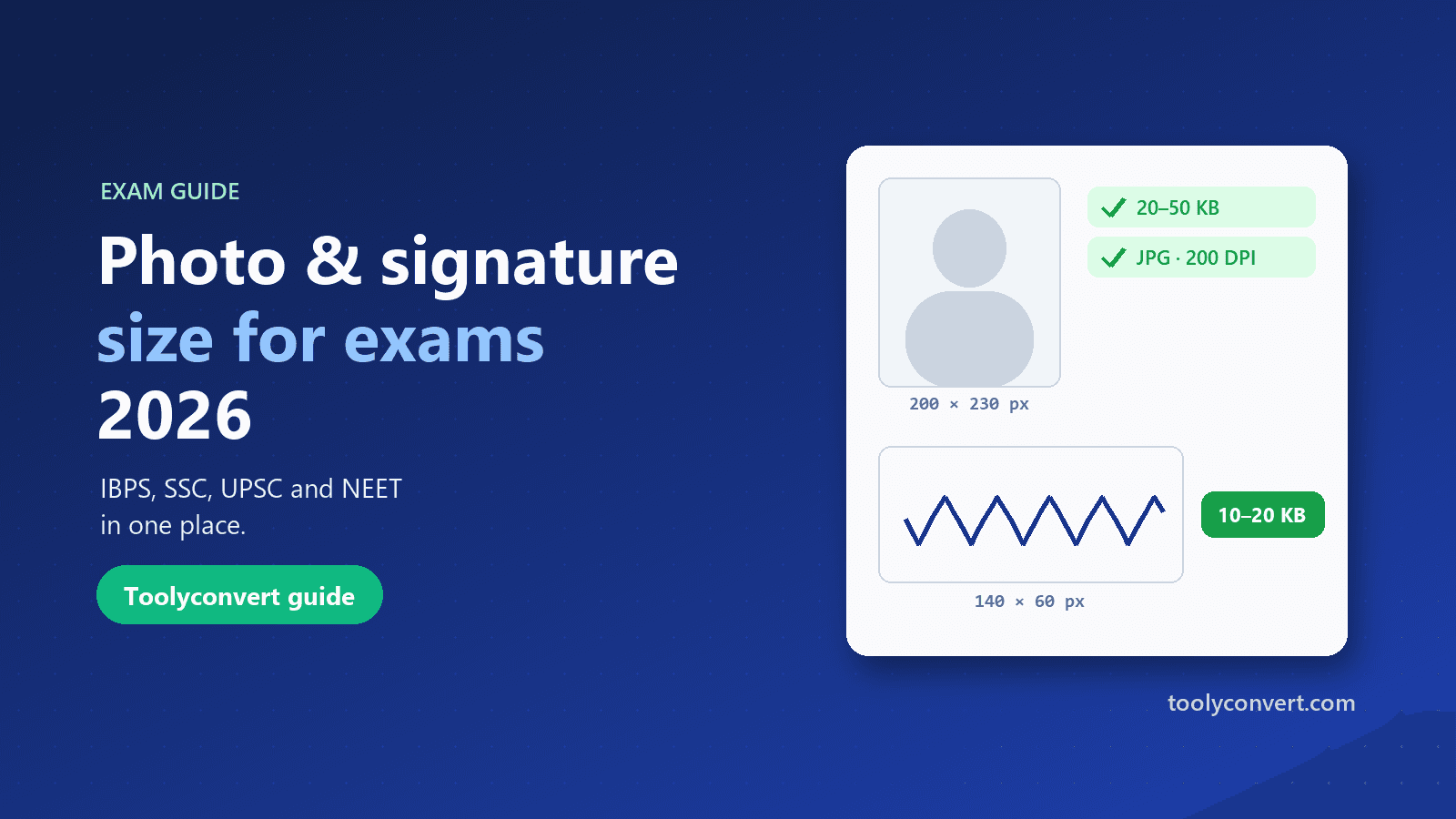
The photo, signature, thumb impression and declaration sizes for IBPS, SSC, UPSC and NEET in one place, and how to prepare each image so it uploads the first time.
Read article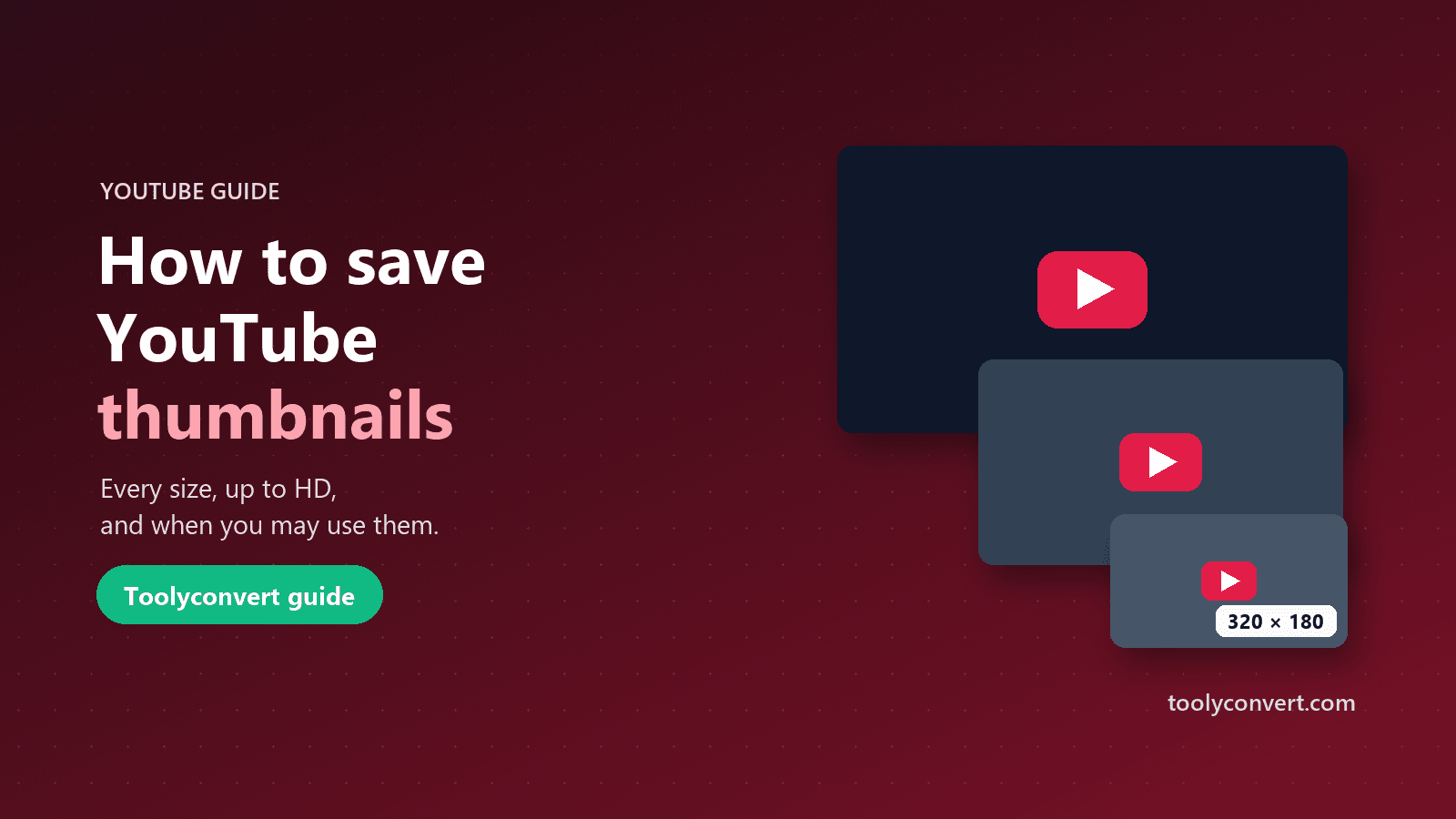
Every thumbnail size YouTube creates, how to save the largest one a video really has, what you may and may not do with it, and what to learn from great thumbnails.
Read article









