Convert Image Format
Convert JPG, PNG, and WebP images between popular formats with adjustable quality and private browser-based processing.
Convert JPG, PNG, and WebP images between popular formats with adjustable quality and private browser-based processing.
Be the first to share your experience
About this tool
Convert Image Format is a free browser-based converter for JPG, PNG, and WebP images. It helps you prepare assets for websites, email, design tools, and social platforms by changing the file format and adjusting output quality. Upload one or more images, choose JPG, PNG, or WebP, and download the converted files without sending them to a server.

Drag in one or more JPG, PNG, WebP, or supported image files.
Select JPG, PNG, or WebP and adjust quality when available.
Start the conversion and let your browser process each image.
Save one converted image or download a ZIP for a batch conversion.
Convert between JPG, PNG, and WebP for editing, sharing, and web publishing.
Process multiple images in one session and download the results together.
Choose a practical quality level for a smaller file or a sharper export.
Images are processed locally without an upload or account.
Convert image files for websites, design work, email, and everyday sharing
Prepare smaller modern image files for faster web pages and media libraries.
ExampleConvert large JPG photos to WebP before adding them to a blog.
Export images in the format required by a design or editing application.
ExampleConvert a WebP reference image to PNG before editing it with transparency.
Change image formats to improve compatibility with email and office software.
ExampleConvert a PNG screenshot to JPG to reduce the size of an email attachment.
Standardize a folder of images for a project or publishing workflow.
ExampleConvert a group of product images to the same WebP format in one session.
Handle quick personal and professional tasks without switching to specialized desktop software.
ExampleOpen the tool in a browser whenever you need a quick result from your laptop or tablet.
Add the tool to repeatable workflows for documents, media, presentations, and creative assignments.
ExampleUse the tool as one step in preparing an asset for a report, class project, or client deliverable.
Choose the right format without sacrificing quality
WebP often provides a useful balance of visual quality and file size for websites.
Choose PNG when sharp transparency or lossless editing is more important than file size.
Compress ImagesPreview the converted file and check fine text, edges, and transparent areas before replacing the original.
Retain the original file or input until you have checked and accepted the exported result.
Check the final output for errors, unexpected changes, or information that should not be published.
Reuse the same preferred options when processing a series of files for a consistent result.
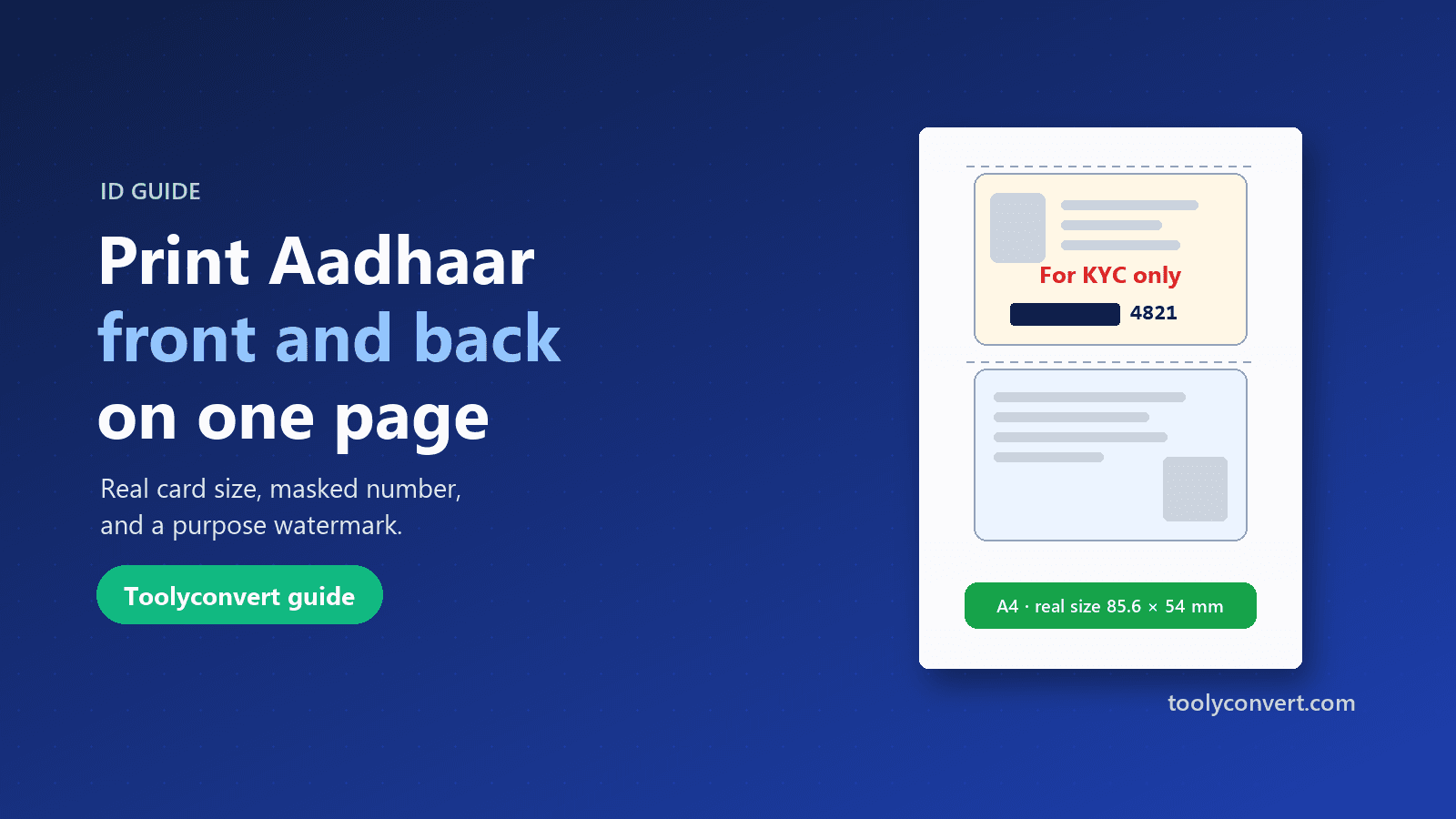
Put both sides of your Aadhaar, PAN, voter ID or licence on one A4 page at real size, open your e-Aadhaar PDF, and make a safer copy with masking and a purpose watermark.
Read article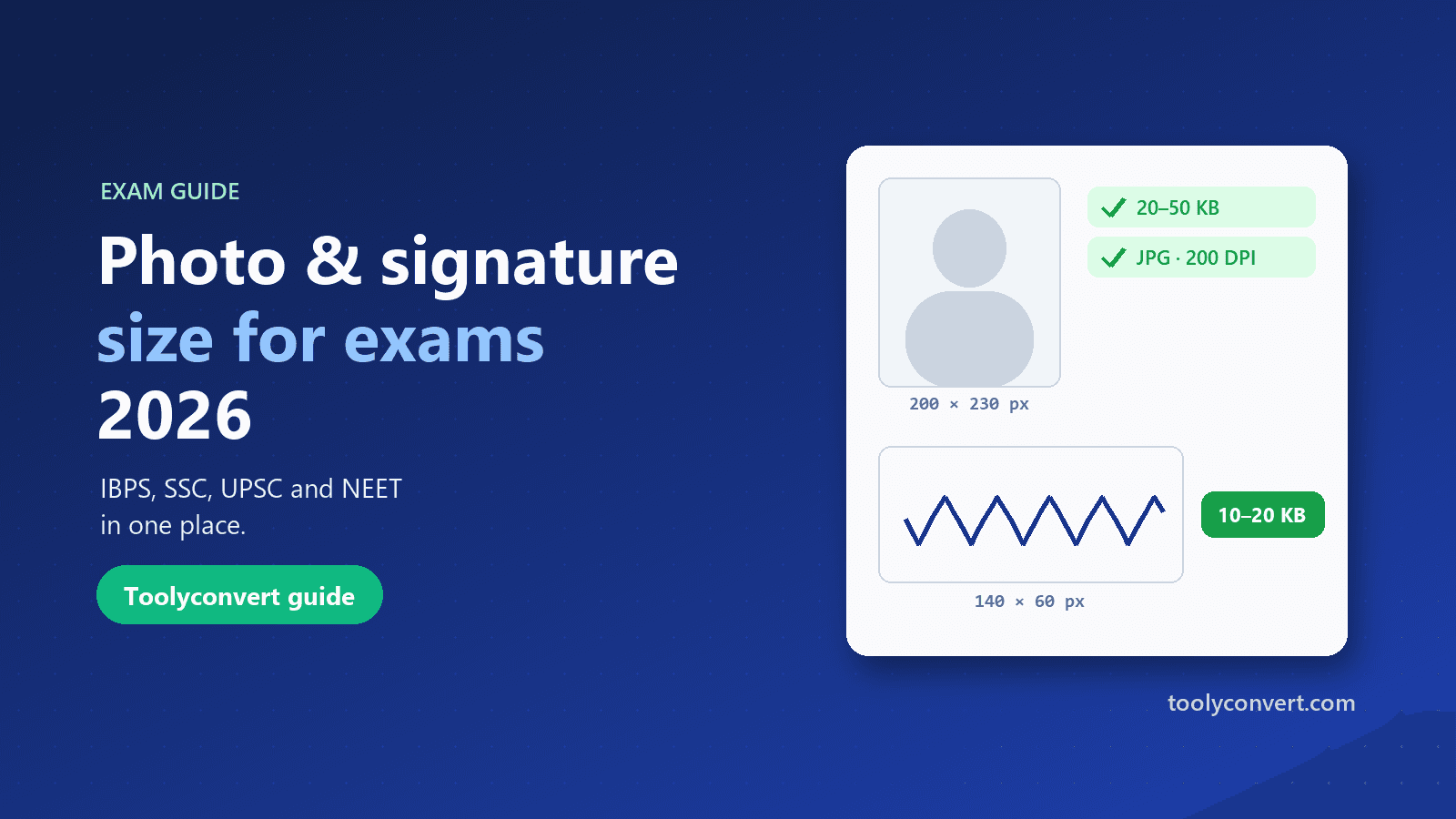
The photo, signature, thumb impression and declaration sizes for IBPS, SSC, UPSC and NEET in one place, and how to prepare each image so it uploads the first time.
Read article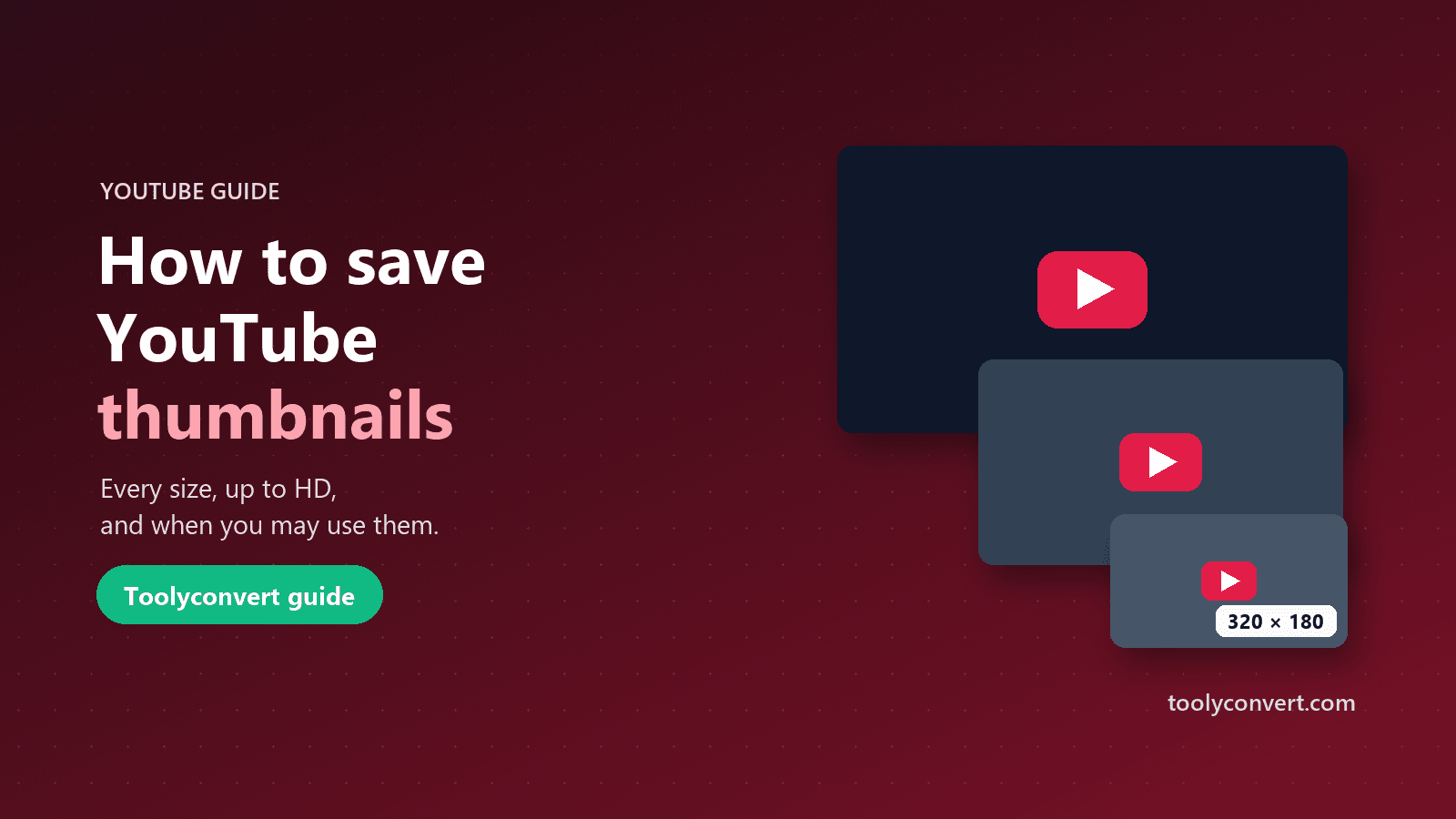
Every thumbnail size YouTube creates, how to save the largest one a video really has, what you may and may not do with it, and what to learn from great thumbnails.
Read article









