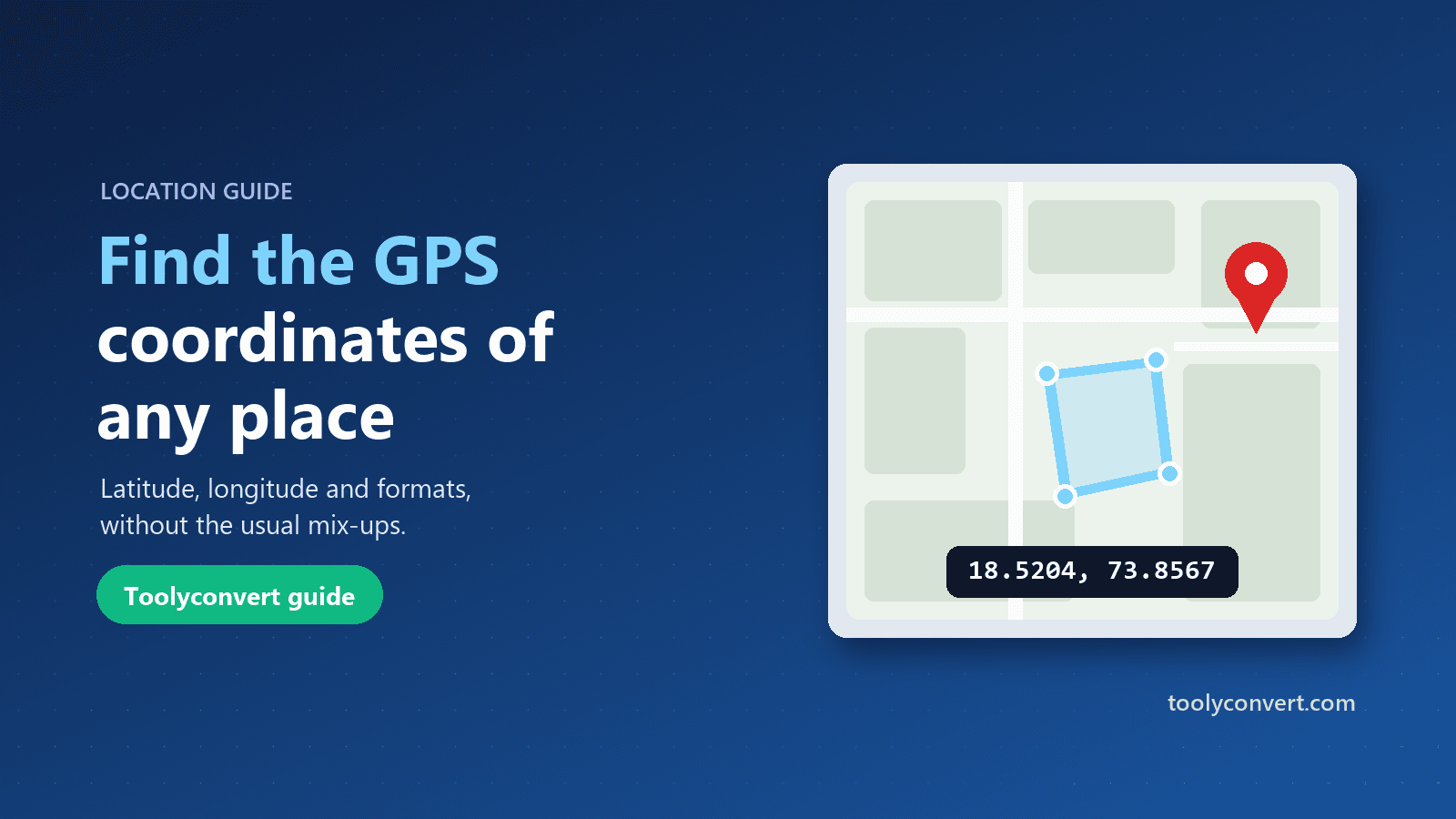
The wedding venue is a farmhouse twenty minutes outside the city. It has a name, but no street number, and every guest who typed the name into their phone last time ended up at a different farmhouse with a similar name, three kilometres away. This time the invitation includes one extra line: a pair of numbers, 18.520389, 73.856694. Everyone arrives at the right gate.
GPS coordinates are the most precise address there is. They work where there is no street name, in any language, on any map app and on every GPS device. This guide explains what latitude and longitude actually are, the different ways they are written, how to find the coordinates of any place, and the mistakes that send people to the wrong side of the world.
Latitude and longitude in plain words
Every point on Earth can be described by two angles.
Latitude says how far north or south you are from the equator, from 0° at the equator to 90° at the North and South Poles. Mumbai is about 19° north; Sydney is about 34° south.
Longitude says how far east or west you are from the Prime Meridian, the line through Greenwich in London, from 0° to 180°. Mumbai is about 73° east; New York is about 74° west.
Together, latitude and longitude pin down a single spot. The system almost every app uses is called WGS84, the same one used by GPS satellites, Google Maps and most navigation devices.
The three common formats
The same location can be written in several ways, which is the root of most confusion.
| Format | Example | Where you see it |
|---|---|---|
| Decimal degrees | 18.520389, 73.856694 | Google Maps, apps, websites, spreadsheets |
| Degrees, minutes, seconds (DMS) | 18°31′13.4″N 73°51′24.1″E | Paper maps, survey documents, older GPS units |
| Degrees and decimal minutes (DDM) | 18° 31.223′ N, 73° 51.402′ E | Marine and aviation GPS, geocaching |
All three describe exactly the same point. One degree contains 60 minutes, and one minute contains 60 seconds, so converting by hand is possible but easy to get wrong.
In decimal format, south latitudes and west longitudes are negative. Sydney is −33.8688, 151.2093 and New York is 40.7128, −74.0060. In DMS and DDM, the letters N, S, E and W do the same job.
How to find the coordinates of a place
Open the GPS Coordinates Finder and use whichever method suits you:
- Type an address, such as a street address, a landmark or a business name. The tool looks it up and shows the matching place; if several places match, pick the right one from the list.
- Paste coordinates you already have, in any of the formats above. The tool understands them with or without degree signs, commas or N/S/E/W letters.
- Use my location to get your own coordinates, with the accuracy shown. Your browser asks for permission first.
- Click on the map after loading it, to get the coordinates of any spot, even one with no address at all.
For every point, you get decimal, DMS and DDM versions, each with a copy button, plus the time zone and the current local time there. Choose Find the address here to look up the nearest street address for any coordinates.
How precise do coordinates need to be?
Each extra decimal place makes a coordinate about ten times more precise.
| Decimal places | Precision on the ground | Good enough for |
|---|---|---|
| 2 (18.52) | About 1 km | A town or district |
| 3 (18.520) | About 110 m | A neighbourhood |
| 4 (18.5204) | About 11 m | A building or plot |
| 5 (18.52039) | About 1.1 m | A gate or doorway |
| 6 (18.520389) | About 11 cm | Survey-level detail |
Six decimal places is more than enough for anything you will share with people. More digits than that suggest a precision that phones and maps do not actually have.
The mistakes that send people to the wrong place
Swapping latitude and longitude. Almost every app expects latitude first. Typing 73.856694, 18.520389 instead of 18.520389, 73.856694 puts the pin in the middle of the Arctic Ocean, nowhere near Pune.
Losing a minus sign. New York at 40.7128, −74.0060 becomes a point in Kyrgyzstan if the minus sign is dropped. When copying coordinates from documents, check the signs or the hemisphere letters.
Mixing formats. Writing 18.31 when you meant 18°31′ is a classic error. 18°31′ is 18.5167 in decimal degrees, about 23 km north of 18.31. Paste the original text into a converter instead of retyping.
Trusting a laptop's location. Computers without GPS estimate their position from Wi-Fi networks or the internet connection, and can be off by hundreds of metres or more. A phone outdoors is far more precise.
Your phone's location, and your photos
Phones record coordinates in more places than people realise. Most photos taken with location services turned on contain the exact GPS position where they were taken, hidden in the file's metadata. Share that photo as a file, and the recipient can see where you were standing, which is usually your home.
The EXIF Viewer & Remover shows whether a photo contains a location, displays it on a map, and removes it before you share the photo. It is worth checking photos of your home, your children's school or anything you sell online.
Your internet connection reveals a much rougher location. The Find My IP tool shows what websites can see: usually your provider's nearest city, not your street.
Practical uses for coordinates
Sharing a meeting point. Coordinates work in every map app and every language, which makes them ideal for venues, trailheads and rural addresses.
Deliveries and pickups. A precise pin at the right gate or loading bay saves drivers from circling a large site.
Hiking and outdoor trips. Convert coordinates between your phone and a paper map or a dedicated GPS unit, which may use a different format.
Property and land. Survey reports often list corner points in DMS. Converting them lets you see the plot on a map, and the Distance & Area Calculator can then measure its area from those same points. Our guide to measuring land area on a map explains how to get reliable results.
Travel across time zones. Every point shows its local time. For planning calls across several cities, the Time Zone Converter shows them side by side.
Privacy and limits
Converting formats, showing time zones and clicking on the map all happen in your browser. Address searches are sent to Google through our server; results are cached for up to 30 days so a repeated search does not need another lookup, and nothing is linked to you. To keep the tool free, each browser can make up to 20 address lookups and load the map up to 15 times a day. Converting coordinates has no limit.
Frequently asked questions
Which comes first, latitude or longitude?
Latitude, then longitude. That is the convention in almost all apps and devices.
Why are some coordinates negative?
In decimal format, negative latitudes are south of the equator and negative longitudes are west of Greenwich.
What coordinate system is used?
WGS84, the system used by GPS, Google Maps and nearly all navigation apps.
How do I get coordinates for a place with no address?
Load the map in the GPS Coordinates Finder and click on the exact spot.
Why is my computer's location wrong?
Without GPS, computers estimate location from networks, which can be off by hundreds of metres. Phones outdoors are far more accurate.
Coordinates are the one address format that never gets lost in translation. Find them, copy them in the format your app expects, double-check the order and the signs, and the GPS Coordinates Finder will make sure everyone ends up at the right gate.