Aadhaar & ID Card Print (Front and Back)
Put the front and back of your Aadhaar, PAN, voter ID or driving licence on one A4 page at real card size. Works with photos and e-Aadhaar PDFs. Mask numbers, add a watermark, print.
Put the front and back of your Aadhaar, PAN, voter ID or driving licence on one A4 page at real card size. Works with photos and e-Aadhaar PDFs. Mask numbers, add a watermark, print.
Be the first to share your experience
About this tool
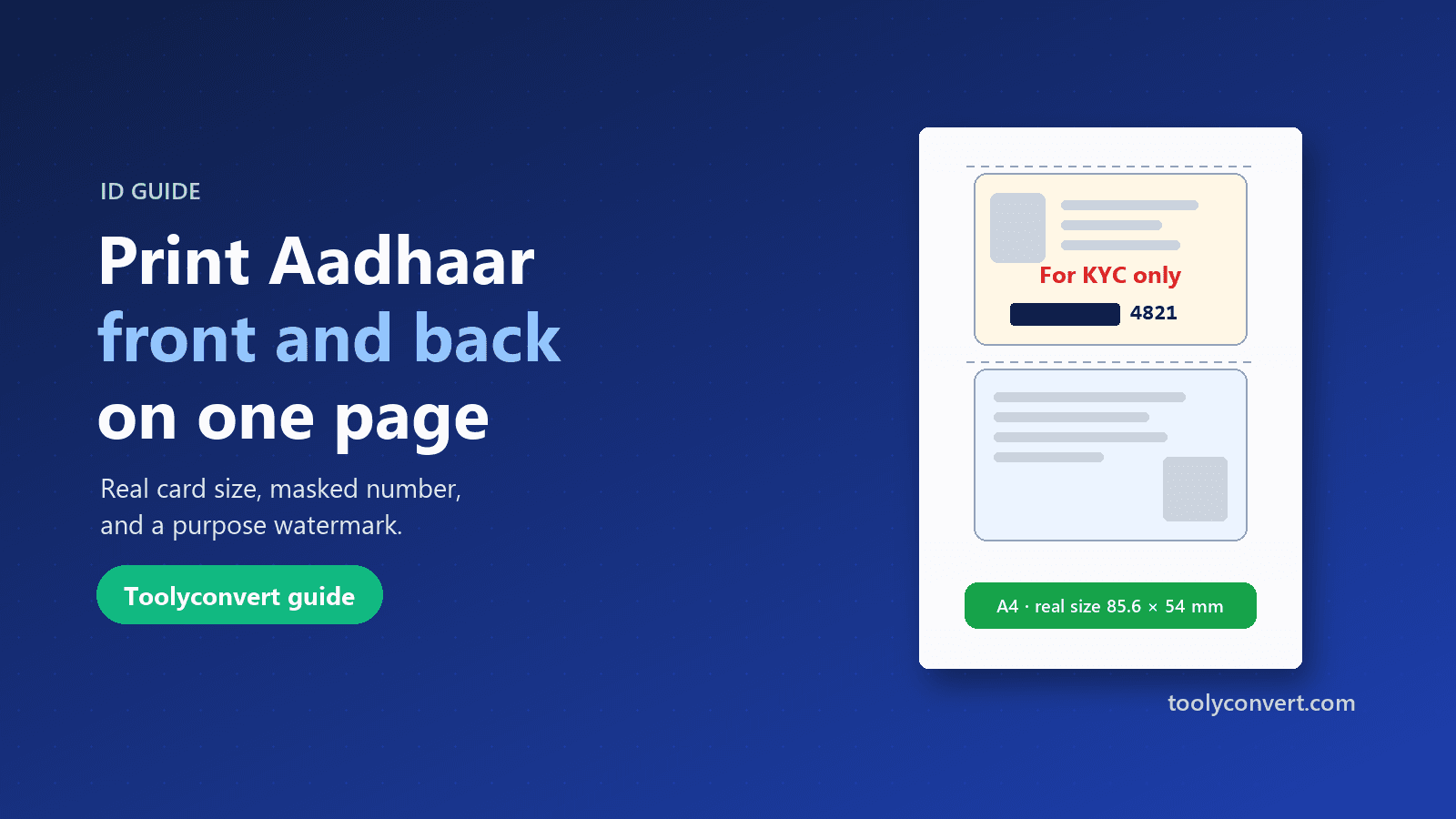
Aadhaar & ID Card Print puts both sides of an identity card on a single A4 page, at the card’s real size of 85.6 × 54 mm, ready to print or share. It works with Aadhaar (including the e-Aadhaar PDF you download from UIDAI), PAN, voter ID, driving licences and any other card the size of a bank card. Add a photo or scan of each side, or open your e-Aadhaar PDF: if it is password-protected, enter the password and it is opened on your device. Then drag and zoom to line up the card with the frame, straighten a slightly tilted photo, or rotate it. The Enhance option brightens phone photos, Black & white saves ink, and dashed cut lines make it easy to cut out. Before you share a copy, you can cover parts of the card, such as the first eight digits of your Aadhaar number, and add a watermark like “For bank KYC only – 02/10/2026” so the copy is harder to misuse. Choose front above back, side by side, or four copies to fill the page, then download a PDF or JPG or print directly. Print at 100% (Actual size) for real-size cards. Everything happens in your browser, so your ID is never uploaded.

A photo or scan of the front and back, or your e-Aadhaar PDF.
Drag, zoom and straighten so the card fills the frame.
Cover private numbers and add a purpose watermark.
Get an A4 PDF or JPG; print at 100% for real size.
Prints at 85.6 × 54 mm, like the original card.
Opens password-protected PDFs on your device.
Cover your Aadhaar number’s first 8 digits.
Mark a copy “for KYC only” with the date.
One clean page for every form
Account opening, loans and updates.
ExamplePrint Aadhaar front and back with “For bank KYC only”.
Copies for landlords and police verification.
ExampleShare a masked Aadhaar with a landlord.
ID copies for joining and enrolment forms.
ExampleFour copies of your PAN on one page.
Quick copies when someone asks for ID.
ExampleSave a PDF on your phone to print anywhere.
Look good, share less
Lay the card on a dark surface and shoot straight down, without flash glare.
UIDAI recommends masked Aadhaar: only the last 4 digits visible.
A watermark like “For SIM KYC only – date” makes misuse harder.
“Fit to page” shrinks the cards; choose Actual size.