APK Signature Checker
See who signed an Android APK, check that it was not changed, and compare SHA-256 fingerprints. Reads v1, v2 and v3 signatures.
Used APK Signature Checker? Share how it went to help others.
About this tool
APK Signature Checker shows who signed an Android app and whether the file is still exactly as it was signed. Every APK carries a signature. Android uses it to make sure that an update comes from the same developer as the app already on the phone. Choose an APK and you see the signing schemes it contains, the certificate with owner, key, dates and serial number, and the fingerprints as SHA-256 and SHA-1, ready to copy. For schemes v2 and v3, which all current apps use, the tool does a real check in two steps. First it verifies the signature itself with the public key from the certificate, for RSA and for ECDSA keys. Then it calculates the digest of the whole file in the way Android defines it and compares it with the signed value. If a single byte was changed after signing, the content is shown as not valid. The old v1 scheme, which comes from Java archives, is read for its certificate, but its content is not checked. Two more signs are pointed out: a debug key, which is used only for testing, and a certificate that has expired. Because anybody can write any name into a certificate, the name alone proves nothing. What counts is the fingerprint. Paste the fingerprint published by the developer, or one from a copy you trust, and the tool tells you whether it is the same key. Developers use the page to find the SHA-256 or SHA-1 value that Firebase, Google Sign-In, Maps and app links ask for, and to see if a build was signed with the right key. The APK is read on your device. Nothing is installed or uploaded. A valid signature does not mean that an app is harmless. App bundles such as AAB, APKS and XAPK have to be unpacked first.

It stays on your device.
Signature and content are checked.
SHA-256 and SHA-1.
Paste a known fingerprint.
Signature and content for v2 and v3.
Copy SHA-256 and SHA-1.
Same key or a different one.
Recognised at once.
Know where an app comes from
Is it from the real developer?
ExampleCompare with the published fingerprint.
Find the SHA-1 of a build.
ExampleCopy it into the console.
Get the SHA-256 for assetlinks.json.
ExampleCopy the fingerprint.
Was the right key used?
ExampleLook for the debug warning.
Was the APK changed?
ExampleLook at Content in the table.
Find out why an update is refused.
ExampleCompare the keys of both versions.
Read it correctly
Names in certificates can be invented.
With Play App Signing, users get an app signed with the key of Google Play, not your upload key.
Android does not need a certificate authority.
A harmful app can have a valid signature.
Senior Software Engineer · Developer of Toolyconvert
Hemant developed APK Signature Checker and tests it on desktop and mobile with real files. He is a senior software engineer from Dehradun, India, building websites since 2014, and designed and developed Toolyconvert end to end.
Last updated 25 November 2026
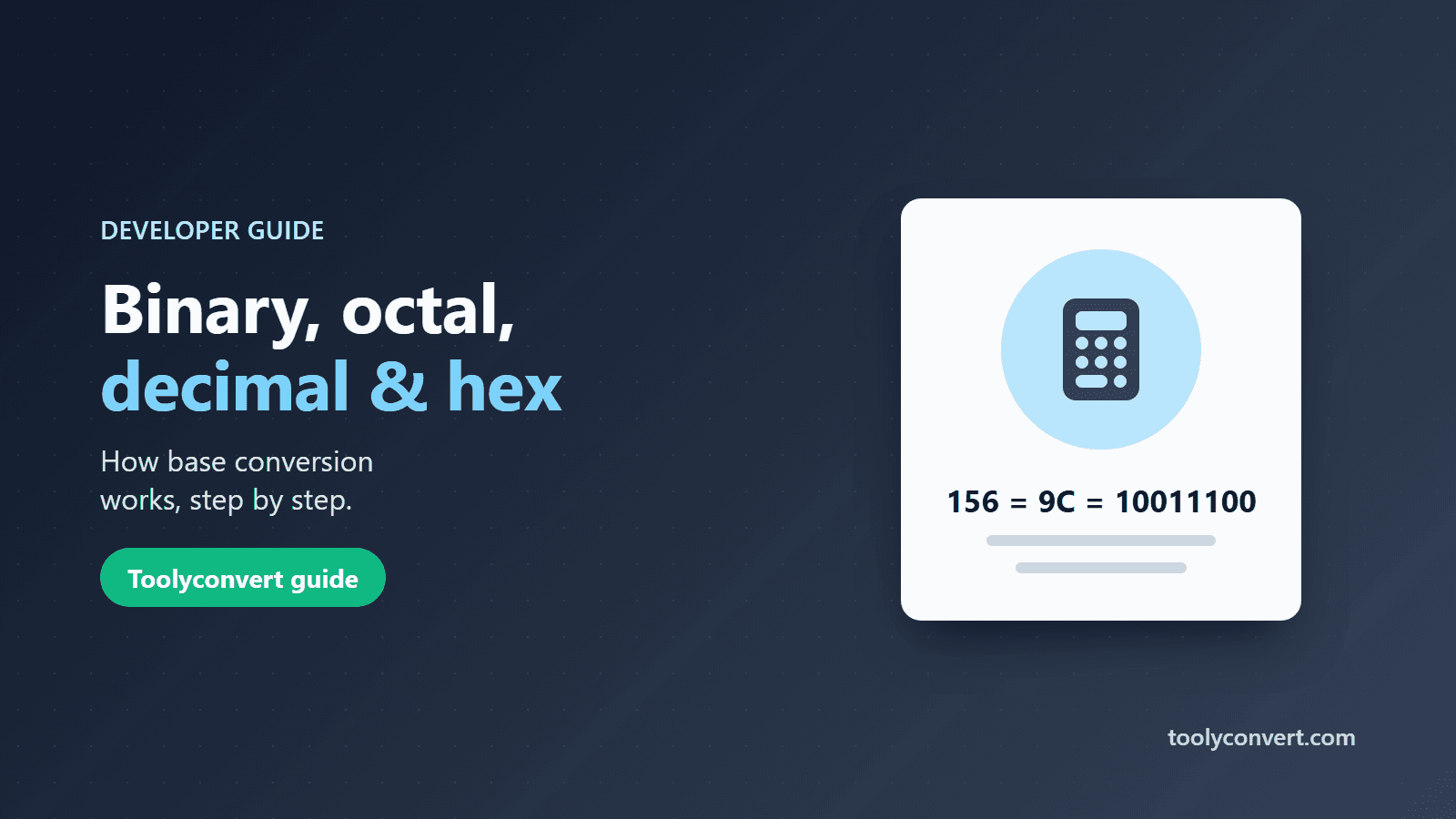
Place values in plain words, step-by-step conversions with worked examples, the binary–hex shortcut, and where each base is used: colours, chmod, IP masks.
Read article
What CSS minification removes, real savings with and without gzip, the selectors and strings that can change, and when to use a build tool instead.
Read article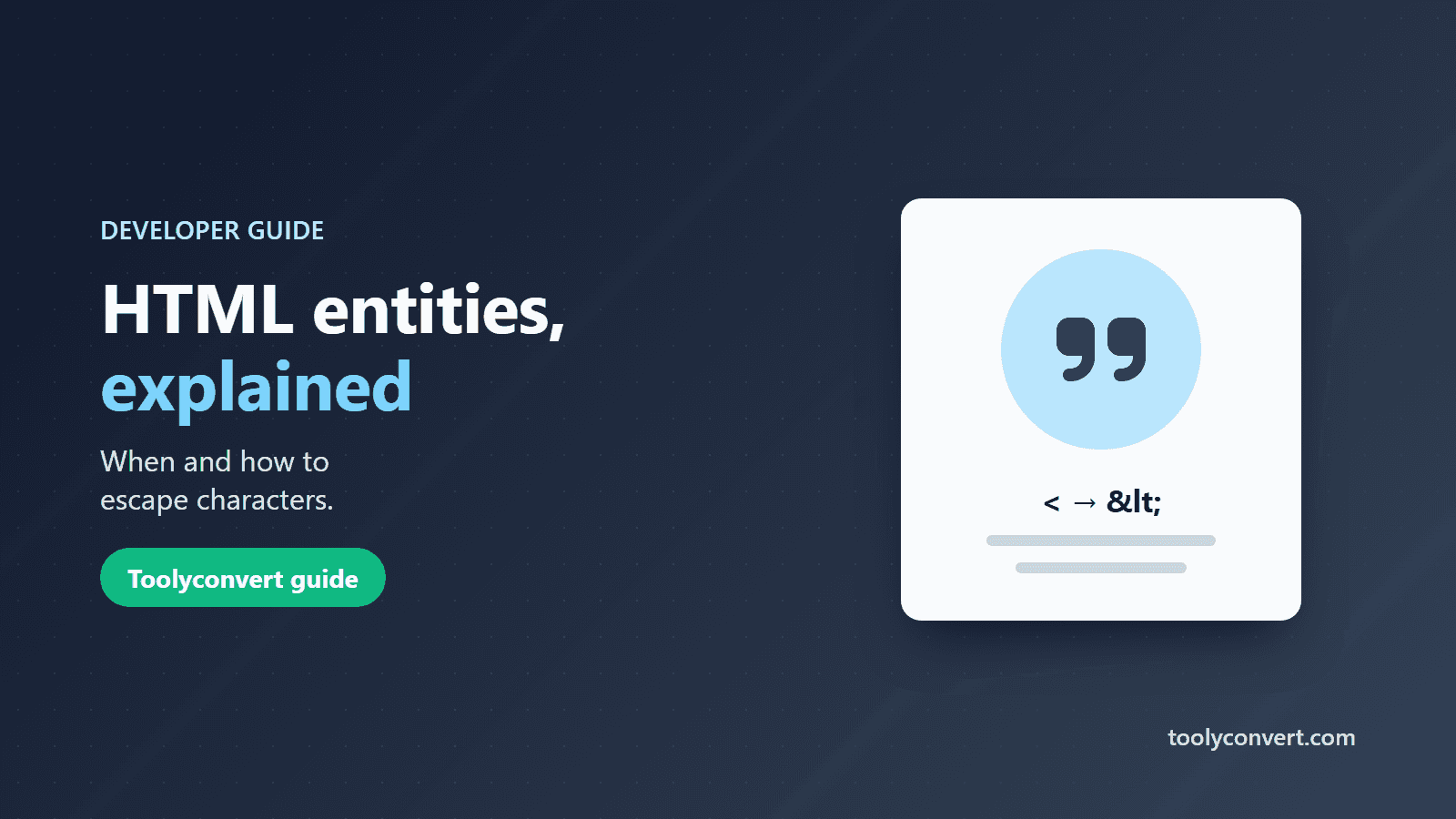
What entities are for, the five characters you must escape, named versus numeric entities, UTF-8, and why escaping is the core of XSS protection.
Read article









