ZIP Extractor
Open ZIP files in your browser. Look inside, preview text and pictures, and unpack one file or all. Passwords and large files work.
Used ZIP Extractor? Share how it went to help others.
About this tool
ZIP Extractor opens ZIP files without any software. Choose an archive and you see all files in it with their folder, size and date. Nothing is uploaded: the file is read on your own device, which is faster than an upload and safe for private documents. The list appears at once even for a very large archive, because only its table of contents is read first. A file is unpacked at the moment you ask for it. Text files, code and pictures can be looked at on the page, so you often do not need to save anything. Use the search to find a file, download a single one, or select several. In Chrome and Edge on a computer, Unpack to a folder saves everything with its subfolders into a folder you choose. In other browsers, up to 30 files can be downloaded one after the other, and you can make a new ZIP that holds only the files you selected. An archive inside another archive opens with one click. Many formats are ZIP files with another name, so the tool also looks into JAR, APK, EPUB and CBZ files and into Word, Excel and PowerPoint documents; a simple way to get all pictures out of a presentation. Archives protected with the classic ZIP password can be opened when you enter the password. Archives with AES protection are shown, but need a program such as 7-Zip. Names with accents and other scripts are read correctly in most archives. Every file is compared with the checksum stored in the archive, so you are told when a download was damaged, and paths that try to leave the folder are made safe. Please note that RAR and 7z are different formats and are not supported, and that a single file can have up to 1.5 GB in a browser.

Or drop it on the page.
Search and preview files.
Or leave it at all files.
To a folder, as files or as a new ZIP.
Works in the browser.
The file stays with you.
Text and pictures on the page.
Classic ZIP protection.
Anywhere, without installing
Open an attachment.
ExampleChoose it and download one file.
Unpack where software is blocked.
ExampleUse a folder or single files.
Find one picture in a big archive.
ExamplePress the eye to look at it.
Get pictures out of a document.
ExampleOpen the docx and look in word/media.
Open a file with a password.
ExampleType it above the list.
See what is inside first.
ExampleLook before you unpack.
Safe and quick
Look at the names first. Be careful with exe, bat and js files.
Use Unpack to a folder in Chrome or Edge.
Search for .jpg and download what is found.
A download that stopped early cannot be opened. Get it again.
Senior Software Engineer · Developer of Toolyconvert
Hemant developed ZIP Extractor and tests it on desktop and mobile with real files. He is a senior software engineer from Dehradun, India, building websites since 2014, and designed and developed Toolyconvert end to end.
Last updated 25 November 2026
Duplicate photos, downloads and old backups quietly fill your drive. Here is how to find exact copies by their contents, decide which to keep and delete the rest without losing anything.
Read article
Turn paper into a clean multi-page PDF using your phone camera and a browser. Lighting, angle and file-size tips so portals accept your scan first time.
Read article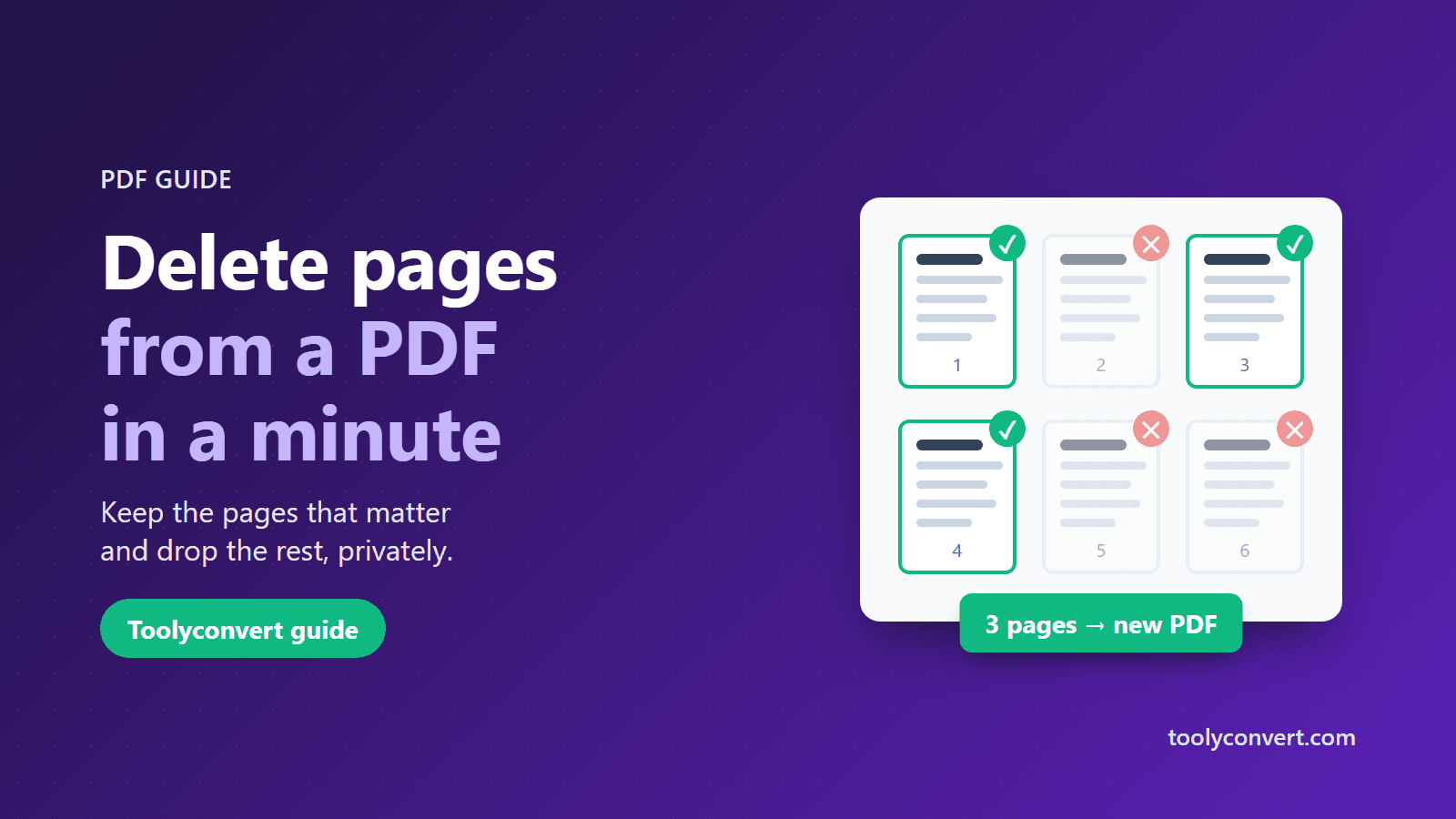
Remove blank, duplicate or private pages from a PDF without uploading it: pick the pages to keep, save a new file, and check it before you send it.
Read article









