ZIP File Creator
Put files or whole folders into one compressed .zip in your browser. Choose the compression level, keep folder structure and see how much smaller it is.
About this tool
A ZIP file bundles many files into one, which makes them easy to email, upload to a portal or share in a chat, and it can also make them smaller. This tool creates ZIP archives on your own device, so your files are never uploaded. Drop files on the page or click Add files, and to keep the structure of a whole folder, click Add a folder or drag the folder in: every file is stored inside the ZIP under its folder path, so the person who opens it sees the same folders you had. If two files have the same name, the second one is kept as “name (2)” instead of being overwritten. The list shows every file with its size and the total, and you can remove any file before creating the archive. Choose the compression level. Normal is the best balance for most files. Maximum squeezes text, documents, code and spreadsheets data a little further at the cost of time. Fast is quicker on big sets, and No compression simply bundles files, which is the right choice for photos, videos and other formats that are already compressed, because compressing them again saves almost nothing. A progress bar follows the compression, and when it finishes you see the size of the ZIP, the original total and how much smaller it is; the tool also tells you when most of your files are already compressed. Name the archive and download it. ZIP files open on Windows, macOS, Android and iPhone without extra apps. Password protection is not available here, because the browser library used cannot encrypt archives safely, so use a dedicated app if you need an encrypted ZIP.

Drop them on the page, or use Add files or Add a folder.
Normal for most files, Maximum for documents, No compression for photos and videos.
Type a name; .zip is added for you.
Watch the progress, see how much smaller it is, then download.
DEFLATE compression with four levels.
Whole folders keep their structure inside the ZIP.
Duplicate names are kept as name (2).
See the ZIP size and how much was saved.
Many files, one tidy download
Attach one ZIP instead of twenty attachments.
ExampleTwelve scanned documents are sent as one documents.zip.
Upload forms that accept a single file.
ExampleA project folder with code and a report is uploaded as project.zip.
Source code, logs and CSVs shrink a lot.
ExampleA 40 MB folder of logs becomes a 4 MB ZIP.
Keep an album together with its folders.
ExampleA wedding album with Day 1 and Day 2 folders is shared as one file.
Archive a folder before cleaning it up.
ExampleOld invoices are zipped by year before being deleted from the laptop.
Deliver final files in one neat package.
ExampleA designer sends logos in PNG, SVG and PDF folders in one ZIP.
Smaller archives, fewer surprises
JPG, PNG, MP4, PDF and Office files are already compressed, so a ZIP of them is only a little smaller. Use No compression to save time.
To really cut the size of a photo set, compress the images before zipping them.
Open Image CompressorAdding a whole folder keeps its subfolders, so the receiver sees the same structure.
This tool does not encrypt. For sensitive files, use an app that creates AES-encrypted archives and share the password separately.
Senior Software Engineer · Developer of Toolyconvert
Hemant developed ZIP File Creator and tests it on desktop and mobile with real files. He is a senior software engineer from Dehradun, India, building websites since 2014, and designed and developed Toolyconvert end to end.
Last updated 12 November 2026
Make a ZIP on any device, keep folder structure, choose the right compression, and understand why some ZIPs barely get smaller.
Read article
Duplicate photos, downloads and old backups quietly fill your drive. Here is how to find exact copies by their contents, decide which to keep and delete the rest without losing anything.
Read article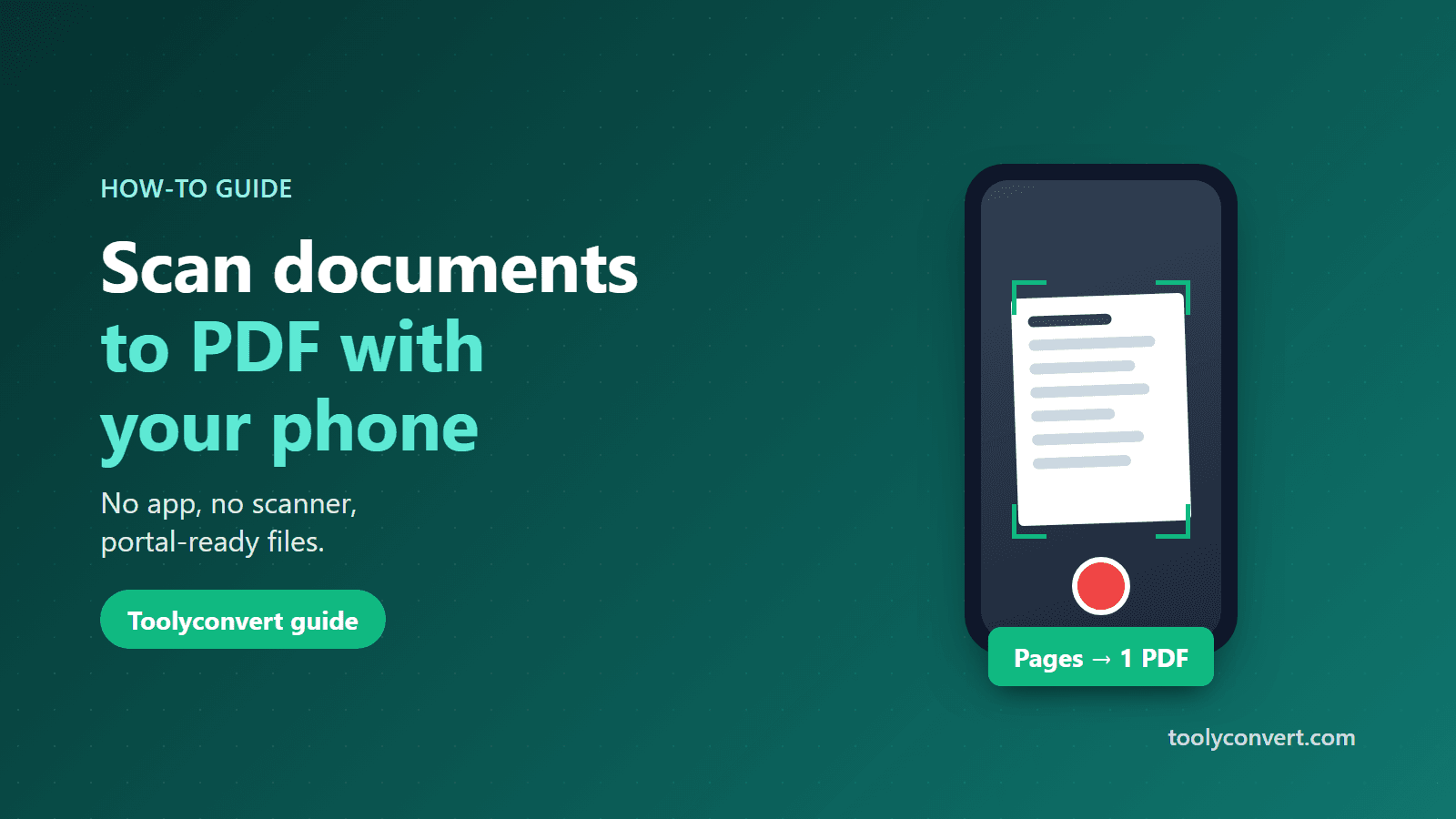
Turn paper into a clean multi-page PDF using your phone camera and a browser. Lighting, angle and file-size tips so portals accept your scan first time.
Read article









