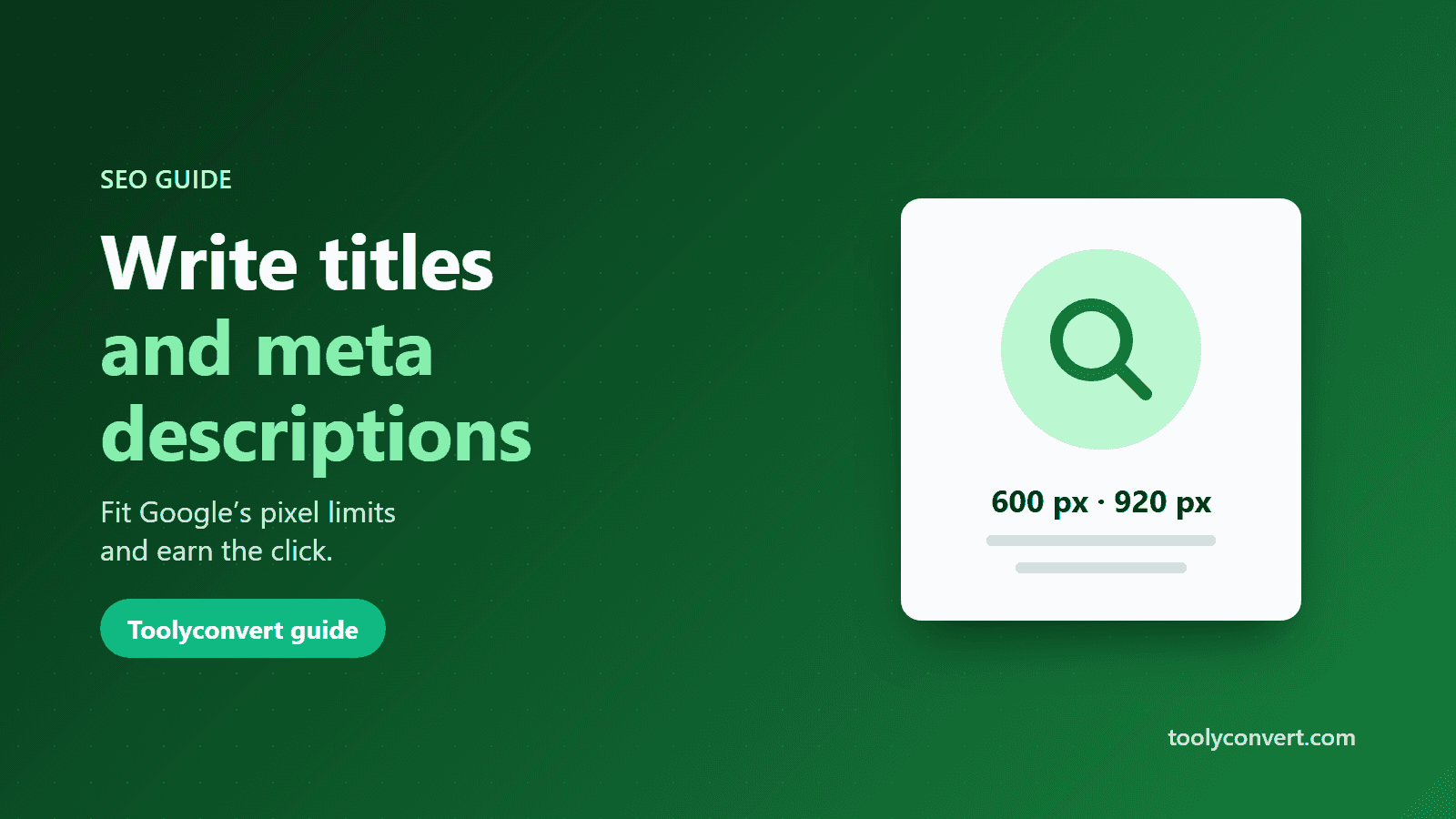
Your page can rank on the first page of Google and still get few visitors if its result does not look worth clicking. The title tag and meta description are the advert for your page in the search results: they are often the only thing a searcher reads before deciding where to click.
This guide explains how Google shows them, how long they should be, and how to write them, with a free SERP Preview to check your work on desktop and mobile.
How Google shows your page
A typical result has three parts:
- Site name and URL (shown as breadcrumbs, such as toolyconvert.com › compress-pdf),
- Title, the large blue link, usually taken from your title tag,
- Snippet, the grey text, often taken from your meta description.
Google may rewrite the title or choose a different snippet from the page when it thinks that better matches the search. Writing a clear title and description makes it much more likely that Google uses yours.
Length: pixels, not characters
Google cuts titles and descriptions by width. Wide letters (W, M) take more space than narrow ones (i, l), so two titles with the same number of characters can be cut in different places.
| Part | Desktop limit | Rough character guide | Mobile |
|---|---|---|---|
| Title | about 600 px | 50–60 characters | similar or a little less |
| Description | about 920 px | 150–160 characters | about 680 px, about 120 characters |
The SERP Preview measures your text in pixels as you type and shows "..." exactly where it would be cut, so you can see which words are lost. Check both Desktop and Mobile: most searches happen on phones, where descriptions are shorter.
A formula for titles
Main topic + what makes it useful + brand
- "Compress PDF to 100 KB Online Free | Toolyconvert"
- "How to Calculate GST: Formulas and Examples | Toolyconvert"
- "Dentist in Pune – Same-Day Appointments | Smile Clinic"
Tips:
- Put the main phrase first, so it survives any cut-off and matches what people searched for.
- Be specific. "Free", "in 2 minutes", "step by step", "with examples" and prices tell people what they get.
- Give every page a unique title. Pages with the same title compete with each other.
- Do not stuff keywords. "PDF Compress, Compress PDF, PDF Compressor" looks like spam and is often rewritten.
A formula for descriptions
What the page does + the benefit + a reason to choose it
"Reduce a PDF to 100 KB, 200 KB or any size for forms and email. Free, no sign-up, and files are deleted right after processing."
Tips:
- Write for the reader, not the algorithm. The description is not a ranking factor; its job is to earn the click.
- Include the main keyword naturally. Google shows words that match the search in bold, which draws the eye. Add a focus keyword in the preview to see the bolding.
- Put the important part in the first 120 characters for mobile.
- Match the page. If the description promises something the page does not deliver, people leave quickly.
Check, copy and publish
- Paste your title, description and URL into the SERP Preview.
- Keep the bars out of the red on both desktop and mobile.
- Add your focus keyword and check it appears in the title and description.
- Click Copy HTML tags and paste them into your page's head, or copy the text into your SEO plugin's fields (Rank Math, Yoast and others).
After publishing, give Google a few weeks, then compare clicks for the page in Search Console. If a page ranks well but gets few clicks, rewriting its title and description is often the fastest improvement.
Beyond the basic snippet
- Structured data can add stars, FAQs or prices to a result. Generate it with the Schema Markup Generator and read our guide to rich results and JSON-LD.
- Social previews for WhatsApp, LinkedIn and X come from Open Graph tags; set them with the Open Graph Generator.
Common questions
Why did Google change my title? It does this when a title is too long, stuffed with keywords, or does not match the page. Make it shorter, clearer and closer to the main heading.
Do I need a meta description on every page? It is strongly recommended for important pages. Without one, Google picks text from the page, which may be less persuasive.
Is the preview exact? It is a close estimate based on the fonts and widths Google uses; Google can always rewrite results.