Open Graph Generator
Generate Open Graph meta tags for Facebook and LinkedIn sharing. Free, private, browser-based OG tag generator tool.
Generate Open Graph meta tags for Facebook and LinkedIn sharing. Free, private, browser-based OG tag generator tool.
Be the first to share your experience
About this tool
Open Graph Generator is a free, browser-based tool that lets you generate Open Graph meta tags for Facebook and LinkedIn sharing. Open Graph (OG) meta tags define the title, description, URL, and image that social platforms display when someone shares your content. With this tool, you can create properly formatted OG tags that ensure your links look professional and engaging across all social networks, improving click-through rates and user engagement. Everything runs locally on your device, so your files are never uploaded to a server. There's no sign-up, no watermark, and no limit.

Provide the title, description, URL, and image link for your page.
The Open Graph meta tags are generated instantly as you type, with a live preview of the social media card.
Click copy to save the generated OG tags for implementation on Facebook and LinkedIn.
Ensure your links look great on Facebook, LinkedIn, and other social media platforms with properly formatted Open Graph tags.
View a real-time preview of how your link will appear on social media as you enter your OG tag information.
No software installation required. Everything runs locally in your browser for maximum convenience.
No hidden limits or premium paywalls. Use the Open Graph Generator as much as you need.
Trusted by social media managers, content creators, and marketers worldwide
Ensure blog posts and articles have compelling social media previews that drive clicks and shares.
ExampleGenerate OG tags for your blog posts to ensure they look great when shared on social media.
Optimize all shared links to display the best possible preview on Facebook and LinkedIn.
ExampleCreate OG tags for all your social media posts to ensure consistent, professional previews.
Implement proper Open Graph meta tags on websites and web applications.
ExampleAdd OG tags to your website's head section to control social media previews.
Ensure product pages and promotions display attractive previews when shared on social media.
ExampleGenerate OG tags for your product pages to improve social media engagement and conversions.
Provide professional Open Graph tag generation as part of social media marketing services.
ExampleUse OG tags in client websites to ensure their content looks great on social media.
Trusted by social media and SEO experts globally
Use images that are at least 1200x630 pixels for optimal display on social media platforms.
Keep og:title under 60 characters for best display on social media platforms.
Write og:description that are informative and compelling, under 200 characters.
Always use absolute URLs in og:url to ensure proper linking and sharing.
Test your OG tags on Facebook, LinkedIn, and Twitter to ensure they display correctly everywhere.
Use Facebook's Sharing Debugger tool to validate your Open Graph tags.
Update your OG tags whenever you change your page's title, description, or featured image.
Bookmark Open Graph Generator for quick access to social media optimization.
Use both Open Graph tags and Twitter Card tags for maximum social media optimization.
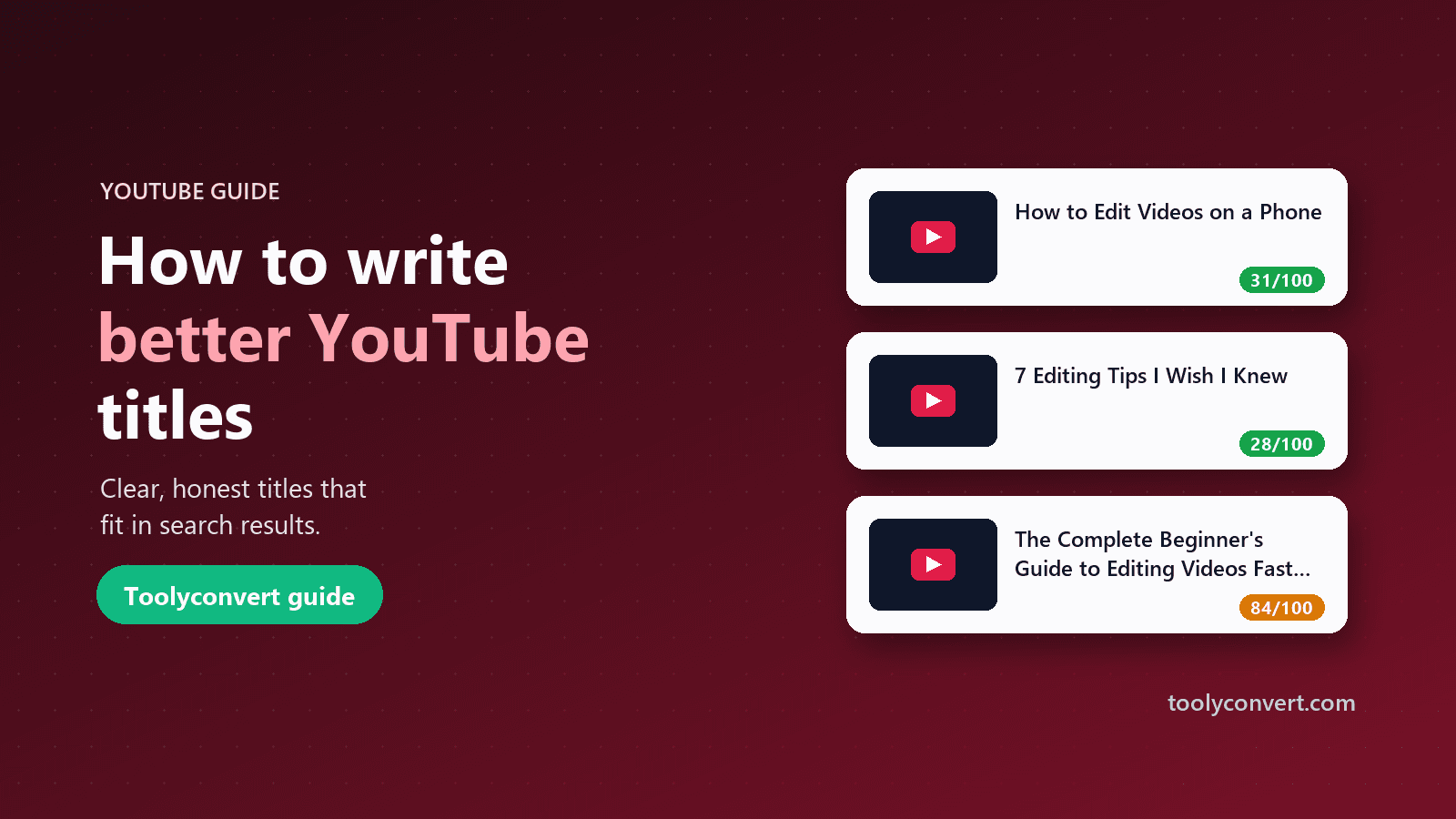
How long a YouTube title should be, the formats that work for most videos, how titles and thumbnails work together, and why honest titles win.
Read article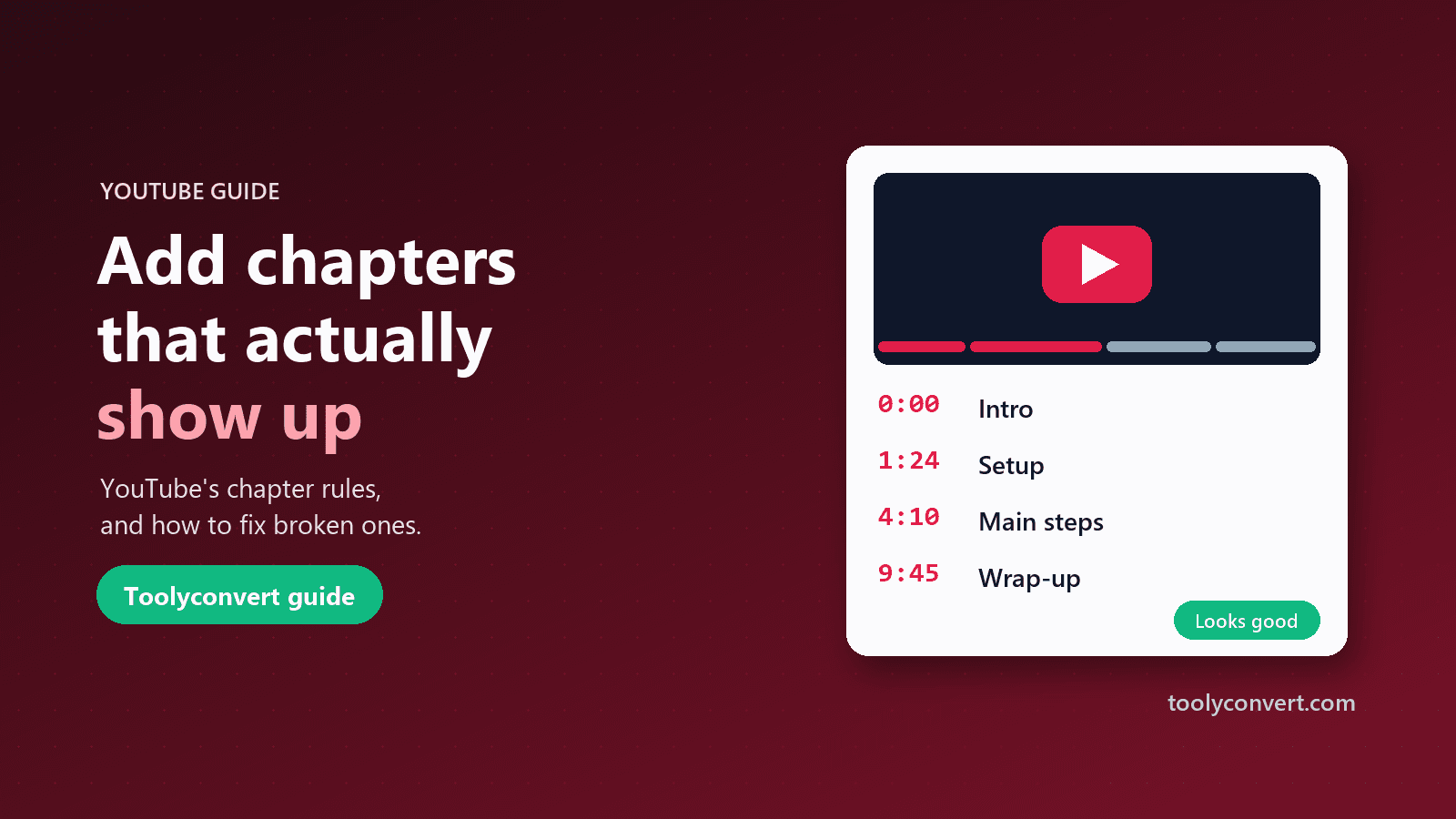
YouTube’s chapter rules, how to write a timestamp list that works, and a checklist for chapters that never appeared on your video.
Read article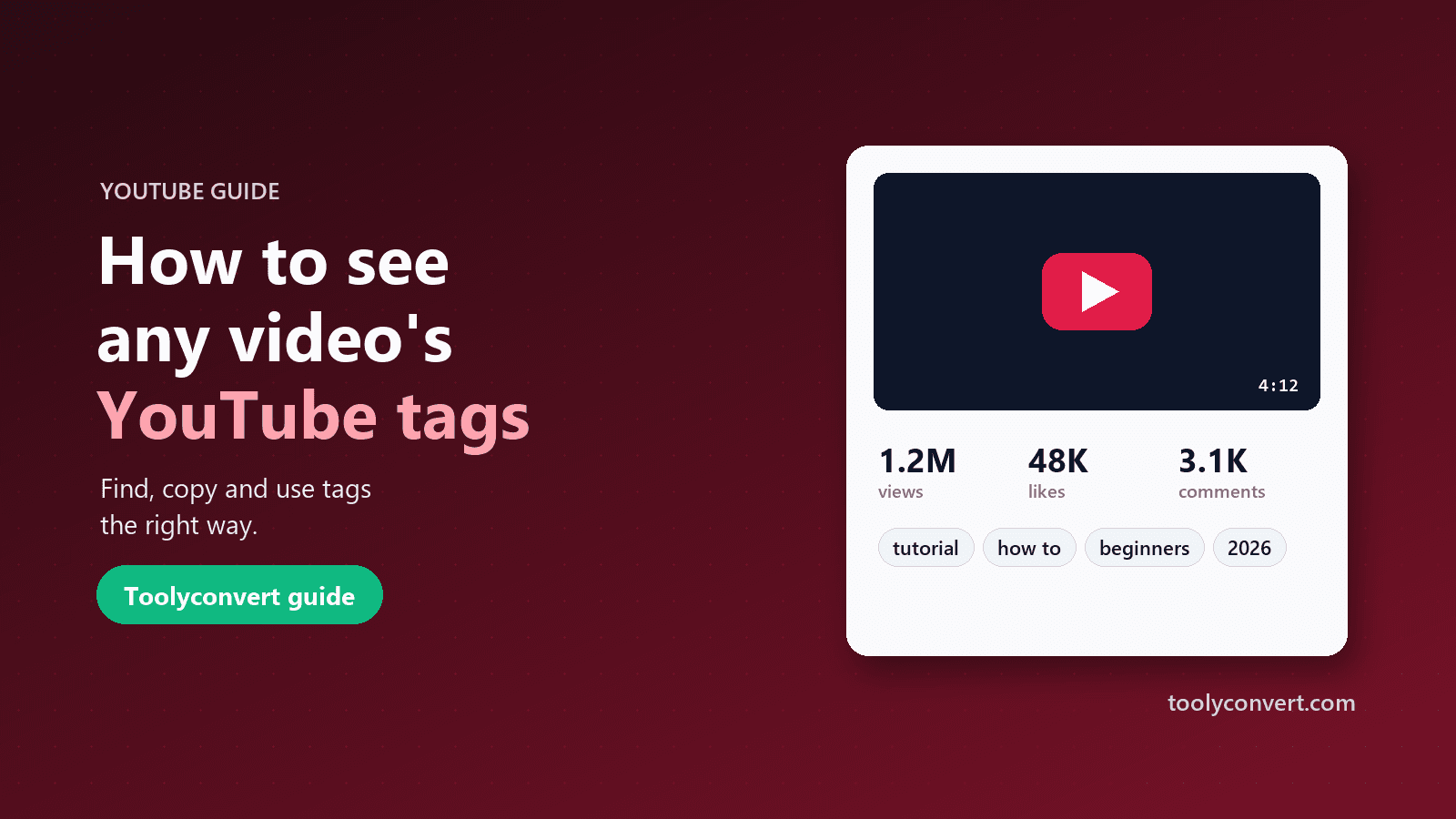
YouTube hides video tags from viewers. Here is how to see and copy the tags on any public video, how much they really matter, and how to use them without tag stuffing.
Read article









