Robots.txt Generator
Generate robots.txt online for free. Create custom robots.txt files to control search engine crawling. No sign-up required.
Generate robots.txt online for free. Create custom robots.txt files to control search engine crawling. No sign-up required.
Be the first to share your experience
About this tool
Robots.txt Generator is a free, browser-based tool that helps you create custom robots.txt files for your website. The robots.txt file is a standard used by websites to communicate with web crawlers and search engines about which pages or sections should or shouldn't be crawled. Our generator provides an easy interface to create robots.txt files with proper syntax, including user-agent specifications, disallow rules, allow rules, and sitemap references. You can generate basic or advanced robots.txt files, preview the output, and download the file instantly. Everything runs locally in your browser, so your website data is never uploaded to a server. There's no sign-up, no watermark, and no limit — just open Robots.txt Generator, configure your crawling rules, and download your custom robots.txt file instantly. Perfect for developers, SEO specialists, website owners, and anyone responsible for website management.

Choose which web crawlers (user-agents) your rules apply to, or use '*' for all.
Specify which pages or directories should not be crawled by search engines.
Specify which pages or directories should be crawled, even if parent directories are disallowed.
Include your sitemap URL to help search engines discover your content.
Create robots.txt files instantly with our intuitive interface.
Robots.txt Generator processes your data locally in the browser. Nothing is uploaded, logged, or stored.
Generate robots.txt files instantly without creating an account or providing any information.
Our generator ensures your robots.txt file has proper syntax and formatting.
Trusted by developers, SEO specialists, and website owners worldwide
Create robots.txt files to optimize search engine crawling and indexing.
ExampleGenerate a robots.txt file to control which pages search engines can crawl.
Block search engines from crawling private or sensitive content.
ExampleCreate a robots.txt file to prevent search engines from accessing admin or login pages.
Control search engine crawl budget by blocking low-value pages.
ExampleGenerate a robots.txt file to prevent search engines from wasting crawl budget on duplicate or low-value pages.
Create robots.txt files for new websites to control initial crawling.
ExampleGenerate a robots.txt file when launching a new website to manage search engine access.
Update robots.txt files during website redesigns to control crawling of new and old pages.
ExampleGenerate a new robots.txt file during a website redesign to manage search engine access.
Block search engines from crawling staging or development environments.
ExampleCreate a robots.txt file to prevent search engines from indexing staging or test websites.
Use robots.txt to manage duplicate content issues.
ExampleGenerate a robots.txt file to prevent search engines from crawling duplicate content.
Use robots.txt to prioritize crawling of important content.
ExampleCreate a robots.txt file to ensure search engines focus on your most important pages.
Block search engines from accessing sensitive or private areas of your site.
ExampleGenerate a robots.txt file to protect sensitive directories from search engine access.
Create and manage robots.txt files for multiple websites.
ExampleGenerate separate robots.txt files for each of your websites with different crawling rules.
Trusted by SEO and web development experts globally
Always test your robots.txt file using search engine tools to ensure it works correctly.
Start with simple rules and add complexity only as needed.
Always include your sitemap URL to help search engines discover your content.
Ensure your robots.txt file has proper syntax and formatting.
Use specific user-agents for different search engines when you need different rules.
Be careful not to accidentally block search engines from crawling important pages.
Update your robots.txt file regularly as your website structure changes.
Use our sitemap-generator tool to create a sitemap to reference in your robots.txt.
Sitemap GeneratorBookmark Robots.txt Generator for quick access to file creation.
Use search engine tools to monitor how your site is being crawled.

How long a YouTube title should be, the formats that work for most videos, how titles and thumbnails work together, and why honest titles win.
Read article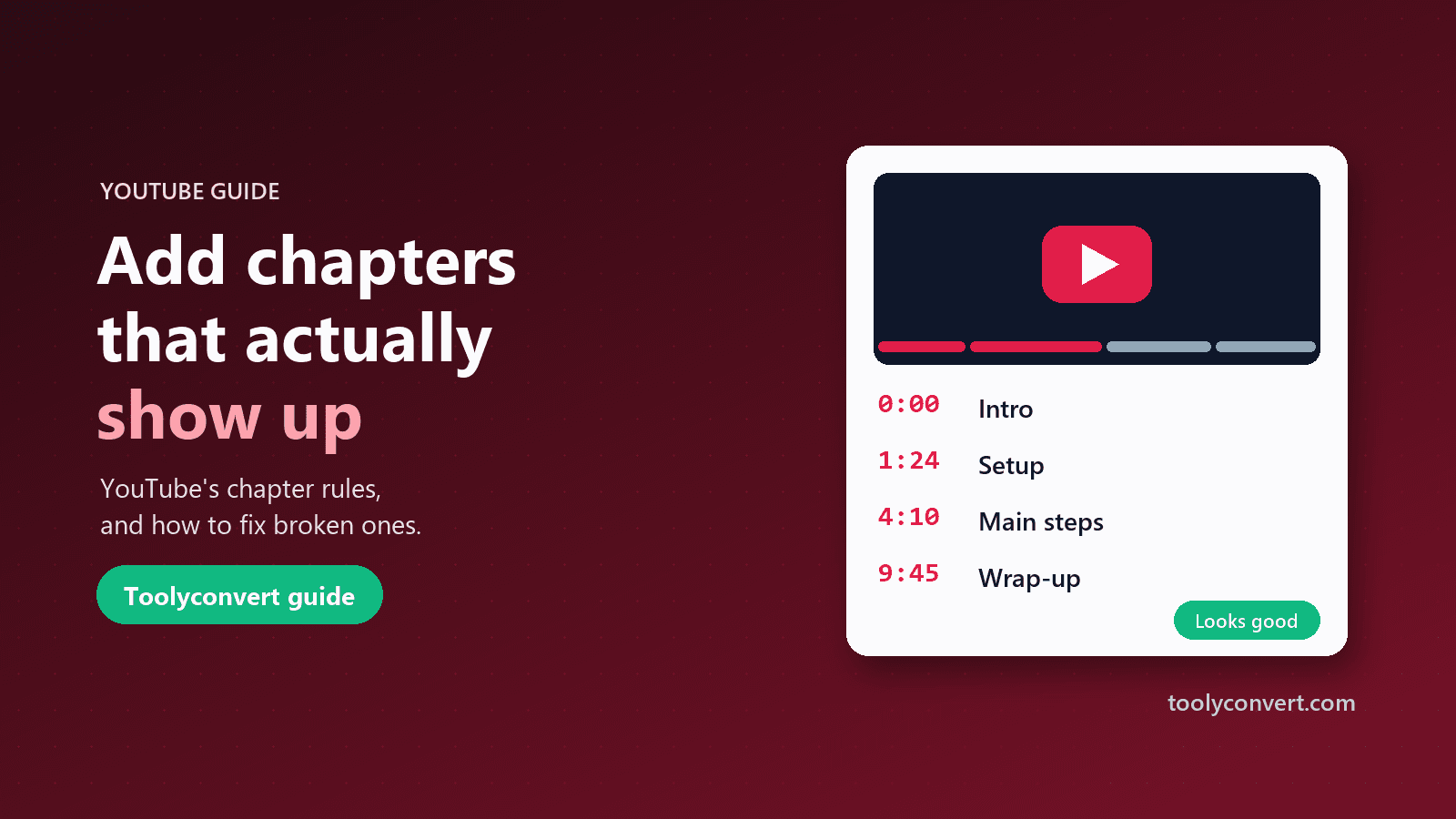
YouTube’s chapter rules, how to write a timestamp list that works, and a checklist for chapters that never appeared on your video.
Read article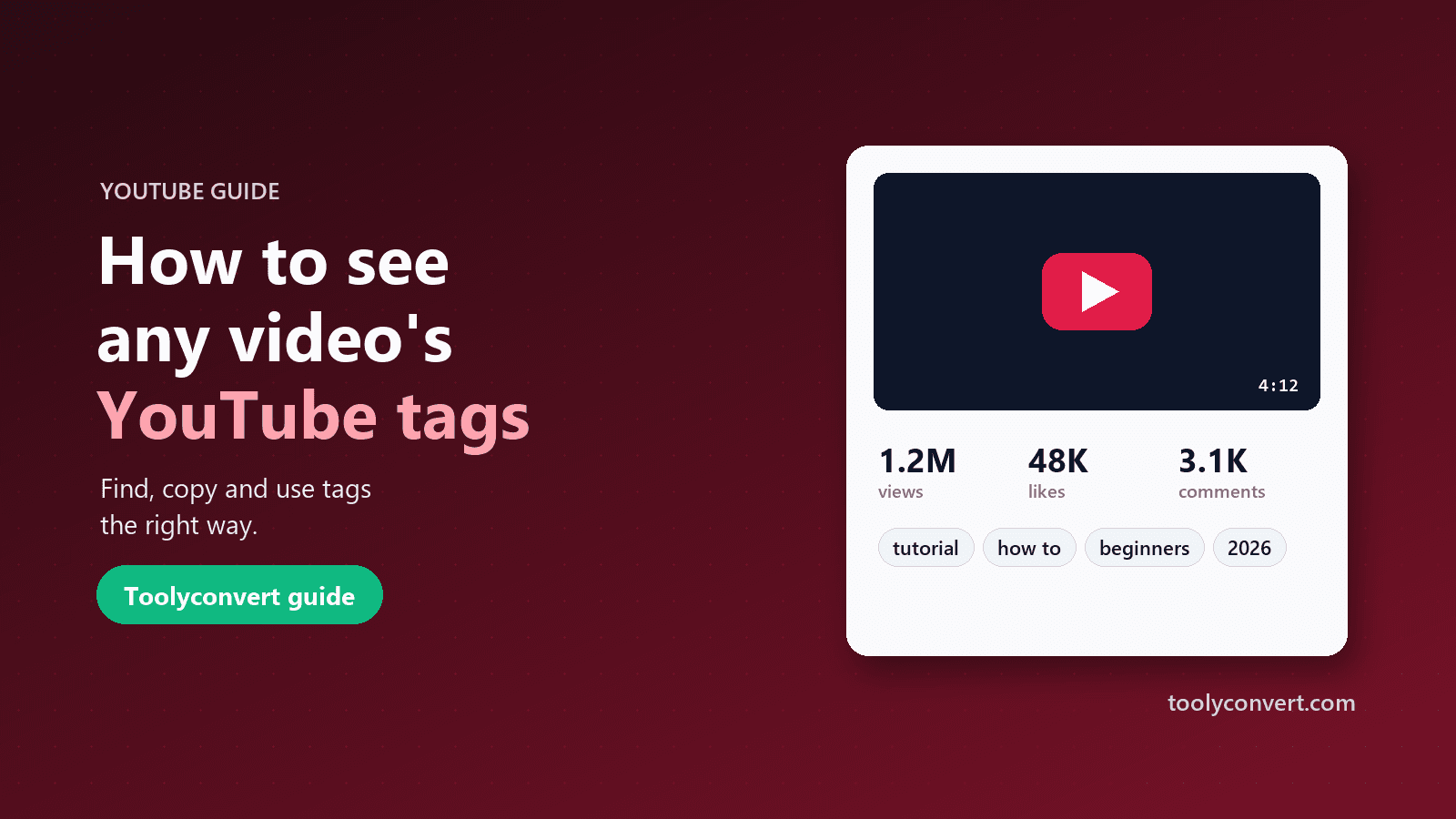
YouTube hides video tags from viewers. Here is how to see and copy the tags on any public video, how much they really matter, and how to use them without tag stuffing.
Read article









