You search for a recipe and one result stands out: a photo, a star rating, the cooking time, the calories. You search for a product and one listing shows the price and "In stock" right there in the results. Those results are not luckier than yours. Their pages include a small block of code, called structured data, that tells Google exactly what the page is about.
If you have ever looked at a competitor's rich result and wondered how they got it, this guide is for you. We will cover what structured data is, which rich results Google still shows, how to write markup that passes, and the quiet mistakes that make pages ineligible.
What structured data actually is
A web page is written for people. Google can read it, but it has to guess which number is the price, which date is the event, and whether "4.8" is a rating or a version number. Structured data removes the guessing. It is a machine-readable summary of the facts on the page, written using a shared vocabulary from schema.org.
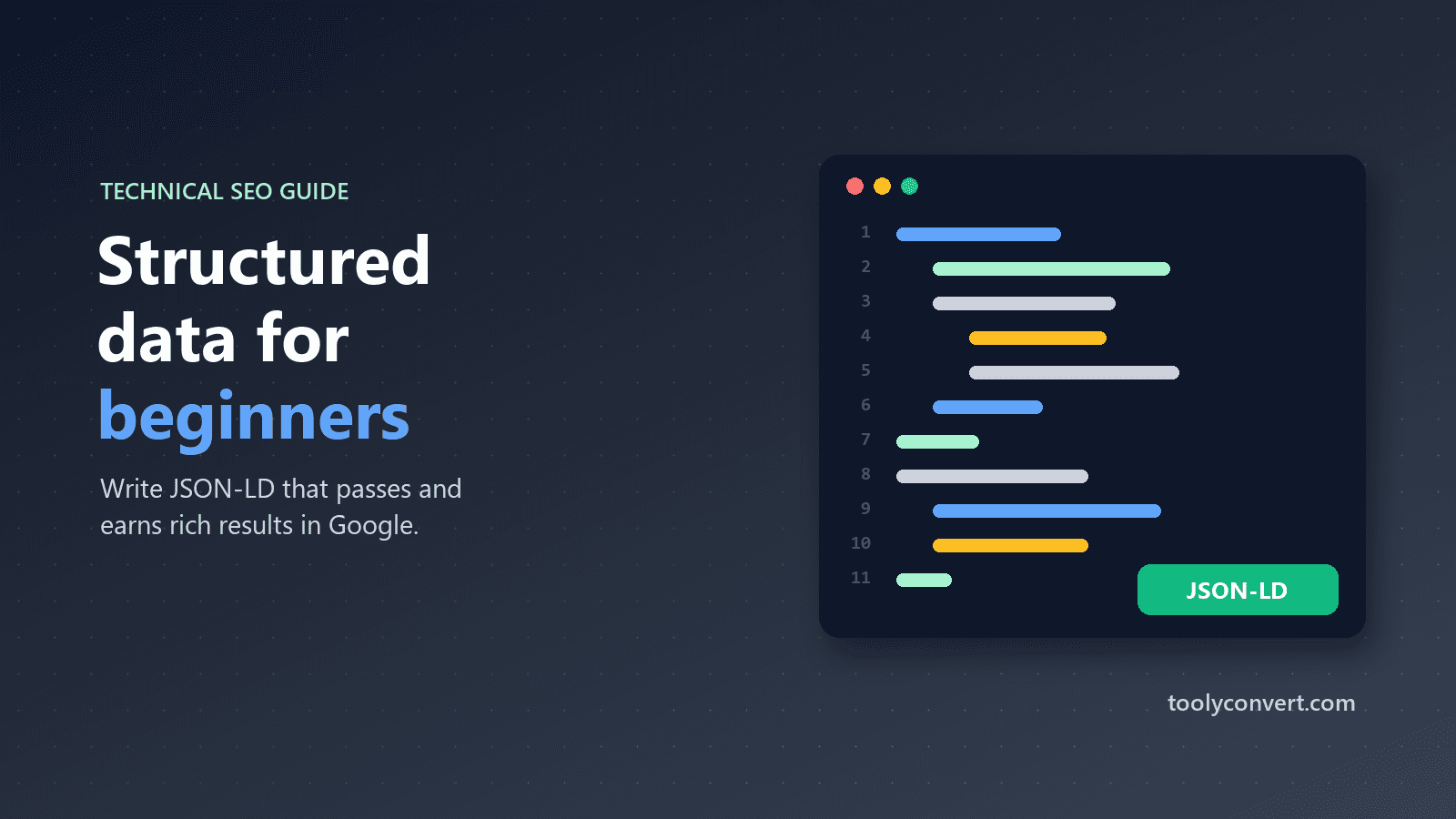
Google recommends writing it as JSON-LD: a block of JSON inside a script tag in the page. It does not change what visitors see, and it can sit anywhere in the HTML.
{
  "@context": "https://schema.org",
  "@type": "Product",
  "name": "Handmade Oak Chopping Board",
  "image": "https://example.com/images/oak-board.jpg",
  "offers": {
    "@type": "Offer",
    "price": "45.00",
    "priceCurrency": "GBP",
    "availability": "https://schema.org/InStock"
  }
}
That is a complete, valid Product. Nothing more magical than that.
Which rich results are worth your time
Google supports many types, but some matter far more than others:
| Type | Where it shows | Good for |
|---|---|---|
| Product | Price, availability, ratings in results and Shopping | Online shops |
| Recipe | Photo, rating, time, calories | Food sites |
| Event | Dates and venue in event listings | Venues, organisers |
| JobPosting | Google's job search experience | Employers, job boards |
| LocalBusiness | Business details and knowledge panels | Shops, clinics, restaurants |
| BreadcrumbList | A readable path instead of a raw URL | Almost every site |
| VideoObject | Video previews and key moments | Pages built around a video |
| Course and SoftwareApplication | Course and app listings | Education and app sites |
Two popular types have changed. Google retired How-to rich results, and it now shows FAQ rich results only for a small number of well-known, authoritative government and health websites. Adding FAQPage markup to a normal business page will not produce the expanding questions it once did. It is not harmful, but do not expect a visible result from it.
Required vs recommended properties
Every rich result type has required properties, without which the page is not eligible at all, and recommended properties, which improve the result.
- A Product needs a
name, plus at least one ofoffers,revieworaggregateRating. If you include an offer, it needs aprice. - An Event needs a
name, astartDateand alocation. - A LocalBusiness needs a
nameand anaddress. - A BreadcrumbList needs a list of items, each with a
positionand aname. - Article types have no strictly required properties, but Google recommends
headline,image,datePublishedandauthor.
Missing a required property is the single most common reason markup "does nothing". The page looks fine, the JSON is valid, but Google silently ignores it.
How to check your markup before Google does
Waiting for Google to crawl a page and then reading a report in Search Console can take days. A faster loop:
- Copy the JSON-LD from your page (View Page Source, then search for
application/ld+json), or from your code editor before publishing. - Paste it into the Rich Results Tester. It checks JSON syntax,
@contextand@type, and the required properties for each supported type, including markup nested in@graph, which most SEO plugins produce. - Fix what it reports, then run the live page through Google's own Rich Results Test for the final word.
If you are writing markup by hand and the JSON itself keeps breaking, the JSON Formatter shows exactly where a missing comma or bracket is.
Writing markup without writing code
You do not have to type JSON-LD from scratch. If your site runs on WordPress, SEO plugins generate much of it for you, and your job is mainly to check it. For custom sites, landing pages or one-off pages, the Schema Markup Generator builds common types from a simple form, so you start with valid structure and only fill in your own facts.
Whichever route you take, keep two things in mind. First, the markup and the page must say the same thing: the same price, the same date, the same name. Second, generated markup is only as good as the data behind it, so an empty product description or a missing image in your shop will show up as a missing property in the markup too.
The mistakes that quietly cost you rich results
Marking up content that is not on the page
Structured data must describe what visitors can actually see. Adding five-star reviews to the markup that do not appear on the page, or a price that differs from the visible one, breaks Google's guidelines and can lead to a manual action. Always mark up the page as it is.
Stale prices and availability
A product marked "InStock" at a price you changed months ago is misleading. If your platform generates markup automatically, check that it updates when the product does.
Duplicate or conflicting blocks
Themes and plugins sometimes both add markup, leaving two Product blocks with different prices. Pick one source. If you manage markup yourself, a single @graph containing every entity, linked by @id, keeps things tidy.
Wrong type for the page
Marking a category page listing twenty products as a single Product, or a blog post as a Recipe to get a photo in results, confuses Google and rarely works.
Blocking what Google needs
If the page, or the images referenced in the markup, are blocked by robots.txt, Google cannot use them. Our guide to robots.txt mistakes that block Google covers how that happens by accident.
Realistic expectations
Valid structured data makes a page eligible for rich results. It does not guarantee them. Google decides based on quality, relevance and the search itself, and it can take days or weeks after recrawling before anything changes.
Structured data also does not directly boost rankings. What it can do is make your result more informative and more clickable, which is valuable in its own right. A listing with price and availability, or with a clear breadcrumb path instead of a messy URL, simply gives searchers more reason to choose it.
A simple plan for any site
- Add BreadcrumbList to every page. It is easy and almost always shown.
- Add the one type that matches your main content: Product for shops, Event for venues, LocalBusiness for local services, Recipe for food.
- Validate every template once in the Rich Results Tester, then again after theme or plugin updates.
- Watch the Enhancements reports in Google Search Console for errors across the whole site.
- Make sure the pages themselves are fast; the Core Web Vitals guide explains the page experience side of search.
Structured data rewards patience and accuracy more than cleverness. Describe your pages truthfully, fill in the required fields, and let the rich results follow.