You found exactly what you were looking for. The trainers your son wanted, sold out everywhere else, available here for half the price. The website looks polished, there is a countdown timer, and only three pairs are left. Your finger hovers over the Pay button, and a small voice asks: is this real?
That small voice is worth listening to. Fake online shops and phishing sites have become very good at looking professional, and the people behind them count on you being in a hurry. The good news is that you do not need to be a technical expert to protect yourself. A few calm checks, most of which take less than a minute, will tell you whether a website deserves your money and your details.
Why fake websites look so convincing now
A few years ago, scam sites were easy to spot: bad spelling, strange layouts, obvious stock photos. Today, anyone can copy a real brand's product photos and descriptions, buy a template, and have a convincing shop online in an afternoon. Many are advertised through social media, which gives them a borrowed sense of legitimacy.
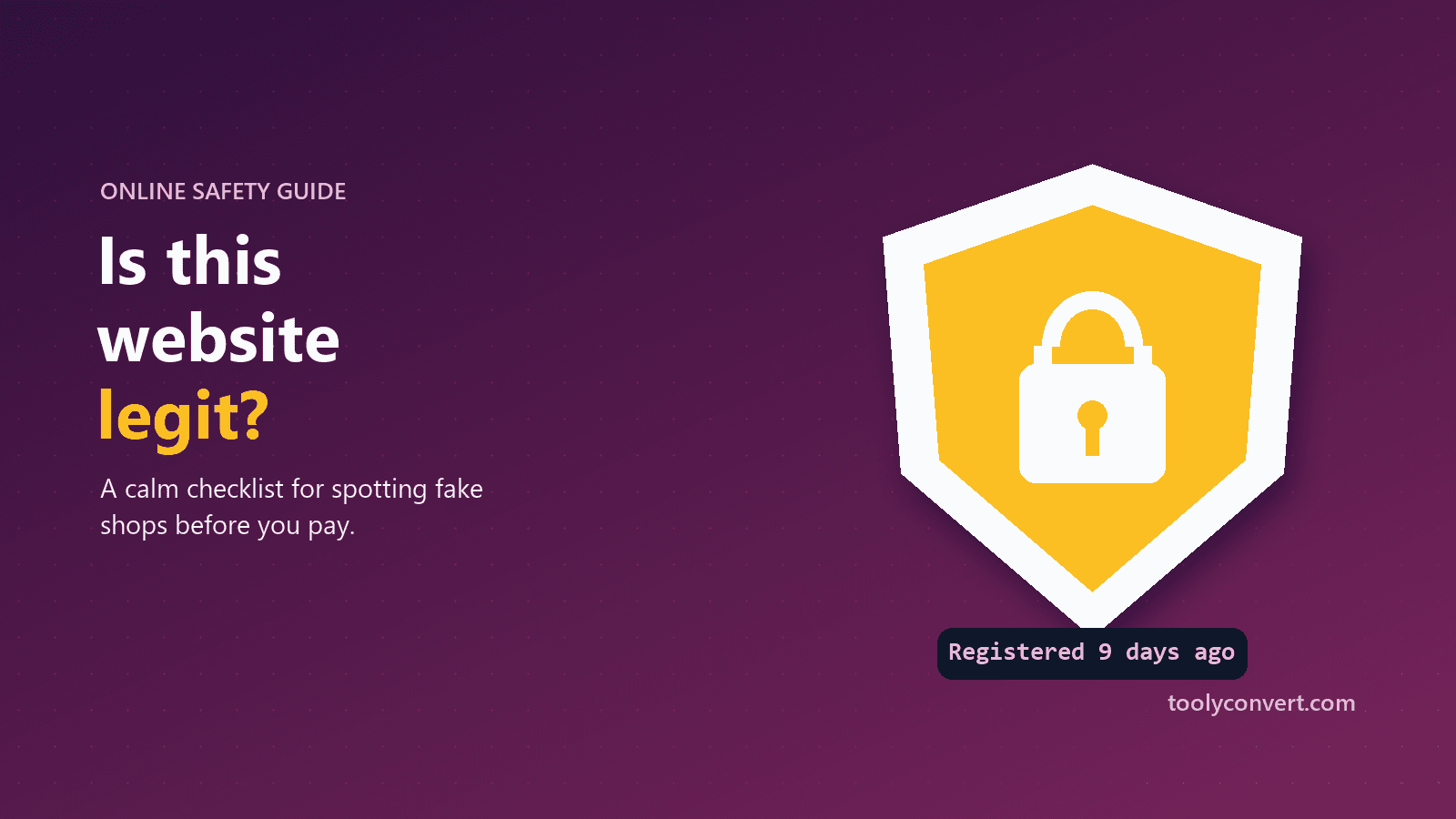
What these sites cannot fake easily is time. A real business builds a history: an old domain, reviews spread over years, a real address, a trail of customers. A scam site is usually days or weeks old, because it only lives until enough people complain. That is why the first check below is so powerful.
Check 1: How old is the domain?
Every domain has a registration date recorded by its official registry. Enter the site's address into the Domain Age Checker and it shows when the domain was first registered, how old it is, and when it expires.
How to read the result:
- Registered years ago: a good sign, though not proof on its own.
- Registered in the last few weeks or months, selling big brands at huge discounts: a serious warning sign. This combination is typical of fake shops.
- A brand-new domain for a company that claims to have been trading for 15 years: ask why.
Be fair about it: honest new businesses exist, and a young domain is not proof of fraud. Treat it as a reason to check everything else more carefully.
Check 2: Does the address match the brand?
Look closely at the address bar, not the logo on the page. Scam sites often use look-alike domains:
- Extra words:
nike-outlet-sale.cominstead ofnike.com - Swapped letters:
amaz0n,paypa1 - Unusual extensions for a big brand:
.shop,.storeor.topinstead of the brand's usual domain
If you arrived from an email or text message, do not trust the link at all. Type the brand's address yourself or use your saved bookmark. If you want to see where a shortened or suspicious link actually leads without opening it, paste it into the Redirect Checker; it shows every step the link takes to its final destination.
Check 3: The padlock is necessary, not sufficient
A padlock (HTTPS) means the connection between you and the site is encrypted. It does not mean the people running the site are honest; scam sites get free certificates in minutes. So:
- No padlock on a page asking for card details: leave.
- Padlock present: fine, but keep checking.
The SSL Certificate Checker shows who issued the certificate and when it was created. A certificate issued last week on a domain registered last week tells the same story as the domain age.
Check 4: Can you contact a real business?
Legitimate shops make it easy to reach them. Look for:
- A physical address you can find on a map, not a random residential building or nothing at all.
- A phone number and an email address on the company's own domain, not only a web form or a free email address.
- A company registration number, which you can look up in your country's official business register.
- Clear delivery, returns and refund policies written for your country, not copied from somewhere else.
You can also look up the domain's registration record with the WHOIS Lookup. Owner details are usually hidden for privacy these days, so do not expect a name, but the registrar and dates are still useful, and our guide on reading a WHOIS record explains what each field means.
Check 5: Are the prices and pressure realistic?
Scam sites rely on emotion. Watch for:
- Prices that are dramatically lower than everywhere else, especially for items that are sold out or high-demand.
- Countdown timers and "only 2 left" messages that reset when you refresh.
- Payment only by bank transfer, gift cards or cryptocurrency. These are hard to reverse. Legitimate shops accept cards and well-known payment services that offer buyer protection.
If you feel rushed, that feeling is the point. Slow down.
Check 6: What do other people say?
Search for the shop's name plus words like "reviews", "scam" or "complaints". Look for reviews on independent sites, not only the testimonials on the shop's own pages, which are easy to fake. Be suspicious of a sudden burst of five-star reviews all posted in the same week, and of review pages that look copied between different shops.
Check 7: Where did you find it?
Many fake shops are found through adverts on social media, which borrow the platform's credibility. Before buying from a shop you discovered in an ad, visit the brand's official website directly and see whether the same offer exists there. Check whether the shop's own social page is new, has few genuine followers, or has comments turned off. A real business usually has a history on its social accounts that goes back further than last month.
A quick scorecard
| Sign | Reassuring | Worrying |
|---|---|---|
| Domain age | Several years | Days or weeks |
| Address | The brand's real domain | Look-alike or extra words |
| Contact | Address, phone, company number | Web form only |
| Payment | Cards, buyer protection | Bank transfer, gift cards, crypto |
| Prices | In line with other shops | Too good to be true |
| Reviews | Independent, spread over time | Only on-site, all recent |
One worrying sign deserves a closer look. Two or three together are usually enough to walk away.
What to do if you already paid
It happens to careful people too. If you think you have paid a fake shop:
- Contact your bank or card provider immediately. Card payments can often be disputed or charged back, especially if you act quickly.
- Change any password you used on the site, especially if you reused it elsewhere. Our guide to creating strong passwords you can remember makes this easier.
- Watch your accounts for unusual activity for the next few weeks.
- Report the site to your national consumer protection or cybercrime service, and to the platform where you saw the advert.
There is no shame in being targeted. These operations are professional and designed to catch people in a moment of excitement.
Make it a habit, not a worry
You do not need to be suspicious of every website. Most shops are exactly what they appear to be. But for an unfamiliar site, especially one offering an amazing deal, take one minute before paying: check the domain age, read the address carefully, and look for a real business behind it.
That minute is the difference between a great find and a very bad week, and after a few times it becomes as natural as checking the price.