HTTP Redirect & Chain Checker
Trace every redirect a URL goes through, with the status code (301, 302, 307, 308), destination and time for each step, until the final page.
Used HTTP Redirect & Chain Checker? Share how it went to help others.
About this tool
HTTP Redirect & Chain Checker requests a URL from our server and follows each redirect one step at a time, up to 10 steps, exactly as a browser or search engine would. For every step it shows the URL, the status code and its meaning (for example 301 Moved Permanently or 302 Found), where it redirects to, and how many milliseconds that step took. The summary tells you how many redirects there were and the final status code, and warns you when there is a chain of more than one redirect, because every extra hop slows the page down and wastes search engine crawl budget. It stops and warns you if it detects a loop. Only public websites can be checked, on the standard web ports 80, 443, 8080 and 8443; private and local network addresses are refused for security. This makes it the fastest way to confirm a site migration, an HTTP to HTTPS switch or a www setup is correct: every old address should reach its new home in one permanent 301 step and end on a 200 OK page. It is equally useful for checking where a short link, QR code or affiliate link really leads before you share it.

Paste the old URL, a short link, or http://yourdomain.com to see where it ends up.
Each step is requested and timed separately, following the Location header to the next URL.
Check the status code of every step and whether the final page returns 200 OK.
Update your redirect rules so each old URL goes to its final address in one step, then run the check again.
See the full path, including intermediate redirects that hide inside a chain.
Know whether each redirect is permanent (301/308) or temporary (302/303/307).
Each hop shows how long it took, so you can see what a chain costs in speed.
Stops after 10 redirects and tells you when a URL is redirecting in circles.
Typical SEO and migration checks
Old URLs should reach the new page in one permanent 301 redirect.
ExampleTrace an old blog URL and confirm it goes straight to the new article, not through the homepage.
Check that all versions of your domain end on one address.
Examplehttp://example.com should reach https://www.example.com in a single step, not two or three.
See where a short link really goes before you click or share it.
ExampleTrace a shortened link to see the final destination and every tracking hop on the way.
Find redirect chains and temporary redirects that waste crawl budget and slow pages.
ExampleAn old blog URL goes http → https → www → new slug: three hops that should be a single 301.
See where a shortened link leads without opening it in your browser.
ExampleA bit.ly link in a text message resolves to an unfamiliar login page, so you do not open it.
Make sure QR codes and campaign links land on the right page with tracking intact.
ExampleA printed QR code redirects to a page that now returns 404, caught before the flyers are reprinted.
Keep redirects fast and search-friendly
A 301 or 308 tells search engines to move rankings to the new URL. 302 and 307 are for temporary changes.
Update old redirects to point straight to the final URL, so each old address needs only one hop.
A chain that ends in 404 or 500 loses both visitors and rankings. Fix the target or redirect to a relevant live page.
See how redirects affect total response time with the Website Speed Tester.
Open Website Speed TesterUpdate internal links and sitemaps to point straight at the final address, so visitors and crawlers skip the redirect entirely.
Many plugins default to 302. For a page that has moved for good, switch it to 301 so search engines transfer it properly.
Senior Software Engineer · Developer of Toolyconvert
Hemant developed HTTP Redirect & Chain Checker and tests it on desktop and mobile with real files. He is a senior software engineer from Dehradun, India, building websites since 2014, and designed and developed Toolyconvert end to end.
Last updated 30 September 2026
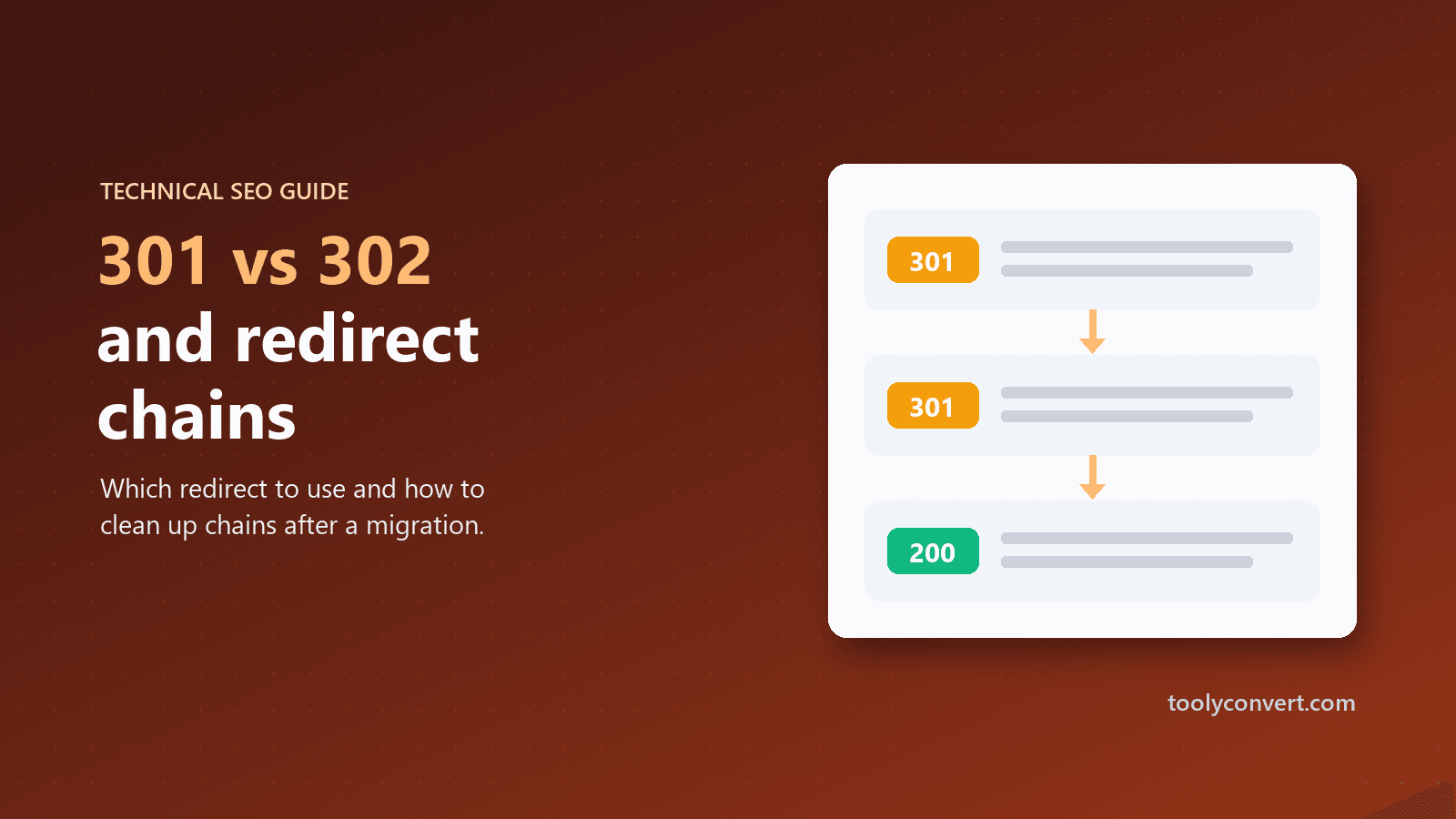
When to use 301, 302, 307 and 308, why redirect chains quietly hurt speed and SEO, and a step-by-step plan for cleaning them up after a migration.
Read article
Structure keywords into modifier, product and location lists, combine them, choose broad, phrase or exact match, and clean the list before uploading.
Read article
What a sitemap does and does not do, how to build a clean sitemap.xml, the mistakes that make Google reject it, and how to submit it in Search Console.
Read article









