You finish a website migration late on a Friday. New design, new URL structure, HTTPS everywhere. It looks perfect. Two weeks later, organic traffic has dipped, Search Console is full of "Page with redirect" notices, and a customer emails to say an old link in a newsletter now goes nowhere. Somewhere in the move, redirects went wrong, and nobody noticed because every page still loaded eventually.
Redirects are invisible when they work and quietly expensive when they do not. This guide explains the different types in plain English, why chains and loops cause problems, and a practical way to clean them up.
What a redirect actually does
When a browser or search engine requests a URL, the server can answer "this content is somewhere else" instead of sending the page. It includes a status code and the new address, and the browser follows it automatically. Visitors usually never notice.
The status code matters, because it tells search engines how to treat the move.
The four redirect codes you need to know
| Code | Name | Meaning | Use it for |
|---|---|---|---|
| 301 | Moved Permanently | The page has moved for good | Migrations, changed URLs, merged pages |
| 302 | Found | Temporarily elsewhere | Short-term campaigns, A/B tests, maintenance |
| 307 | Temporary Redirect | Like 302, keeps the request method | Temporary moves of forms or APIs |
| 308 | Permanent Redirect | Like 301, keeps the request method | Permanent moves of forms or APIs |
The difference between 301/302 and 307/308 is technical: the newer codes guarantee that a form submission (a POST request) stays a POST after the redirect. For normal web pages, 301 and 302 are what you will use most.
301 vs 302: why it matters
A 301 tells search engines: "forget the old address, the new one replaces it." Over time, the new URL takes over the old one's place in search results.
A 302 says: "this is temporary, keep the old address." Search engines keep the original URL in mind because you have told them it is coming back.
The classic mistake is using a 302 for a permanent move. Many plugins and hosting panels default to 302. Google often works out your intention eventually, but you are sending a mixed signal for no reason. If a page has moved for good, use 301.
Redirect chains: the hidden slowdown
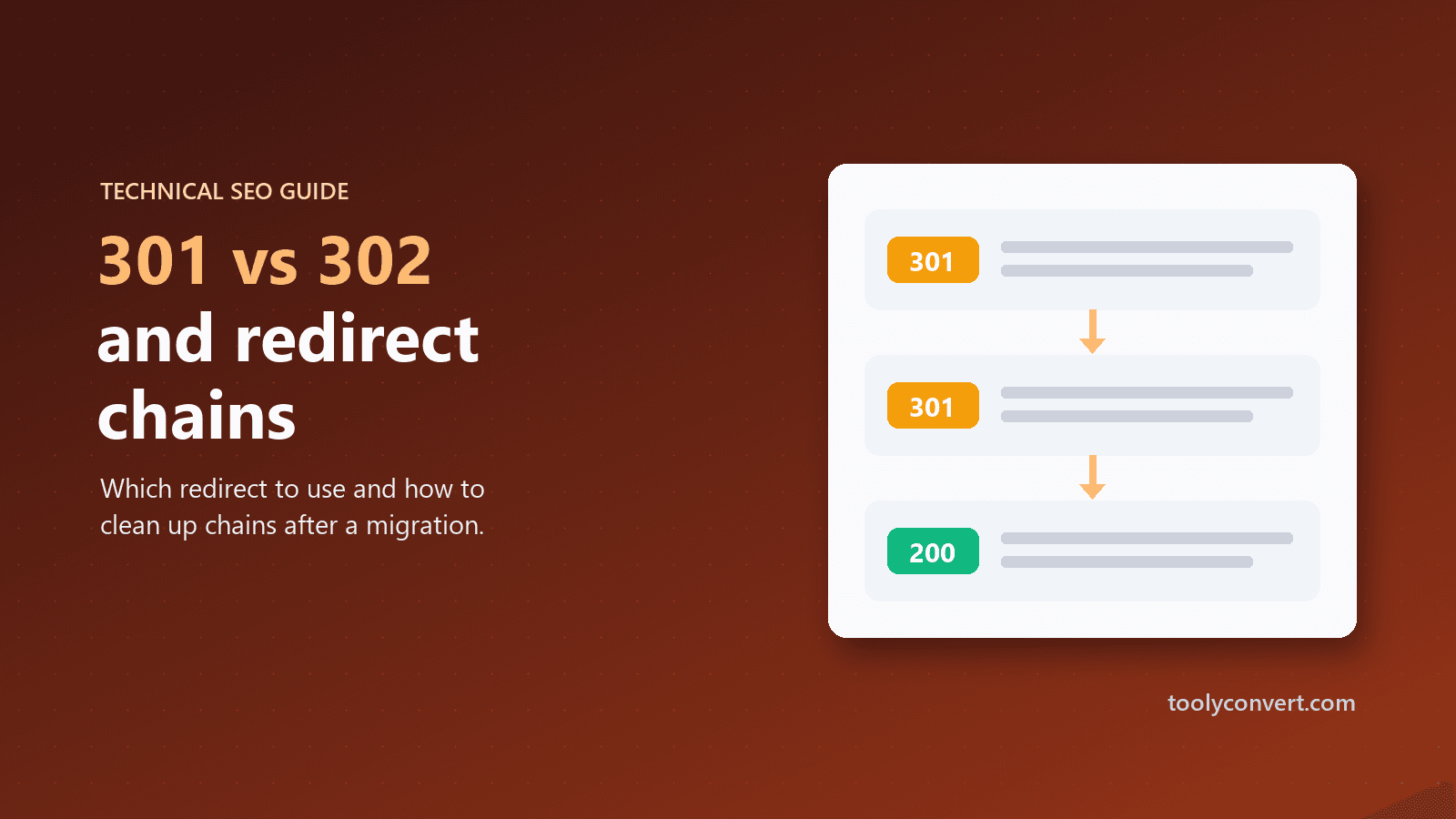
A chain happens when one redirect leads to another before reaching the final page:
http://example.com/old-page
  → 301 → https://example.com/old-page
  → 301 → https://www.example.com/old-page
  → 301 → https://www.example.com/new-page   (200 OK)
Every step is another round trip between the visitor and the server. On a mobile connection, each hop can easily add a noticeable delay before the page even starts loading. Search engines follow chains too, but long chains waste crawl effort, and Google stops following after a certain number of hops.
Chains usually build up over time. A site moves to HTTPS, then adds www, then restructures its URLs, and each change adds a rule on top of the last one instead of updating the old ones.
Redirect loops: the page that never loads
A loop is a chain that goes in a circle:
/shop  → 301 → /store
/store → 301 → /shop
The browser gives up and shows "too many redirects". Loops typically come from conflicting rules, such as a plugin forcing one version of a URL while the server configuration forces another, or HTTPS settings fighting each other between a CDN and the host.
How to see exactly what is happening
Browsers hide redirects, so you need a tool that shows every step. Paste a URL into the Redirect Checker and it follows the chain one hop at a time, up to 10 steps, showing each URL, its status code and meaning, and how long each step took. It warns you about chains and stops if it detects a loop.
Test these URLs for any site:
http://yourdomain.com(no HTTPS, no www)http://www.yourdomain.comhttps://yourdomain.comhttps://www.yourdomain.com
All four should reach your preferred version in one step, ending in 200 OK. If any takes two or more hops, you have found your first chain.
Cleaning up after a migration
A migration is when redirect problems are born, and also the best time to fix them.
1. Make a list of old URLs
Export them from your old sitemap, your analytics (the pages that received visits), and Search Console (the pages that had impressions). These are the addresses that must keep working.
2. Map each old URL to its best new home
One-to-one wherever possible: the old product page goes to the new product page, not to the homepage. Redirecting everything to the homepage feels tidy but frustrates visitors and is treated much like a missing page by search engines.
3. Redirect straight to the final address
Each rule should point directly to the final URL, including HTTPS and your preferred www choice. No rule should rely on another rule to finish the job.
4. Update internal links
Redirects are for the outside world: old bookmarks, other websites, search results. Your own menus, links and sitemap should point straight at the final URLs so nobody hits a redirect at all.
5. Check the destination actually works
A redirect to a page that returns 404 is a broken link wearing a disguise. The final step of every chain should be 200 OK. Running key pages through the Broken Link Checker catches links that lead nowhere.
6. Keep redirects for the long term
Keep permanent redirects in place for at least a year, and ideally indefinitely. Old links in emails, documents and other websites keep being clicked for years.
Redirects and site speed
Every redirect adds time before the page even starts to load, and that delay counts toward the server response time visitors experience. If your pages feel slow on the first visit, test them with the Website Speed Tester, which counts the redirects on the way and how much time they add. Our guide to reducing server response time explains why removing even one unnecessary hop is worth doing.
Short links, QR codes and campaigns
Redirects are also how link shorteners, QR codes and tracking links work. Before printing a QR code or sending a campaign, run the link through the Redirect Checker to confirm it lands on a working page. It is also a safe way to see where a suspicious short link leads without opening it yourself, a useful habit that our guide on checking whether a website is legit recommends.
A simple redirect health check
Once a quarter, or after any structural change:
- Test the four versions of your homepage.
- Test your ten most important pages from their old addresses, if they ever changed.
- Replace any 302 used for a permanent move with a 301.
- Collapse any chain into a single hop.
- Update internal links that point at redirected URLs.
Redirects will never be the exciting part of running a website. But getting them right means every old link, bookmark and search result still delivers people exactly where they meant to go, in one quick step.