A robots.txt file is usually a few lines long, often forgotten, and capable of wiping a website out of Google almost overnight. It happens more often than you would think: a new site launches, traffic never arrives, and weeks later someone discovers a single line left over from the staging server telling every search engine to stay away.
The frustrating part is that nothing looks broken. The site loads, the pages look fine, and there is no error message. This guide covers how crawlers actually read robots.txt, the seven mistakes that cause the most damage, and how to test changes safely before they go live.
What robots.txt does, and what it does not
robots.txt is a plain text file at the root of your site, such as https://www.example.com/robots.txt. It tells well-behaved crawlers, like Googlebot and Bingbot, which parts of the site they may request.
Two things it does not do:
- It does not hide pages. A blocked URL can still appear in search results if other sites link to it, just without a description.
- It does not protect anything. The file is public, and bad bots ignore it. Private areas need passwords, not robots.txt.
How crawlers read the rules
Understanding the matching logic prevents most mistakes. A robots.txt file is made of groups, each starting with one or more User-agent lines, followed by Allow and Disallow rules.
User-agent: *
Disallow: /admin/
Allow: /admin/help/

User-agent: Googlebot
Disallow: /drafts/

Sitemap: https://www.example.com/sitemap.xml
Google follows these steps, as documented in the robots.txt standard (RFC 9309):
- Pick one group. A crawler uses the most specific group that names it. Googlebot uses the
Googlebotgroup above and ignores the*group completely. - Find matching rules. Within that group, every
AllowandDisallowrule whose path matches the start of the URL is considered. - The longest match wins. The most specific (longest) matching rule decides. If an
Allowand aDisalloware equally long,Allowwins. - Wildcards.
*matches any characters, and$marks the end of the URL.
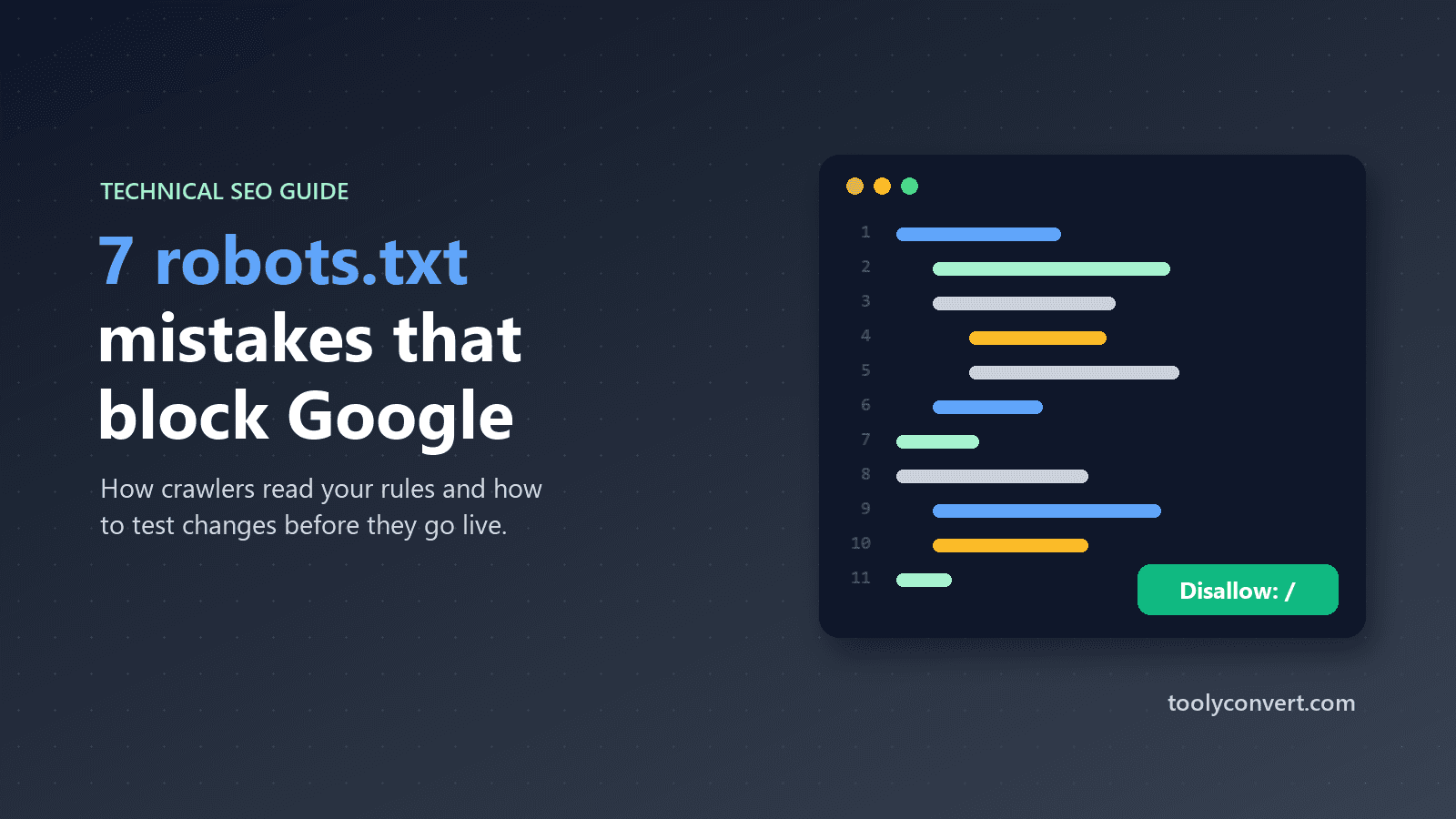
Mistake 1: Disallow everything, left over from staging
User-agent: *
Disallow: /
This blocks the entire site. It is correct on a staging server and a disaster on the live one. It often survives a launch because the file is copied along with everything else.
Check: test the homepage path / for Googlebot right after every launch or migration.
Mistake 2: A specific group that silently replaces the general rules
You carefully block /checkout/ and /account/ in the * group, then add a group for Googlebot to block one extra folder. Because Googlebot now has its own group, it ignores every rule in *, including the ones you cared about.
Fix: copy the shared rules into every named group, or avoid named groups unless you really need them.
Mistake 3: Blocking CSS and JavaScript
Rules like Disallow: /wp-includes/ or Disallow: /assets/ were common advice years ago. Today Google renders pages like a browser. If it cannot load your stylesheets and scripts, it may see a broken layout and misjudge the page, especially on mobile.
Fix: allow the files needed to render your pages.
Mistake 4: Wildcards that match far more than intended
Disallow: /*? blocks every URL with a query string, which may include pagination, search results you want indexed, or tracking parameters on important landing pages. Disallow: /*.pdf blocks PDFs, but also any path that merely contains .pdf somewhere.
Fix: be precise. Use $ to anchor file types, such as Disallow: /*.pdf$, and test real URLs before publishing.
Mistake 5: Case and trailing slashes
Paths are case-sensitive. Disallow: /Admin/ does not block /admin/. And Disallow: /blog blocks /blog, /blog/, /blog-news and /blogroll, because it matches anything that starts with those characters.
Fix: match the exact case in your URLs, and add a trailing slash when you mean a folder only.
Mistake 6: Using robots.txt to remove pages from Google
Blocking a page does not remove it from the index. Worse, if a page is blocked, Google cannot see a noindex tag on it, so the page may stay listed.
Fix: to remove a page, allow crawling and add a noindex robots meta tag, or protect it with a password. Once it has dropped out of search, you can block it if you wish.
Mistake 7: The file is in the wrong place
robots.txt only works at the root of the host. A file at /blog/robots.txt is ignored. Each subdomain, such as shop.example.com, needs its own file. And if your site redirects between versions (HTTP to HTTPS, non-www to www), make sure the final version serves the file; the Redirect Checker shows exactly where /robots.txt ends up.
Testing changes before they go live
Because a single character can change what is blocked, never edit robots.txt directly on a live site without testing. The Robots.txt Tester lets you paste your file, choose a crawler such as Googlebot or *, and test any path or full URL. It applies the same group selection and longest-match rules described above, supports * and $ wildcards, and shows the exact rule that decided the result. Because it uses the text you paste, you can try a draft before uploading it.
A good testing routine:
- Test your homepage.
- Test one page from every important template: product, category, article, contact.
- Test the URLs you intend to block, to confirm they really are blocked.
- Test a CSS and a JavaScript file from your theme.
A sensible starting file
For many small sites, this is all that is needed:
User-agent: *
Disallow: /admin/
Disallow: /cart/
Disallow: /checkout/

Sitemap: https://www.example.com/sitemap.xml
Block only areas with no value in search, such as admin screens, carts and internal search results, and list your sitemap so crawlers find every page you want indexed. If you are starting from scratch, the Robots.txt Generator builds a clean file from a few choices.
What about AI crawlers?
Many site owners now want to decide whether AI companies may use their content. Several AI crawlers identify themselves with their own user-agent names and say they respect robots.txt, for example GPTBot (OpenAI), ClaudeBot (Anthropic) and CCBot (Common Crawl). Google uses a separate token, Google-Extended, to control whether content is used for its AI models, without affecting normal search crawling.
User-agent: GPTBot
Disallow: /

User-agent: Google-Extended
Disallow: /
Two cautions. Blocking Google-Extended does not remove you from Google Search, but blocking Googlebot would, so double-check the names. And remember Mistake 2: adding these groups does not change the rules for other crawlers, but it is worth testing your main pages for Googlebot afterwards anyway.
Beyond robots.txt
A healthy robots.txt is one part of technical SEO. If your pages are crawlable but still not showing rich results, our guide to structured data for beginners is the natural next step, and if you have recently moved URLs, our guide to 301 vs 302 redirects helps make sure crawlers reach the right pages.
The most important habit, though, is simple: after every launch, migration or theme change, open your robots.txt and test the homepage. It takes one minute, and it catches the mistake that costs the most.