There is a particular kind of frustration reserved for Core Web Vitals. You open Search Console and see a red "Poor URLs" warning. You run a test and get a score of 94, all green. You change nothing, test again, and get 71. Meanwhile, a report somewhere says your real users are having a bad time, and you are not sure which number to believe.
You are not doing anything wrong. Core Web Vitals are genuinely confusing until you understand that there are two kinds of data, three metrics, and one very specific way Google judges them. Once those click, fixing them becomes a practical checklist instead of guesswork.
Three metrics, three feelings
Each Core Web Vital measures something a visitor actually feels.
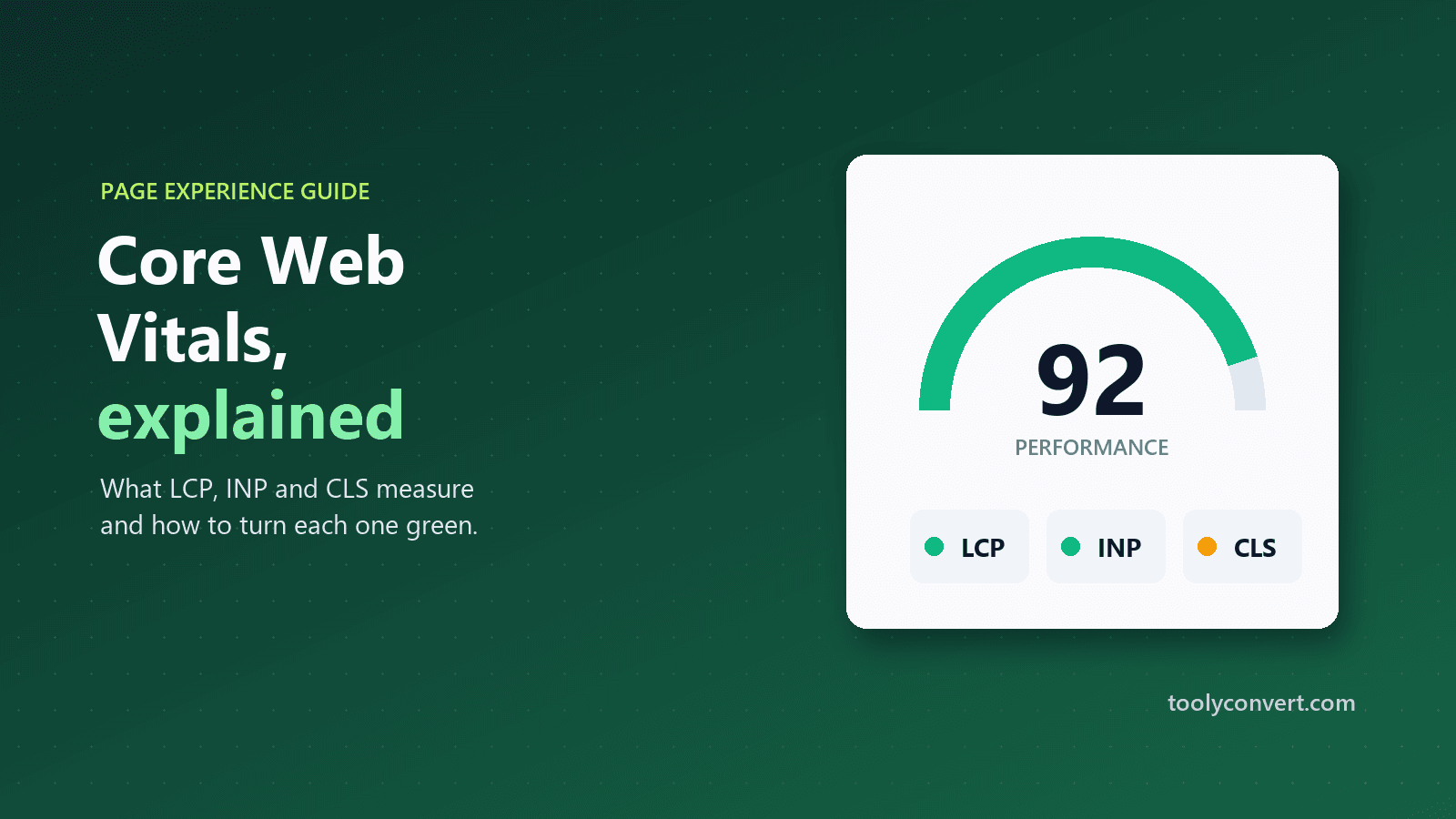
| Metric | What it measures | What the visitor feels | Good | Poor |
|---|---|---|---|---|
| Largest Contentful Paint (LCP) | When the biggest piece of content appears | "Is this page loading?" | 2.5 s or less | over 4 s |
| Interaction to Next Paint (INP) | How fast the page responds to taps, clicks and typing | "Did my tap do anything?" | 200 ms or less | over 500 ms |
| Cumulative Layout Shift (CLS) | How much the layout jumps around while loading | "Why did the button move?" | 0.1 or less | over 0.25 |
If you have heard of First Input Delay (FID), you can forget it. INP replaced it as a Core Web Vital in March 2024 because FID only looked at the first interaction, while INP considers every interaction during a visit. A page can feel snappy on the first tap and sluggish on the tenth, and INP catches that.
Field data vs lab data: why your numbers disagree
This is the root of most confusion, so it is worth slowing down.
Field data comes from real Chrome users who visited the page over the last 28 days, collected in the Chrome User Experience Report. It reflects real phones, real networks and real behaviour. Google uses the 75th percentile: three out of four visits must be at least that good. This is the data Search Console reports and the data that matters for page experience.
Lab data comes from a single test run on the spot, usually Lighthouse, on a simulated device and connection. It is repeatable and perfect for debugging, but it is one visit in controlled conditions, not your real audience.
They disagree for good reasons:
- Your real visitors may use older phones than the test simulates, or much faster ones.
- The lab test cannot measure INP directly, because nobody taps anything during a lab run. It reports Total Blocking Time instead, which is closely related.
- Field data is a 28-day rolling window, so a fix you made yesterday is invisible in it today.
- Lab scores vary between runs because of server response times, third-party scripts and test machine load.
The practical rule: use lab data to find and confirm fixes, and use field data to know whether real users are happy. The Core Web Vitals Checker shows both side by side for any public page, on mobile or desktop, with Google's targets next to each result.
Fixing a slow Largest Contentful Paint
LCP is usually a hero image, a large heading or a banner. It is slow for one of four reasons, and they stack.
Slow server response
Nothing can appear until the server sends the HTML. If Time to First Byte is 1.5 seconds, a 2.5-second LCP is nearly impossible. Check your server response with the Website Speed Tester; if it is over 600 ms, start there. Our guide to reducing server response time walks through caching, hosting and redirect fixes.
An oversized hero image
A 3 MB photo displayed at 1200 pixels wide wastes seconds on mobile. Resize it to the size it is actually shown at and use a modern format like WebP. The Image Resizer handles both in one step, in your browser.
The image is discovered late
If the hero image is set as a CSS background or inserted by JavaScript, the browser finds it late. Use a normal image element for the main visual, do not lazy-load it, and consider giving it fetchpriority="high".
Render-blocking CSS and fonts
Large stylesheets and web fonts can hold back the first paint. Remove unused CSS, load fonts with font-display: swap, and avoid loading several font families you barely use.
Fixing a poor Interaction to Next Paint
INP is about JavaScript keeping the main thread busy. When someone taps, the browser cannot respond until the current task finishes.
- Audit third-party scripts first. Chat widgets, heatmaps, tag managers and ad scripts are frequent culprits. Remove what you do not use, and load the rest after the page is interactive.
- Break up long tasks. Any single task over 50 ms delays responses. Splitting heavy work into smaller chunks lets the browser respond between them.
- Give instant feedback. Update the button state or show a spinner immediately, then do the heavy work. A visible reaction within 100 ms feels fast even if the result takes longer.
- Be careful with huge pages. Very large DOMs, such as product listings with thousands of elements, make every update slower. Paginate or virtualise long lists.
In the lab section of the checker, a high Total Blocking Time is your best clue that INP will suffer in the field.
Fixing a high Cumulative Layout Shift
CLS is the most fixable metric and often the most annoying for visitors. It happens when content appears and pushes other content around.
- Give every image and video dimensions. Set
widthandheightattributes (or a CSS aspect ratio) so the browser reserves space before the file loads. - Reserve space for ads and embeds. Give ad slots and iframes a fixed minimum height, even while empty.
- Do not insert content above existing content, such as a cookie bar or promotion that pushes the page down after it loads. Overlay it instead.
- Load fonts carefully. A fallback font that is much wider or narrower than the web font causes text to reflow when the font arrives.
If you use placeholder images while building a design, give them the same dimensions as the final images; our placeholder images guide explains how to swap them without causing shifts.
A realistic order of work
When everything is red, it helps to have a sequence.
- Test the mobile version first. Google uses the mobile version of pages, and phones are where problems are worst.
- Fix the server. A slow Time to First Byte holds everything else back.
- Fix the LCP element. Usually one image, one change, a big improvement.
- Fix layout shifts. Mostly dimensions on images, ads and embeds.
- Trim JavaScript. The slowest but most valuable work for INP.
- Confirm in the lab, then wait for the field. The lab score shows your fix immediately. Real-user data takes up to four weeks to catch up.
How much do Core Web Vitals matter for SEO?
Honestly: they matter, but they are not magic. Core Web Vitals are part of Google's page experience signals, and they tend to make the difference when competing pages are similarly relevant and useful. A fast page with thin content will not outrank a slower page that answers the question far better.
The better reason to fix them is that they describe real frustration. A page that loads its main content quickly, responds instantly and does not jump around is simply more pleasant to use. Visitors stay longer, read more and come back.
Where to start today
Pick your most important page, perhaps the homepage or your top landing page, and run it through the Core Web Vitals Checker on mobile. Note which metric is worst and work through the matching section above. Fix one thing, confirm it in the lab result, and move on to the next.
Progress with Core Web Vitals rarely comes from one big change. It comes from a few small, confident fixes, made in the right order.