Core Web Vitals Checker
Check any page’s Core Web Vitals (LCP, INP and CLS) from real Chrome users, plus a Lighthouse lab test, on mobile or desktop.
Used Core Web Vitals Checker? Share how it went to help others.
About this tool
Core Web Vitals Checker shows the three metrics Google uses to judge page experience: Largest Contentful Paint (how long the main content takes to appear), Interaction to Next Paint (how quickly the page reacts to taps and clicks) and Cumulative Layout Shift (how much the layout jumps around). The data comes from Google PageSpeed Insights. The first section is real-user data from the Chrome User Experience Report: the 75th percentile of what actual visitors experienced over the last 28 days, rated Good, Needs improvement or Poor. When a page does not have enough visitors of its own, Google shows data for the whole site instead, and the tool tells you when that happens. New or small sites may have no real-user data at all. The second section is a Lighthouse lab test run by Google on the spot, with the performance score, LCP, CLS and Total Blocking Time. Choose mobile or desktop before you test. Results are cached for 10 minutes. Field data is shown with its rating and Google’s target for each metric, including Time to First Byte, so you can see which one is holding the page back. Because the field numbers are a 28-day average of real visits, a fix you make today shows up in the lab score straight away but takes up to four weeks to move the real-user figures. Only public web pages can be tested.

Paste the full address of the page you want to test.
Google ranks mainly on mobile data, so start with mobile.
Google loads and analyses the page. This can take up to 30 seconds.
Real-user data shows what visitors experience; the lab test helps you find the cause.
The same Chrome UX Report field data Google uses for its page experience signals.
A Lighthouse run with performance score, LCP, CLS and Total Blocking Time.
Test each separately, since results often differ a lot.
Each metric is rated Good, Needs improvement or Poor using Google’s thresholds.
Performance problems that affect visitors and rankings
Search Console flags URLs with poor Core Web Vitals. Check them here to see the details.
ExampleSearch Console reports “LCP issue: longer than 4 s (mobile)”; test the URL here to see the current value.
Make sure a new design or theme does not make the site slower.
ExampleRecord the lab score before launching a new theme and compare it afterwards.
Slow product pages lose sales, especially on mobile.
ExampleTest a product page on mobile and fix the large hero image slowing down LCP.
Give clients a clear pass or fail for each metric, backed by Google’s own data.
ExampleAn agency tests a client’s homepage on mobile and reports LCP 3.8 s (Poor) as the top fix for the month.
Run the lab test before and after installing something heavy to see its real cost.
ExampleA slider plugin raises Total Blocking Time from 120 ms to 640 ms, so the team removes it from the homepage.
Test competing pages to see whether page experience could be a factor between you.
ExampleTwo rival product pages both pass LCP, but one has a CLS of 0.25 from late-loading ads.
The usual causes and fixes
The largest element is usually a hero image or heading. Compress and resize the image, and make sure the server responds quickly.
Open Image CompressorLong JavaScript tasks block taps and clicks. Remove unused scripts and delay non-essential ones such as chat widgets.
Give images, ads and embeds a fixed width and height or aspect ratio so the page does not jump when they load.
A slow server delays everything. Measure TTFB with the Website Speed Tester.
Open Website Speed TesterGoogle uses the mobile version of a page for ranking, and mobile results are usually the weakest. Fix mobile before desktop.
Real-user data covers the last 28 days, so improvements appear gradually. Use the lab score to confirm a fix immediately.
Senior Software Engineer · Developer of Toolyconvert
Hemant developed Core Web Vitals Checker and tests it on desktop and mobile with real files. He is a senior software engineer from Dehradun, India, building websites since 2014, and designed and developed Toolyconvert end to end.
Last updated 30 September 2026
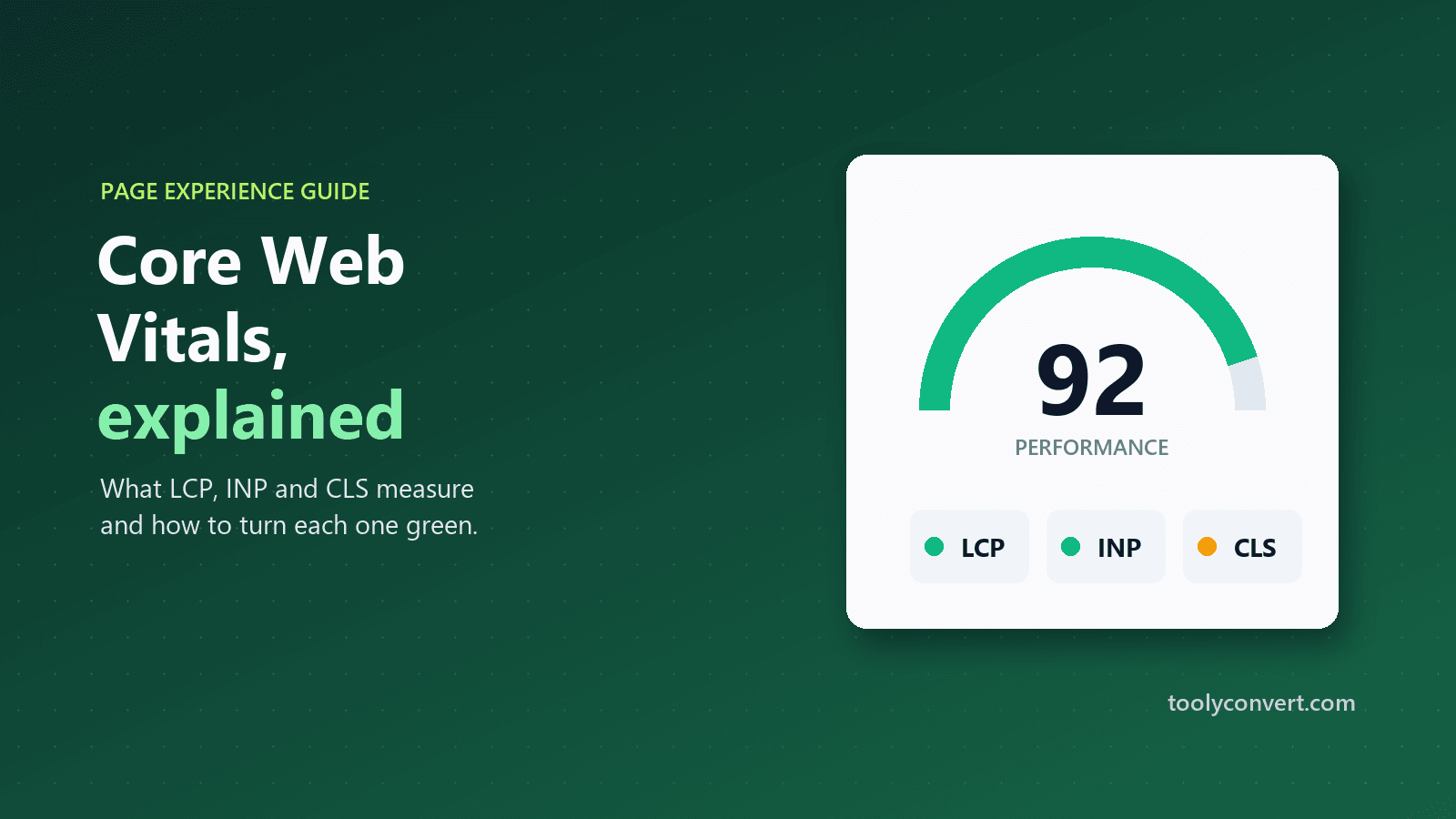
What LCP, INP and CLS really measure, why your lab score and real-user data disagree, and the fixes that move each metric from red to green.
Read article
The Latin source of the world’s most famous placeholder text, why designers use it, the myths about its age, and when real words work better.
Read article
Why URLs need percent-encoding, which characters are safe, versus +, encodeURI versus encodeURIComponent, and how to encode in JavaScript, Python and PHP.
Read article









