SERP Preview
Preview Google search results online for free. See how your web pages will appear in SERPs. Test titles, descriptions, and URLs. No sign-up required.
Preview Google search results online for free. See how your web pages will appear in SERPs. Test titles, descriptions, and URLs. No sign-up required.
Be the first to share your experience
About this tool
SERP Preview is a free, browser-based tool that shows you exactly how your web pages will appear in Google search results. SERP (Search Engine Results Page) preview helps you optimize your titles, meta descriptions, and URLs to maximize click-through rates and improve SEO. Simply enter your page title, meta description, and URL, and see an instant preview of how it will look in Google's search results on both desktop and mobile. You can test different combinations to find the most effective ones. Everything runs locally in your browser, so your data is never uploaded to a server. There's no sign-up, no watermark, and no limit — just open SERP Preview, enter your SEO metadata, and see the results instantly. Perfect for SEO specialists, marketers, content creators, and website owners who want to optimize their search appearance.

Enter the title tag for your web page (typically 50-60 characters).
Enter the meta description for your page (typically 150-160 characters).
Enter the URL of your web page as it would appear in search results.
Choose to preview desktop or mobile SERP appearance.
See how your page will appear in Google search results instantly.
SERP Preview processes your data locally in the browser. Nothing is uploaded, logged, or stored.
Preview SERPs instantly without creating an account or providing any information.
Preview how your page will appear on both desktop and mobile search results.
Trusted by SEO specialists, marketers, and content creators worldwide
Preview how your pages will appear in search results to optimize titles and descriptions.
ExampleTest different title and description combinations to find the most effective SERP appearance.
Preview SERP appearance when creating new content to ensure it looks good in search results.
ExampleTest your blog post title and description to see how it will appear in Google search results.
Preview SERP appearance before launching a new website or page.
ExampleTest your new website's SERP appearance before going live.
Test different title and description combinations to see which performs better.
ExamplePreview multiple title and description options to choose the most effective combination.
Preview how your pages will appear in mobile search results.
ExampleTest your page's mobile SERP appearance to ensure it's optimized for mobile users.
Preview product page SERP appearance to improve click-through rates.
ExampleTest your product page titles and descriptions to optimize their appearance in search results.
Preview article SERP appearance to improve visibility and click-through rates.
ExampleTest your news article titles and descriptions to ensure they stand out in search results.
Preview how your business listings will appear in search results.
ExampleTest your business page title and description to optimize its appearance in local search results.
Preview SERP appearance to show clients how their pages will look in search results.
ExampleUse SERP previews in client presentations to demonstrate SEO improvements.
Use SERP preview as part of technical SEO audits and improvements.
ExampleTest your page's SERP appearance as part of a comprehensive technical SEO audit.
Trusted by SEO and digital marketing experts globally
Keep titles under 60 characters to ensure they display fully in search results.
Write meta descriptions that are informative, compelling, and under 160 characters.
Include primary keywords in your title and description for better SEO.
Test different title and description combinations to find the most effective.
Optimize for mobile SERPs first, as mobile searches now exceed desktop.
Use clean, readable URLs that are short and descriptive.
Ensure each page has unique, descriptive titles and meta descriptions.
Use our meta-tag-generator tool to create optimized meta tags for your pages.
Meta Tag GeneratorBookmark SERP Preview for quick access to SERP optimization.
Check your SERP appearance on different devices and screen sizes.
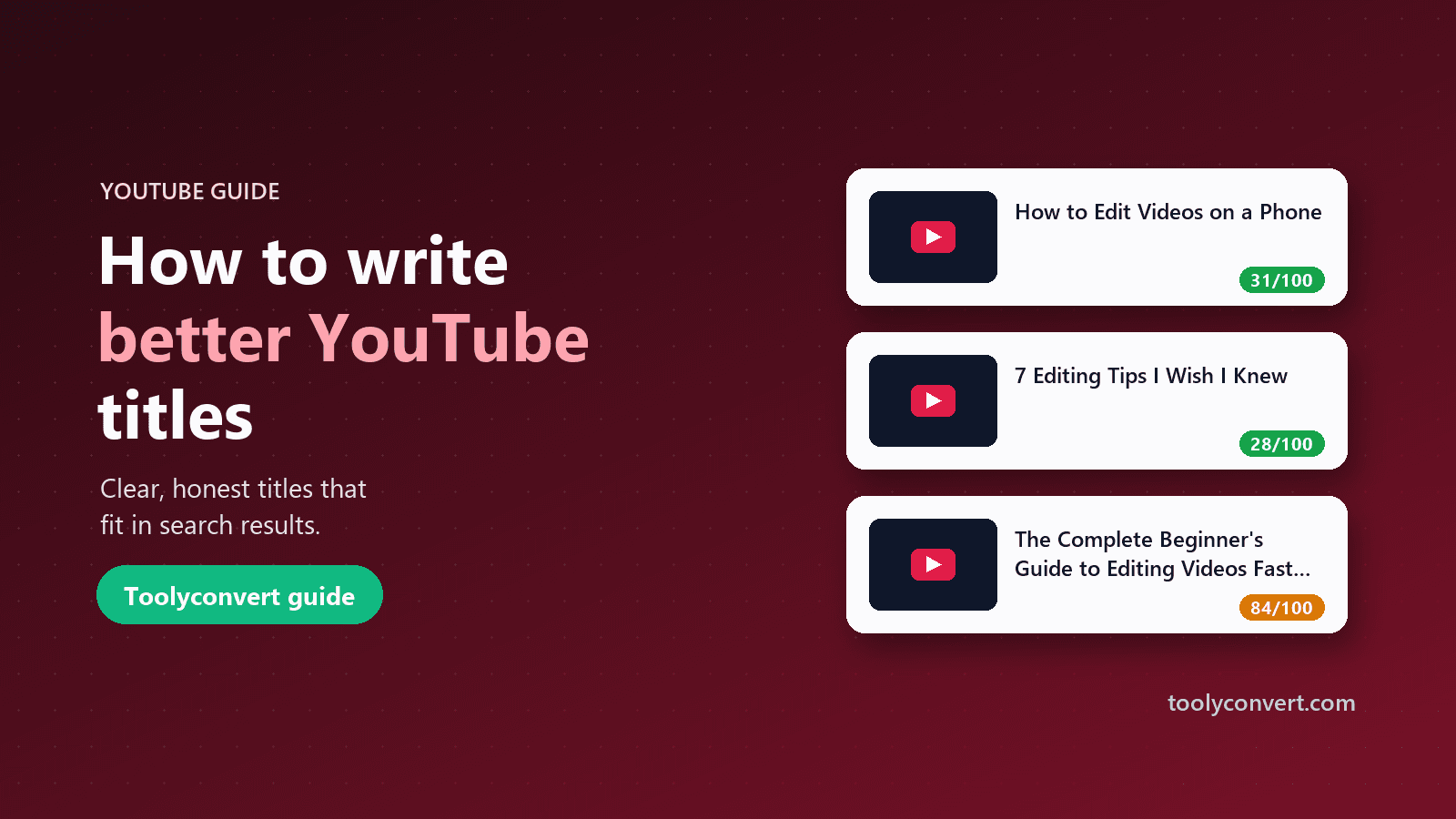
How long a YouTube title should be, the formats that work for most videos, how titles and thumbnails work together, and why honest titles win.
Read article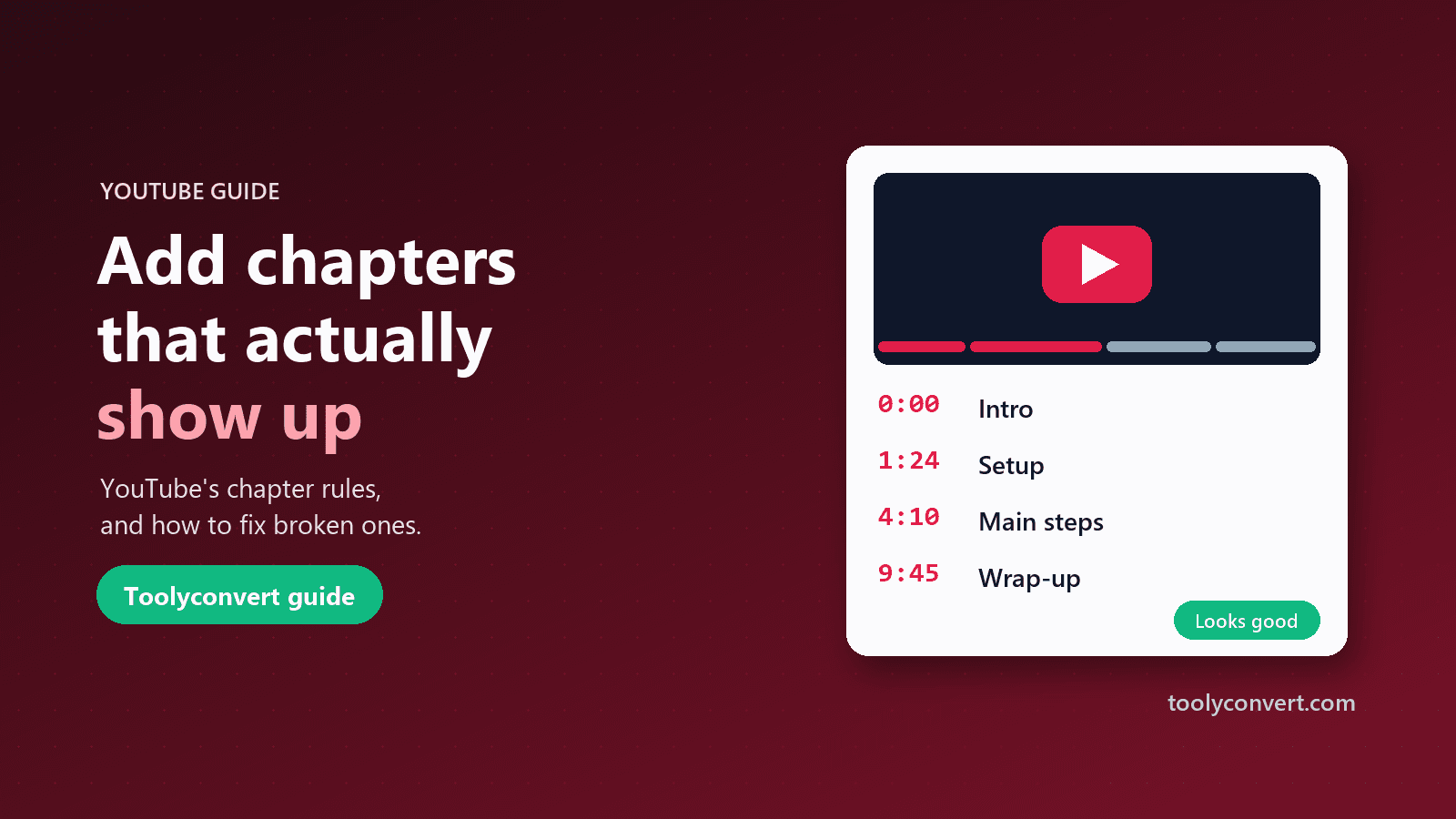
YouTube’s chapter rules, how to write a timestamp list that works, and a checklist for chapters that never appeared on your video.
Read article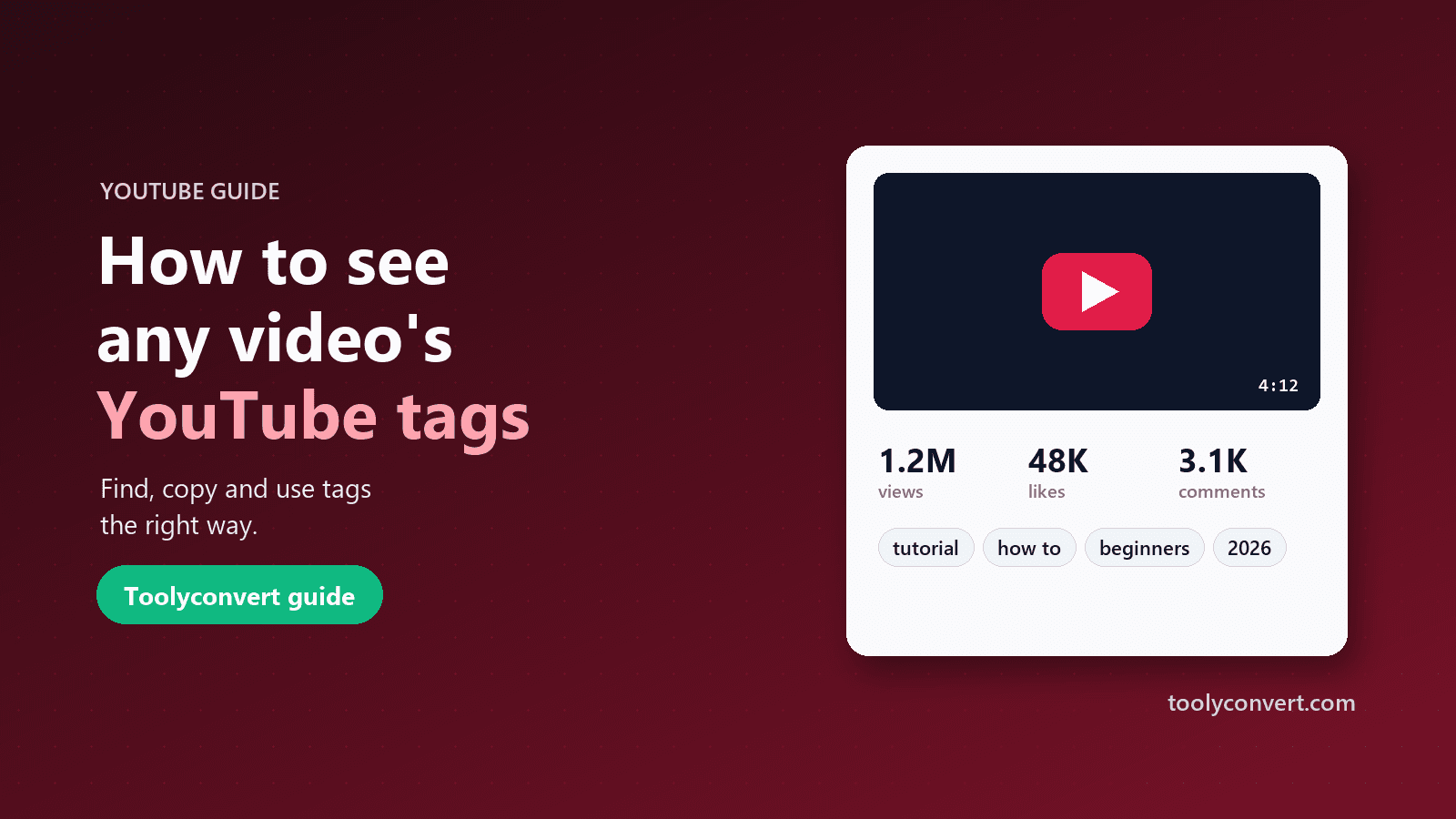
YouTube hides video tags from viewers. Here is how to see and copy the tags on any public video, how much they really matter, and how to use them without tag stuffing.
Read article









