GST Calculator
Add GST to a price or remove it from a GST-inclusive total, and see the base amount, the tax and the total at once.
No sign-up and no ads inside the calculator. Please keep the line with the link under it. In WordPress, paste it into a Custom HTML block.
Used GST Calculator? Share how it went to help others.
About this tool
GST Calculator works out Goods and Services Tax in both directions. Enter an amount and a GST rate and it shows three figures as you type: the base amount before tax, the GST amount and the total. If the amount you have already includes GST, such as the total on a bill, tick "Amount is GST inclusive" and the calculator works backwards to separate the price before tax from the tax inside it. That reverse calculation is where most mistakes happen: taking 18% off a GST-inclusive total gives the wrong answer, because the tax was charged on the lower, pre-tax price. The calculator divides by (1 + rate ÷ 100) instead, which is the correct method. You type the rate yourself, starting at 18%, so it works for any GST rate and stays usable when rates change. To split the tax for an invoice within one state, halve the GST amount into CGST and SGST; between states the whole amount is IGST. Everything is calculated in your browser, nothing you enter is sent anywhere, and there is no sign-up.

Type the price, or the total from a bill.
Type the rate that applies to your item. It starts at 18%.
Tick "Amount is GST inclusive" if the amount already contains GST.
See the base amount, the GST amount and the total update as you type.
Add GST to a price, or take it out of a GST-inclusive total.
Removes GST by dividing, not by subtracting a percentage, so totals reconcile.
Type the rate yourself, so it keeps working whenever rates change.
Base amount, GST and total side by side, ready for an invoice.
Quick, correct tax figures for everyday billing
Price products with GST added, or check the tax in a supplier’s inclusive price.
ExampleA seller adds 18% GST to a ₹2,000 item and quotes ₹2,360 to the customer.
Prepare invoices that show the fee, the tax and the total correctly.
ExampleA consultant billing ₹50,000 plus GST shows ₹9,000 tax and a ₹59,000 total.
See how much of a bill is tax and what the item really cost.
ExampleA ₹1,180 restaurant bill at 18% is ₹1,000 food and ₹180 GST.
Split GST-inclusive expenses into net amount and input tax for the books.
ExampleAn expense of ₹5,900 at 18% is entered as ₹5,000 net and ₹900 GST.
Avoid the mistakes that make totals not add up
To remove GST from a total, divide by (1 + rate ÷ 100). Taking the percentage off the total gives the wrong figure.
For a sale within one state, split the GST amount equally into CGST and SGST. Between states, it is all IGST.
GST rates are set by the GST Council and were restructured in 2025. Confirm the rate for your item before invoicing.
Keep full figures until the final amounts, then round to two decimals so totals reconcile.
Worked examples, the CGST/SGST/IGST split and a formula table.
How to calculate GSTSenior Software Engineer · Developer of Toolyconvert
Hemant developed GST Calculator and tests it on desktop and mobile with real files. He is a senior software engineer from Dehradun, India, building websites since 2014, and designed and developed Toolyconvert end to end.
Last updated 19 October 2026
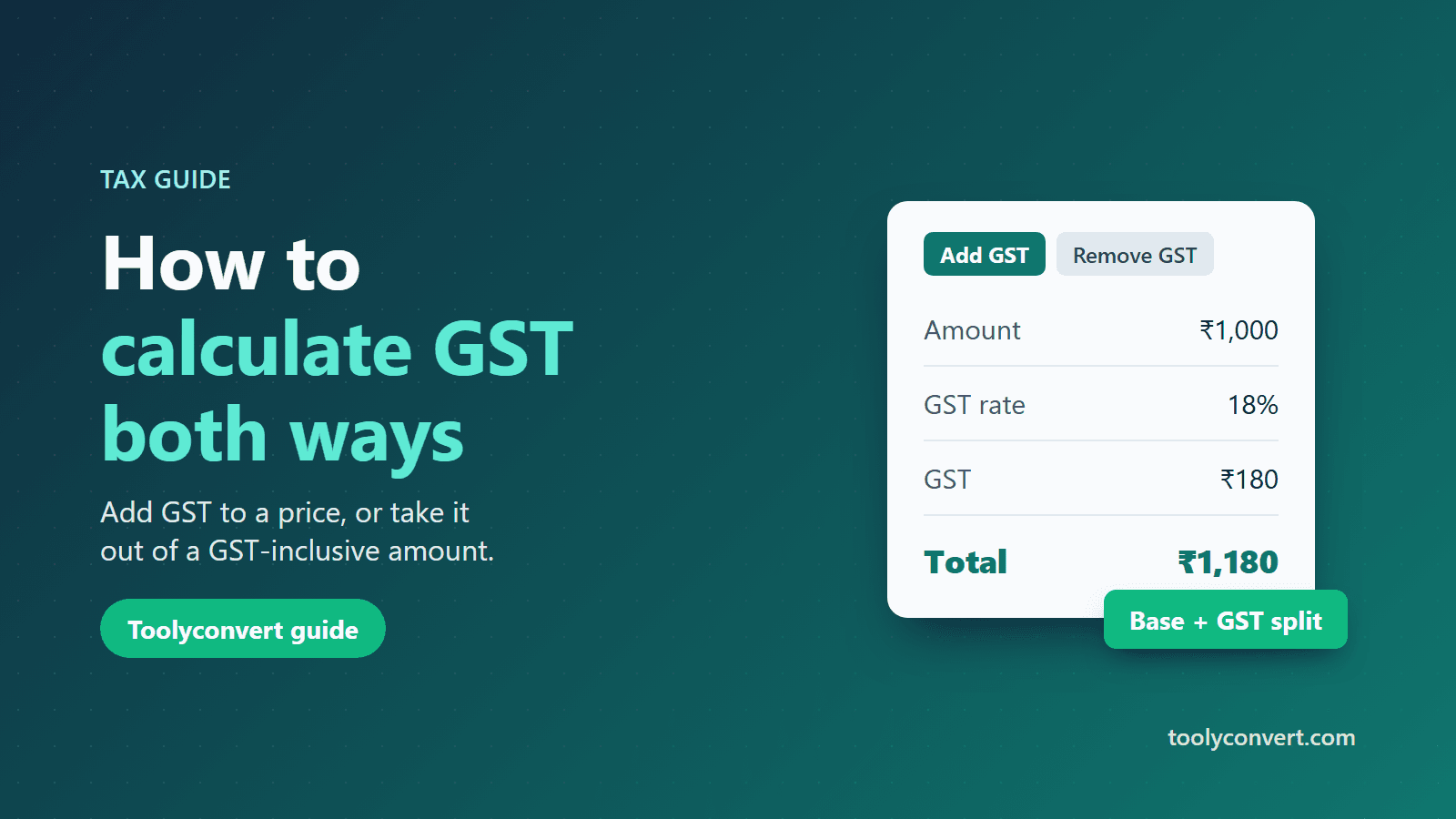
The two GST formulas every invoice needs, worked examples in rupees, how CGST, SGST and IGST split the tax, and the mistakes that make totals not add up.
Read article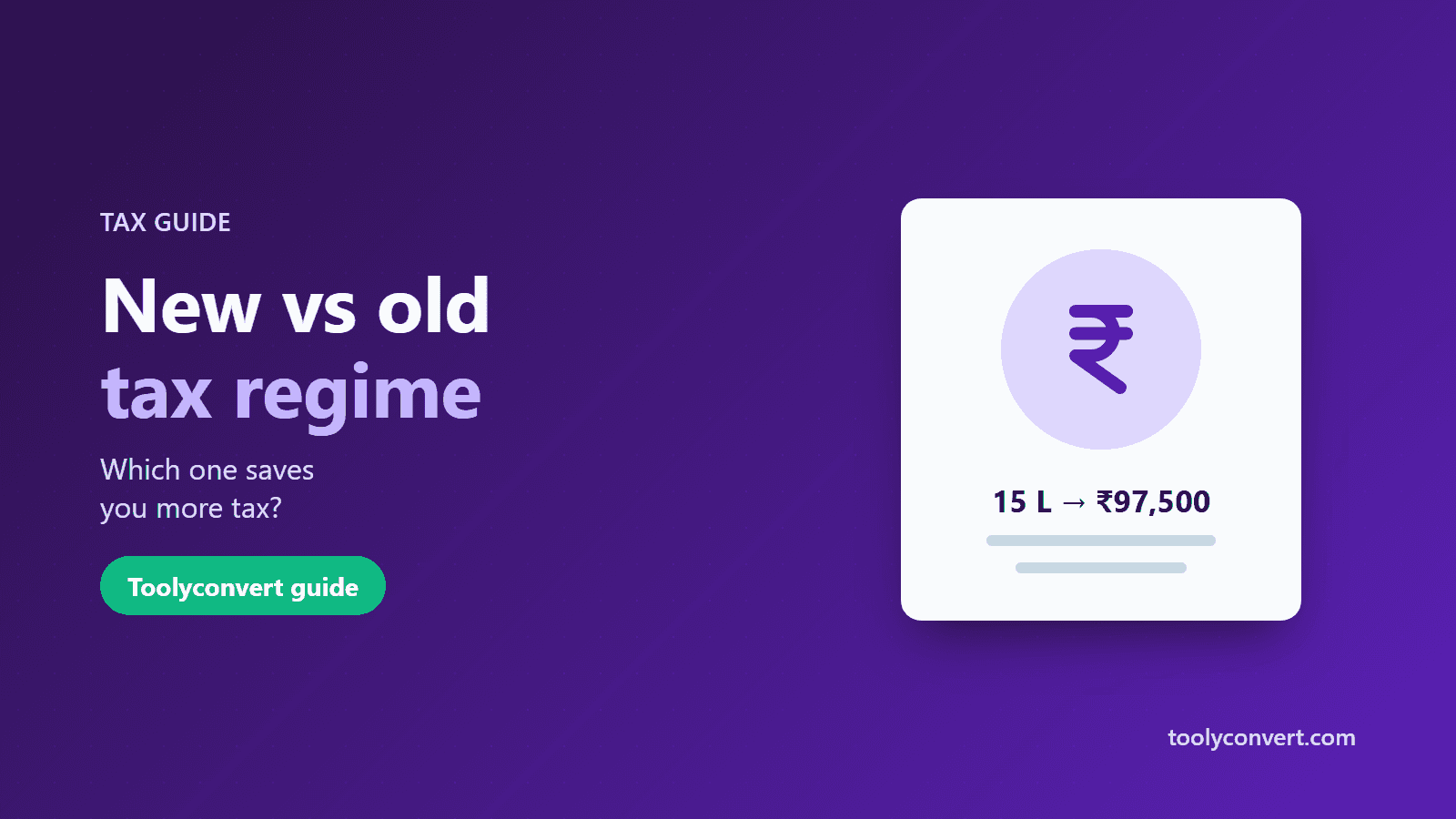
The slabs of both regimes, the ₹12 lakh rebate, which deductions survive, and the break-even deductions at ₹10, 15, 20 and 25 lakh salary.
Read article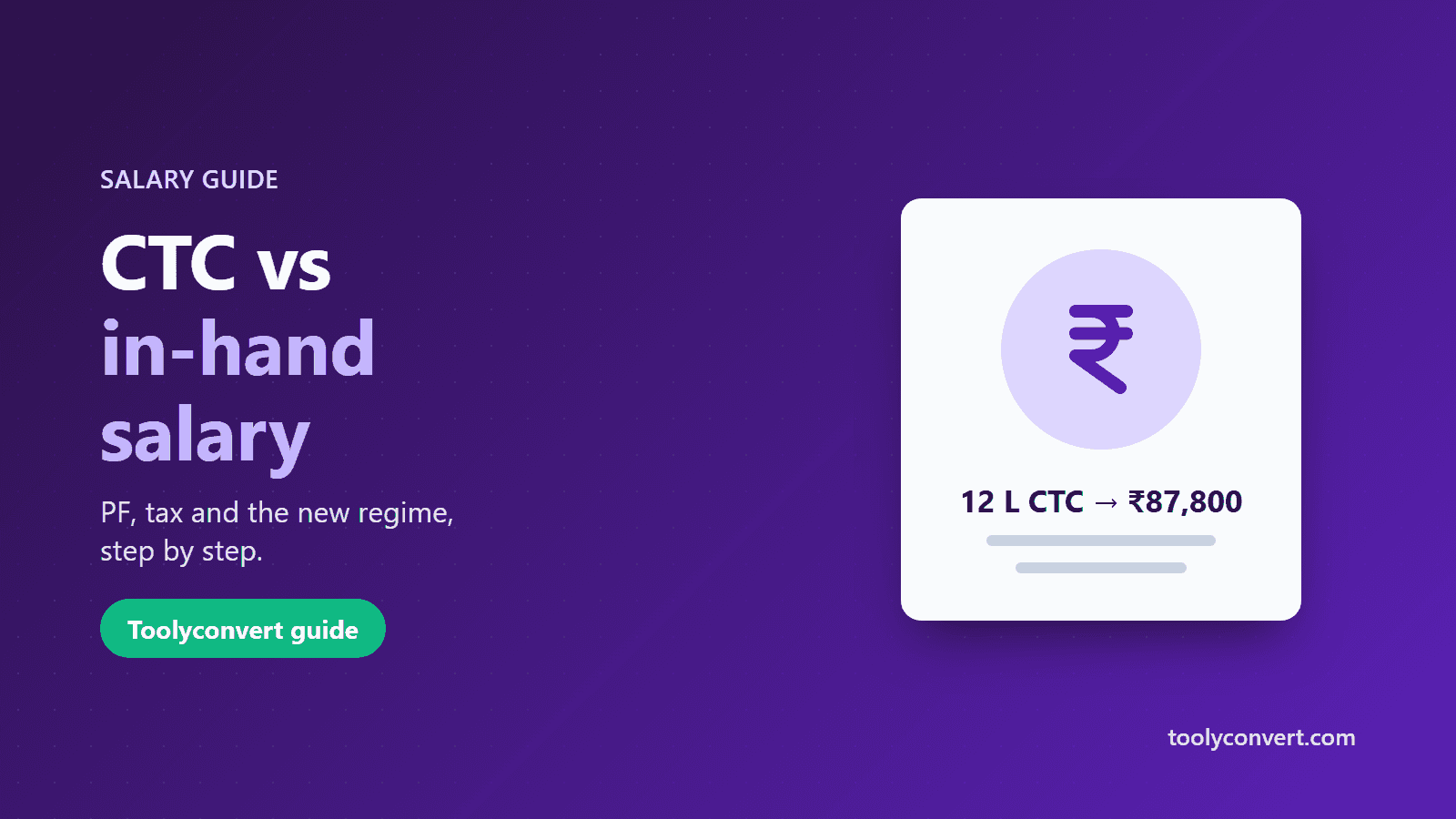
Why your monthly salary is less than CTC ÷ 12, what PF, gratuity and professional tax take, how the new tax regime works, and a full worked example.
Read article










