A supplier quotes ₹2,500 "plus GST". A customer asks what a ₹1,180 bill would cost without tax. Your accountant wants the tax shown separately on every invoice. All three are the same small calculation done in one of two directions, and getting the direction wrong is the most common reason invoice totals do not add up.
This guide covers both directions, with worked examples in rupees, how the tax is split between CGST, SGST and IGST, and the mistakes to avoid. You can check every number with the free GST Calculator, which runs in your browser.
The two GST calculations
Every GST question is one of these:
- Adding GST to a price that does not include it yet ("₹1,000 plus GST").
- Removing GST from a total that already includes it ("₹1,180 inclusive of GST").
They use different formulas. Applying the add formula backwards, by simply subtracting 18% from an inclusive total, gives the wrong answer. That is the mistake to watch for.
Adding GST to a price
When the price does not include tax yet:
- GST amount = price × GST rate ÷ 100
- Total = price + GST amount
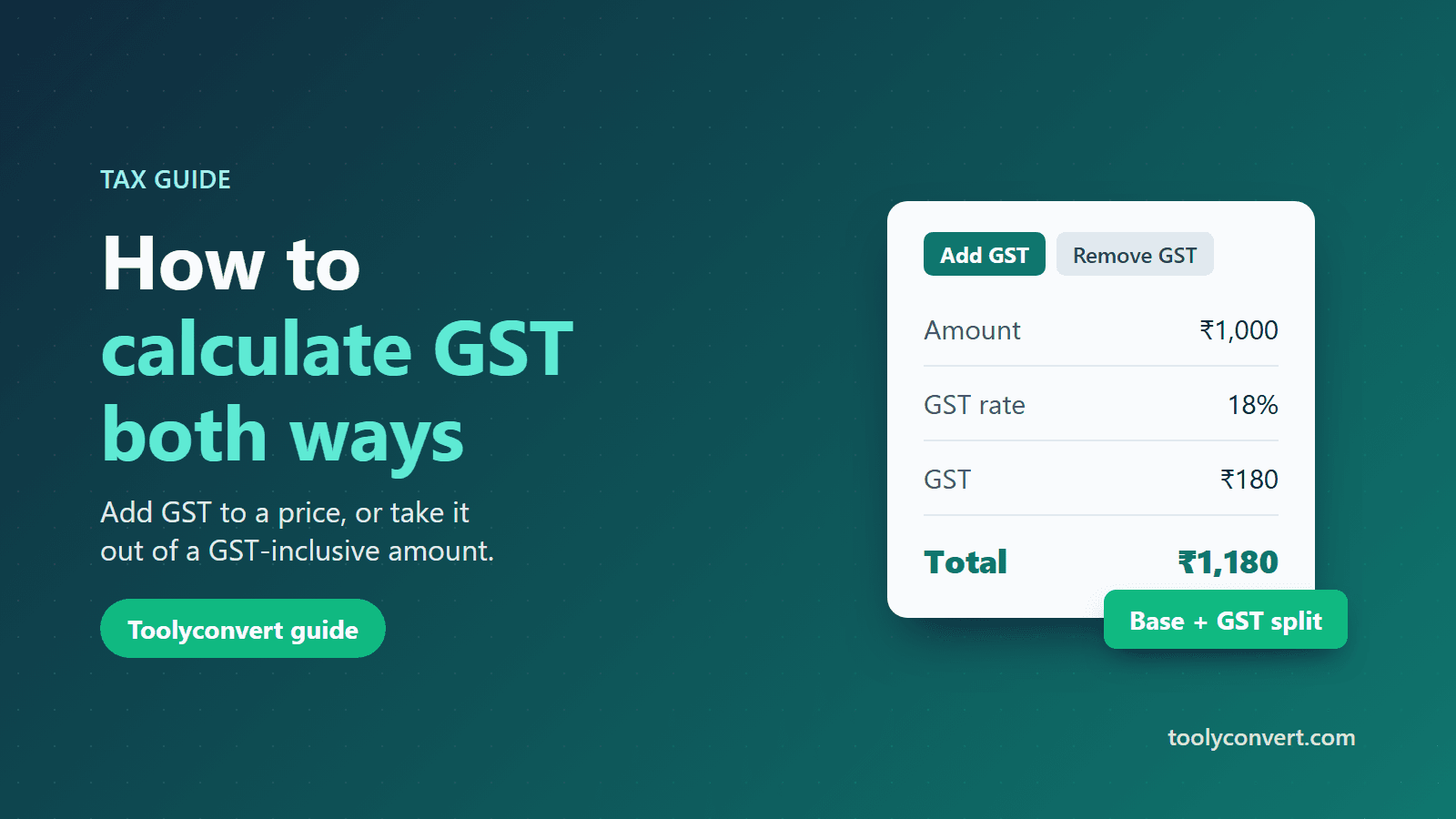
Example at 18%. A service costs ₹1,000 before tax.
- GST = 1,000 × 18 ÷ 100 = ₹180
- Total = 1,000 + 180 = ₹1,180
Example at 5%. An item costs ₹2,500 before tax.
- GST = 2,500 × 5 ÷ 100 = ₹125
- Total = 2,500 + 125 = ₹2,625
Removing GST from a total
When the amount already includes GST, divide instead of subtracting a percentage:
- Price before GST = total ÷ (1 + GST rate ÷ 100)
- GST amount = total − price before GST
Example at 18%. A bill shows ₹1,180 including GST.
- Price before GST = 1,180 ÷ 1.18 = ₹1,000
- GST = 1,180 − 1,000 = ₹180
Why not just take 18% off? 18% of ₹1,180 is ₹212.40, which would leave ₹967.60, and that is wrong. The 18% was calculated on the price before tax, so you have to work back from the total by dividing by 1.18.
Doing it with the GST Calculator
- Open the GST Calculator.
- Type the Amount.
- Type the GST rate in percent. It starts at 18%; change it to the rate that applies to your item.
- If the amount already includes GST, tick Amount is GST inclusive.
The calculator shows three figures as you type: the base amount (price before tax), the GST amount and the total. Because you type the rate yourself, it works for any rate, and the numbers stay on your device.
How the tax is split: CGST, SGST and IGST
The GST amount is the same whichever way it is split, but invoices show the split:
- Within one state (seller and buyer in the same state), the tax is divided equally into CGST (central) and SGST (state). At 18%, that is 9% CGST and 9% SGST. On ₹1,000, the invoice shows ₹90 CGST and ₹90 SGST.
- Between states, the whole amount is charged as IGST. At 18% on ₹1,000, the invoice shows ₹180 IGST.
- Union territories without a legislature use UTGST in place of SGST, split the same way.
So to get the split, calculate the full GST first, then halve it for an intra-state sale.
Which rate applies?
GST rates are set by the GST Council and depend on the item or service. They were restructured in 2025, so rate lists from older articles or invoices may be out of date. Check the current rate for your item on the official CBIC GST rate finder, on a recent invoice from your supplier, or with your accountant, then enter it in the calculator.
Common mistakes
- Subtracting the percentage from an inclusive total. Divide by (1 + rate ÷ 100) instead, as shown above.
- Adding GST twice. If a quote already says "inclusive", do not add tax again.
- Rounding too early. Keep the full figures until the end and round the final amounts to two decimals. Rounding each step can leave totals a paisa or two out.
- Using an old rate. Rates change; confirm the current one before you invoice.
- Mixing up the split. CGST + SGST for a sale within one state, IGST between states. Never both.
Quick reference
| You have | You want | Formula |
|---|---|---|
| Price before GST | GST amount | price × rate ÷ 100 |
| Price before GST | Total | price × (1 + rate ÷ 100) |
| Total including GST | Price before GST | total ÷ (1 + rate ÷ 100) |
| Total including GST | GST amount | total − total ÷ (1 + rate ÷ 100) |
Summary
Adding GST multiplies; removing GST divides. Work out the full GST amount first, split it into CGST and SGST (or IGST) afterwards, and round only at the end. For a quick check without a spreadsheet, enter the amount and rate in the GST Calculator and tick "inclusive" when the tax is already in the price.
This guide explains the arithmetic only. For questions about which rate or rules apply to your business, ask a qualified tax professional.