Discount Calculator
Work out the sale price and how much you save from a % or amount off, with stacked discounts, GST or tax and quantity. Also finds the original price.
No sign-up and no ads inside the calculator. Please keep the line with the link under it. In WordPress, paste it into a Custom HTML block.
Used Discount Calculator? Share how it went to help others.
About this tool
The discount calculator tells you what you will really pay in a sale and how much you save. Enter the original price and the discount, either as a percentage off or as an amount off, and the sale price and saving appear at once. Sales often add a second offer, such as a coupon code or a bank card discount, on top of the first. Add it as an extra discount: the calculator applies it to the already reduced price, as shops do, and shows the total discount you actually get. That is why 40% off plus another 10% off is 46% off, not 50%. If tax is added at checkout, such as GST in India, sales tax in the US or VAT, enter the rate and it is added after the discount; the tax amount is shown separately. Set a quantity to see the total for several items. Two reverse modes answer the other common questions. Original price: you see a sale price and the percentage off, and want to know what it cost before; a ₹1,499 item at 40% off was ₹2,498.33. Discount %: you know both prices and want the real discount, for example when a shop says “huge savings” but shows only two prices; ₹2,499 down to ₹1,499 is 40% off. Pick the currency symbol you need: rupees, dollars, euros, pounds or dirhams, or none. You can copy the result or share the calculation as a link. Nothing you enter leaves your browser.

Sale price, original price, or the discount percentage.
As % off or an amount off, with an optional extra discount.
GST, VAT or sales tax is added after the discount.
Copy the result or share the calculation as a link.
The second discount applies to the reduced price, as shops do.
Add GST, VAT or sales tax and see it separately.
Find the original price or the real discount %.
The total and the saving for several items.
Check the deal before you buy
See the real price behind “up to 70% off”.
Example₹2,499 at 40% off: you pay ₹1,499.40 and save ₹999.60.
Find what a bank offer or coupon really adds.
Example40% off, then 10% bank offer: 46% off in total, not 50%.
When GST or sales tax is added at the till.
Example$80 at 25% off is $60; with 8% sales tax you pay $64.80.
Work out the percentage from the old and new price.
Example₹1,999 down to ₹1,599 is a 20% discount.
Only the sale price and % off are shown.
Example£45 after 25% off was £60 before.
Totals for several items at a discount.
Example12 notebooks at ₹120 with 15% off: ₹1,224 in total.
Read sale offers the way shops calculate them
30% off then 20% off is 0.7 × 0.8 = 0.56 of the price: 44% off, not 50%.
In India, shown prices usually include GST (MRP). Leave tax at 0 unless it is added at checkout.
A big percentage on an inflated “was” price saves less than it seems. Compare with other shops.
A flat ₹500 off is a bigger percentage on a ₹1,500 item (33%) than on a ₹5,000 one (10%).
Senior Software Engineer · Developer of Toolyconvert
Hemant developed Discount Calculator and tests it on desktop and mobile with real files. He is a senior software engineer from Dehradun, India, building websites since 2014, and designed and developed Toolyconvert end to end.
Last updated 15 November 2026
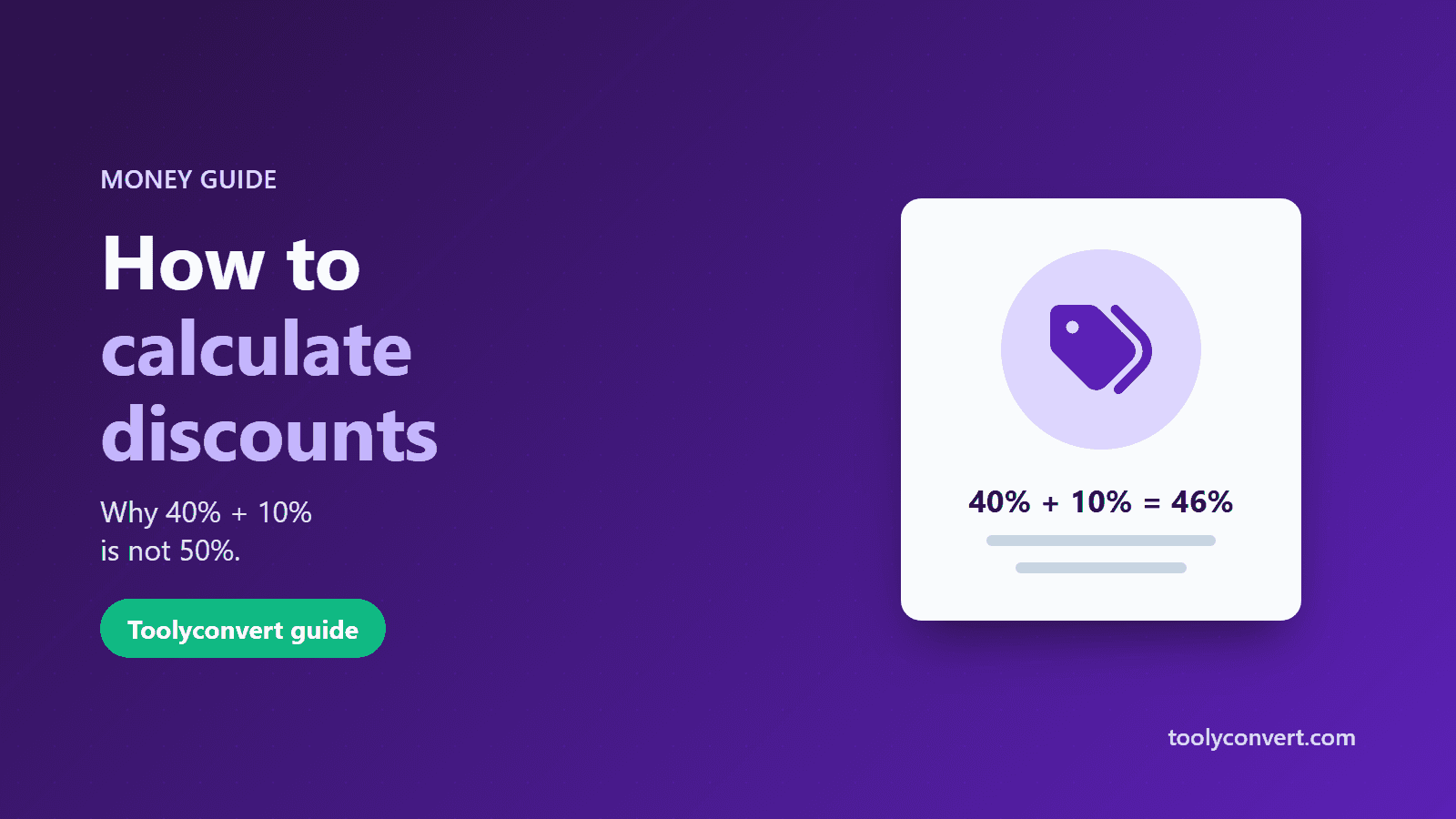
The simple discount formula, why 40% + 10% is not 50%, finding the original price or the real discount, and how GST, coupons and “buy 2 get 1” offers work out.
Read article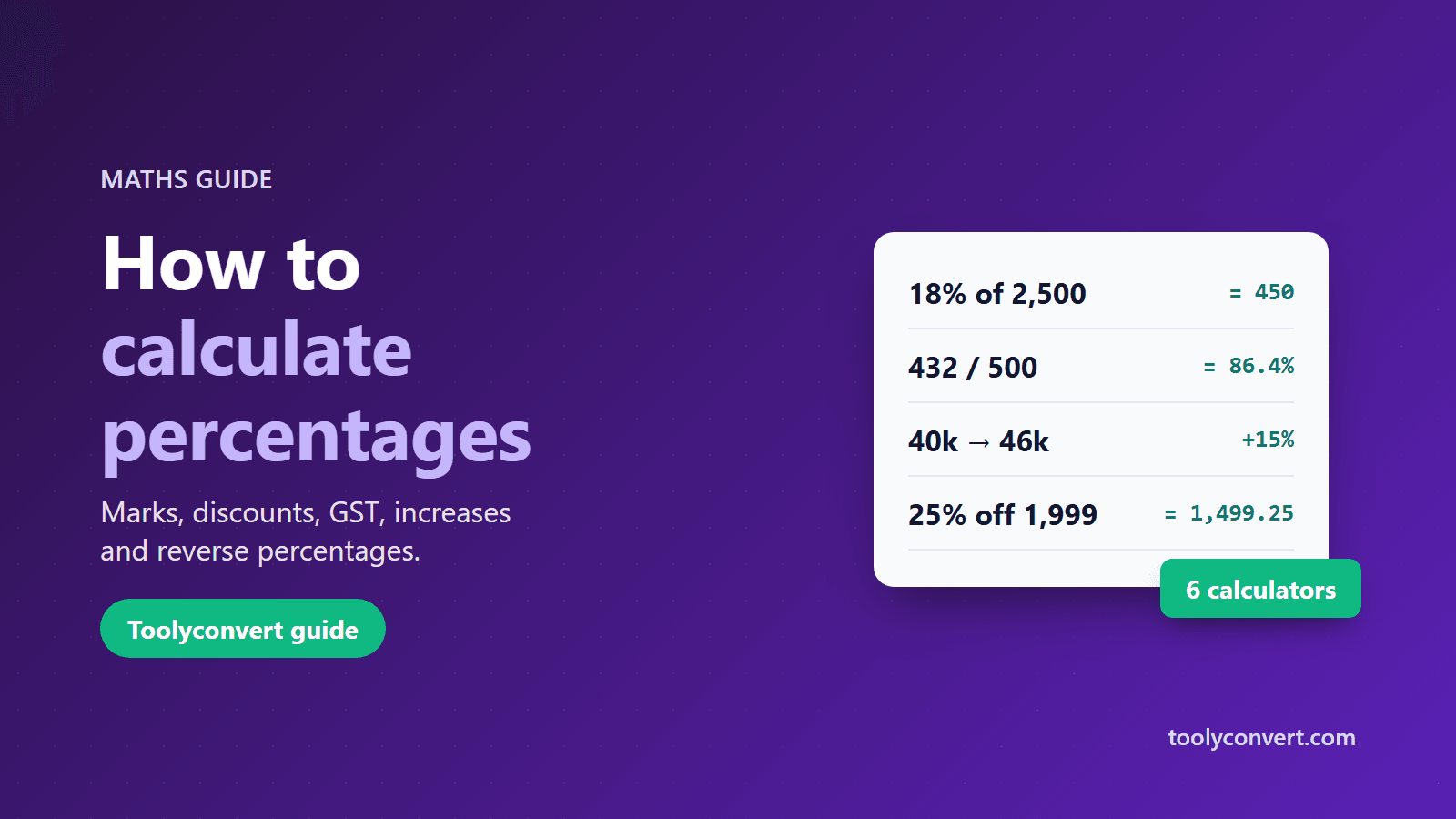
The six percentage formulas you actually need, with worked examples for exam marks, GST, discounts, salary hikes and finding the original price.
Read article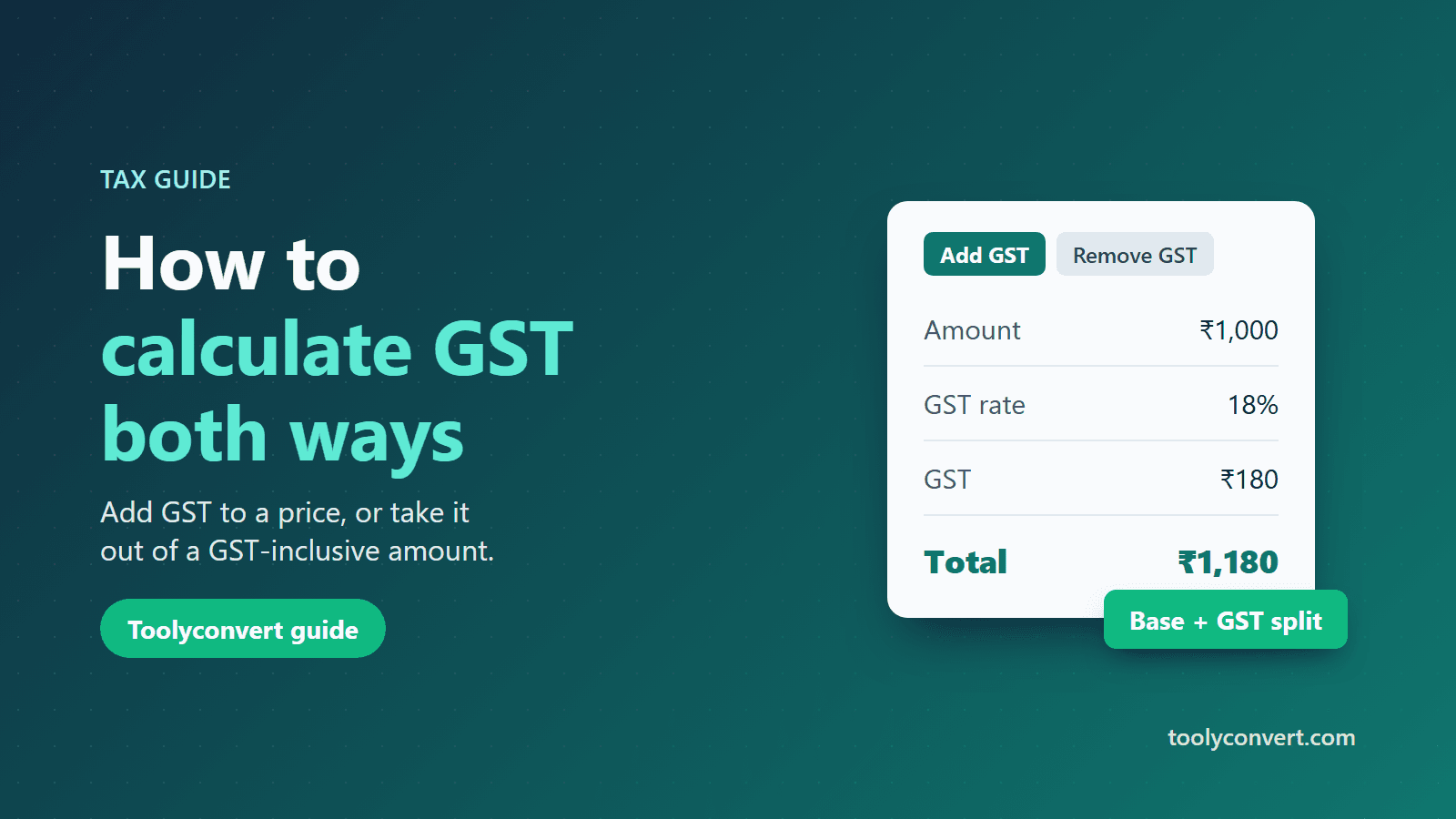
The two GST formulas every invoice needs, worked examples in rupees, how CGST, SGST and IGST split the tax, and the mistakes that make totals not add up.
Read article









