In legal cases, audits and large document reviews, people need to point to an exact page among thousands: "see SHARMA000214". That reference is a Bates number: a unique, sequential number stamped on every page. This guide explains how Bates numbering works and how to add it to a PDF with the free PDF Page Numbering & Bates Stamping tool, which runs in your browser.
What Bates numbering is
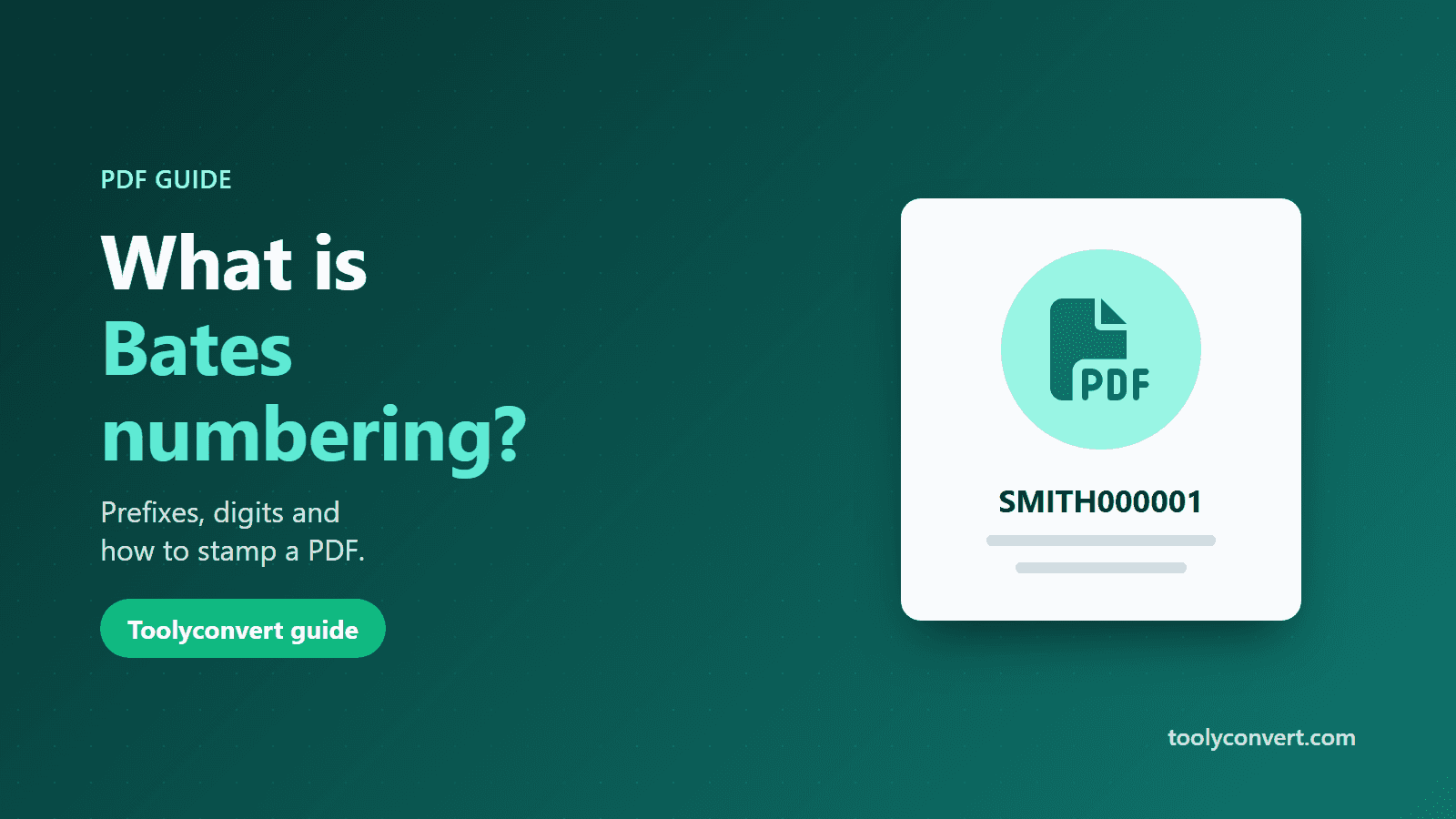
A Bates number is an identifier made of:
- a prefix, usually a party, client, case or matter name (
SHARMA,ABC-LTD,CASE123-), and - a number with a fixed number of digits (
000001), increasing by one on every page.
So a 300-page set runs from SHARMA000001 to SHARMA000300. The name comes from the Bates automatic numbering machine used to stamp paper documents in the late 1800s.
Why it is used
- Unique references. Every page in a case or audit has its own ID, so there is never confusion about which page someone means.
- Completeness. Gaps in the sequence show immediately if a page is missing.
- Order. Pages can be put back in order if they get separated.
- Shared language. Both sides of a dispute, a court or a regulator can cite the same page.
Bates numbers are standard in litigation and discovery, and widely used in audits, regulatory submissions, insurance claims and due diligence.
Choosing a prefix and digits
| Decision | Good practice |
|---|---|
| Prefix | Short and meaningful: party or matter name, letters and numbers only |
| Digits | Enough for the whole matter: 6 digits covers up to 999,999 pages |
| Start number | 1 for a new set; continue from the last number for later productions |
| Position | Bottom right is the most common, clear of the document's own text |
Keep the same prefix and digit count for an entire matter so numbers sort correctly.
Add Bates numbers step by step
- Open the Bates numbering tool and choose the PDF. It is not uploaded.
- Choose Bates numbers.
- Enter the prefix and the number of digits, and set Start at (1, or the next number after a previous set).
- Choose the position: bottom or top, left, centre or right, and the text size and colour.
- Optionally add a header such as
CONFIDENTIALand a footer such as the firm name. - Check the preview and click Download numbered PDF. You get a new file ending in
_bates.pdf; the original is unchanged.
Bates numbering a set of documents
When several files make up one production, number them as one continuous sequence:
- Merge them first in the right order with Merge PDF, then stamp the merged file, or
- Stamp each file separately, setting Start at to continue from the previous file's last number.
Write down the first and last number of each set in your covering letter or index.
Page numbers vs Bates numbers
Ordinary page numbers ("Page 3 of 20") restart in every document. Bates numbers never restart within a matter and include a prefix, so they identify a page across thousands of documents. For everyday reports, normal page numbers are enough; switch the tool to Page numbers or read our guide on adding page numbers to a PDF.
Before you share the stamped PDF
- Remove information you are not allowed to disclose with Redact PDF; black boxes alone do not remove hidden text.
- Check the stamp does not cover content near the page edge; move it or reduce the size if needed.
- Keep the unstamped originals.
Common questions
Is my document uploaded? No. It is stamped in your browser.
Can the stamp include the rupee sign or Hindi text? The stamp uses a standard PDF font, so ₹ is written as "Rs." and non-Latin letters are left out. Use Latin letters and numbers in prefixes.
Can I stamp a password-protected PDF? Unlock it first with Unlock PDF.
Is Bates numbering legally required? Requirements depend on the court, regulator or agreement. Follow the instructions you were given.