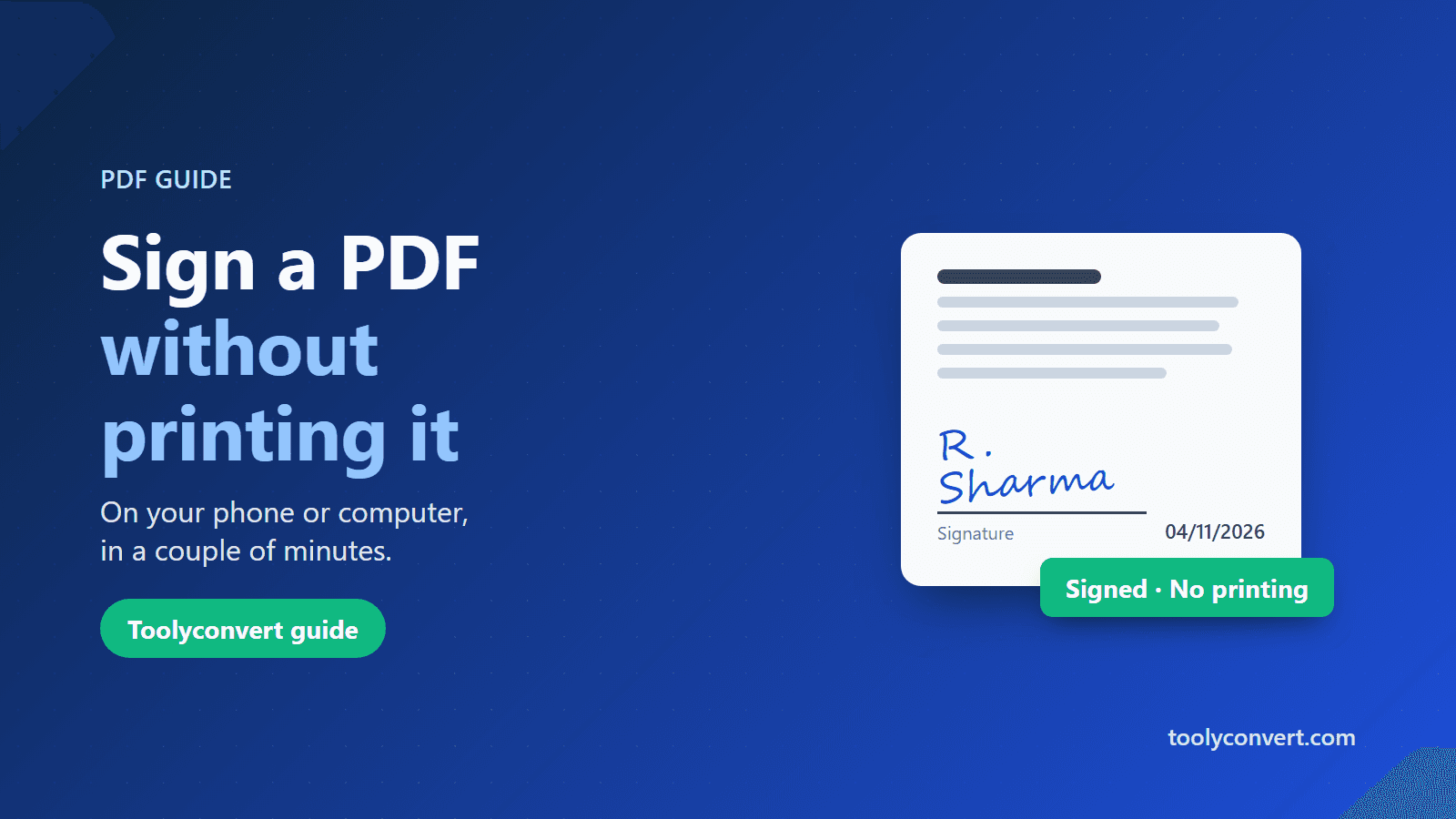
An offer letter arrives as a PDF with "please sign and return". The old way was to print it, sign it, scan it and email the scan back, assuming you have a printer and a scanner nearby. You do not need either. You can sign the PDF directly on your phone or computer in a couple of minutes.
This guide uses the free Sign PDF tool, which runs in your browser and does not upload your document.
Step by step
- Open Sign PDF and choose the document. It opens in an editor on your device.
- Choose Signature (shortcut S). A signature pad opens with two options:
- Draw: sign with your mouse, trackpad, stylus or finger.
- Type: type your name and pick a style: a handwritten script, a formal serif or a typewriter face.
- Pick the ink colour. Dark blue is a popular choice because it stands out from black printed text and looks like a pen signature.
- Place the signature. It appears on the page as a transparent image. Drag it onto the signature line and resize it from the corners.
- Add the date, place and initials with the Text tool. Many forms ask for these next to the signature.
- Tick any consent boxes with the Checkbox tool.
- Sign every page that needs it. Place the signature again on other pages; you can make it smaller for initials.
- Download the signed PDF and send it back.
Get a signature that looks right
- Draw big, then shrink. A signature drawn large on the pad and then resized looks smoother than a small, careful one.
- Use a stylus or your finger on a phone if a mouse signature looks shaky.
- Prefer your real pen signature? Sign on plain white paper, take a photo, and choose Upload in the signature window. The paper background is removed automatically; use the slider if some paper texture remains.
- Signing often? Keep Save on this device ticked. Next time your signature appears at the top of the window and places with one tap. It is stored only in your browser.
- Need the date or a stamp? The Stamp & date tool adds today's date, or a stamp such as APPROVED or RECEIVED with the date, in one tap.
- Check the result by zooming in on the signed page before you send it.
Is a signature like this legally valid?
What you create here is an electronic signature: a visible mark that shows you agreed to the document. Electronic signatures are widely accepted for everyday paperwork such as offer letters, rental drafts, school forms, quotations and many internal company documents. In India, the Information Technology Act recognises electronic records and signatures, but some documents and processes require a specific, more secure kind.
A digital signature is different. It uses a certificate (for example a DSC on a USB token, or Aadhaar eSign) to cryptographically prove who signed and that the file was not changed afterwards. Income-tax filings, MCA company forms, GST registration and most government tenders require this kind of signature.
So:
- Use Sign PDF when someone just wants your signature on the document.
- Use a DSC or Aadhaar eSign when a portal or law specifically asks for a digital signature.
- If you are not sure, ask the person or organisation that sent you the document.
Keep signed documents safe
A signed document often contains your address, phone number or ID details.
- Send it only to the person who asked for it.
- Add a password before emailing sensitive documents with Protect PDF, and share the password separately (for example by phone).
- Keep a copy of everything you sign.
Common questions
Can I sign on my phone? Yes. Open the page in your phone's browser and draw your signature with your finger.
Will my signature be uploaded? No. The document and your signature stay on your device.
The PDF is password-protected. Remove the password first with Unlock PDF.
I need to fill in form fields too. Use Fill PDF Form for forms with fields, then sign the filled copy.
I also want to add comments. The same editor can highlight and add notes; see how to annotate a PDF.
Summary
To sign a PDF online, open it in Sign PDF, draw or type your signature, drag it onto the signature line, add the date, and download the signed copy. It takes a couple of minutes, needs no printer, and the document never leaves your device. For filings that require a certificate-based digital signature, use the DSC or eSign method the portal asks for.