Vimeo does not offer a "download thumbnail" button, and the image you get from many quick methods is tiny: the default thumbnail Vimeo shares is only about 295 pixels wide. For a slide, a blog post or a newsletter you want something much sharper.
This guide shows how to get a Vimeo thumbnail at the size you need with the free Vimeo Thumbnail Downloader, and how to use it well.
Step by step
- Copy the video link. On Vimeo, click Share and copy the link. Any of these work:
https://vimeo.com/123456789https://vimeo.com/123456789/abcdef1234(unlisted videos include this extra code)https://vimeo.com/channels/staffpicks/123456789https://player.vimeo.com/video/123456789(embed links)
- Paste it into Vimeo Thumbnail Downloader and click Get Thumbnail. The title and creator appear with the image.
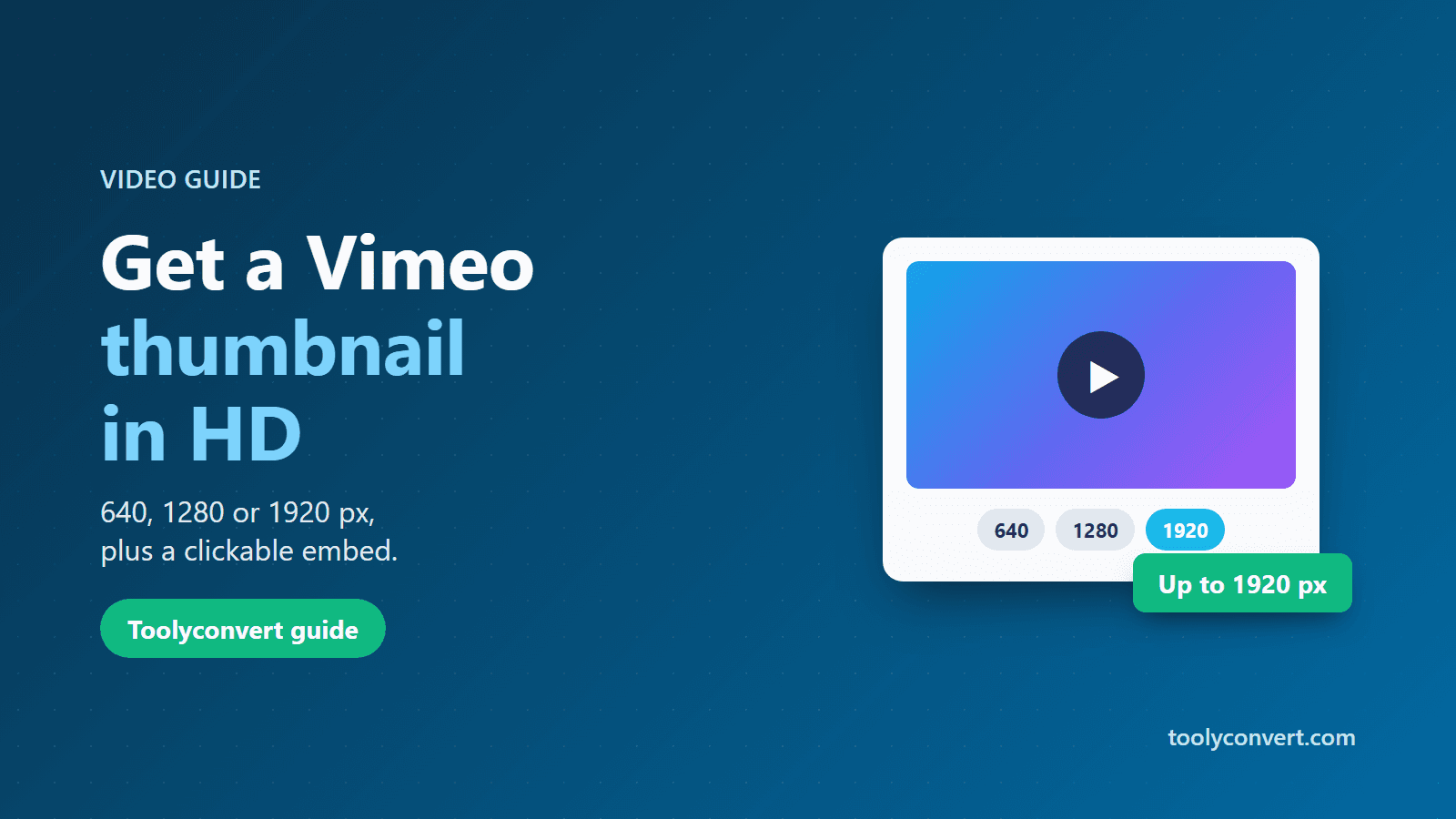
- Choose the size: 640 px (SD), 1280 px (HD) or 1920 px (Full HD). The real resolution is shown, for example 1920 × 1080 for a 16:9 video.
- Download the JPG, or copy the image URL.
Which size should you pick?
| Use | Size |
|---|---|
| Email newsletters, lists of videos | 640 px |
| Blog posts, website cards | 1280 px |
| Slides, full-width banners | 1920 px |
Bigger is not always better: a 1920 px image in an email makes it slow to load. Compress large images with Image Compressor before using them on the web.
Embed a clickable thumbnail
Email clients cannot play videos, and some website builders do not allow iframes. The usual workaround is a linked thumbnail: the image of the video, which opens the video when clicked.
The downloader gives you this as ready-made HTML under Embed:
<a href="https://vimeo.com/123456789"><img src="https://i.vimeocdn.com/video/...-d_640" alt="Video title" width="640" loading="lazy"></a>Copy it and paste it into the HTML view of your newsletter tool or page. Two tips:
- Choose 640 px for emails so the message loads fast.
- Add a "▶ Watch the video" text link below the image; some email clients block images until the reader allows them.
On your own website, linked thumbnails also make pages faster: show the image first and load the heavy video player only when someone clicks.
Why it says "Could not fetch thumbnail"
- The video is private or password-protected. Vimeo does not share thumbnails for these.
- The link is incomplete. For unlisted videos, copy the full link from the Share button, including the code after the number.
- The video was deleted or the number is wrong.
Can I use someone else's thumbnail?
A thumbnail is part of the creator's work. Using it to link to their video (for example in a "videos we liked" newsletter) is common practice. Using it as your own artwork, in ads, or on merchandise needs the creator's permission. For your own videos, use it however you like.
Changing your own Vimeo thumbnail
If the thumbnail you downloaded does not look good, change it on Vimeo: open the video's settings, go to the thumbnail options, and pick a frame or upload a custom image. Thumbnails with a clear face or a short, large title usually get more clicks. Then fetch it again here.
Doing the same for YouTube
For YouTube videos, use the YouTube Thumbnail downloader. Our guide on how to download YouTube thumbnails covers the sizes YouTube offers.
Summary
To get a Vimeo thumbnail, paste the video link into Vimeo Thumbnail Downloader, choose 640, 1280 or 1920 px, and download the JPG or copy its URL. For newsletters and pages without video players, copy the embed snippet to show a thumbnail that links to the video.