Unicode Escape Converter
Convert text to Unicode escapes (\uXXXX, \u{…}, U+, &#x…;) and decode any escape back to readable text. See every character’s code point and UTF-8 bytes.
Used Unicode Escape Converter? Share how it went to help others.
About this tool
Unicode Escape Converter turns text into the escape codes that programs use, and turns escapes back into text. In Text → Unicode Escape mode, type or paste any text, including Hindi, emoji or currency signs, and choose the format you need: \uXXXX for JavaScript, JSON, Java and C#; \u{X} for modern JavaScript, Swift and Rust; \uXXXX and \UXXXXXXXX for Python and C; U+XXXX code points; or HTML entities in hex (&#xXXXX;) or decimal (&#NNNN;). Tick "Escape only non-ASCII characters" to keep plain English letters as they are and escape only the rest, which is what you want for JSON files and language strings. Emoji and other characters above U+FFFF are handled correctly: \uXXXX output uses the surrogate pair that JavaScript and JSON expect, while the other formats use the single code point. In Unicode Escape → Text mode, paste any mix of these notations and they are all decoded at once; everything else in the text is left exactly as it was, so you can paste a whole JSON line or log message. Below the output, a character breakdown table lists each character with its code point, JavaScript escape, HTML entity and UTF-8 bytes, plus the number of characters and UTF-16 units, which explains why a string’s length in code can differ from what you see. Everything runs in your browser; nothing you type is sent anywhere.

Text → Unicode Escape to encode, or Unicode Escape → Text to decode.
JavaScript/JSON, ES6, Python, U+ code points or HTML entities.
The result updates as you type, with a character-by-character breakdown below.
Copy the output straight into your code, JSON file or HTML.
JavaScript/JSON, ES6, Python, U+ code points, HTML hex and HTML decimal.
Paste mixed notations; each is recognised and decoded, the rest is kept.
Characters above U+FFFF become correct surrogate pairs or single code points.
Keep English text readable and escape just the special characters.
From JSON files to broken text
Read escaped text in API responses, or escape strings safely for JSON.
Example"\u0928\u092e\u0938\u094d\u0924\u0947" in an API response decodes to "नमस्ते".
Keep language files ASCII-only by escaping Hindi or other scripts.
ExampleA Java .properties file stores Hindi labels as \uXXXX escapes.
Insert symbols such as ₹ or © in HTML when the editor mangles them.
Example₹ is written as ₹ so it shows correctly on any page.
Find invisible characters such as non-breaking spaces or zero-width joiners.
ExampleThe breakdown table shows a U+00A0 non-breaking space that broke a string comparison.
Write emoji in source code or databases as escapes.
Example😀 becomes \ud83d\ude00 in JavaScript or \U0001F600 in Python.
See how characters, code points and UTF-8 bytes relate.
Example₹ is one character, one UTF-16 unit and three UTF-8 bytes: E2 82 B9.
Avoid common encoding mistakes
JSON only understands \uXXXX. \u{…} works in modern JavaScript but breaks JSON parsers, so pick the JS / JSON format for JSON files.
Characters above U+FFFF need a surrogate pair in \uXXXX format. That is why "😀".length is 2 in JavaScript.
If two strings look identical but do not match, paste them here and compare the code points in the table.
A Devanagari syllable such as "स्ते" is made of several code points (consonants, virama, vowel sign), so it escapes to several codes.
Web addresses use percent-encoding (%E2%82%B9), not Unicode escapes.
Open URL Encode/DecodeTo put files or bytes into text, Base64 is the right tool, not Unicode escapes.
Open Base64 Encode/DecodeSenior Software Engineer · Developer of Toolyconvert
Hemant developed Unicode Escape Converter and tests it on desktop and mobile with real files. He is a senior software engineer from Dehradun, India, building websites since 2014, and designed and developed Toolyconvert end to end.
Last updated 3 November 2026
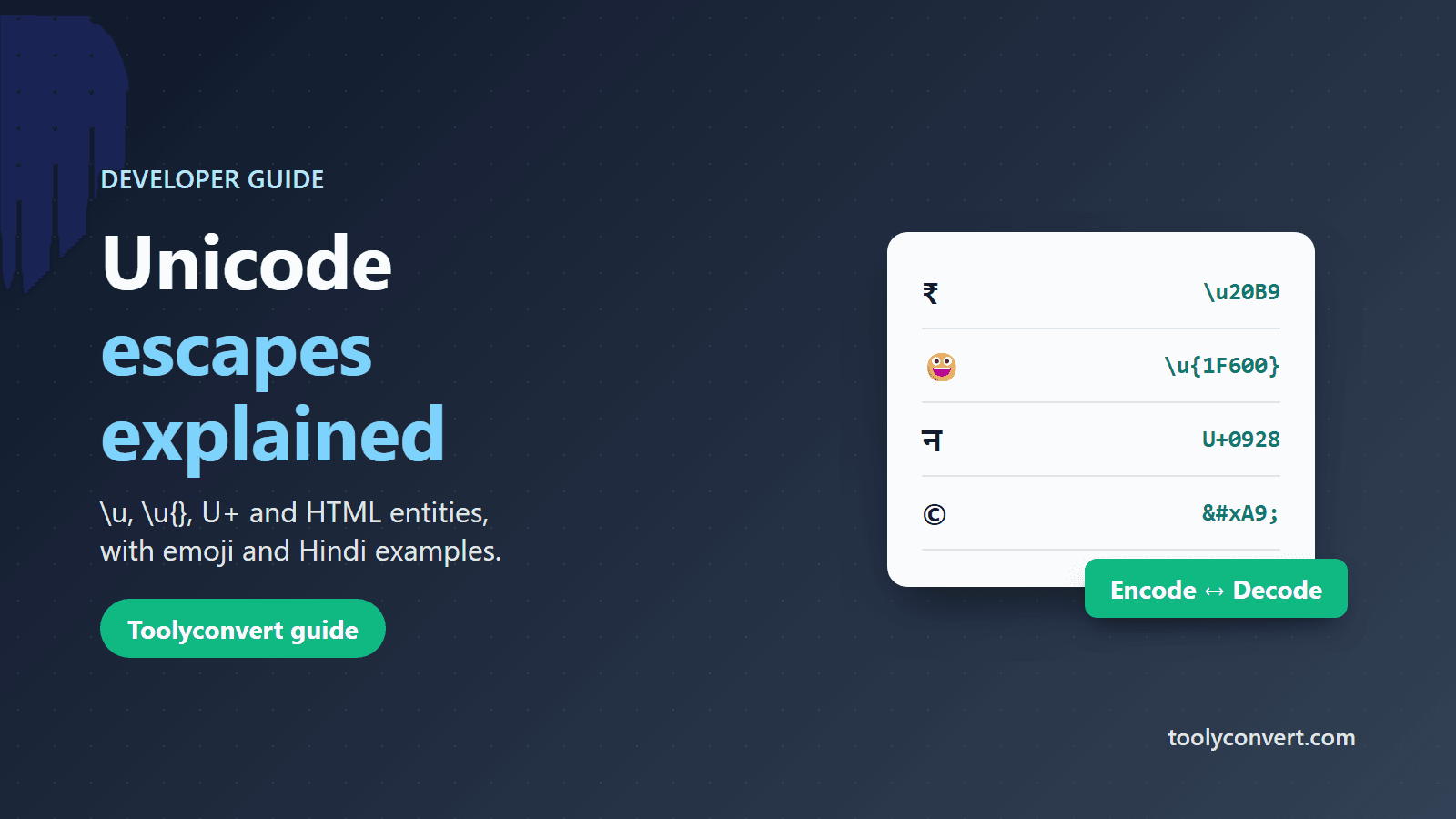
What \u20B9, \u{1F600}, U+0928 and ₹ mean, why emoji take two \u codes, and how to decode garbled text from APIs and JSON files.
Read article
The Unicode look-alike characters behind ʇxǝʇ uʍop ǝpᴉsdn, why the order is reversed, where it displays correctly, and the accessibility cost.
Read article
Sort any list A to Z in seconds: online, in Excel, Google Sheets, Word and on the command line, plus why 10 comes before 2 and how to remove duplicates.
Read article









