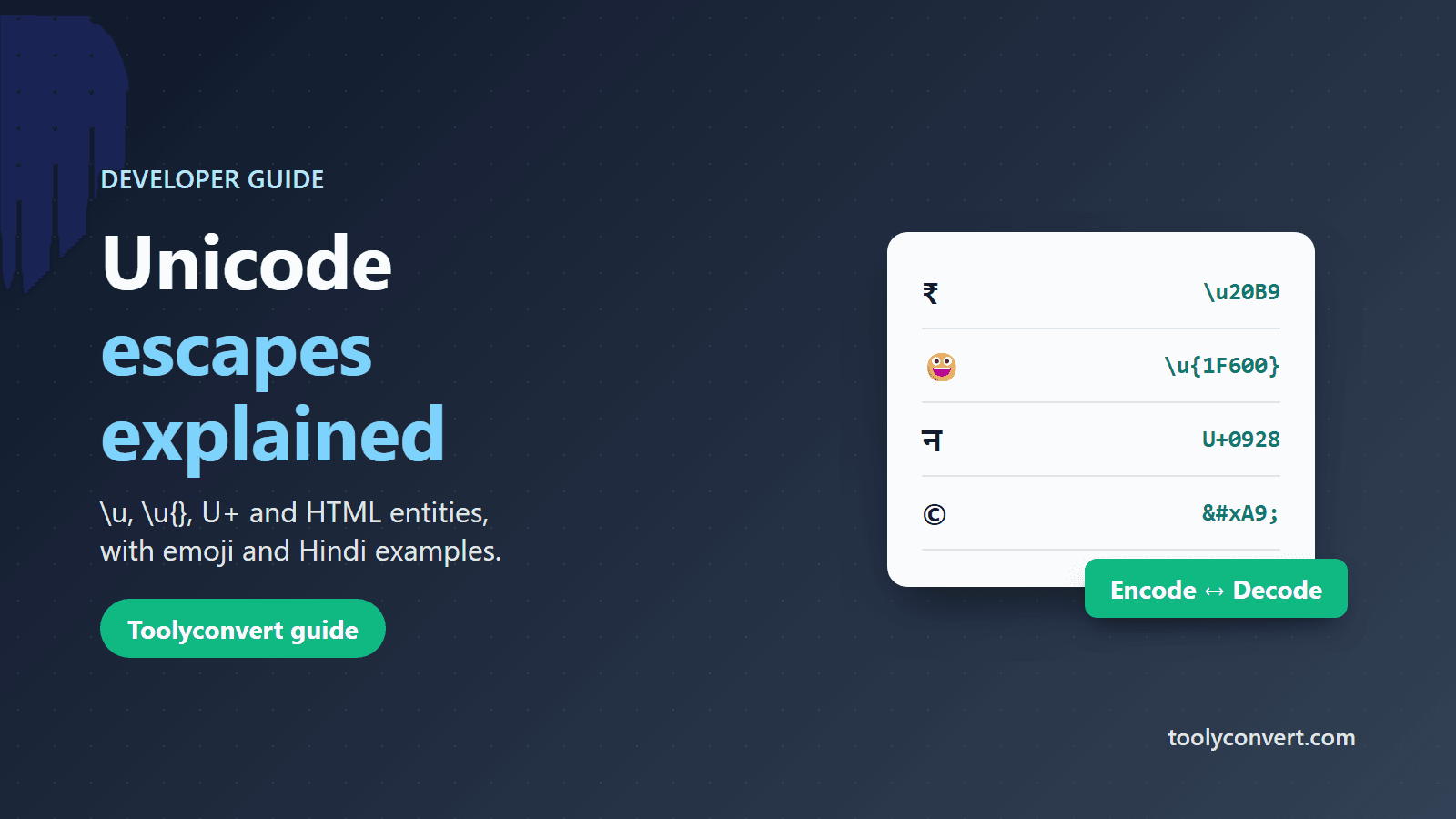
You call an API and the response says "city": "\u092e\u0941\u0902\u092c\u0908" instead of "मुंबई". A log file is full of \ud83d\ude00. An HTML template shows ₹ where a ₹ sign should be. All of these are Unicode escape sequences: ways of writing a character by its number rather than by the character itself.
This guide explains the common formats, when each is used, and how to decode them. You can try every example in the Unicode Escape Converter.
Characters, code points and encodings
Unicode gives every character a number called a code point, written as U+ followed by hexadecimal digits:
| Character | Code point |
|---|---|
| A | U+0041 |
| é | U+00E9 |
| न (Hindi "na") | U+0928 |
| ₹ | U+20B9 |
| 😀 | U+1F600 |
An encoding decides how those numbers are stored as bytes. UTF-8, used by most files and web pages, stores "A" in 1 byte, "₹" in 3 bytes and "😀" in 4. UTF-16, used inside JavaScript, Java and Windows, stores most characters in one 16-bit unit and characters above U+FFFF (like most emoji) in two.
An escape sequence is a way of typing a code point into code or text using only plain ASCII characters.
The common escape formats
\uXXXX (JavaScript, JSON, Java, C#)
Four hexadecimal digits: \u20B9 is ₹. This is the only escape JSON understands.
\u{X} (modern JavaScript, Swift, Rust)
Any number of hex digits in braces: \u{1F600} is 😀. Handy, but not valid in JSON.
\UXXXXXXXX (Python, C, C++)
Eight hex digits for characters above U+FFFF: "\U0001F600" in Python is 😀. Python uses \uXXXX for the rest.
U+XXXX (documentation)
How code points are written in text and specifications. Not usually understood by code.
&#xXXXX; and &#NNNN; (HTML and XML)
Character references in hexadecimal or decimal: ₹ and ₹ are both ₹.
Why an emoji becomes two \u codes
\uXXXX can only hold four hex digits, which reach U+FFFF. Emoji such as 😀 (U+1F600) are beyond that, so UTF-16 stores them as a surrogate pair of two units: \ud83d\ude00.
This is also why "😀".length is 2 in JavaScript even though you see one character. If you cut a string in the middle of a surrogate pair, you get a broken character (often shown as �).
The character breakdown table in the Unicode Escape Converter shows the number of characters and the number of UTF-16 units side by side, so these differences are easy to spot.
Hindi and other Indic scripts
A Devanagari syllable that looks like one letter is often several code points. "स्ते" is स (U+0938) + ् virama (U+094D) + त (U+0924) + े vowel sign (U+0947). So "नमस्ते", which looks like four letters, is six code points and escapes to six \u codes. That matters when you count characters, limit field lengths or reverse strings.
How to decode escaped text
- Open the Unicode Escape Converter and choose Unicode Escape → Text.
- Paste the text. It can mix
\uXXXX,\u{X},\UXXXXXXXX,U+XXXXand HTML entities, along with normal text. - Every escape is decoded; the rest of the text is kept as it is.
If you regularly see escapes where you expected readable text, the usual causes are:
- Double encoding: the text was escaped twice, so
\u0928became\\u0928. Decode in your code at the right step. - Showing raw JSON: the JSON was printed as a string instead of being parsed.
- ASCII-only output settings: for example
json.dumps(data)in Python escapes non-ASCII by default;json.dumps(data, ensure_ascii=False)keeps characters readable.
How to escape text for code
- Choose Text → Unicode Escape.
- Pick the format for your language: \uXXXX for JSON and JavaScript strings, \u{X} for modern JavaScript, the Python format for Python, or HTML entities for markup.
- Tick Escape only non-ASCII characters to keep English text readable and escape just the special characters, which is what most translation files want.
Escapes are not URL or Base64 encoding
- Web addresses use percent-encoding: ₹ becomes
%E2%82%B9(its UTF-8 bytes). Use URL Encode/Decode. - Binary data in text uses Base64. Use Base64 Encode/Decode.
Summary
Unicode escapes write characters by their code point: \uXXXX for JSON and JavaScript, \u{X} for modern JavaScript, \UXXXXXXXX for Python, U+XXXX in documentation and &#x…; in HTML. Characters above U+FFFF need surrogate pairs in UTF-16. To read or create any of these, use the Unicode Escape Converter, which also shows each character's code point and UTF-8 bytes.


