Remove PDF Pages
Delete pages from a PDF in your browser. See every page as a thumbnail, click the ones to remove and download the shorter PDF. Free, no upload.

or drop it here
- Free
- No sign-up
- Up to 100 MB
Delete pages from a PDF in your browser. See every page as a thumbnail, click the ones to remove and download the shorter PDF. Free, no upload.
or drop it here
Used Remove PDF Pages? Share how it went to help others.
About this tool
Remove PDF Pages takes unwanted pages out of a document without changing the rest. Choose a PDF and the tool draws a thumbnail of every page so you can see exactly what you are deleting: blank pages from a scan, an advert in a bank statement, a cover page, duplicate pages or pages with information you do not want to share. Click a page to mark it for removal; click it again to keep it. A counter shows how many pages are selected, and Select all helps when you want to keep only a few pages (select everything, then unselect the ones to keep). Click Remove and the tool builds a new PDF with the remaining pages in their original order, then offers it for download with “_modified” added to the file name so your original stays untouched. Text, images, links and form fields on the pages you keep are carried over as they are; nothing is converted or re-compressed. The whole job runs in your browser with the PDF library pdf-lib, so the document is never uploaded, which matters for statements, contracts and ID documents. You cannot remove every page (a PDF needs at least one), and password-protected files must be unlocked first. To pull pages out into a separate file instead of deleting them, use Extract PDF Pages; to change their order, use Reorder PDF Pages.

Select or drop a PDF. Page thumbnails appear in your browser.
Scroll through the thumbnails to find the pages you no longer need.
Click each page to remove. Click again to keep it, or use Select all.
Remove the selected pages and save the shorter copy.
Every page is shown as a thumbnail, so you never remove the wrong one.
Kept pages keep their text, images, links and quality.
You download a new copy; your original PDF is not changed.
Keep just a few pages of a long PDF in a couple of clicks.
Shorter, cleaner documents to share
Delete the empty backs of single-sided pages after scanning in duplex mode.
ExampleA 24-page scan with 11 blank backs becomes a clean 13-page PDF.
Share only the months or pages someone actually asked for.
ExampleTerms-and-conditions pages are removed before sending a statement for a loan application.
Remove pages that are not relevant to the role or the form.
ExampleOld certificates are removed from a combined documents PDF before uploading it.
Drop cover, advert or index pages before printing.
ExampleSix pages of adverts are removed from a magazine PDF before printing it.
Remove pages with details you do not want to share.
ExampleThe page showing a home address is removed before forwarding an invoice.
Clean up merged PDFs that contain the same page twice.
ExampleA merged application PDF has its repeated ID page removed.
Avoid surprises after you delete
Note how many pages the PDF should have afterwards, then check the downloaded file before you send it.
When you need two pages out of fifty, click Select all and then unselect the two you want to keep.
Removing pages keeps the original order. To rearrange pages, use Reorder PDF Pages afterwards.
Open Reorder PDF PagesTo save some pages as a separate PDF and keep the original complete, use Extract PDF Pages.
Open Extract PDF PagesPassword-protected files cannot be edited until the password is removed. Use Unlock PDF if you know it.
Open Unlock PDFDeleting a page removes it, but hiding a line on a page you keep needs Redact PDF.
Open Redact PDFSenior Software Engineer · Developer of Toolyconvert
Hemant developed Remove PDF Pages and tests it on desktop and mobile with real files. He is a senior software engineer from Dehradun, India, building websites since 2014, and designed and developed Toolyconvert end to end.
Last updated 26 November 2026
Duplex scanning leaves empty backs, exports add stray pages, and merged files repeat pages. Here is how to find and delete them quickly without changing the rest of the PDF.
Read article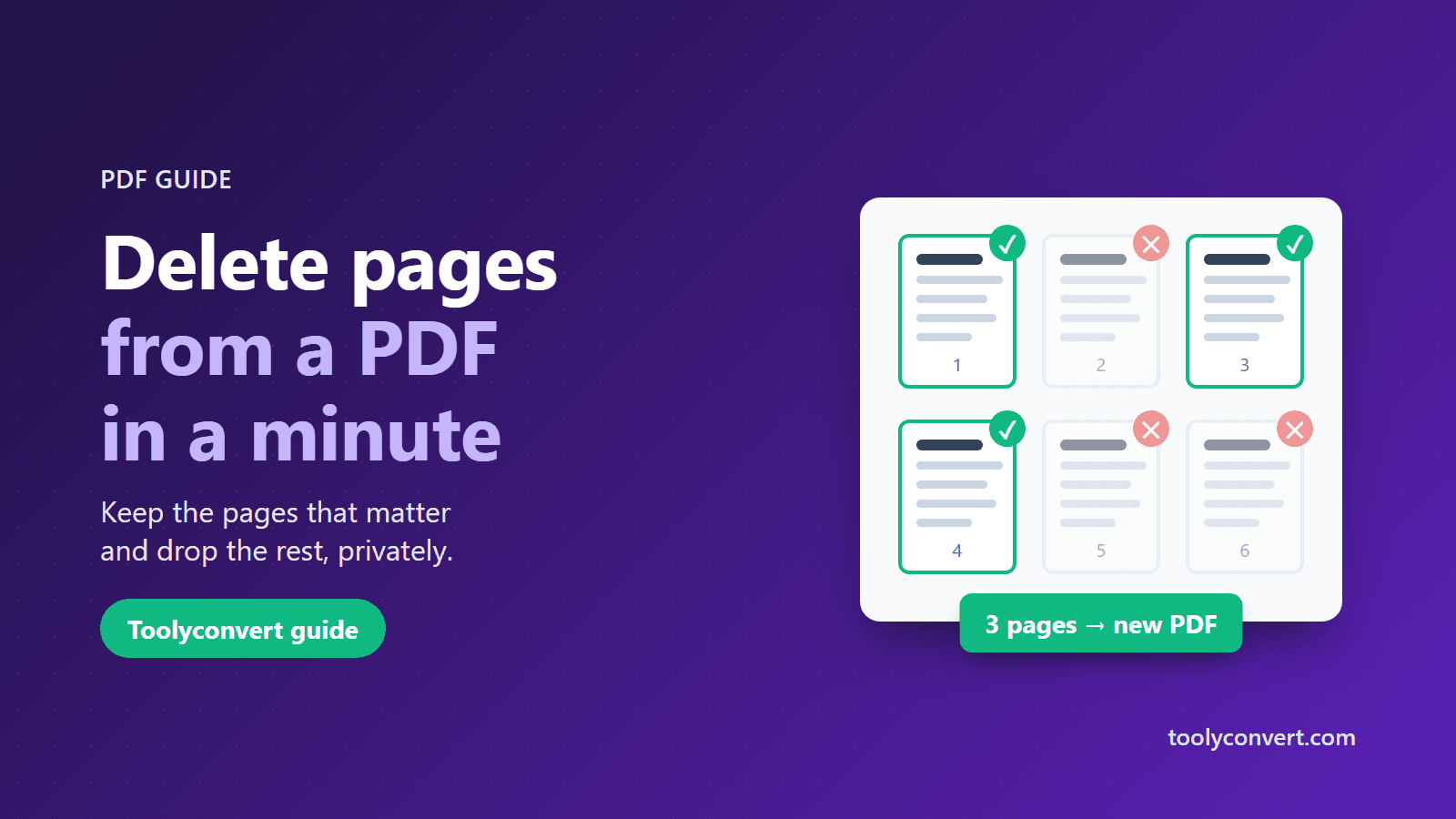
Remove blank, duplicate or private pages from a PDF without uploading it: pick the pages to keep, save a new file, and check it before you send it.
Read article
Put several screenshots into a single PDF, one image per page, using your browser’s Save as PDF. Includes print settings, ordering tips and phone steps.
Read article









