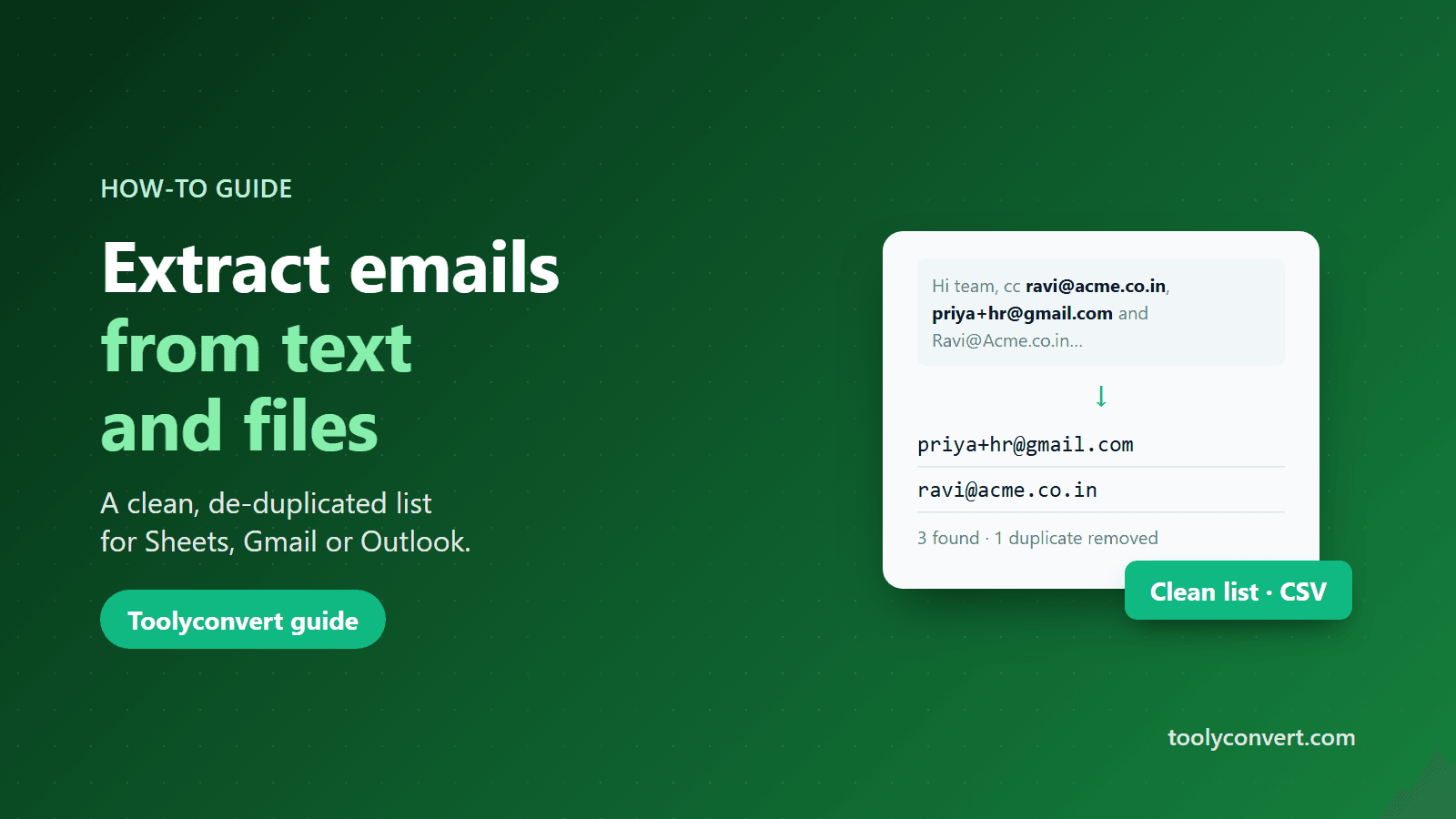
You need to invite everyone from a long email thread, or turn an exported registration sheet into a mailing list, or pull the contact emails out of a vCard export. Copying addresses one at a time is slow and easy to get wrong. An extractor does it in seconds.
This guide uses the free Email Extractor, which runs in your browser, so the text you paste is not uploaded.
Step by step
- Get the text. Copy an email thread, a web page, a column from a sheet or a chat export. Or use Open file to load a .txt, .csv, .html, .json, .vcf (contacts) or .eml (saved email) file.
- Paste it into Email Extractor. Addresses appear on the right as you paste.
- Choose the options:
- Remove duplicates: on by default. Ravi@Gmail.com and ravi@gmail.com count as one.
- Lowercase: on by default, for a tidy list.
- Sort A–Z: handy for checking a list by eye.
- Only this domain: type a domain such as
yourcompany.comto keep only colleagues, orgmail.comto keep only Gmail users. Subdomains are included. - Separator: one per line, commas (Gmail), or semicolons (Outlook).
- Check the summary under the results: how many addresses were found, how many duplicates were removed, and the top domains.
- Copy or download. Copy all, or download a CSV (with an "email" header) or a TXT file.
Where to get the text from
Gmail thread: open the thread, click "Print all" or "Show original", and copy everything. The From, To and Cc lines contain all participants.
Outlook: open the message, select the To and Cc fields or the whole body, and copy.
Google Sheets or Excel: select the column (or the whole sheet) and copy. Or download it as CSV and open the file.
Phone contacts: export contacts as a .vcf file and open it in the extractor.
Google Forms responses: open the responses sheet and copy the email column.
What counts as a valid address
The extractor recognises addresses the way people really write them:
- dots, hyphens and underscores:
ravi.kumar@infosys.com,hr-team@acme.co.in - plus tags:
name+jobs@gmail.com(delivered toname@gmail.com) - multi-part domains:
.co.in,.ac.in,.gov.in - addresses inside angle brackets or after
mailto:
Commas, full stops and brackets around an address are left out, and incomplete strings like name@domain without a proper ending are skipped.
The extractor checks the format only. It does not contact mail servers to see whether an inbox exists.
Paste the list into Gmail or Outlook
- Gmail: choose the comma separator, copy all, and paste into To or Bcc.
- Outlook: choose the semicolon separator, copy all, and paste into To or Bcc.
- Google Sheets: download the CSV and use File → Import, or paste the one-per-line list into a column.
- Mailing tools (Mailchimp, Brevo and similar): upload the CSV; the "email" header maps to the email field.
Use the list responsibly
Having an address is not permission to email it.
- Only email people who expect to hear from you: colleagues, attendees who registered, customers who opted in.
- Use Bcc for groups of people who do not know each other, so their addresses stay private.
- Do not add scraped addresses to marketing lists. Unsolicited bulk email harms your sender reputation and can break anti-spam and data-protection rules, including India's Digital Personal Data Protection Act.
- Include a way to opt out in any newsletter.
Related clean-up tools
- Pull web links instead of emails with URL Extractor.
- Remove duplicate lines from any list with Remove Duplicates.
- Hide personal data before sharing text with an AI tool using PII Anonymizer.
Summary
To extract email addresses, paste the text or open the file in Email Extractor, keep "Remove duplicates" on, filter by domain if needed, pick the separator for where you will paste the list, and copy it or download it as CSV. Everything happens in your browser, and the summary lets you check the result at a glance.