Email Address Extractor
Pull every email address out of pasted text or a file. Remove duplicates, filter by domain, sort A–Z and download the list as CSV or TXT. In your browser.
About this tool
Email Address Extractor finds every email address in a block of text and gives you a clean list. Paste anything that contains addresses, such as an email thread, a web page, a spreadsheet column, a chat export or a signature block, or open a .txt, .csv, .html, .json, .vcf or .eml file from your device. Addresses are recognised with the characters people really use, including dots, hyphens, underscores and plus tags such as name+jobs@gmail.com, and multi-part domains like company.co.in; punctuation around an address, angle brackets and "mailto:" are left out. By default, duplicates are removed (case-insensitively, so Ravi@Gmail.com and ravi@gmail.com count once) and addresses are lowercased. You can also sort the list A–Z, keep only one domain (for example only addresses at your company or only gmail.com; subdomains are included), and choose how the list is separated: one per line, commas, or semicolons for pasting into the Outlook "To" field. A summary shows how many addresses were found, how many duplicates were removed and the top domains, so you can check a big list at a glance. Copy everything with one click or download it as a CSV with an "email" header, ready for Google Sheets, Excel or a mailing tool, or as plain text. Your text and files are processed in your browser and never uploaded. Use the extracted addresses responsibly: only email people who expect to hear from you.

Paste any text, or open a .txt, .csv, .html, .json, .vcf or .eml file.
Remove duplicates, lowercase, sort A–Z, filter by domain and pick a separator.
See the count, duplicates removed and top domains under the results.
Copy all addresses or download them as CSV or TXT.
Handles plus tags, dots, hyphens and domains like .co.in without grabbing punctuation.
Ignores letter case, so the same address is never listed twice.
Keep only addresses at one domain, including its subdomains.
Download a list ready for Sheets, Excel or a mailing tool.
Messy text in, clean list out
Collect everyone who was on a thread.
ExampleA 40-message thread pasted in gives 17 unique addresses for a follow-up invite.
Pull attendee emails from an exported form or sheet.
ExampleA CSV of 300 registrations becomes a de-duplicated list of 284 addresses.
Get addresses out of a vCard (.vcf) file.
ExampleA phone contacts export gives one clean column of emails.
Separate colleagues from external contacts.
ExampleThe domain filter keeps only @yourcompany.com addresses.
Find contact emails on a directory or "Contact us" page.
ExampleCopied page text gives the sales and support addresses.
Paste many recipients at once.
ExampleThe semicolon separator gives a list Outlook accepts in one paste.
Cleaner lists, better delivery
Only send to people who agreed to hear from you. Unsolicited bulk email damages your sender reputation and may break anti-spam rules.
When emailing many people who do not know each other, put them in BCC so their addresses stay private.
name+shop@gmail.com reaches name@gmail.com. Keep tags if you want to know where an address came from.
The CSV has an "email" header, so it imports cleanly into Google Sheets, Excel or most mailing tools.
Senior Software Engineer · Developer of Toolyconvert
Hemant developed Email Address Extractor and tests it on desktop and mobile with real files. He is a senior software engineer from Dehradun, India, building websites since 2014, and designed and developed Toolyconvert end to end.
Last updated 3 November 2026
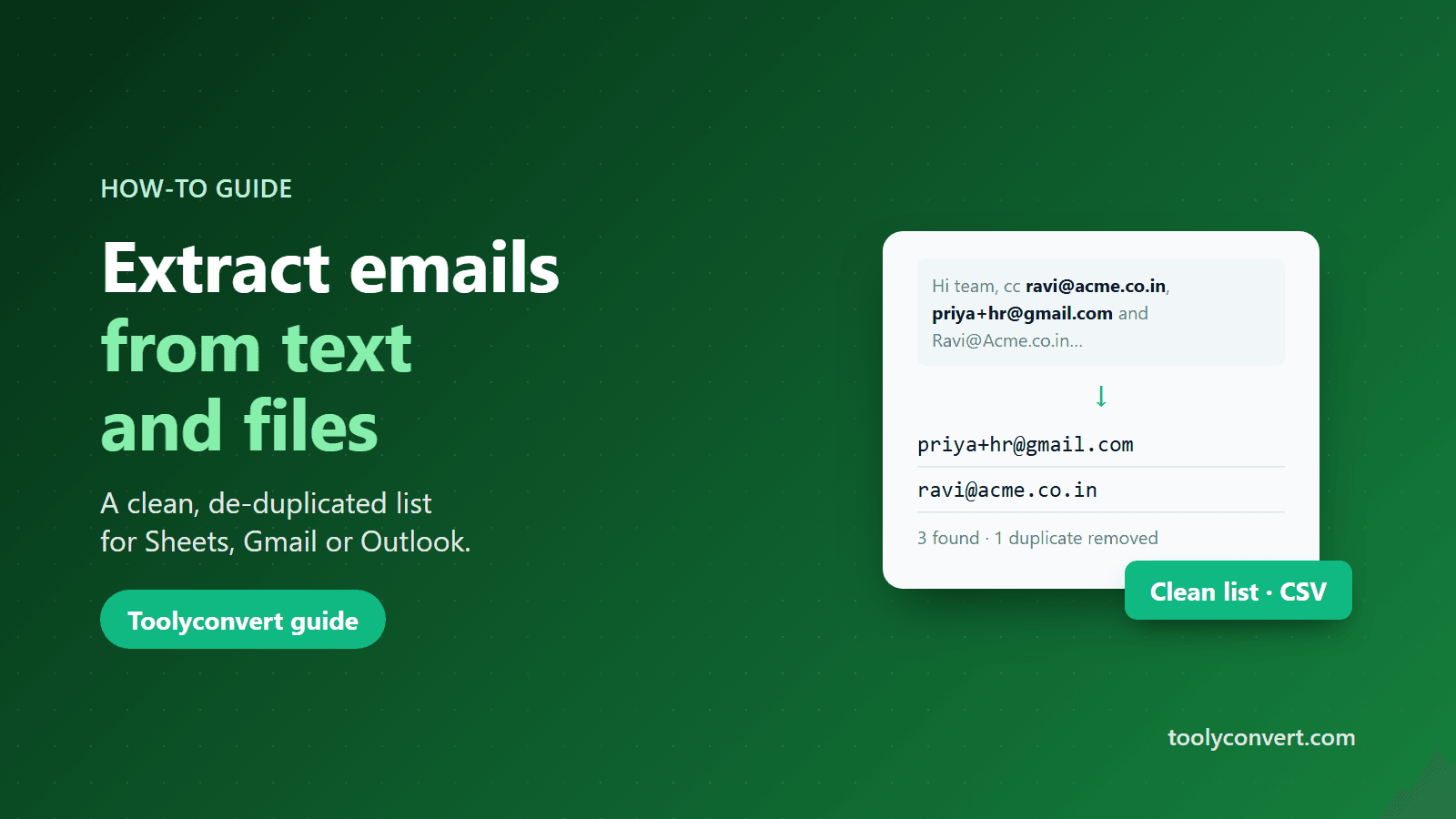
Pull a clean, de-duplicated email list out of messy text, a CSV or a contacts file, filter by domain and export it for Sheets, Gmail or Outlook.
Read article
The Unicode look-alike characters behind ʇxǝʇ uʍop ǝpᴉsdn, why the order is reversed, where it displays correctly, and the accessibility cost.
Read article
Sort any list A to Z in seconds: online, in Excel, Google Sheets, Word and on the command line, plus why 10 comes before 2 and how to remove duplicates.
Read article









