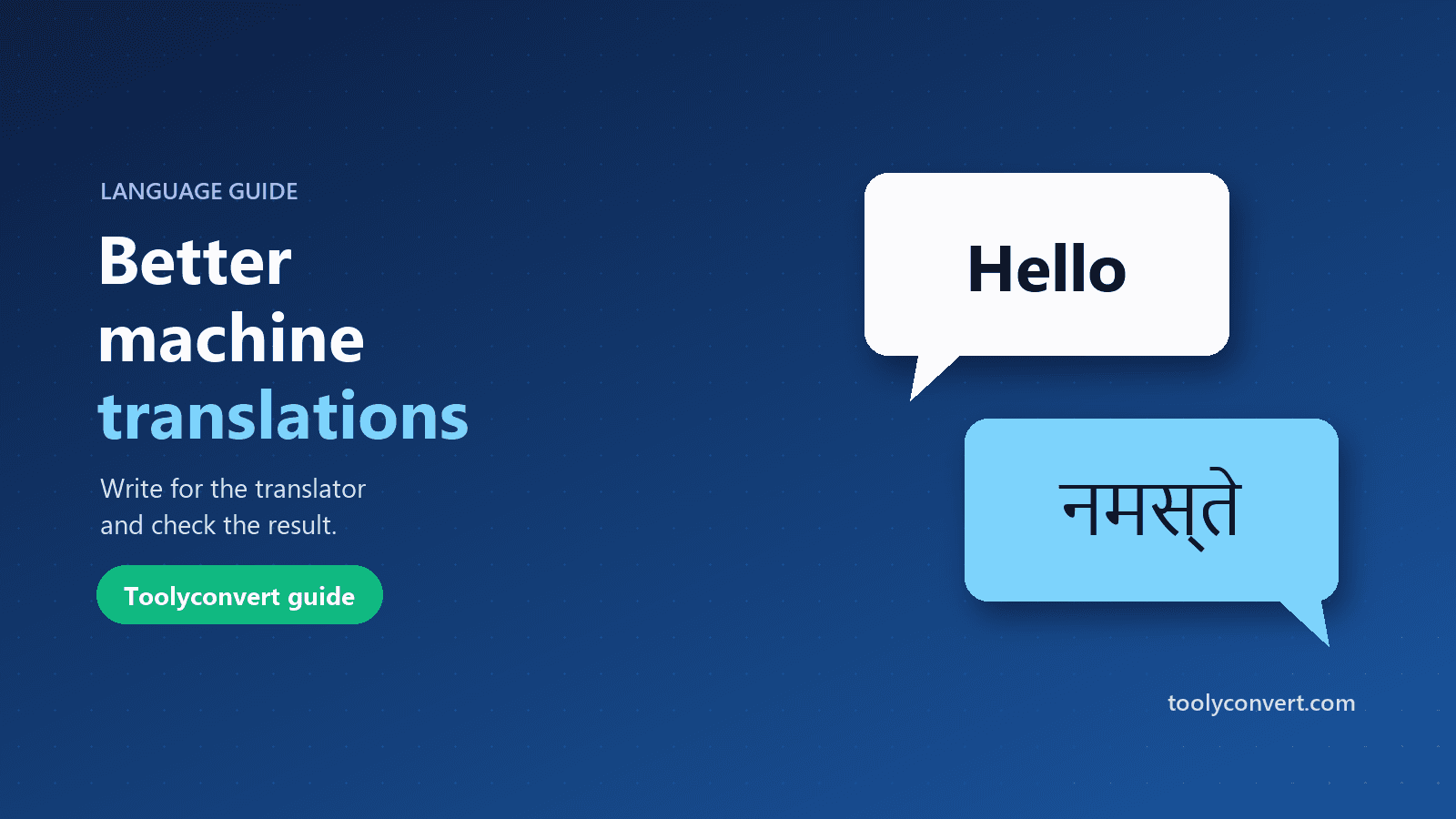
A neighbour forwards a notice from the housing society in Marathi. A supplier in Spain replies to your email in Spanish. Your grandmother sends a voice note transcript in Bengali and you want to reply properly. Machine translation handles all of these in seconds, and most of the time it is good enough to understand and be understood. The rest of the time it produces something confusing, rude or simply wrong, and you do not notice until someone replies with a puzzled question.
The quality of a machine translation depends a lot on what you give it. This guide explains how translation engines work, how to write text they handle well, how to check a result in a language you do not speak, and when to stop and ask a person.
How machine translation works today
Modern translators use neural networks trained on very large collections of text that already exist in two languages, such as translated websites, documents and books. Rather than translating word by word, the model reads the whole sentence and produces the most likely equivalent in the other language.
That explains both its strengths and its weaknesses:
- Common language translates well. Everyday phrases, business email and news-style writing are well represented in training data.
- Rare language translates poorly. Slang, idioms, specialist jargon and languages with less online text produce weaker results.
- Context outside the sentence is invisible. The model does not know who is speaking to whom, what was said earlier or what tone you intend unless the text says so.
Results also differ between language pairs. English to and from major European languages is usually strong. Pairs with less shared text, such as Tamil and Japanese, tend to lose more nuance, so check those results more carefully.
Write text that translates well
The single most effective thing you can do is write clearly before you translate.
- Use short, complete sentences. One idea per sentence. Long sentences with several clauses are where word order and meaning go wrong.
- Avoid idioms and slang. "Let's touch base", "it's a piece of cake" and "I'm on it" are often translated literally. Write "Let's talk this week", "It's easy" and "I'm working on it".
- Name things instead of using pronouns. "Send the invoice to Priya. She will approve it." is safer than "Send it to her and she'll do it."
- Write numbers, dates and units unambiguously. "3 March 2026" rather than "3/3"; "₹2,500" rather than "2.5k".
- Fix spelling and grammar first. Typos change meaning or are left untranslated. A quick pass with the Grammar Checker helps, and simpler sentences score better on readability too; see our guide on text readability and Flesch-Kincaid scores.
Translate step by step
- Open Live Translate and choose the target language. Leave the source on Detect language if you are not sure what language the text is in; the detected language is shown below the box.
- Paste or type your text. The translation appears as you type, up to 2,000 characters at a time. For longer documents, translate section by section so you can check each part.
- Swap to reply. The swap button turns the translation into the new source and reverses the languages, which is the quickest way to translate a reply back.
- Copy or listen. Copy the result, or press the speaker button to hear it if your device has a voice for that language.
The tool supports 40 languages, including Hindi, Bengali, Tamil, Telugu, Marathi, Gujarati, Kannada, Malayalam, Punjabi and Urdu.
Check a translation without speaking the language
You often cannot judge the output directly. These checks catch most problems:
- Translate it back. Swap and translate the result into your own language. If the meaning survived the round trip, the translation is probably fine. If "Please confirm the delivery date" comes back as "Please prove the day of birth", rewrite the original more simply.
- Check names, numbers and dates. Engines sometimes translate names that should stay as they are, or change number formats. Compare them with the original.
- Look at the length. A translation that is much shorter than the original may have skipped a sentence.
- Listen to it. Hearing a sentence read aloud can reveal an obviously wrong word or tone, even in a language you only partly know.
- Ask a speaker for anything that matters. A colleague or friend can glance at a short message in a minute.
Tone, formality and politeness
Many languages mark formality in grammar. Hindi distinguishes tum and aap; French, German and Spanish have informal and formal forms of "you"; Japanese and Korean have several levels of politeness. Machine translation has to guess which one you want, and it often picks the neutral or informal form.
To steer it:
- Write in a matching register. A formal English sentence ("Could you please confirm…") tends to produce a formal translation.
- Add a greeting and sign-off. "Dear Mr Kumar" and "Regards" signal a formal message.
- For elders and clients, check the form of address with a speaker before sending.
Privacy: what happens to your text
Online translators send your text somewhere to be translated. Live Translate tells you exactly where:
- On this device. In recent desktop versions of Chrome, translation can run privately using the browser's built-in translator. Your text never leaves your computer, and it works offline after a one-time language download for that pair.
- MyMemory. For other browsers and pairs, the text is sent to the MyMemory machine-translation service. The tool shows "Machine translation by MyMemory" under the result.
Either way, do not paste passwords, ID numbers, medical details or confidential business information into any online translator. If you need to translate a document with personal details, remove or replace them first; the PII Anonymizer helps you mask names, numbers and emails before you paste text into online tools.
When to use a human translator
Machine translation is excellent for understanding and everyday communication. It is not reliable enough on its own for:
- Legal documents: contracts, agreements, court papers and terms.
- Medical information: prescriptions, reports and instructions.
- Official submissions: visa documents, certificates and government forms, which often require a certified translation anyway.
- Marketing and public content: slogans, product names and anything where tone and culture matter.
- Safety instructions: anything where a misunderstanding could hurt someone.
A practical middle ground for longer content is to machine-translate a first draft and have a fluent speaker edit it, which is usually faster and cheaper than translating from scratch.
Frequently asked questions
Why does the same sentence translate differently each time?
Small changes in wording, punctuation or engine produce different, equally plausible translations.
Can it translate whole documents?
Up to 2,000 characters at a time. Translate longer documents in sections, which also makes checking easier.
Why is the listen button missing?
It appears only when your device has a voice for that language. You can add more voices in your system's language or speech settings.
Is there a daily limit?
On-device translation has no daily limit. MyMemory has a free daily allowance per connection; if it runs out, try again the next day.
Which is more accurate, on-device or MyMemory?
It depends on the language pair. For everyday text both work well; for anything important, check the result with a speaker.
Machine translation rewards clear writing and a quick check. Write short, plain sentences, translate them, translate them back, and ask a person when it matters. Try it with your next message in Live Translate.