Exam Photo & Signature Resizer
Resize your photo, signature, thumb impression and declaration to the exact pixels and KB that IBPS, SSC, UPSC and NEET forms ask for, or any custom size. Free and private.
Used Exam Photo & Signature Resizer? Share how it went to help others.
About this tool
Exam Photo & Signature Resizer prepares the images that online application forms ask for, so they upload the first time. Pick your exam (Banking/IBPS, SSC, UPSC or NEET) or set a custom size, and you get a card for every image that form needs: photograph, signature, left thumb impression, handwritten declaration, postcard photo or fingerprints. Add a picture from your phone or a scan, drag to position it and zoom, and the tool produces a JPG at the exact pixel size, finding the highest quality that still fits the allowed KB range. Each card shows a clear pass or fail check for pixels, file size and format before you download. For signatures, thumb impressions and declarations, a clean-up option turns grey paper white and makes the ink darker, and auto-framing zooms in on the ink. You can rotate sideways phone photos, add your name and date under a photo if your form asks for it, and set 200 DPI where the notice mentions it. If a small image comes out below a form’s minimum size, the tool adds harmless padding inside the file so it meets the minimum; the picture itself is unchanged, and the tool tells you when it does this. Everything runs in your browser, so your photo and signature are never uploaded. Presets were checked against the latest notices in October 2026, but rules change, so always confirm the sizes in your own notification.

Banking (IBPS), SSC, UPSC, NEET, or a custom size.
A phone photo or a scan of your photo, signature and so on.
Drag and zoom; the checks turn green when size and KB are right.
Save each JPG and upload it to your application form.
Hits the size and file-size range your form asks for.
See that every rule is met before you download.
White paper and darker ink from a phone photo.
Photo, signature, thumb, declaration and more.
Get your application right first time
Photo, signature, thumb and declaration in IBPS sizes.
ExampleMake a 140 × 60 px signature between 10 and 20 KB.
Signatures and photos that pass the portal checks.
ExamplePrepare a UPSC three-line signature under 100 KB.
Passport and postcard photos, signature and fingerprints.
ExampleMake a 4 × 6 inch postcard photo under 200 KB.
Jobs, scholarships, admissions and state exams.
ExampleResize a photo to 300 × 400 px under 40 KB.
Avoid the most common rejections
Stand facing a window against a plain light wall for an even, shadow-free photo.
Sign in black ink, filling most of a small box, so it stays clear when shrunk.
Make sure your face or signature is sharp and fills the frame.
Many forms reject signatures written in capitals.
Sizes change between notices. Check your notification before uploading.
Senior Software Engineer · Developer of Toolyconvert
Hemant developed Exam Photo & Signature Resizer and tests it on desktop and mobile with real files. He is a senior software engineer from Dehradun, India, building websites since 2014, and designed and developed Toolyconvert end to end.
Last updated 3 October 2026
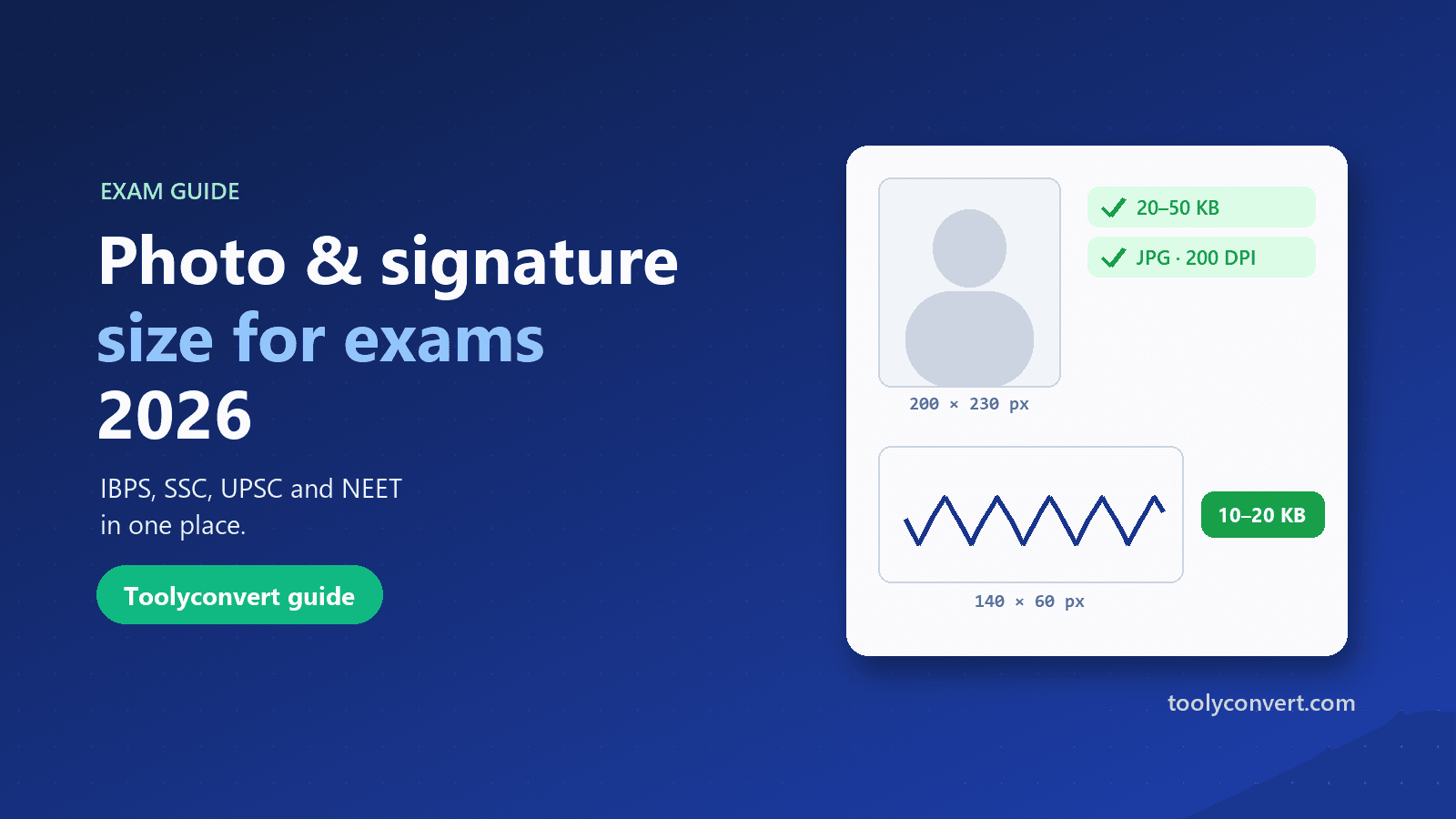
The photo, signature, thumb impression and declaration sizes for IBPS, SSC, UPSC and NEET in one place, and how to prepare each image so it uploads the first time.
Read article
How sharpening actually works, which kinds of blur it can fix, the right amount and order, and how to avoid halos and noise.
Read article
What really happens when a picture is made bigger, smooth versus pixelated scaling, how many pixels you need for print and screens, and when only AI upscaling will do.
Read article










