Palette Extractor
Image → Color Palette
Extract dominant colors and coordinated color palettes from any image, then copy HEX values or export CSS variables for your project.
Extract dominant colors and coordinated color palettes from any image, then copy HEX values or export CSS variables for your project.
About this tool
Palette Extractor is a free browser tool for turning an image into a practical color scheme. Upload a photograph, illustration, screenshot, or brand asset and the tool analyzes its pixels to generate dominant color swatches. Copy individual color codes or export CSS variables for a website, design system, presentation, or creative project. The image stays on your device during processing.
Choose a photo, illustration, screenshot, or other image with colors you want to study.
Let the tool sample the image and generate dominant color swatches.
Inspect the swatches and their HEX, RGB, and HSL values.
Copy individual values or download CSS variables for your project.
Quickly identify the most prominent colors in a photo, illustration, or brand image.
View HEX, RGB, and HSL values for each extracted swatch.
Download a ready-to-use CSS variable file for web projects and prototypes.
Analyze images locally without uploading creative assets to a third party.
Turn photographs and visual references into practical color systems
Discover a starting palette from a logo, campaign image, or visual reference.
Example: Upload a brand photo and use the dominant tones to guide a landing page palette.
Create coordinated CSS variables for backgrounds, accents, borders, and text.
Example: Extract colors from a hero image and export them as variables for a website theme.
Build slide accents that match the photography and illustrations in a deck.
Example: Generate a palette from a cover image before designing the remaining slides.
Use visual colors from product photography to create consistent campaign assets.
Example: Extract packaging colors and reuse them across social banners and email graphics.
Handle quick personal and professional tasks without switching to specialized desktop software.
Example: Open the tool in a browser whenever you need a quick result from your laptop or tablet.
Add the tool to repeatable workflows for documents, media, presentations, and creative assignments.
Example: Use the tool as one step in preparing an asset for a report, class project, or client deliverable.
Move from extracted swatches to a balanced design system
Choose an image that contains the mood and colors you want the final design to reflect.
A dominant color may work well as an accent but fail as body text, so check readability in context.
Rename generic swatches such as --color-1 into meaningful roles like --brand-primary in your project. Pick a Color.
Retain the original file or input until you have checked and accepted the exported result.
Check the final output for errors, unexpected changes, or information that should not be published.
Reuse the same preferred options when processing a series of files for a consistent result.
Featured on
Trusted by millions worldwide
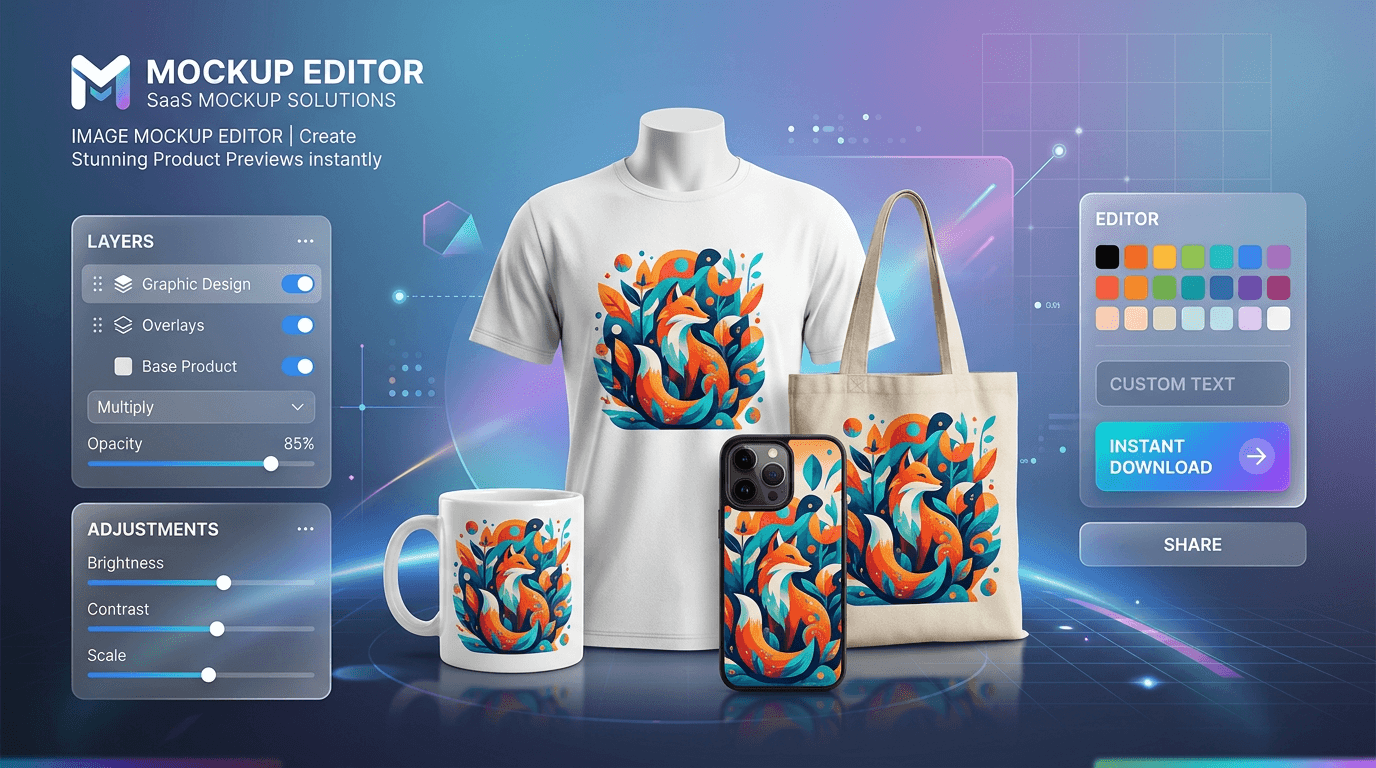
Learn how to create product mockups online for free without expensive software. Place your designs onto T-shirts, mugs, phone cases, and packaging with automated AI background removal and realistic layer blending—100% free with no watermarks.
Read article
Learn how to edit PDF files online for free without expensive software or privacy risks. Add text, signatures, images, highlights, and redact confidential data 100% privately in your browser with zero file uploads and no watermarks
Read articleA comprehensive breakdown of traditional image formats, their compression methods, and their ideal use cases on the web.
Read article