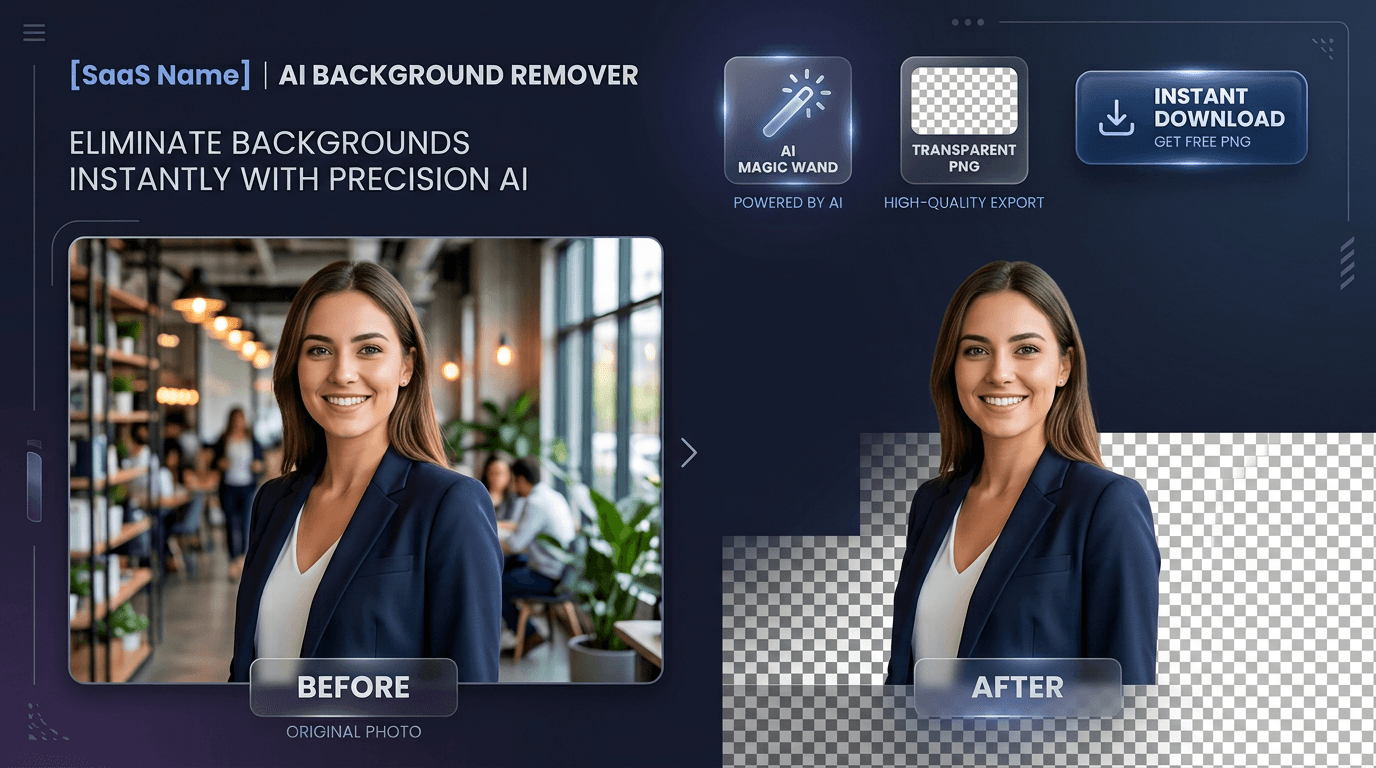
How to remove background from image online for free used to require hours of tedious manual tracing with Adobe Photoshop’s pen tool or settling for low-resolution, watermarked cutouts from subscription-gated websites.
Whether you are preparing clean white-background product photos for an e-commerce store, creating professional LinkedIn headshots, or designing transparent graphics for marketing campaigns, modern artificial intelligence has completely transformed photo editing.
In this step-by-step guide, you will discover var(--ink-primary)]">how to remove background from image online for free in just 3 seconds using the [Toolyconvert AI BG Remover—with 100% automated precision, high-resolution transparent PNG exports, and zero watermarks.
---
Why Remove Image Backgrounds with AI?
Traditional background removal required zooming in to 400% and carefully clicking around thousands of pixels. Even a single mistake around messy hair, fur, or jewelry would result in jagged, unnatural edges.
With modern deep-learning computer vision models, the entire workflow is automated:
- Instant 2–5 Second Processing: Neural networks analyze your photo and isolate the subject in real time—no manual brushing or lassoing required.
- Sub-Pixel Edge Precision: Advanced AI models easily distinguish individual strands of hair, fluffy pet fur, complex product contours, and semi-transparent fabrics.
- High-Resolution Lossless Exports: Get full-quality transparent PNGs or lightweight WebP files ready for web and print.
- 100% Free with No Watermarks: Enjoy unrestricted background removal without paying per-image credits or dealing with blurry preview downloads.
- Private & Secure: Your images are processed in temporary memory and permanently deleted immediately after generation—never stored or shared.
---
Step-by-Step: How to Remove Background from Any Image for Free
Removing backgrounds with Toolyconvert takes just a few clicks. Follow this quick tutorial:
Step 1: Upload Your Image
Navigate to the Toolyconvert BG Remover. Drag and drop your image directly onto the upload box, paste an image from your clipboard (Ctrl+V or Cmd+V), or click "Browse" to select a file from your device.
- •Supported formats: JPG, JPEG, PNG, and WebP (up to 20MB).
Step 2: Automatic AI Background Extraction
As soon as your image is uploaded, the deep learning vision algorithm detects the primary subject and generates an ultra-precise transparent alpha mask within 2 to 5 seconds.
Step 3: Preview with the Interactive Slider
Use the side-by-side comparison slider to inspect the extracted edges against the original photo. You can verify that all fine details, hair flyaways, and shadows were preserved perfectly.
Step 4: Choose Your Background (Transparent or Solid Color)
- •Keep it Transparent: Retain the default transparent checkerboard background for graphic design and overlays.
- •Add Solid White or Colors: Select a clean white background for Amazon, Shopify, or eBay product requirements, or pick a custom branded color.
Step 5: Download Your High-Resolution Image
Click "Download PNG" for a lossless, high-definition transparent cutout, or choose "Download WebP" for an ultra-fast loading web asset. Your image is saved immediately without any watermarks.
👉 var(--ink-primary)]">[Try the Free AI BG Remover Now
---
How AI Handles Difficult Edges
The true test of any background removal tool is how it handles complex, semi-transparent, and irregular boundaries. Here is how Toolyconvert tackles tough scenarios:
1. Fine Hair & Flyaways
Human portraits often suffer from "halo effects" when edited manually. Toolyconvert’s neural network computes a continuous alpha gradient around hair strands, preventing harsh cut lines and blending naturally over any new background.
2. Pet Fur & Animal Profiles
Fluffy dogs, cats, and wildlife have millions of microscopic fur boundaries. The deep learning model identifies texture patterns to preserve natural fur volume without chopping edges into flat blocks.
3. Glass, Reflections & Translucent Materials
Jewelry, sunglasses, perfume bottles, and glassware require preserving internal transparency. The AI separates solid reflections from background colors for realistic product staging.
4. Intricate Product Contours
Bicycles, electronics with cables, and intricate fashion accessories are separated cleanly without leaving artifacts inside tiny gaps.
---
Best Use Cases for Free AI Background Removal
| Use Case | Why AI Background Removal Is Essential |
|---|---|
| E-Commerce Listings (Amazon, Etsy, Shopify) | Marketplace algorithms favor crisp white-background product photography to increase buyer trust and conversion rates. |
| Professional Headshots & Resumes | Replace distracting office or outdoor backgrounds with clean studio gradients for LinkedIn, portfolios, and company directories. |
| Marketing & Graphic Design | Isolate models and products to drop into flyers, promotional banners, YouTube thumbnails, and social media ads. |
| Stickers & Custom Merchandise | Generate transparent cutouts for custom print-on-demand stickers, t-shirts, mugs, and Discord/WhatsApp emojis. |
| Real Estate & Car Sales | Showcase vehicles and properties by removing cluttered parking lots or overcast skies. |
---
Comparison: Toolyconvert BG Remover vs Competitors
| Feature | Toolyconvert BG Remover | Remove.bg | Adobe Photoshop CC |
|---|---|---|---|
| Full Resolution Exports | 100% Free (High-Res) | Paid credits ($0.20–$1.99/img) | $22.99 / month |
| Watermarks on Free Tier | None | Low-res only on free | None (Paid) |
| Processing Speed | 2–5 Seconds (AI) | 3–5 Seconds | Manual / Cloud AI |
| Account Required | No (Instant) | Yes (For HD downloads) | Yes (Adobe ID) |
| Custom Colors & White BG | Built-in 1-Click | Basic | Manual Layers |
| Supported Formats | PNG & WebP | PNG | PSD, PNG, TIFF |
---
Pro Tips for Getting the Best Background Cutout
- Ensure Good Lighting Contrast: The AI performs best when there is noticeable lighting contrast between the subject and the background.
- Avoid Heavy Motion Blur: Crisp, in-focus photos produce sharper edge masks than blurry images.
- var(--ink-primary)]">Compress Your PNGs for Fast Web Speed: After downloading your transparent PNG, run it through our [Image Compressor to cut file size by up to 70% without losing visual quality.
---
Frequently Asked Questions (FAQ)
Is Toolyconvert BG Remover really free to use?
Yes! You can remove backgrounds from unlimited images completely free. There are no daily quotas, credit systems, or hidden fees.
Does this tool add a watermark to my photos?
No. All exported transparent PNG and WebP files are 100% watermark-free and exported in full resolution.
How does AI background removal work?
The tool uses deep convolutional neural networks trained on millions of subject-background pairs to recognize foreground objects and automatically erase background pixels in 2–5 seconds.
Are my uploaded images saved or used for AI training?
No. Your privacy is paramount. Uploaded images are held in secure temporary memory only while being processed and are permanently deleted immediately after generation.
Can I change the background to pure white for Amazon?
Yes. Once the background is removed, you can use the background color selector to choose pure white (#FFFFFF) or any custom color before downloading.
---
Ready to Remove Backgrounds from Your Photos?
Stop spending hours manually cutting out images in complicated software. Remove backgrounds, create transparent PNGs, and generate studio-quality photos in seconds.
👉 var(--ink-primary)]">[Start Using Toolyconvert BG Remover for Free
---
Explore More Free Image & PDF Tools:
- •Image Compressor — Reduce JPG, PNG, and WebP file sizes instantly.
- •Image Resizer — Crop, resize, and optimize images for web and social media.
- •Edit PDF Online — Add text, signatures, and markups to PDF files for free.
- •JPG to PDF — Convert your transparent images and photos into clean PDF documents.