Google Docs to Word Converter
Google Docs → DOCX
Convert Google Docs documents into Microsoft Word (.docx) format.
Convert Google Docs documents into Microsoft Word (.docx) format.
About this tool
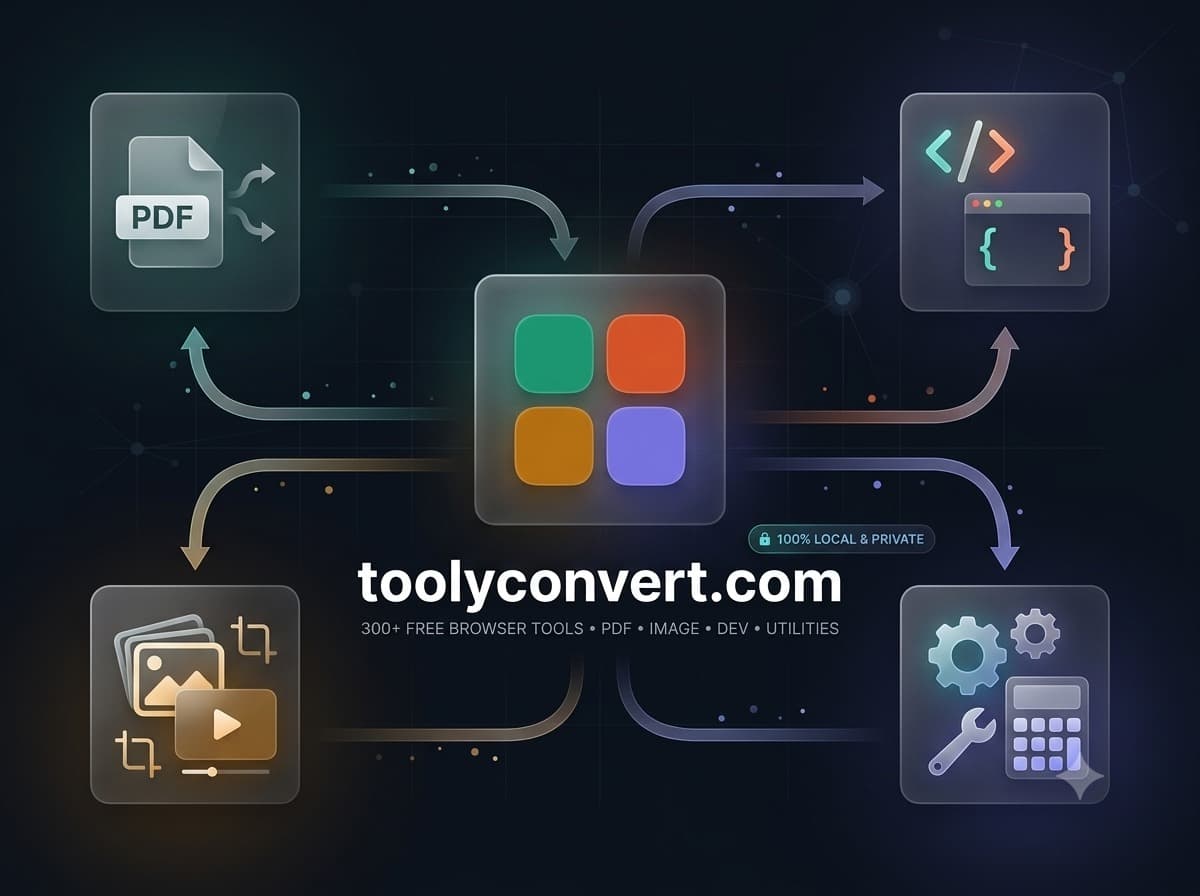
Google Docs to Word Converter is a free, browser-based tool that lets you convert Google Docs documents into Microsoft Word (.docx) format. It supports Google Docs → DOCX. Everything runs locally on your device, so your files are never uploaded to a server. There's no sign-up, no watermark, and no limit — just open Google Docs to Word Converter, add your input, and get results instantly.
Input Google Docs, Sheets, or Slides share URL.
Downloads converted PDF, Word, Excel, CSV, or PPTX file.
Edit Google Docs content inside Microsoft Word offline.
Google Docs to Word Converter processes your data locally in the browser. Nothing is uploaded, tracked, or stored u2014 your files never leave your device.
Use Google Docs to Word Converter as much as you want with no fees, no watermarks, and no hidden limits.
Google Docs to Word Converter runs in any modern browser. There's nothing to download, install, or configure.
Featured on
Learn how modern OCR technology makes it easy to extract text and complex tables from PDFs without using risky cloud servers.
Read articleLearn the best techniques to convert PDF documents to editable Word files while preserving fonts, tables, and layout.
Read articleLearn the principles of Optical Character Recognition and how you can use it to turn scanned documents into editable text.
Read article