You send a strong resume to a role you are well qualified for and hear nothing back. It is tempting to assume a person read it and said no. Often, nobody read it properly at all. Many employers collect applications through an applicant tracking system (ATS), which first turns your file into plain text and fields such as name, email, job titles and dates. If that first step goes wrong, the recruiter searching the system may see a jumbled profile, a missing email address or no work history, and move on.
The good news is that most of these problems are mechanical, easy to spot and quick to fix once you can see your resume the way the software does. This guide shows how to check your resume for ATS problems, how to read the results, and which fixes to make first.
What an ATS does with your file
When you upload a resume, the system does three things:
- Extracts the text from your PDF or Word file.
- Splits it into sections and fields, such as contact details, experience, education and skills, usually by looking for familiar headings and patterns like dates and email addresses.
- Stores it so recruiters can search and filter, for example by skill, job title or years of experience.
Each employer uses a different system with different settings, and none publishes exactly how it ranks candidates. What they share is step one: if the text cannot be extracted cleanly, everything after it suffers. That is why the most useful check is not a magic score but a look at the text a parser actually gets.
See your resume the way a parser does
- Open the ATS Resume Checker.
- Upload your resume as a PDF, DOCX or TXT file, or paste the text. The file is read in your browser and never uploaded.
- Click Check my resume.
- Open "What a parser reads from your file" below the results. This is the plain text extracted from your resume, in reading order.
Read that text slowly. Is your name at the top? Do your job titles appear next to the right companies and dates? Are your skills present, or did a sidebar vanish? If the text looks scrambled here, a parser is likely to scramble it too.
The file problems that quietly sink applications
The checker flags problems with the file itself before it looks at your content, because these are the most damaging.
Scanned or image-only PDFs. A resume saved as a picture, or scanned from paper, contains no text at all. To software it is blank. The checker warns you immediately if almost no text could be read. Export the resume again from Word or Google Docs as a text PDF, or add a text layer with OCR PDF.
Two-column layouts. Many design templates put skills or contact details in a side column. Some parsers read straight across the page, mixing a line of your sidebar into each line of your experience. The checker looks for wide gaps that suggest columns. A single-column layout is the safer choice when you apply through online forms.
Tables and text boxes. In Word files, text inside tables or text boxes is sometimes skipped or placed out of order. Move job titles, dates and skills into normal paragraphs.
Headers and footers. Contact details placed in the document header can be ignored. Repeat your name, email and phone in the main body.
Images, icons and unusual fonts. Text inside images cannot be read, icons used instead of words ("phone" symbols) can come out as garbled characters, and some decorative fonts produce broken text. The checker counts unusual symbols and garbled characters.
Locked PDFs. Password-protected files often cannot be opened by application systems at all. Save an unlocked copy before applying.
Read the score and the breakdown
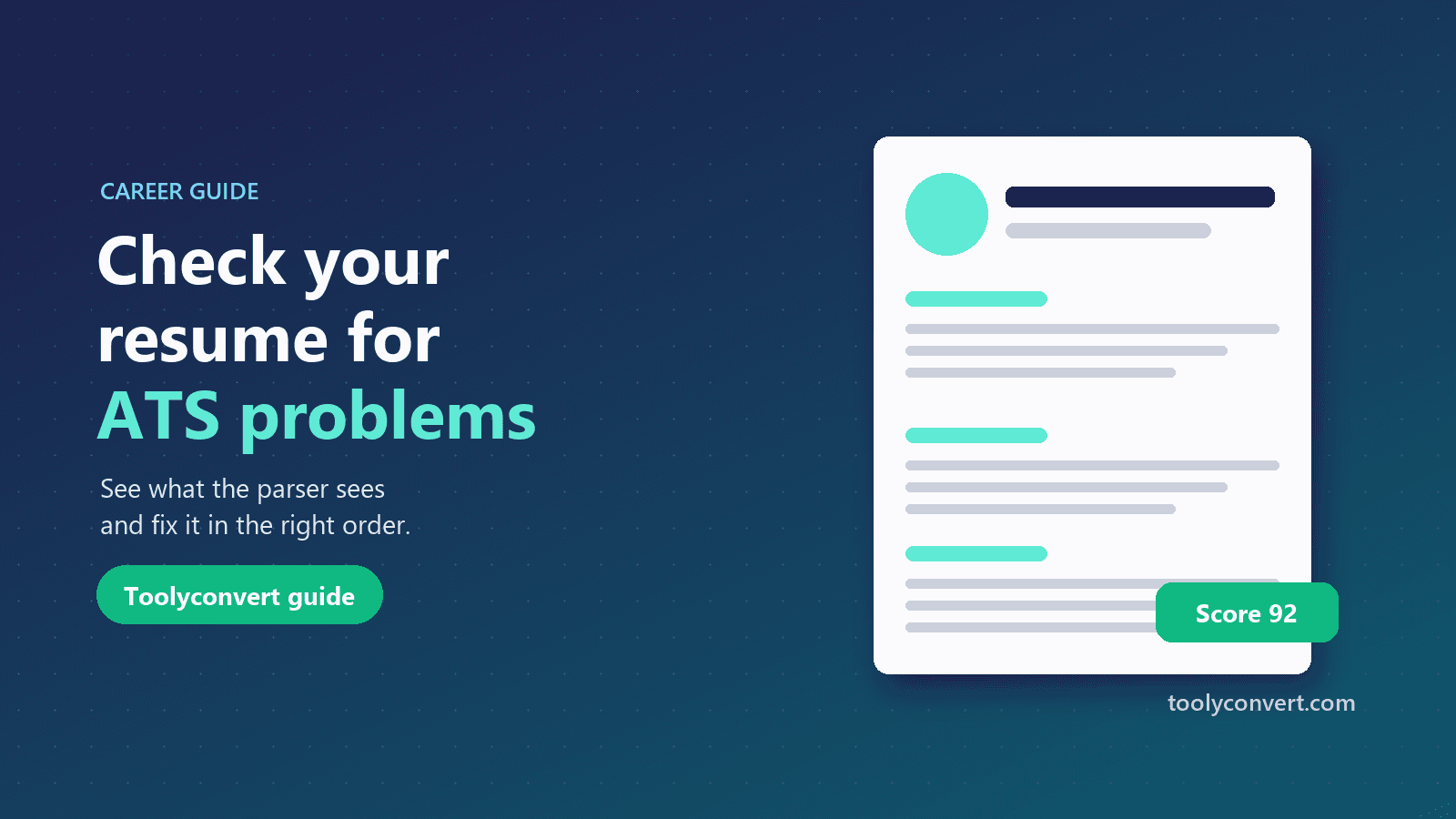
After the file checks, the checker scores five areas and combines them into a readiness score out of 100:
| Area | Weight | What it checks |
|---|---|---|
| Readability | 25% | Text can be extracted; no columns, tables, text boxes or garbled characters |
| Contact | 15% | Email address, phone number, LinkedIn profile |
| Sections | 20% | Standard headings for Experience, Education and Skills |
| Content | 30% | Bullet points, action verbs, measurable results, filler phrases, dates |
| Length | 10% | Enough detail without running long |
Each check counts as passed, half (could be better) or failed. Treat the score as a checklist rather than a prediction: a score of 90 does not guarantee an interview, and the employer's own system may weigh things differently. The value is in the list of specific, fixable problems.
Fix the problems in the right order
The results list problems first, most serious at the top. Work through them in this order:
- Readability failures. A scanned PDF or a broken layout undermines everything else, so fix these first and check again.
- Missing contact details. An application with no email or phone number cannot be followed up.
- Missing standard headings. Use plain headings such as "Experience", "Education" and "Skills" on their own lines. Creative headings like "My Journey" are often not recognised. If you are a student without work experience, a "Projects" section is a sensible substitute, and the checker accepts it.
- Content improvements. Start bullet points with action verbs (Built, Led, Reduced), add numbers that show results ("cut processing time by 40%"), replace filler such as "responsible for" with what you achieved, and include dates for each role.
- Length. Trim older, less relevant detail if it is long; add results and skills if it is short.
After each round of fixes, upload the new file and check again. It takes seconds.
Add the job description for keyword gaps
Readability gets your resume into the system intact; keywords help it come up when a recruiter searches. Open "Add a job description" in the checker and paste the job post. You will see a second score showing how many of the skills and keywords in the post your resume mentions, with the missing ones listed.
Only add skills you genuinely have, in bullet points that show how you used them. For a detailed, keyword-by-keyword comparison, including which skills come from the requirements and the exact line of the post that mentions each one, use the Keyword Matcher. Our guide on tailoring your resume to a job description explains how to do it honestly.
When to rebuild instead of patching
If your resume uses a heavily designed template, with columns, icons, skill bars and photos, patching it can take longer than starting again. The Resume Builder creates clean, single-column resumes that parse well, with a live preview and PDF export. Our guide to writing an ATS-friendly resume covers structure and wording in depth.
Keep a designed version for printing and networking events if you like it, and send the plain version through online application forms.
Frequently asked questions
Is my resume uploaded?
No. The file is read in your browser. The text is remembered only in this browser so the Keyword Matcher and Resume Builder can reuse it.
Which files can I check?
PDF, DOCX and TXT up to 10 MB. Old .doc files cannot be read; save them as DOCX or PDF first.
Will a high score get me an interview?
No tool can promise that. A high score means the basics that help software and recruiters read your resume are in place.
Why does my PDF show almost no text?
It is probably a scan or was exported as images. Export a text PDF from your word processor, or run OCR.
Should I use a Word file or a PDF?
Both work in most systems if they are cleanly formatted. Follow the employer's instructions when they ask for a specific format.
A resume can only impress a recruiter if it arrives intact. Check what the parser sees, fix the file problems first, then the basics, then the keywords. Upload your current resume to the ATS Resume Checker and start with whatever is marked in red.